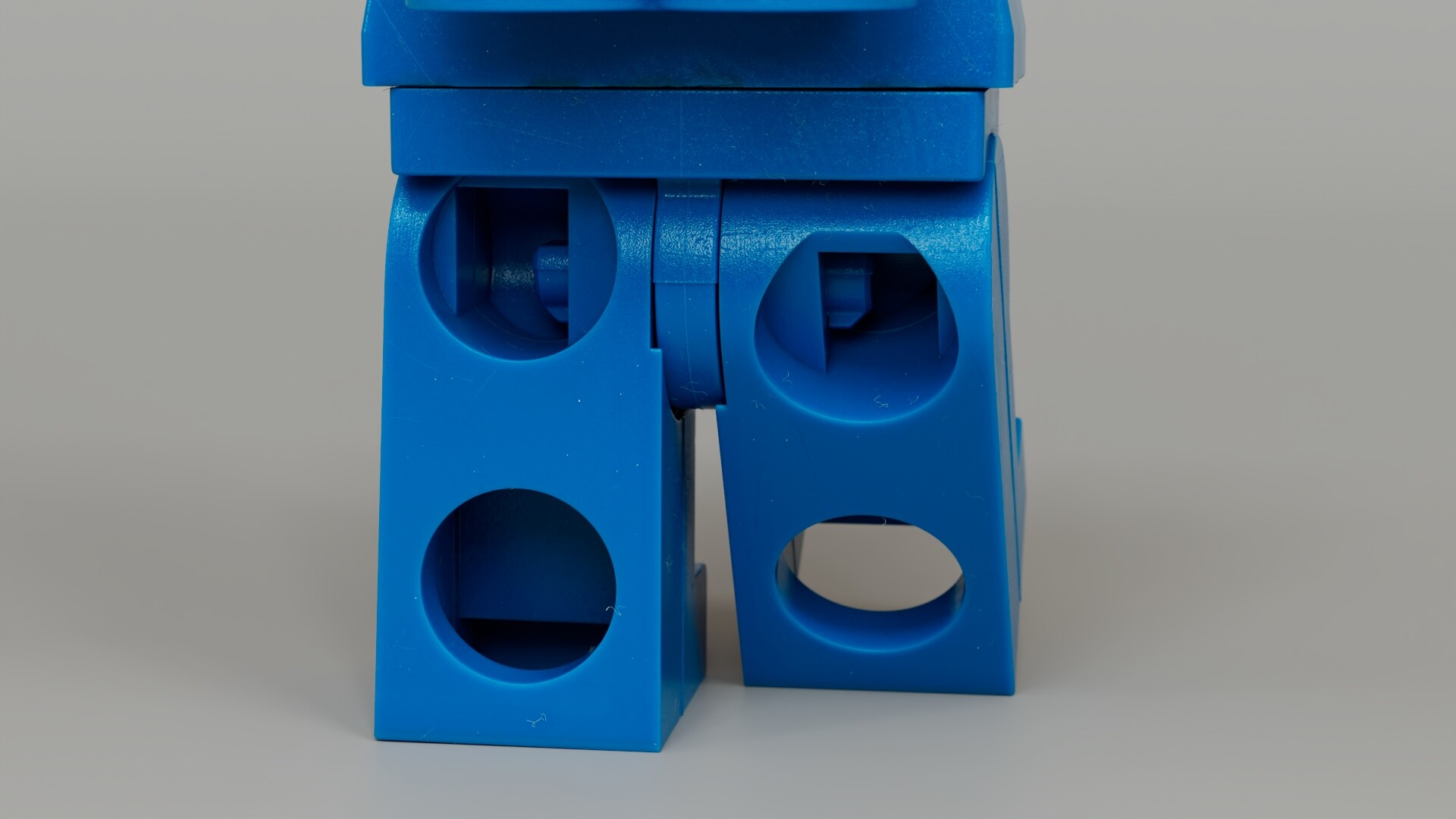
This is my rendition of the LEGO Astronaut - Benny.
100% made from scratch, modeling, vector art, and texturing.
Modeling: Mostly Blender for this one, some Maya in there too.
Texturing: Substance Painter 2026
Rig: Maya
Render: Maya 2027/Arnold GPU
(You’ll understand why I had to move it to Maya down below, after the images)
PS: this project started and was supposed to be finished as a Blender project, but I had to move it to Maya for technical reasons. Basically, while Blender doesn’t fully implement the new “Texture Cache” feature, the program simply cannot render this project and leaves me with “System is out of GPU Memory”. This happens because every part of the minifig contains multiple UV tiles (UDIMs) and each tile loads EXR textures in 4K. Unfortunately I run out of VRAM even in 1080p in Blender.
It looks really cool, it is a shame that it is mostly a non blender work in the end, it would be interesting to know if something like this could be achieved in blender alone, I guess it is possible, maybe with some or a lot of effort to optimize it.
Thank you! I tested it a few days ago with Blender. Most of the times Blender unfortunately cannot render this (specially at 4K resolution), but sometimes it kinda does, specially if I don’t plug any of the displacement textures and keep the subdivisions low (2, compare to 4-6 in Maya).
Look in the Render Settings > Performance tab. There you will find all kinds of things that affect behavior, including the ability to render in “tiles” — automatically rendering pieces of the image individually to manage memory restrictions. Finding a good tile size is important — there are a number of YouTube tutorials to help with that.
Knowing nothing more about your scene (and being barely literate with scene optimization myself) I don’t know what else to suggest besides spending some time looking at all the scene optimization powers that Blender possesses.
There are a few tricks that are generally useful, though each scene will always need individual tuning, but for some scenes you really need to spend time dinking with it, alas.
Remember also that having textures at a significantly higher resolution than the target image is a liability, not a bonus. One of the optimizations you can apply is “simplify”, which pre-processes your textures to smaller versions (non-destructively, of course) apropos to the object’s prominence in the final result before rendering.
I presume you already know a lot of this, but just need to take the time to review Blender’s way of doing things. These days a lot of information about it is gleaned by watching videos on YouTube, so it feels like a total time-suck, alas.
In general, stick to videos about stuff from version 4.5 and later. There is still a lot of information out there about the long-running 2.x series.





 Nothing complex.