How to hide or shorten the long direction line on a tLight in Blender 5.
2
Welcome  ..
In older blender version there was the custom distance.. this has changed because lights now also can use nodes..
I didn’t looked into this yet.. you might have to disable them as chown here:
https://blender.stackexchange.com/questions/234113/disable-resize-gizmo-of-area-light-in-viewport
"""
Light Line Length Control
For Blender 5.x with V-Ray lights (tested: Blender 5.2, V-Ray 7.4)

Adds a "Light Line" panel to the Object Data tab of light objects and
shortens the viewport line of newly created lights automatically.
"""

import bpy
from bpy.app.handlers import persistent

DEFAULT_DISTANCE = 0.5   # meters, applied to new lights
MARK = "_short_line_applied"


class LIGHT_PT_line_length(bpy.types.Panel):
    bl_label = "Light Line"
    bl_idname = "LIGHT_PT_line_length"
    bl_space_type = 'PROPERTIES'
    bl_region_type = 'WINDOW'
    bl_context = "data"

    @classmethod
    def poll(cls, context):
        o = context.object
        return o is not None and o.type == 'LIGHT'

    def draw(self, context):
        d = context.object.data
        col = self.layout.column(align=True)
        col.prop(d, "use_custom_distance", text="Limit Line Length")
        sub = col.row()
        sub.active = d.use_custom_distance
        sub.prop(d, "cutoff_distance", text="Line Length")


@persistent
def shorten_new_lights(*args):
    for light in bpy.data.lights:
        if light.get(MARK):
            continue
        light[MARK] = True
        light.use_custom_distance = True
        light.cutoff_distance = DEFAULT_DISTANCE


def register():
    try:
        bpy.utils.unregister_class(LIGHT_PT_line_length)
    except Exception:
        pass
    bpy.utils.register_class(LIGHT_PT_line_length)

    handlers = bpy.app.handlers.depsgraph_update_post
    for h in list(handlers):
        if getattr(h, "__name__", "") == "shorten_new_lights":
            handlers.remove(h)
    handlers.append(shorten_new_lights)


register()
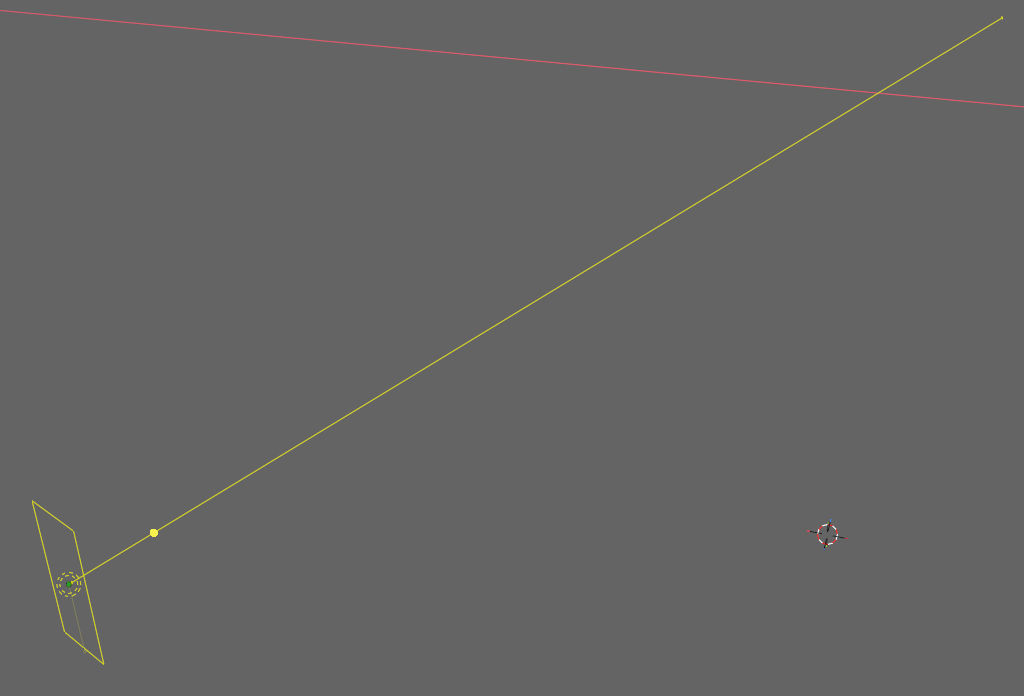
Problem: A V-Ray Rectangle Light draws a very long yellow direction line in the Blender viewport. It has no checkbox in Viewport Gizmos or Overlays, and the V-Ray light panel does not expose a setting for it.
Cause: The line length follows Blender’s own light properties use_custom_distance and cutoff_distance. They exist on the light data but are not shown in the UI for V-Ray lights.
LIGHT_PT_line_length adds a Light Line panel to the Object Data tab. It has a Limit Line Length checkbox and a Line Length field. A smaller value gives a shorter line.shorten_new_lights handler runs when the scene updates. Every light without the _short_line_applied marker gets use_custom_distance = True and cutoff_distance = DEFAULT_DISTANCE, then receives the marker. Lights are changed only once, so later manual edits are not overwritten.register() removes older copies of the panel and handler first, so you can re-run the script without duplicates.short_light_line.py in C:\Users\<name>\AppData\Roaming\Blender Foundation\Blender\5.2\scripts\startup\ and restart Blender.