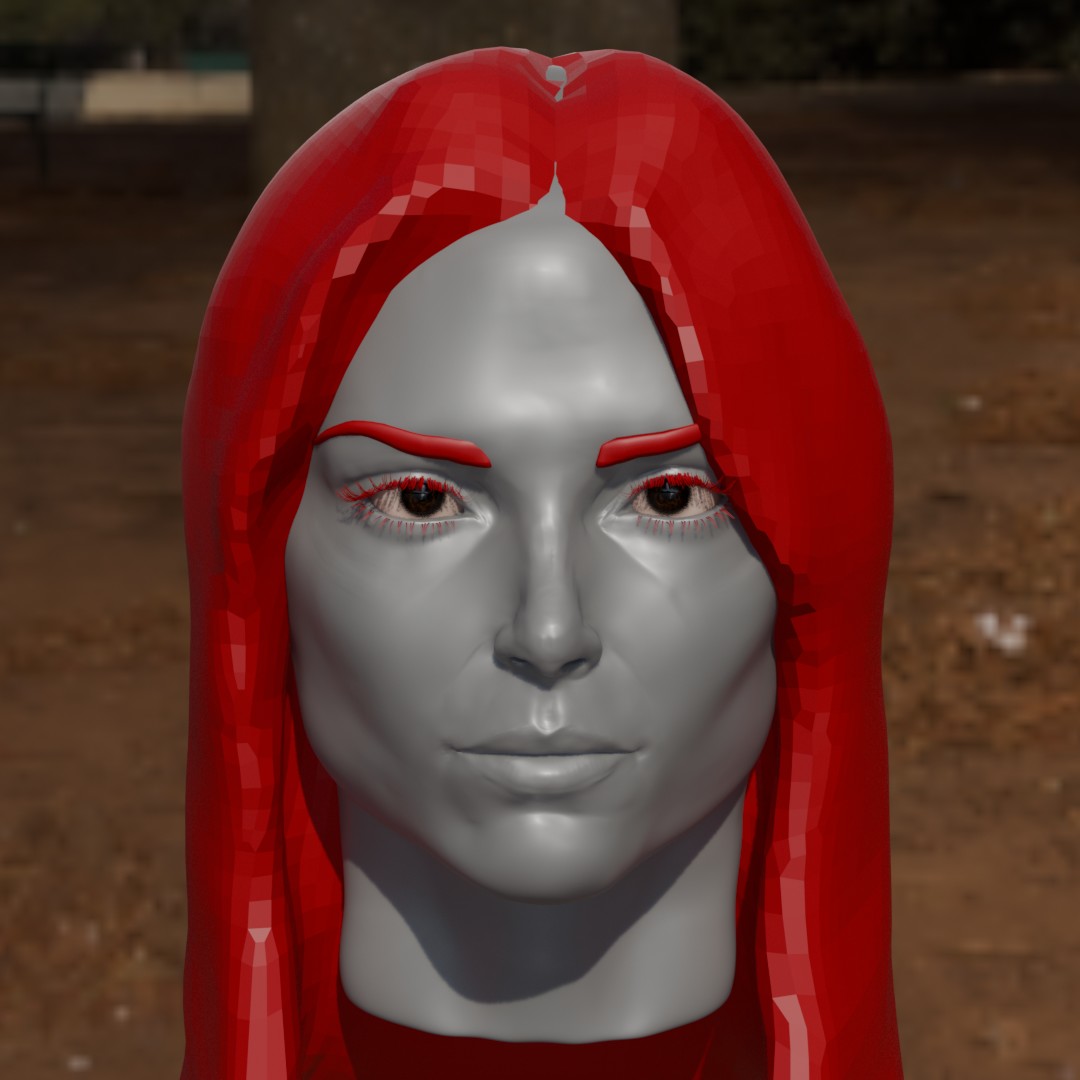
kind of. Its not a one to one, blender just can’t handle the same amount of polygons as zbrush, nothing can. and I cannot find an answer as to why no software can replicate even a 15 year old zbrush versions sculpting performance. But I digress. The blender equivalent for pores would just be going straight to the bump/normal/displace map, which is just what zbrush will bake down that noisemaker stuff to eventually so ¯\_(ツ)_/¯
You might have a look here:
1 Like
yes you can like here for example
1 Like
another option is to try armor paint and see about tiling pores, noise and painting hair line wrinkles?
You can absolutely sculpt skin pores in Blender, btw. I think I’ve shared it before, but there’s a great skin pores brush pack on Super Hive that I bought ages ago, and have used plenty. You just need enough system ram that your PC doesn’t go boom 
Here’s one of my previous projects with sculpted skin pores:
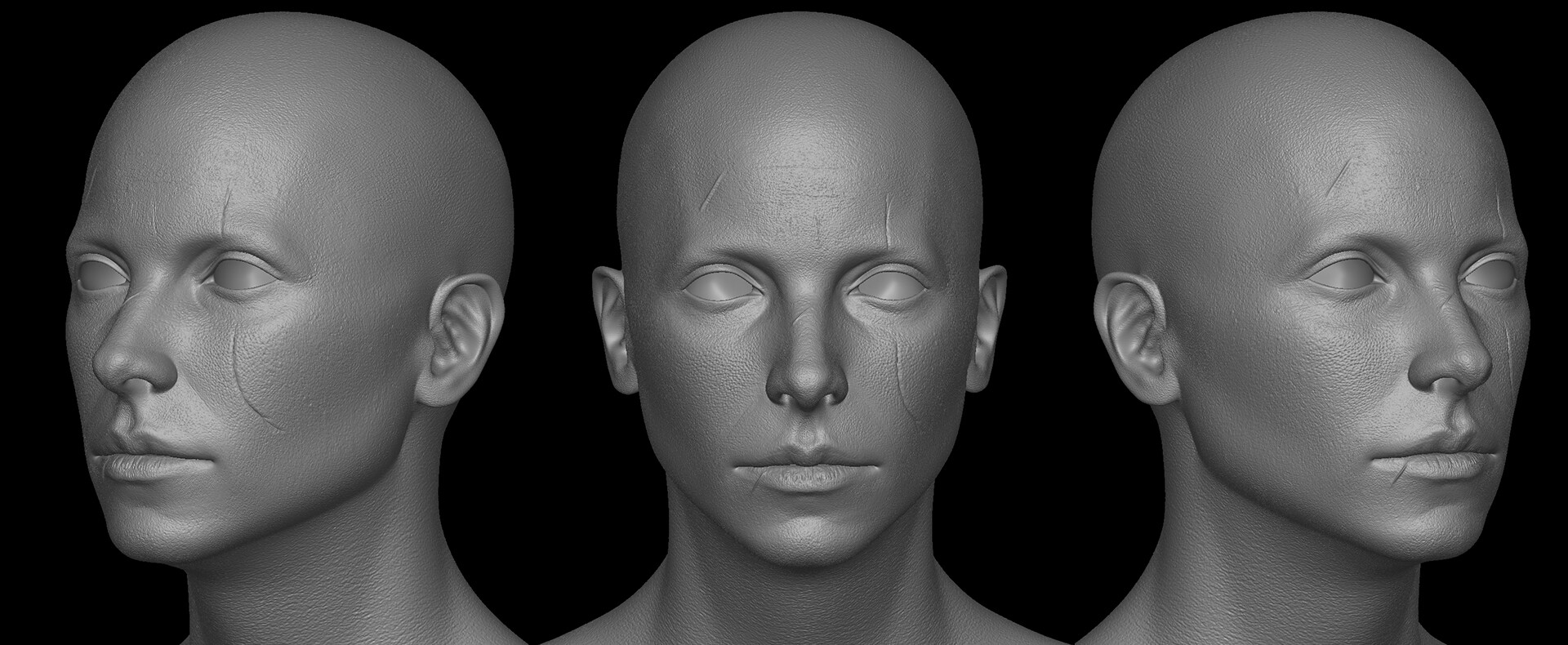
A mixture of a displacement map from Texturing XYZ with some manual cleanup. I normally use bake from multires to create a final displacement map.
The sculpt layer addon is also good for, well… layering. Not sure how many vert this is… maybe somewhere in the 10-20mil range? It’s been a while.
2 Likes
Im having issues with linux mint, I basically nuked my default endevour os when I was trying to update it. Im using a secondary operating system which runs vulcan very slow. LMDE 7 version. Vulcan would probably allow 40 million polys which is the amount to get decent pores. But opengl is sluggish in comparison. also optix doesn’t seem to work here.
I did just get armorpaint 1.0 compiled and linked.