As the title says I cant manage to stop the fluid with keyframes. I tick “use flow”, tick, go to another frame afterwards, tick again and keyframe. Next frame I “untick” use flow and keyframe it. But the fluid continues.
What´s my mistake?
Liquidtest.blend (104.9 KB)
Tested in Blender 5 and just keyframing “use flow” works for me.
But you need to be aware that after disabling flow in desired frame part of liquid source volume will still fall.
liquidtest.blend (127.4 KB)
Animating Use Flow option of an Inflow may stop to add liquid to simulation.
But it does not stop animation of liquid.
If you want to freeze a simulation, setting to animate is Time Scale of Domain.
If you set Time Scale to zero, animation is frozen.
No, I don´t want to freeze the animation. 3dnotguru: this is a very simple example and works for me too. But how can I manage this in my uploaded file? I also tried to change the emitter scale but no avail.
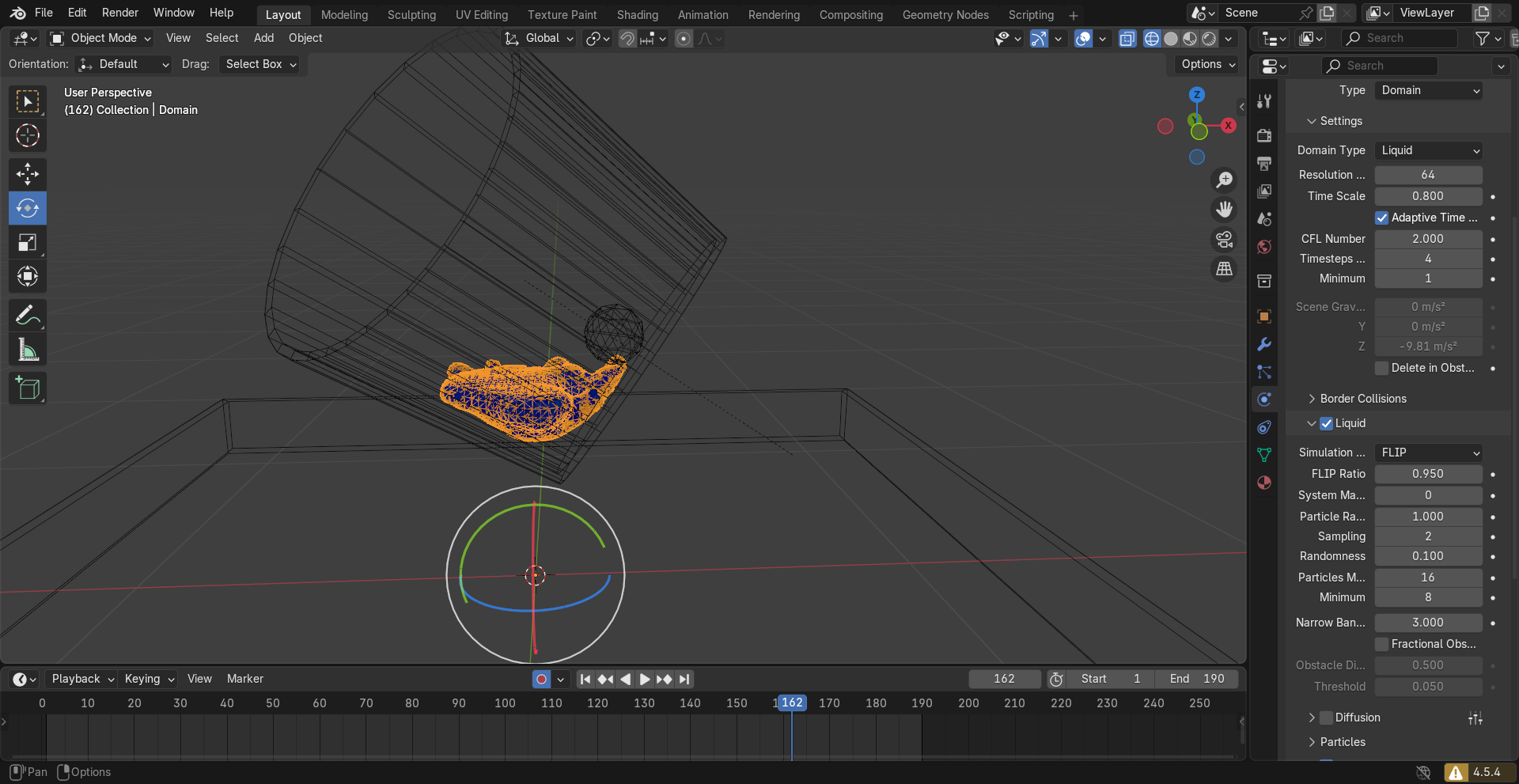
OK. Resolution of your domain is basically too low to detect emitter and generate fluid particles.
You have to increase resolution.
You can also decrease Particles minimum necessary to consider a cell of domain as containing liquid and increase Particles sampling to generate more particles in emitter’s volume.