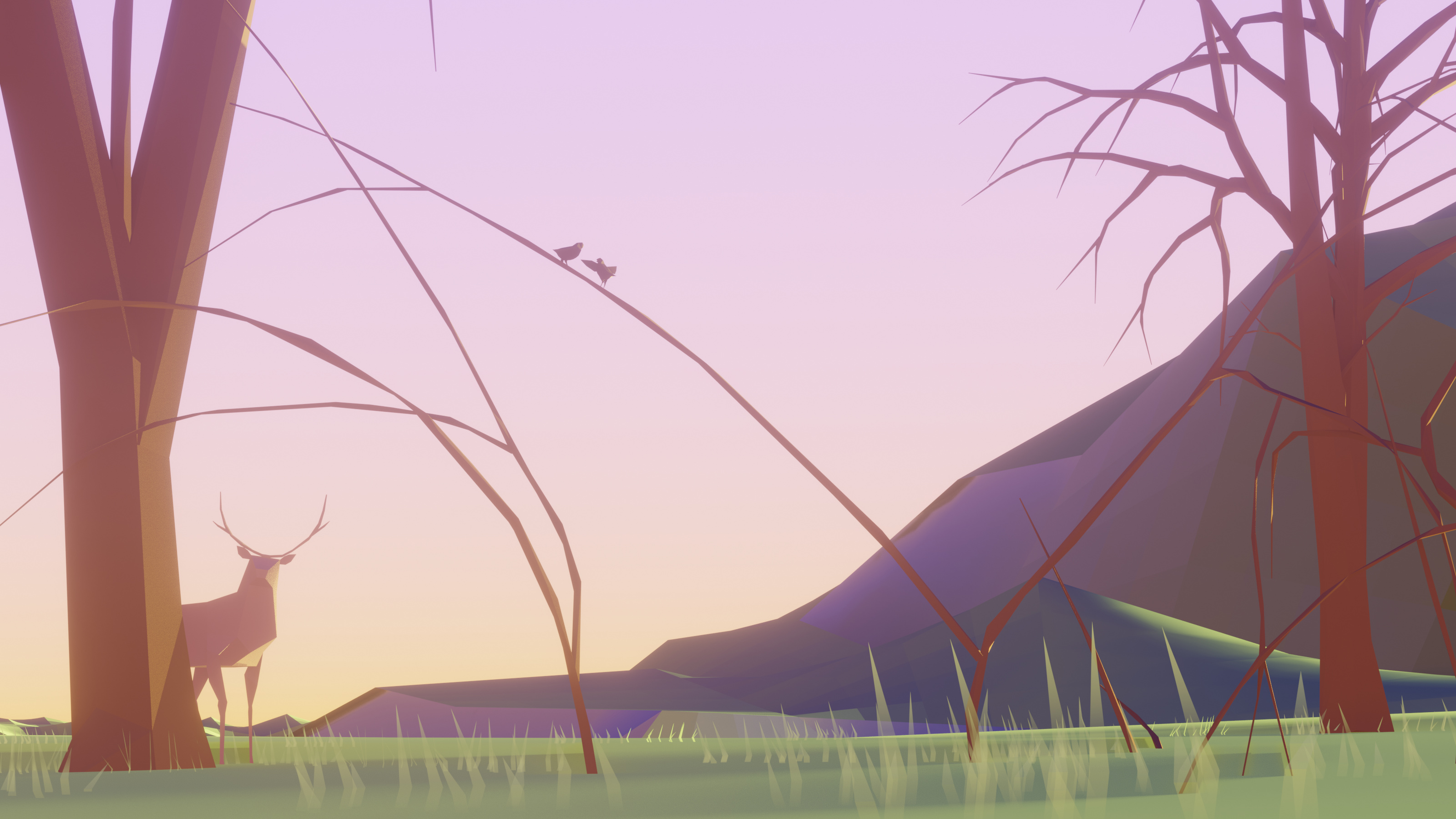
I’m new to Blender (June 2019) and this website. I wanted to post my projects somewhere dedicated to Blender art. The image below is my latest project, it’s a low poly landscape with a few animals rendered using eevee. My main goal with Blender is to create scenes or images mainly for desktop wallpapers for now. I’m open to feedback.
It’s looking visually very nice. But if I may, I have some observations:
the semitransparent grass is a bit distracting/not fiting with the rest. You could probably remove it altogether, or replace with just a few, nontransparent clumps here and there
Compositionally, the right side tree IMHO is too big, maiking the compostion too symmetrical. You could try to move it waay back, so the trees don’t form “the gate”: |___|
Thanks for the feedback. I suspected something wasn’t right about this piece. The issue with the grass was my attempt in trying to create a seamless blend between the grass and ground.
Tehee’s a game trick for the grass, where you edit the normals of the grass blades to point up, just like the base plane - If the color matches, they should then blend nicely.
 When did you start working in 3D?