Henlo there, I have a new compooper and decided to finally launch blender. I’ve tried half a year ago, but unfortunately blender was not really cooperative to work with my new AMD rig.
Since I’ve made this topic it seems that LuxCore has been abandoned, no daily builds since last august. It does not work correctly on blender 4.1. This indeed saddened me.
I’ve decided to give it a try on new Cycles, as of there were a looot of changes.
Please note - materials are new and different HDRI is used. I’d have to install older version of blender and luxcore separately to read which hdri was used with what rotation, same for material properties. That’s 1024 samples:
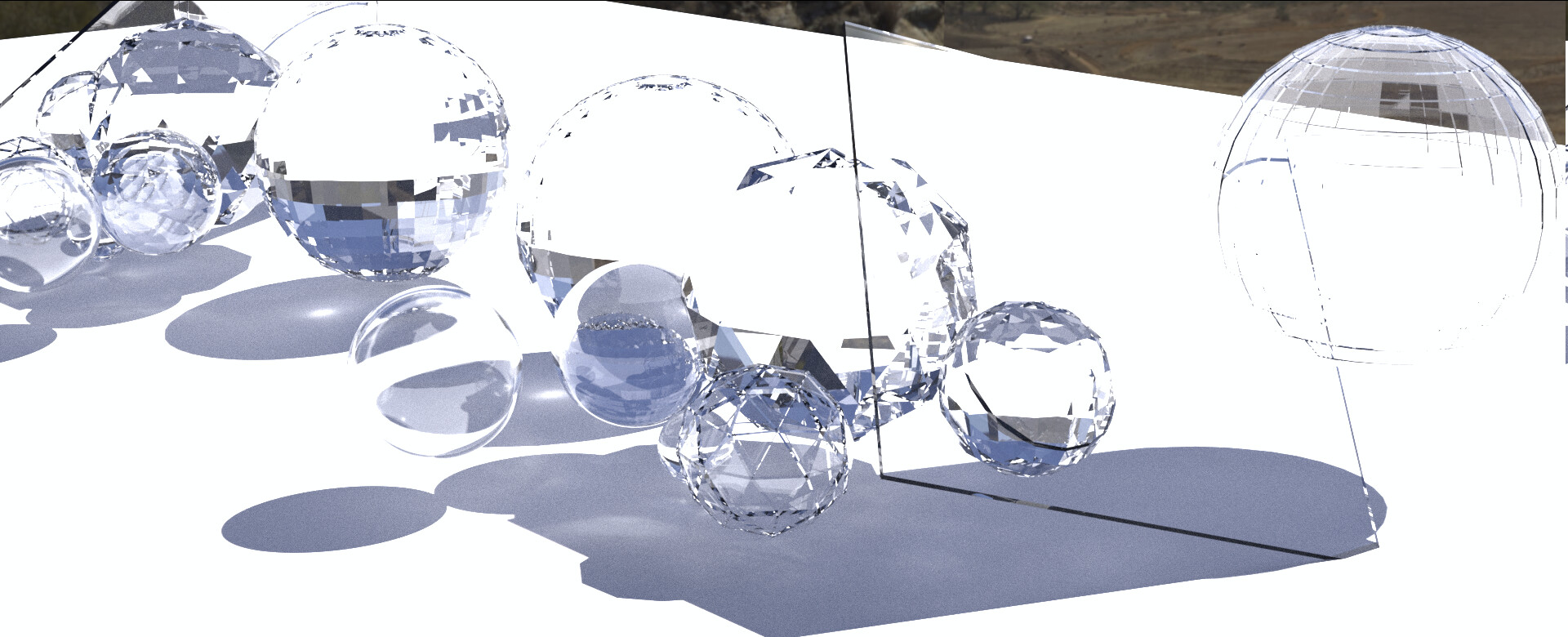
I’ve launched render expecting long time to get anything, but it ended very fast. I’ve pumped up the samples to 10240 and disabled indirect light clamping (which was set to 10). Also, light bounces limit up to 16. Minimum light bounces set to at least 3, minimum transparent bounces - 7.

Woah, it did do something! But that’s denoised image, lets see what’s hiding under the hood.
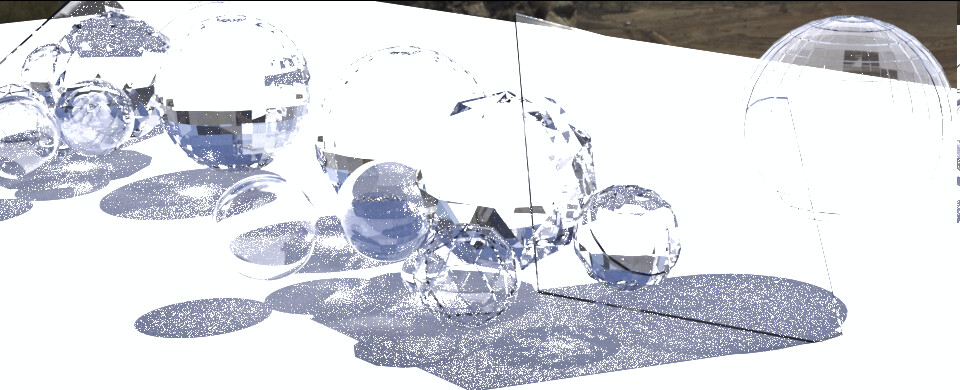
That’s… surprisingly good, for cycles! And the render time - it’s only 50% of 1920x780, but still - goes lightning fast. Lets try pumping them seeds - this image took less than a minute, I can give it some more.
I’ve lowered the filter glossy setting - to 0.001, then 0.01 and 0.05 - seems getting it very low does not help image quality too much - low filter values ‘spread’ the caustics a bit, adding the realism quicker, but very low values cause them to not be ‘smeared’ at all, making the shadows much darker and crispier. Maybe with 500k samples it would give a good result, but for lower ones I do need a bit of gloss filter. Just not too high - I want sharp-ish caustics C:
Here’s what I mean, 0.001:

And 0.01:

See how shadows are a bit brigher, as they should be? Yeah.
Note - both images took about a minute to render <3 Which means… you’ve got to pump it up!
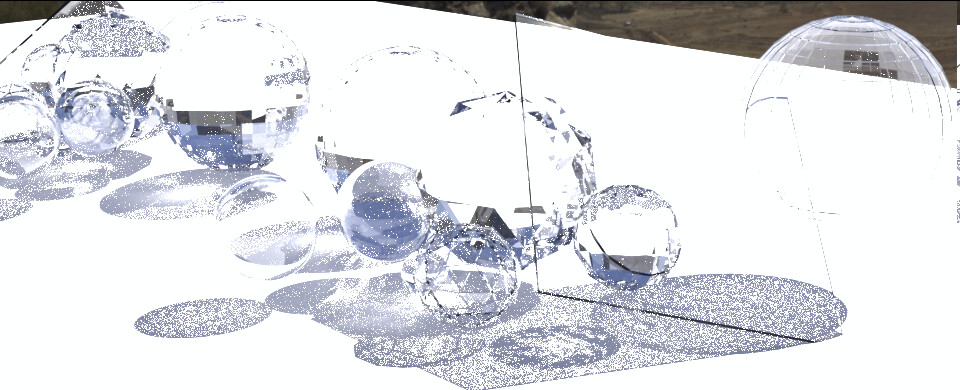
40k samples. A bit above 4 minutes render time. It’s starting to look marvelously good, even the caustics in the mirror (which to remind, is on the left side of image).
Pumping samples to 100000, and also changing materials a bitsy to make it a little bit real life scenario - glass transparency down to 95%, mirror ‘color’ is not pure white, it’s 90% ‘white’ - this should darken the reflections a bit. Resolution scale 100%. Let it bake:

Nice. It took 45 minutes.

The denoiser does good in sme parts, but some parts look just bad.
And now for the interesting part. naturally I didn’t know that the new Cycles caustics required turning them on in more than on place, so now for the Cycles shadow caustics with glass having both checkboxes selected (mirror too) and the bottom plane as receiver. HDRI has shadow caustics turned on:

7 minutes… 10000 samples. Dissapointing much?
Test with only ‘cast’ selected on glass

Brighter glass, but still… The option that was supposed to make them appear - made them dissapear.
I haven’t found out what’s going on here.
/edit:
Okay, I see: the ‘cast’ is only when it’s emitting light, not the glass-refraction-light-casting. After I switched all glass objects to be ‘receiver’ and turned off ‘cast’ - caustics came back.
In a minute I’ll edit with comparison of shadow caustics turned on and off on 50% scale
/edit2: No difference between images, so I guess my understanding was wrong, and either the option is bugged currently or I’m doing something wrong.
/edit3
Okay, apparently the special caustics casters HAVE TO be set to smooth shading.
Rendering right now, but it does cause issues with the glass not acting like it was designed in some parts, and also the rendering speed slowed down A LOT even on half resolution. Seems it’s not really worth it:

Half of the objects do not render caustics properly because of angle limitting to shade smooth. And if I do not limit shade smooth, the mutli-faceted spheres just become smooth, which is not the point at all…
Here’s finished 10k:

This is not appealing to me at all.