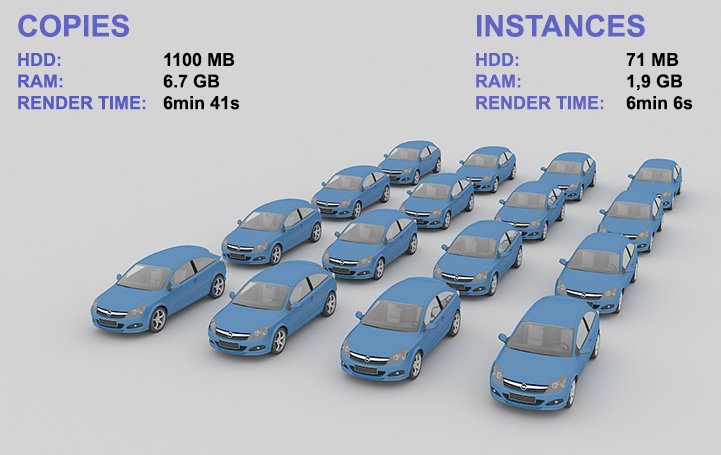
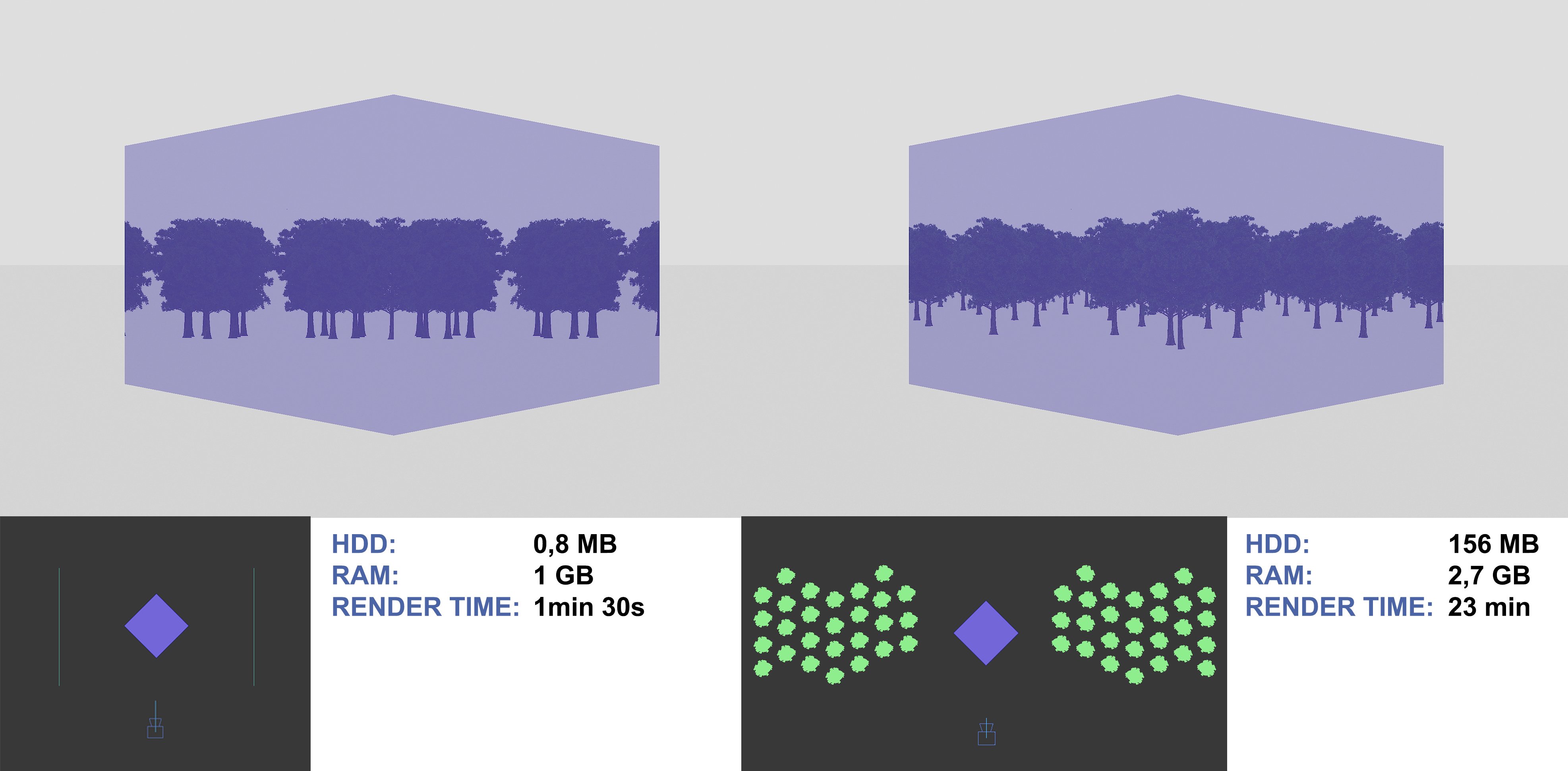
The moment you start doing exterior shots, VRAM will become your first bottleneck, if your end goal is “city scale” type of exterior shots the M1’s 128GB is a no brainer (the 12GB of the 3060 won’t cut it)
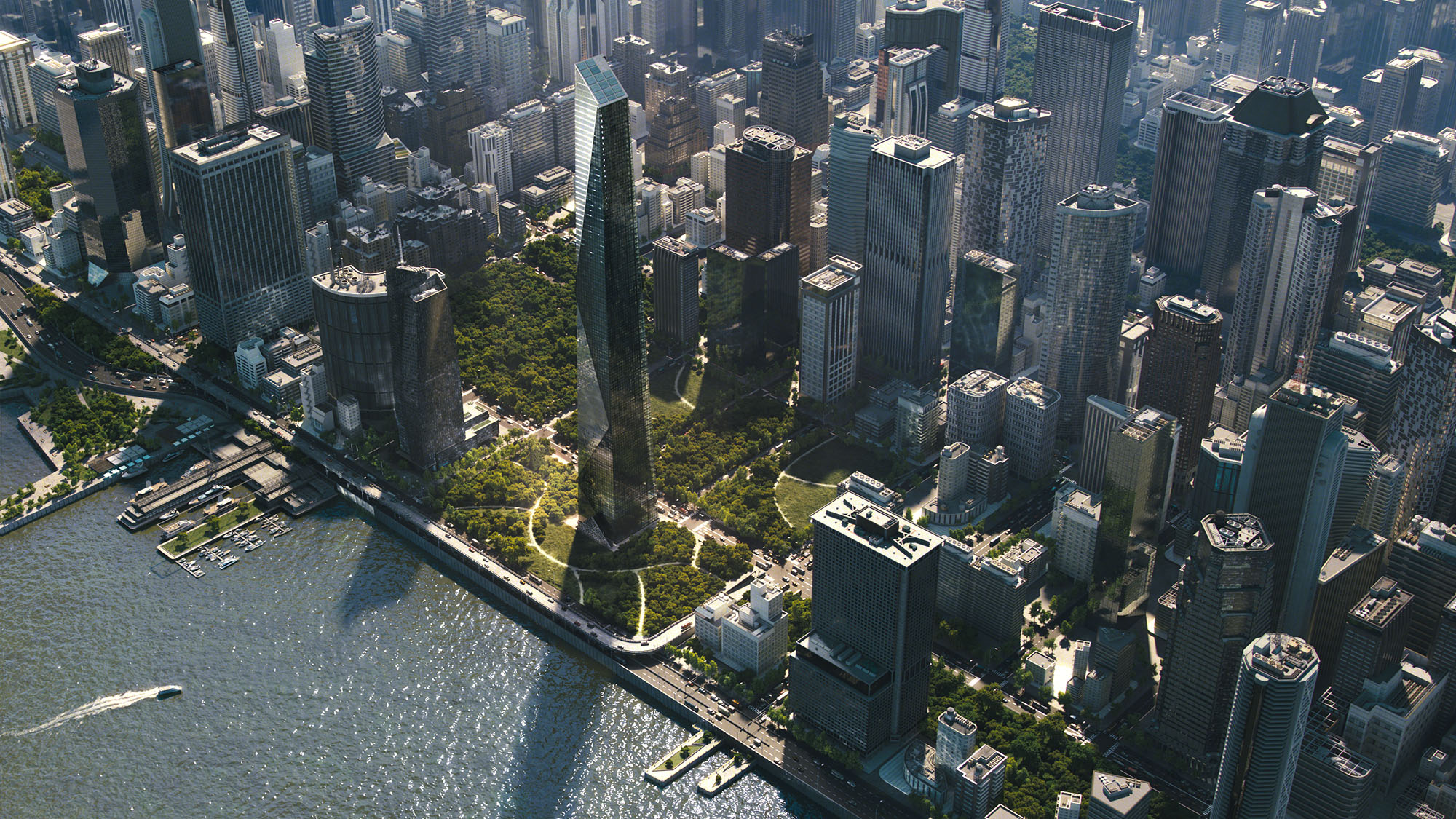
I keep referring to this scene whenever the amount of VRAM is questioned (can’t find any better example ^^ )
That render failed to load into a 24GB RTX 6000 and only the 48GB RTX 8000 managed to load it (the others required NVLINK to get there).
All those high-res textures plus all that amount of geometry have to live somewhere after all.
Now don’t get me wrong, 12GB could be just as good, depending on the complexity of your materials/geometry and the amount of time you would spend optimizing things.
@bpeng
Well landscape geometry can add a lot to calculate but like in 3D renewing this can then also be a topic of optimizing the scene data for faster rendering.
I work on a max mini Lol so it is weak.
But the denoiser makes it usable and for final rendering I use online render services or fire up my macpro with the two gtx 1070Ti in them.
Particularly using a render farm and denoiser is cutting down on wait time significantly.
Obviously with a pc and an rtx nviida card yiu can work faster - that’s a logical given.
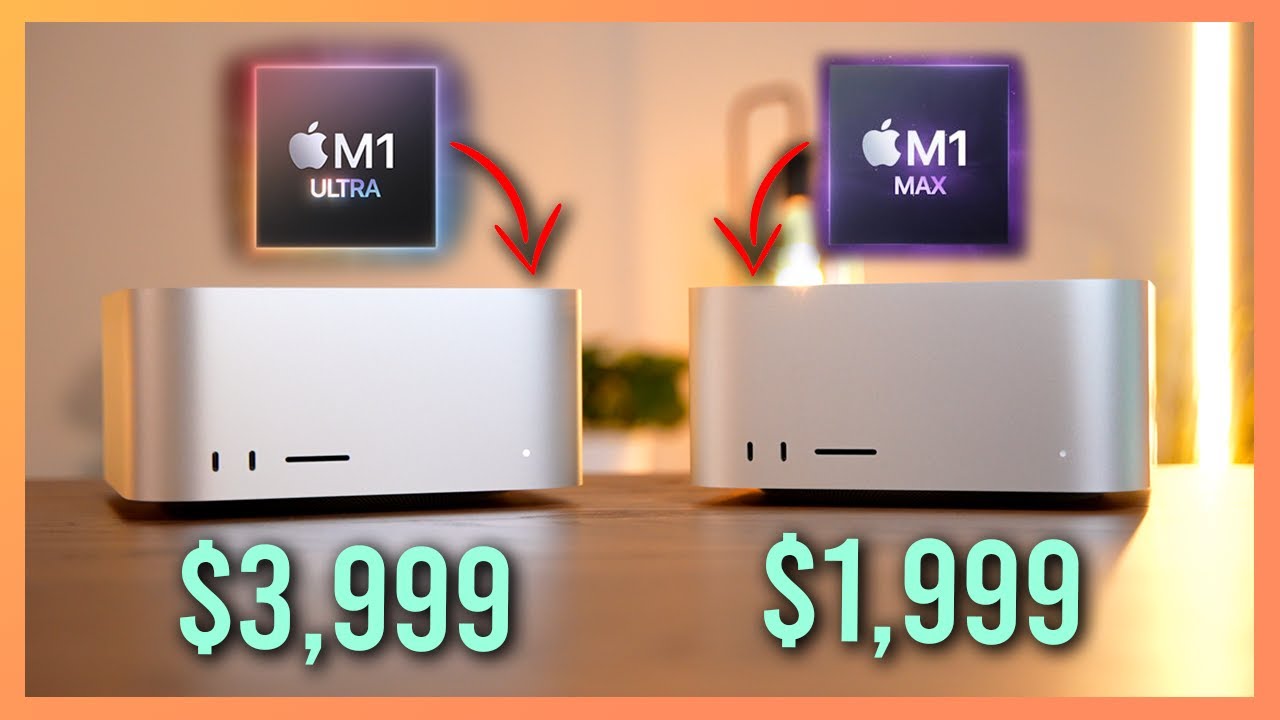
Actually just though if I had the choose between M1 mini upgraded to 16 Gb (1100 USD) or the base Studio with the M1 Max (2000 USD) and depending on the work one does, I would get the M1 Max.
Yes it is nearly twice the price but you get 3 times the GPU cores and twice the RAM, and more CPU cores. In terms of “future proofing” it might actually be the better choice.
Don’t think the M2 mini will be faster than that. M2 Pro Mini might get close if they do that.
Well and the studio has ports in the front which I think is really handy.
Hey, total aside here, but how do you get the little Ukraine flags? I haven’t had much time to visit the board recently, so I’m kinda lost on all the up to date happenings around here.
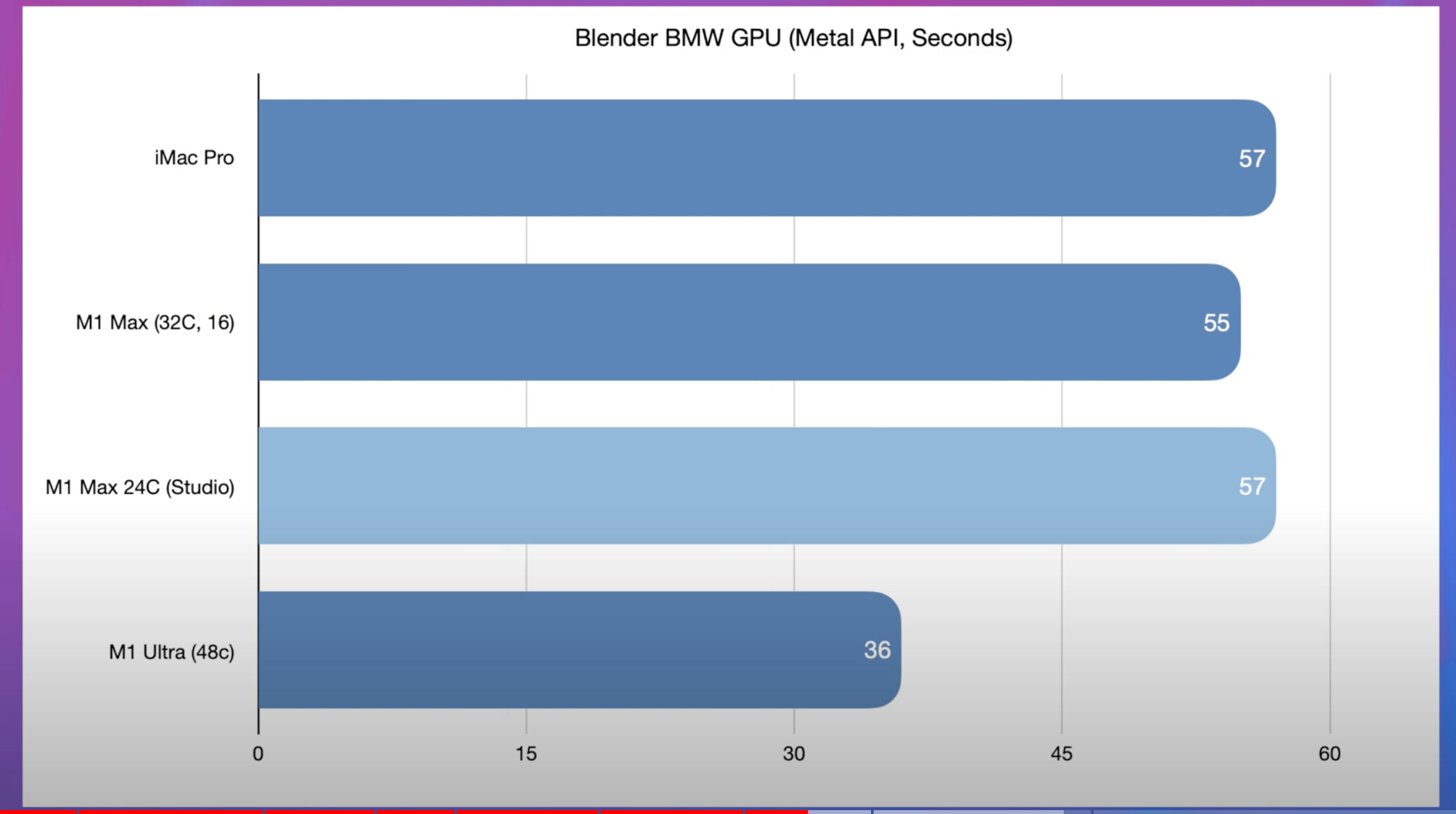
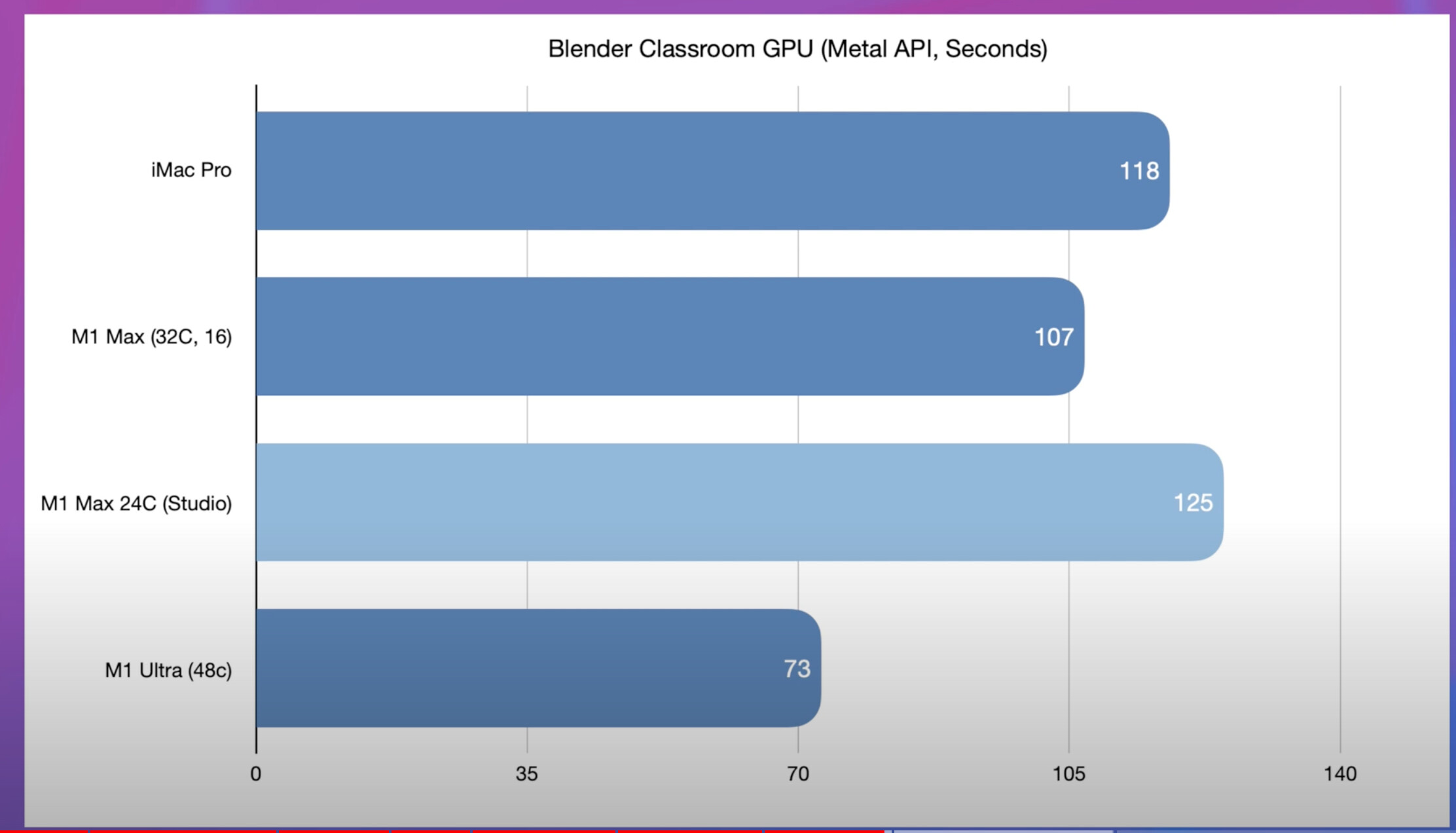
also very interesting and more so when comparing the 24 core Max in the 14" to the one in the Studio and interesting how close it is to the 32 core in the 16" in some cases.
My gut feeling always told me that the M1 Max was a bit thermally challenged in the MacBooks or intentionally limited (guess I was right).
24 core in the studio is 2 sec slower than the 32 core in BMW.
For those that don’t want to watch the full thing.
well I jinxed it. I updated to 12.3 and already my flickering benq external display issue has come back with a vengeance. it flares up every couple hours of use since updating. fyi @Metin_Seven !
People should stop using the BMW scene for benchmarks. It was great a couple of years ago, but isn’t a proper challenge for today’s hardware. It’s also testing only a very small feature set of Cycles (no SSS, no hair, no principled shader, …).