Hi Folks. I’m pretty new to blender (and python) so sorry if the answer is obvious. I’m trying to create a cylinder with sine waves embossed on to the surface of the cylinder. (To build a model of a nerve with sinuous axons travelling through the nerve). In the model, the sine waves will travel axially along the surface of the cylinder, and need to be in phase and contiguous. Each sine wave needs to have about 6 or 7 wavelengths.
I generated a single repeating sine wave in a graphic calculator, saved the image as .svg, and imported it to blender. I then converted the curve to a mesh, extruded the mesh to give it some mass and used the subdivision surface modifier to round the mesh out a bit (It was still far from the perfectly rounded sine wave that I wanted). I then used the array modifier to create a cylinder of 45 contiguous sine waves at 8 degree angles to each other (360 total). This NEARLY worked, but the apexes of each of the waves is thicker than the rise/fall of the wave, so that a)There has to be some overlap of each of the waves, and b) The cylinder has a greater diameter at the levels where the apexes are.
To solve this I’ve tried to import the sine wave .svg and extrude a circle along it. This works to create a perfect tube along a normal bezier curve, but was giving me crazy results with my .svg (As the .svg appears to have ‘thickness’.) I’m new to Python, but I think that the solution might be to modify a curve by applying a sin function, and then extruding a circle along the length of the curve. Then I can use the array modifier to create the cylinder of waves, but I can’t figure out how to modify a curve in to the sine wave required.
Maybe there are more obvious solutions, but I’d really appreciate some help with this.
Thanks a lot,
Luke.
P.S. I tried to attach a jpeg of my 1st attempt at the model, but not sure if it successfully attached or not!
Hi MediumSolid & Secrop. Thanks for getting back to me. MediumSolid, yes, that’s pretty much what I’m trying to get to. How did you make such smooth sine waves and then mould them into a cylinder without the ‘bulges’ that my cylinder had?
Hi Medium solid. That works really well!! Thanks so much. I can’t figure out how you made the initial sine wave plane. Did you do it through the python console?
Hi Sterling Roth. Thanks for that. I activated the addon that you suggested and played around with it a bit. I can modify the plane in the z axis, but not on the x or y axis. I’ve attached an image of roughly what I’m looking to learn how to do (from the .blend file that Medium Solid posted). The sin wave planes are flat on the z axis, and the apexes of the waves are in the y direction. Ultimately I’d like to have precise control of the wavelengths and amplitudes of the waves.
You say you want a control over the wavelength of the sine? It wasn’t easy but I did somehow, the x and y controls are in the spherical empty, try them and tell me what you think. .blend file
IMPORTANT
You will probably have to enable use of drivers(Reload trusted) on the top right panel of the blender window. Since Blender developed countermeasures for potentially malicious scripts.
Hi MediumSolid. That worked a treat!! Your knowledge of Blender is truly impressive! I had to enable ‘auto run python script’ in user preferences, and then the changes to the X/Y dimensions took effect. You (and other members) have been a fantastic help to me. I now have all the tools to print a nerve model where I can easily change the parameters. I’ve one final question: How did you construct the original flat sine wave plane?
Then press G and afterwards Y to move along Y axis, press 1 to move one unit along the Y axis, also, check if the proportional size is 1, it’s important. To change the falloff size scroll your mouse wheel.
HI MediumSolid, thanks for that. In the first model that you sent me there was a displacement modifier included that allowed me to increase the curvature of the individual sine waves. This is really useful to me, especially when the number of waves & circumference of cylinder is increased. You didn’t include a displacement modifier in the 2nd .blend file that you sent me. I’ve tried to add one myself, but it has little effect on the roundedness of the sine waves. I think it’s because i’m not creating a vertex group correctly. Can you help me out with that?
Thanks for sending that link Cadaei. I’ll deffo have a look at that when I get a chance.
this is actually realy amazing!! i managed to create the sine wave rod but only in a destructive way. what i mean is i have a rod but the amplitude of the sine function is unchangeable. could you please explain how did you make the ‘custom properties’ thingy for your rod? sorry for my bad English and thank you very much for showing this amazing shape.
Unfortunatelly I am currently abroad and I don’t have access to a PC or a laptop. Sorry, but I can’t help you right now, it has been almost two years since I posted my solution, I can’t recall what I did exactly back then. My advice to you would be to go to coding section of Blender Artist Forum and find someone willing to code you a script for generating a sine wave with adjustable amplitude and wavelength out of your own custom mesh.
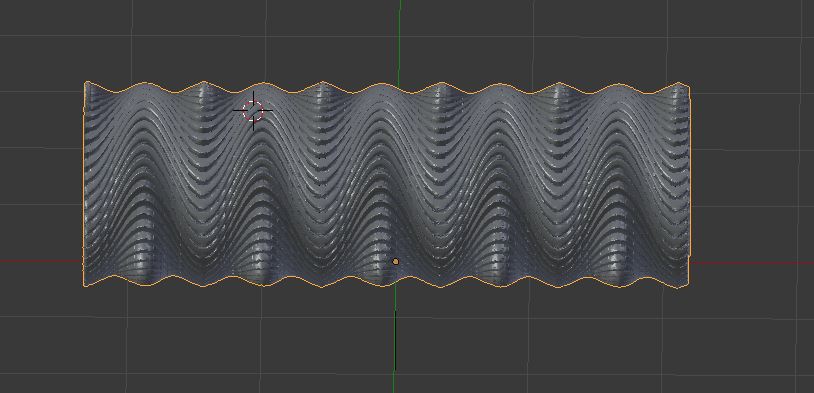

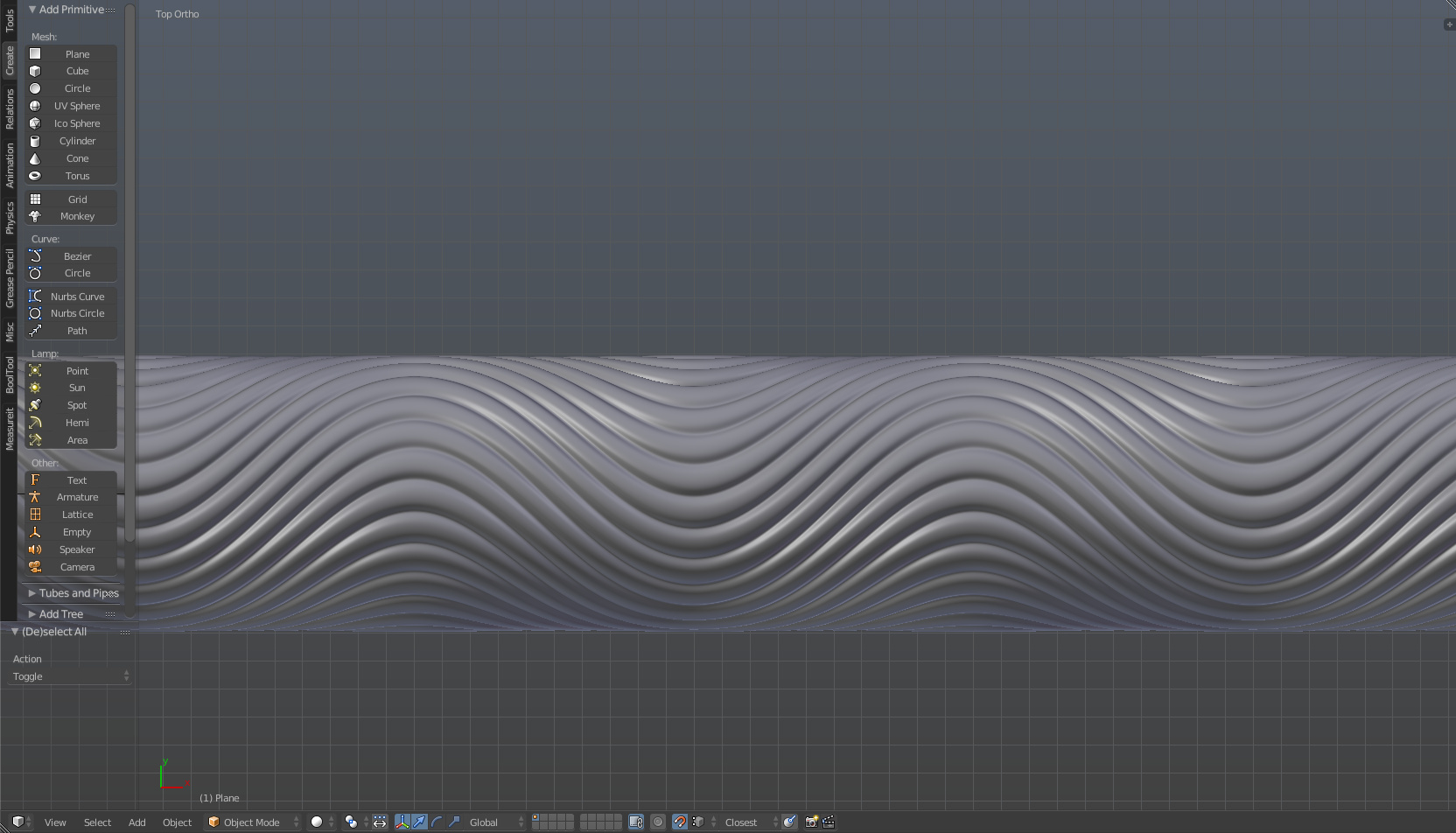
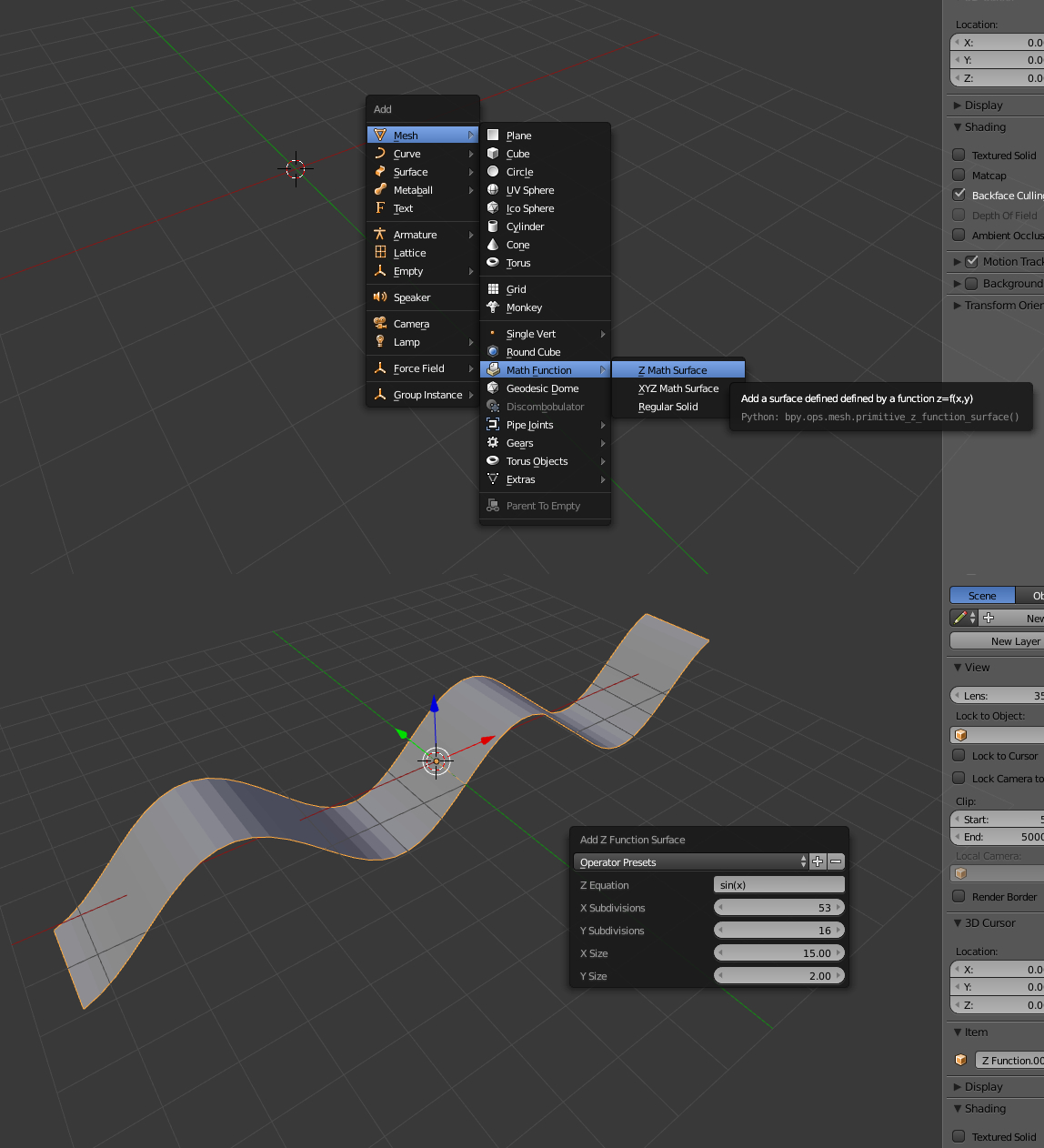
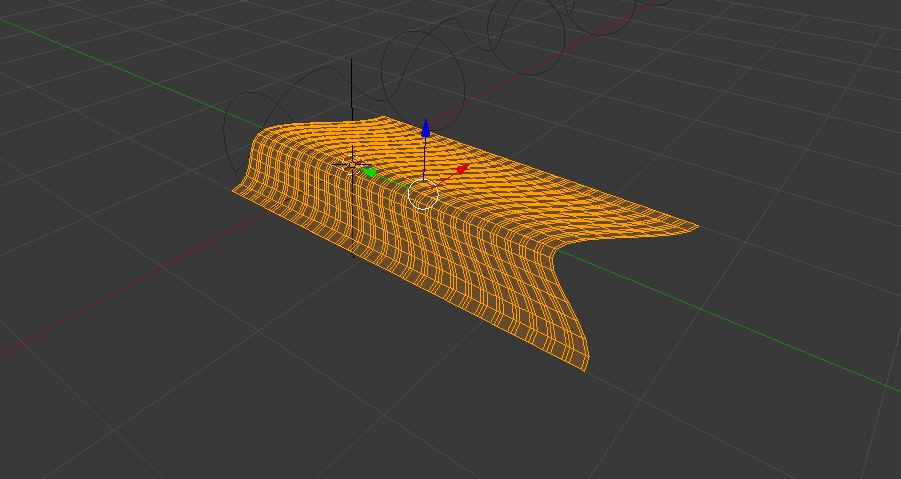
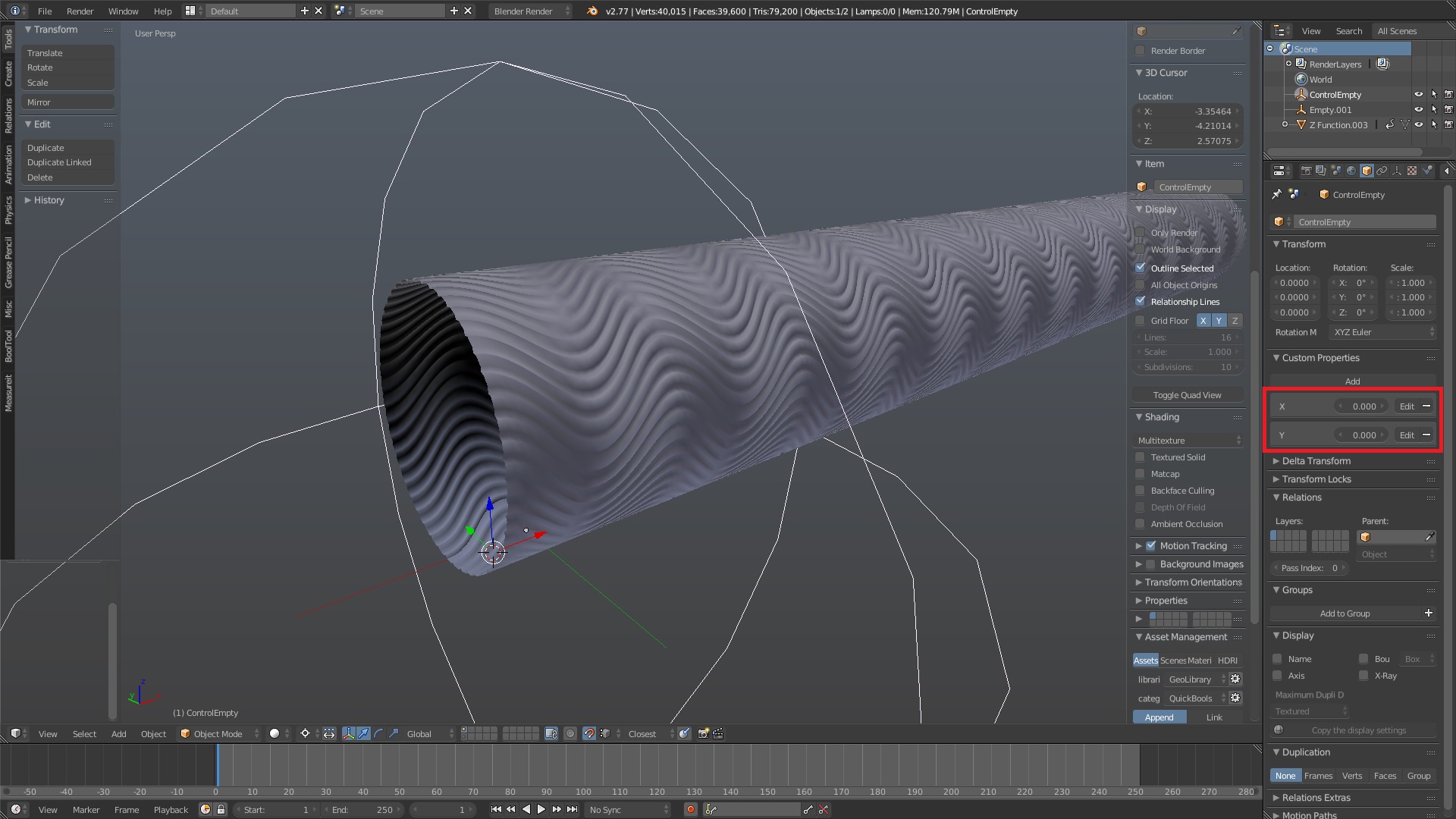
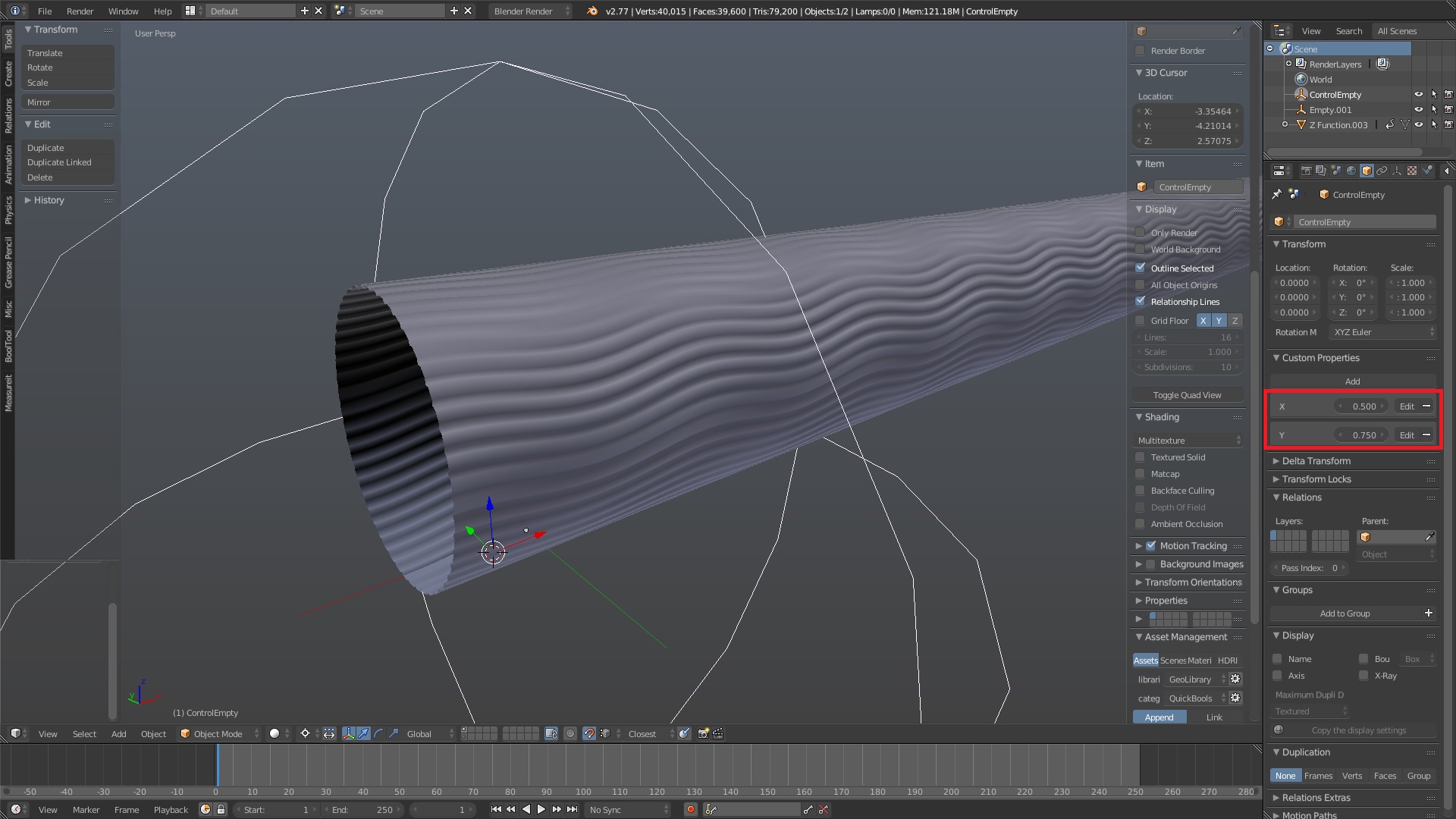
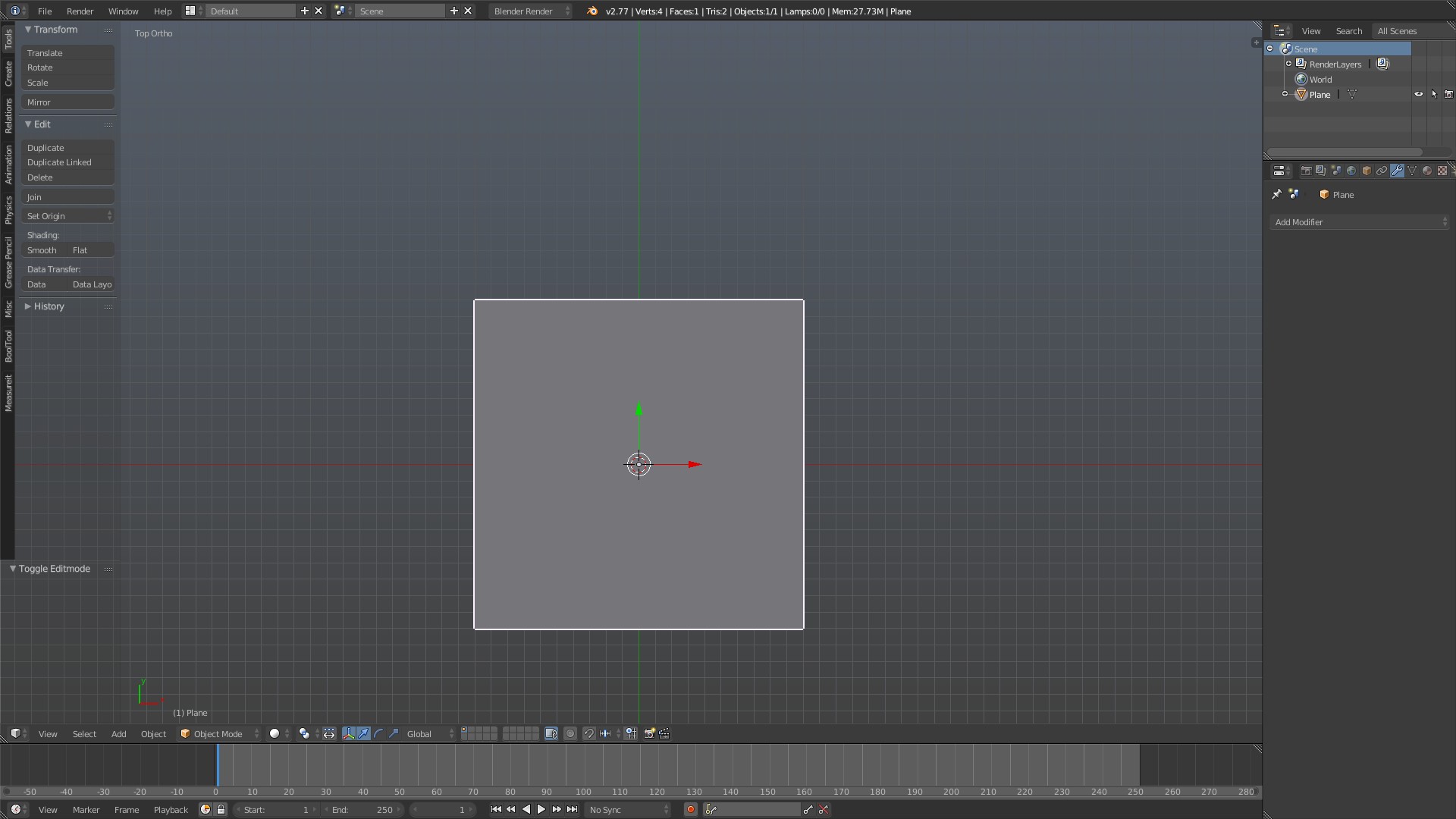
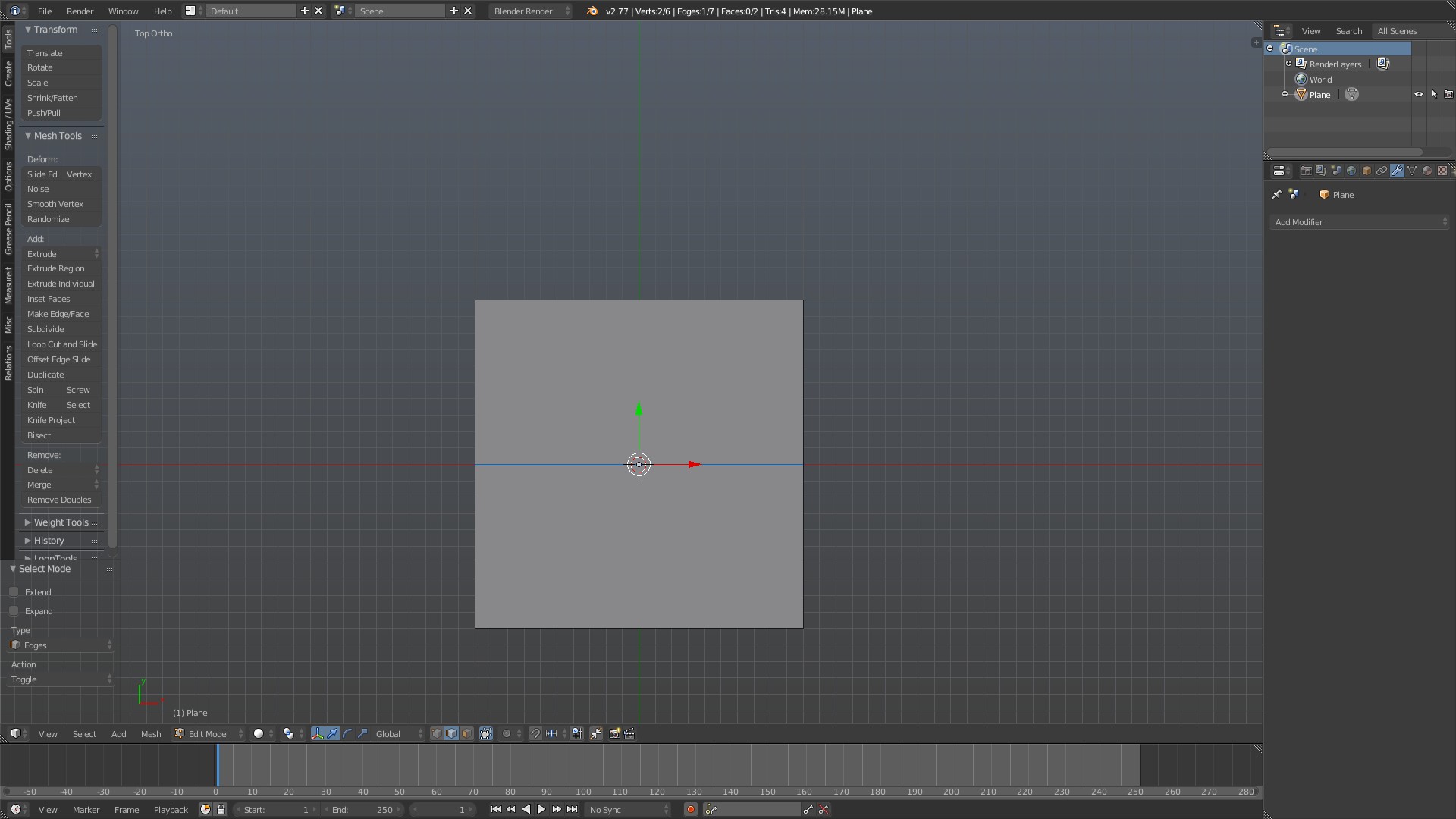
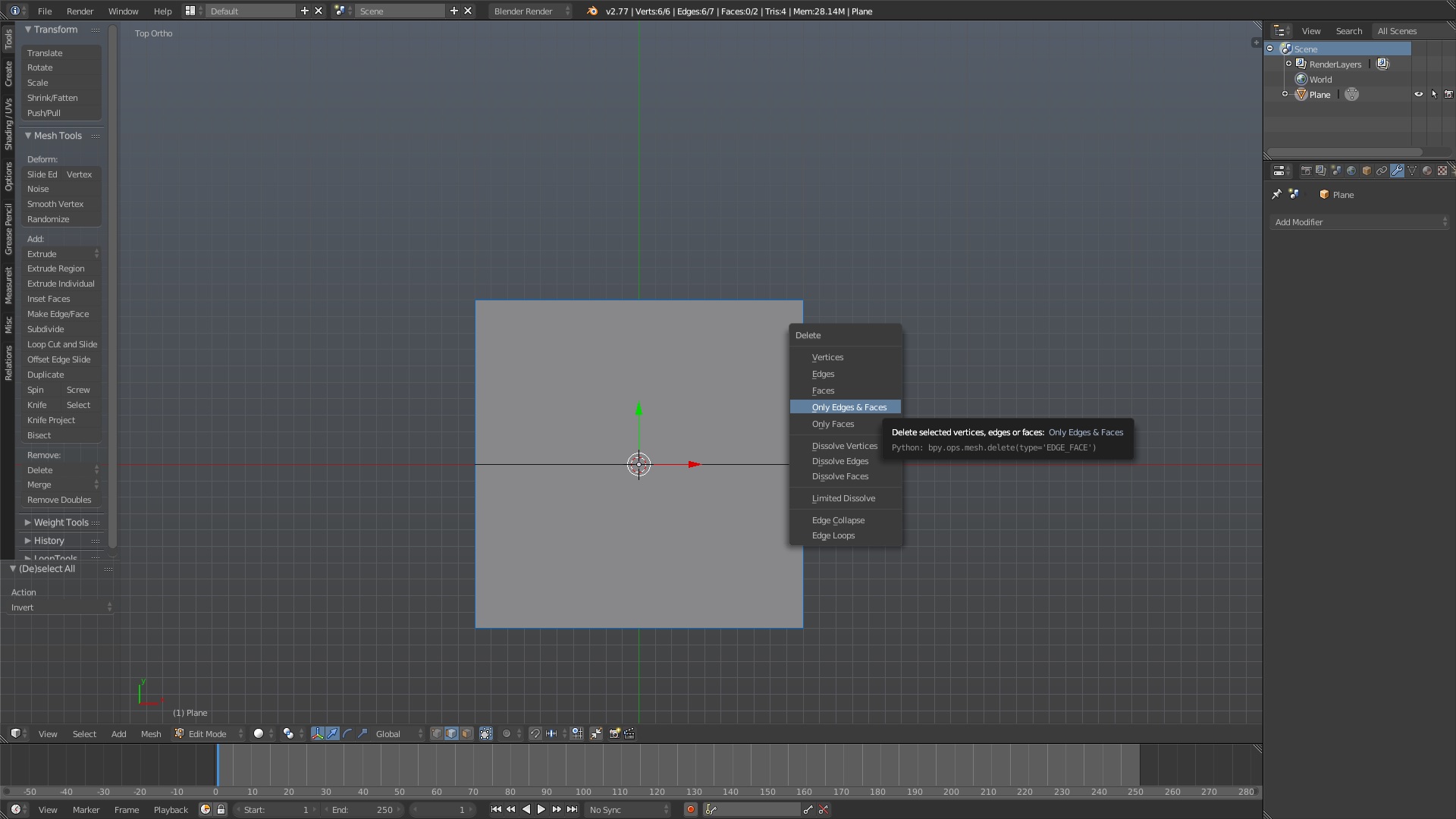
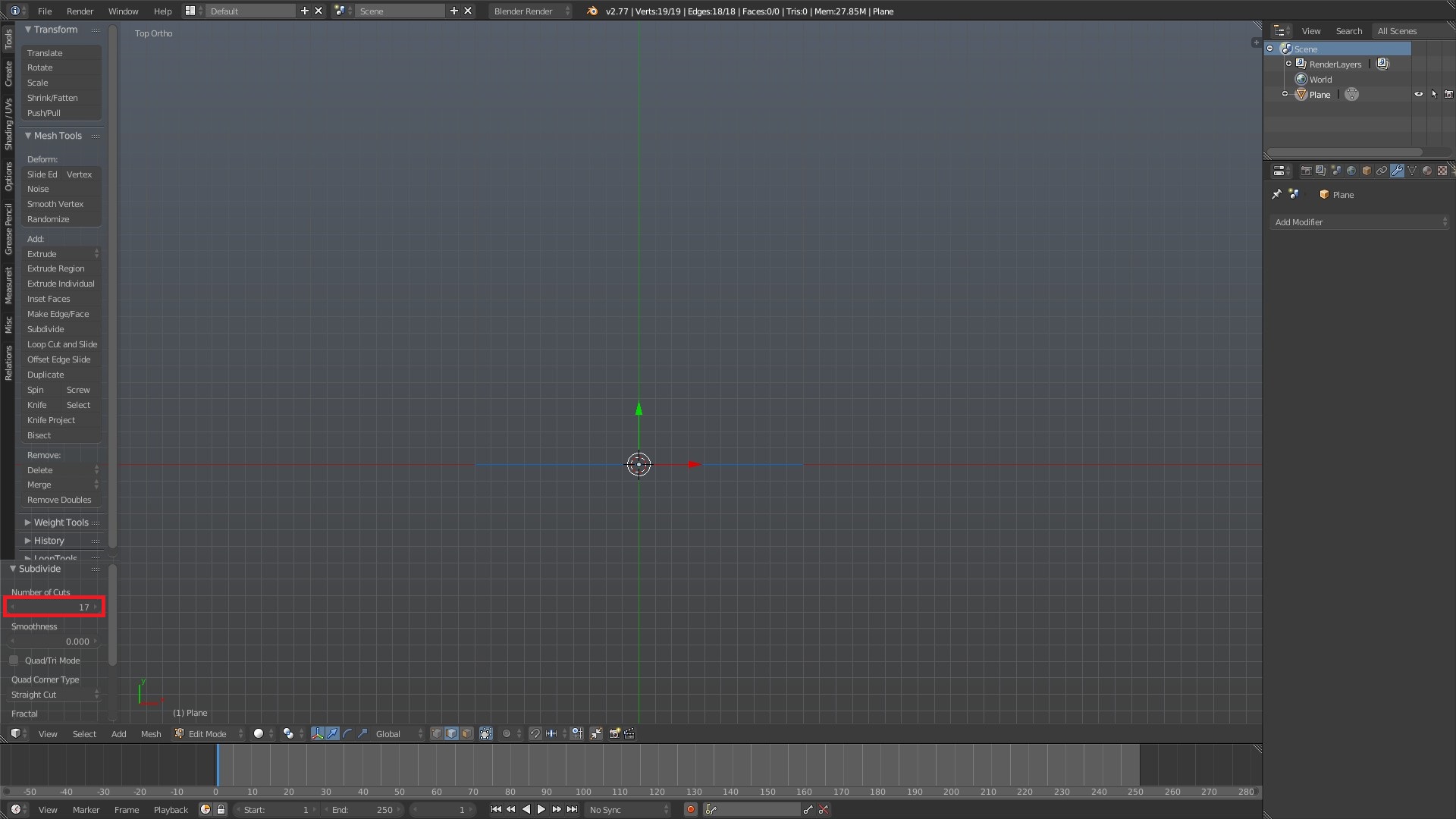
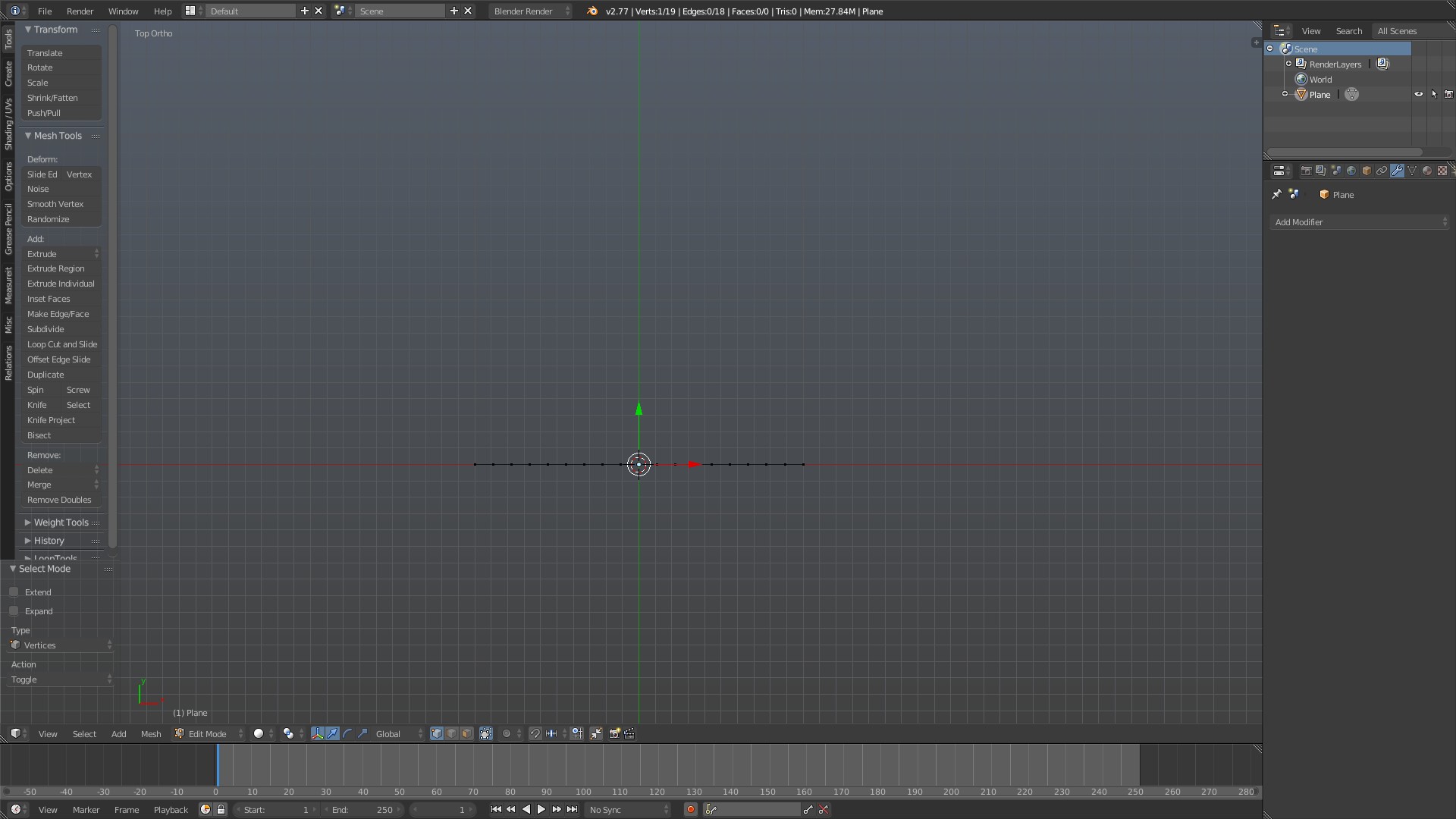
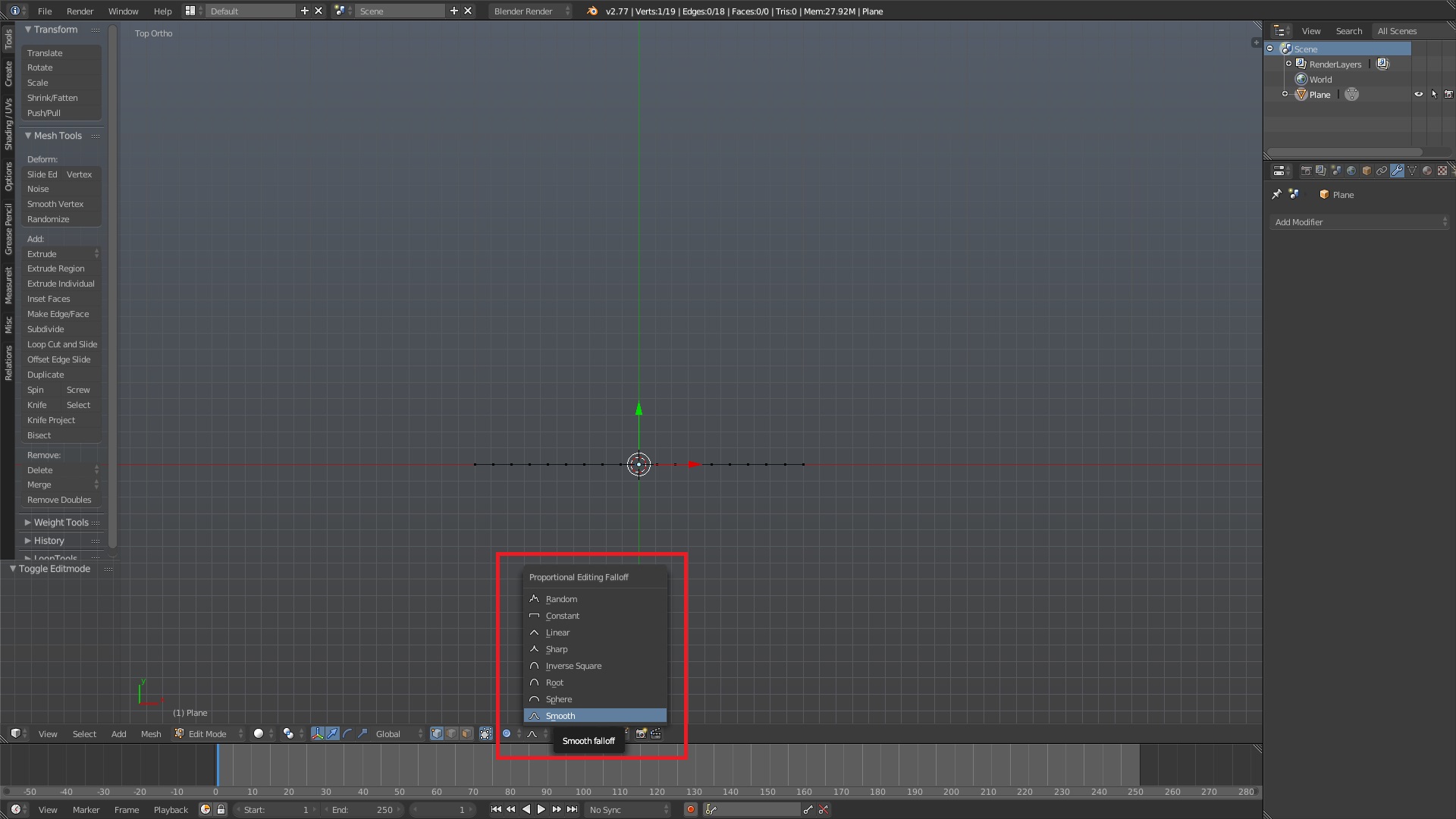
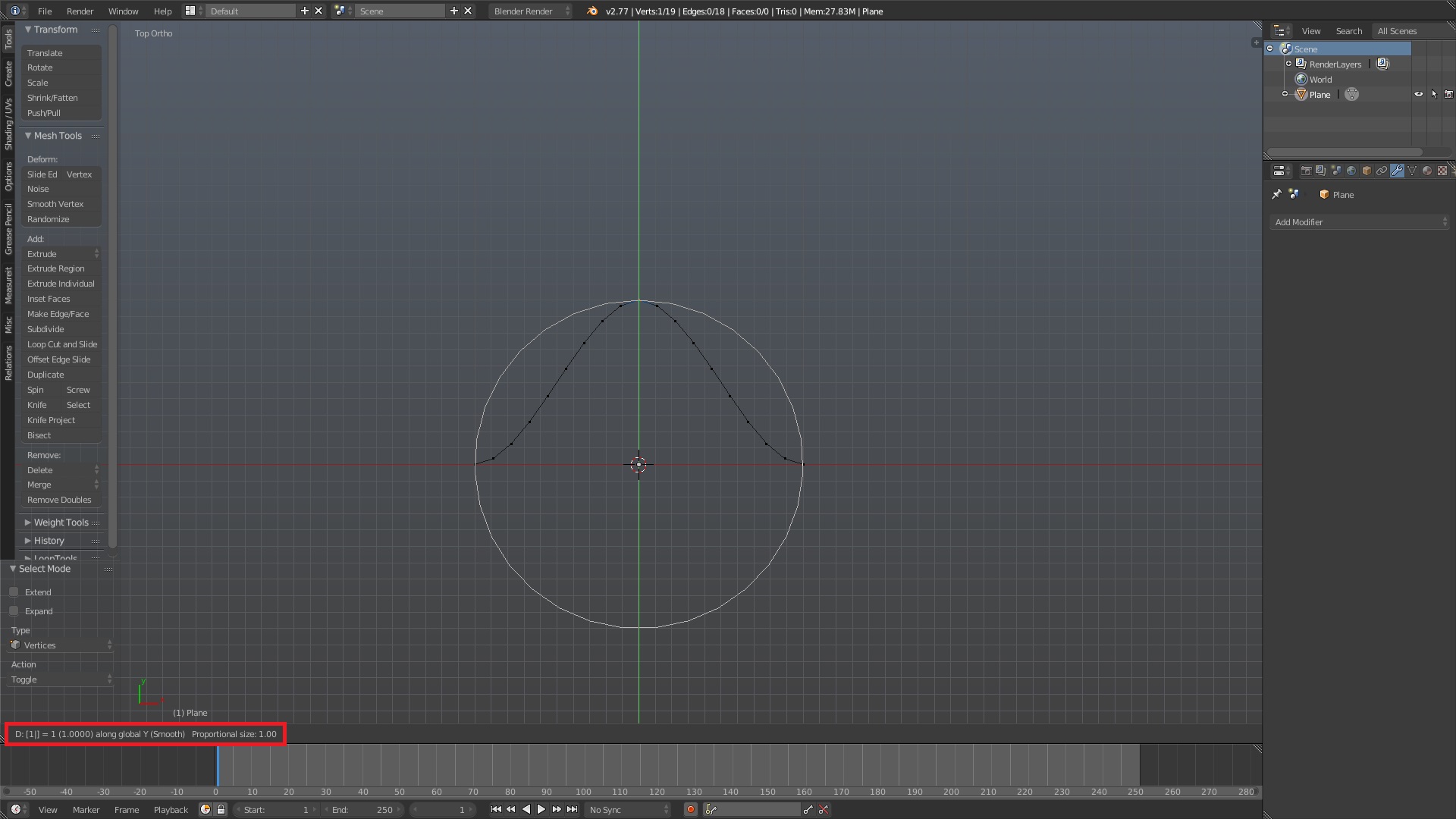
 i managed to create the sine wave rod but only in a destructive way. what i mean is i have a rod but the amplitude of the sine function is unchangeable. could you please explain how did you make the ‘custom properties’ thingy for your rod? sorry for my bad English and thank you very much for showing this amazing shape.