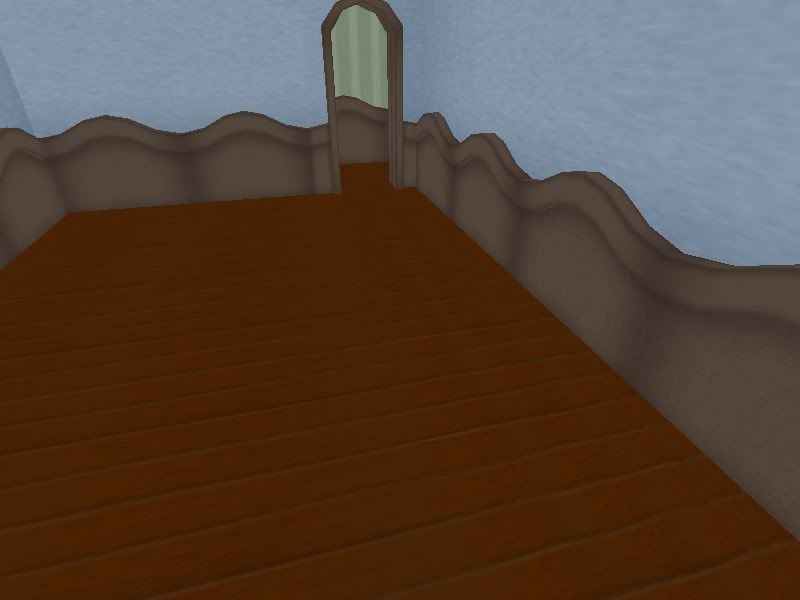
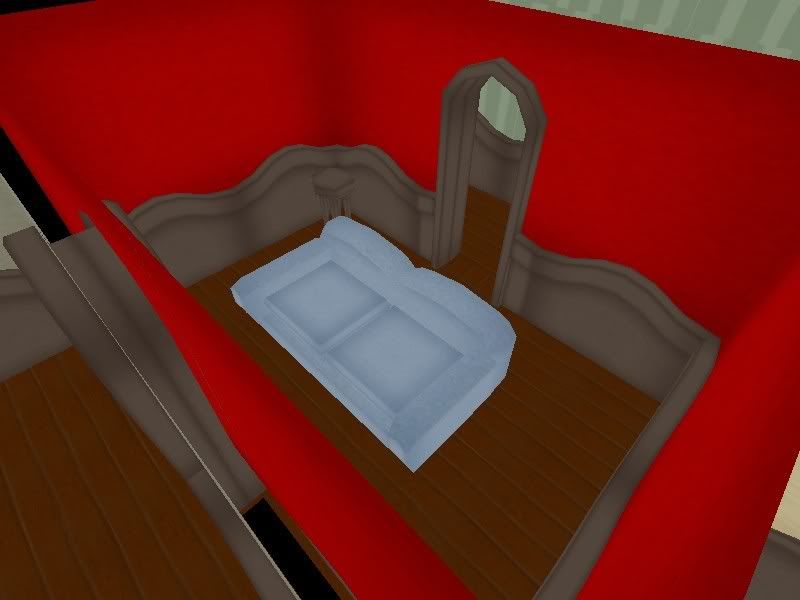
I found this on my hard-drive from a long time ago. I thought maybe someone would find a use for it. I’ve got separate pieces that you can use to build the walls (includes wall molding).
Well, when I right click a room and go to the textures dialog, its empty! How did you map it or something? Are there any good tutorials? I am new to blender.
I used the wall to project from view, and I reset the textures for the wall molding and doorways. I made the textures by simply creating noisy colours with darkened edges, which gives it a cool effect and gives your model a little more definition. Technically, I did allot more than what I just said, but that’s how I started.
thanks, but if I were to go back and redo it, I would create it very differantly. I would put allot more detail into the molding and walls (and also vary it per room.)