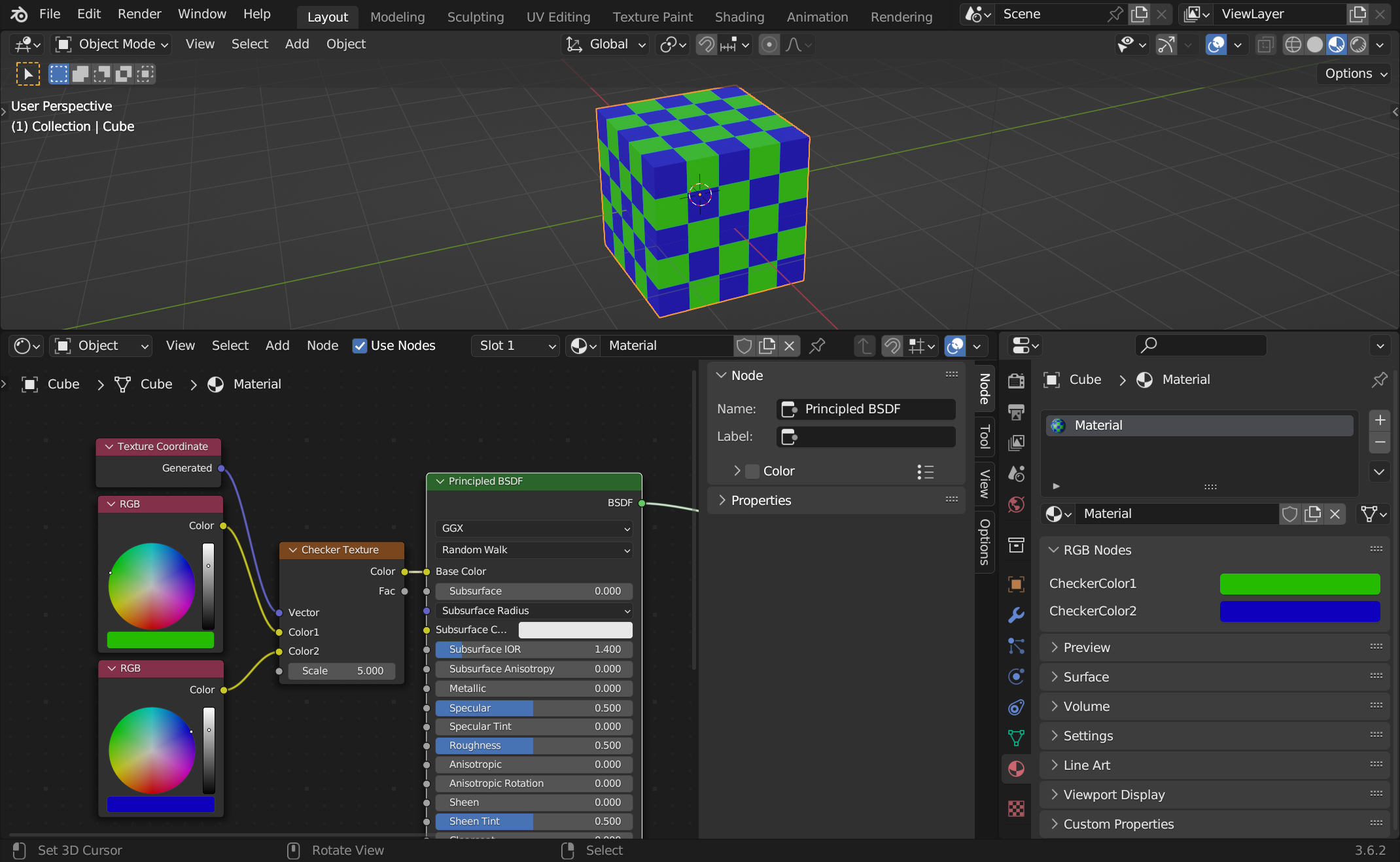
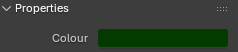
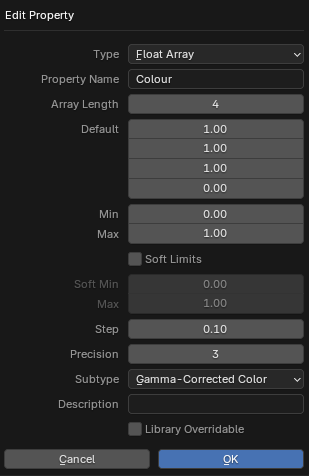
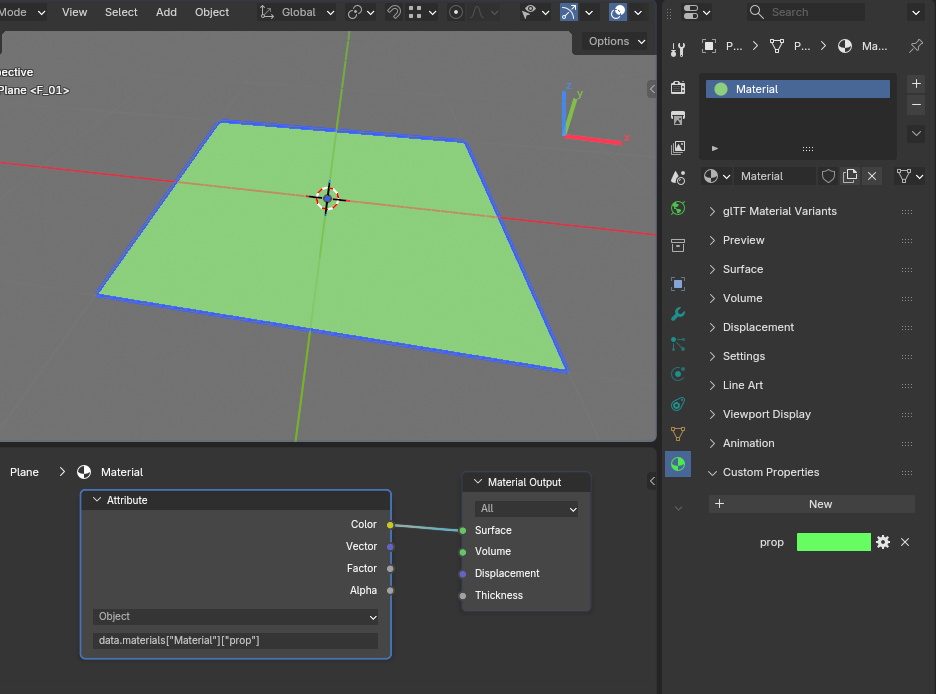
I am currently working on Materials and wondering: How can I use a set of colour values (float array of 3 floats) to drive the colour of a material?
I know how to do it via the object custom properties, but how can I do it via the colour custom properties? I also don’t want to have to use a “hacky” way, like adding 3 single float custom properties driving the red, green and blue channels each. I just want the colour picker in the material custom properties to drive the colour of the rgb node
See image: The red colour of the created float array should drive the colour in the rgb node in the shader editor.
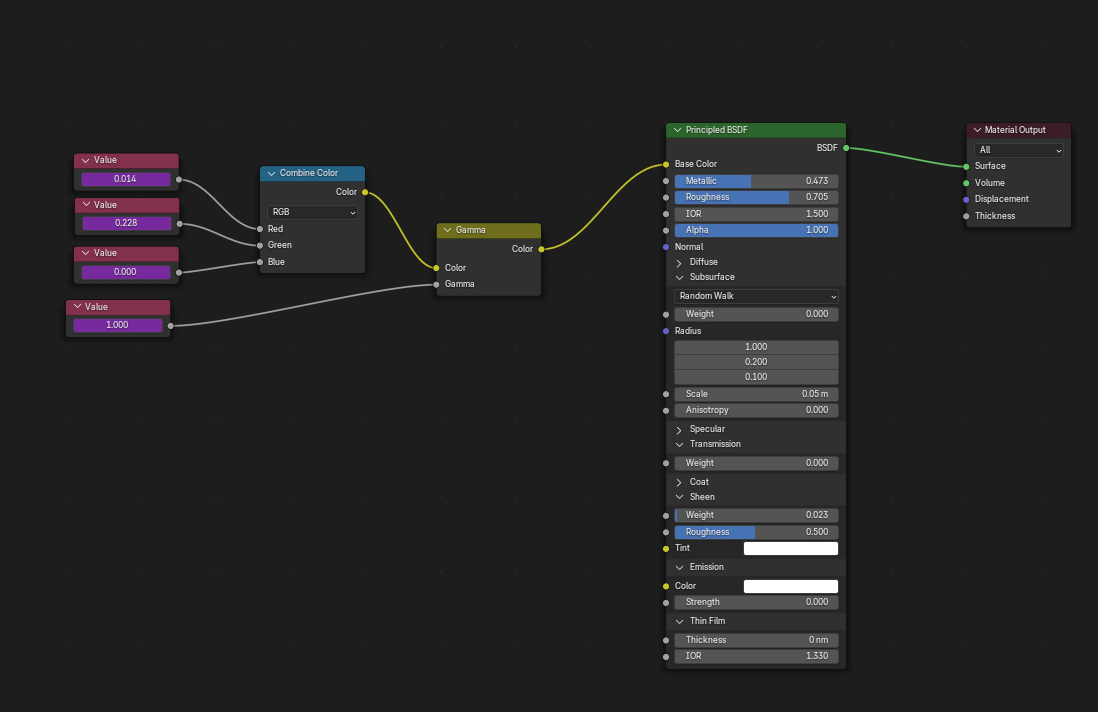
Does it have to be using Custom Properties specifically, or would using a Combine RGB node connected to the Base Colour work? It’s literally a node with floats in the 0-1 range for each of the RGB colour channels (or alternatively you can use it for HSV or HSL). You can then dial in your numbers for each channel either in the node, or if your intention is to only fiddle in the Material Properties menu once it’s set up then the channels are visible when you click the little arrow next to Base Colour when the node is plugged in.
It is a possibility but I would consider it a hacky way, if in any way possible I’d love for it to work with just the colour picker instead of 3 seperate colour channels.
To further explain my intentions, I use my own self-setup material library and in my projects I use these materials linked, not appended. Thats why the object custom properties won’t work (since I am using only the materials) and I am trying to get rid of multiple materials with just different colours (metal rough black; metal rough anthrazite; metal rough dark grey; etc).
Thank you for your suggestion! I need to do exactly what you are describing, but in the material level custom properties, NOT the object level custom properties! Is there any way?
Per material properties are all in the material. You can use as many RGB color nodes as you want in the node tree… But it doesn’t seem to be possible to access custom material properties from the nodes. Why would you ever need it to be specifically a custom property instead of a node?
Well, anyway. It doesn’t seem to be straight forward to add a driver, but you can script it. It seems a bit pointless to me, but I suppose that should be possible. See this answer: https://blender.stackexchange.com/a/21258/60759
But instead of a ‘Custom Property’, you can create a new Panel for Materials that exposes some node’s property, in a way that you can edit that property directly from the PropertyEditor (including the Color of an RGB, or anything else).
For example, this panel shows all RGB nodes and exposes their Color value:
import bpy

class MaterialControl(bpy.types.Panel):
    """Creates a Panel in the Material properties window"""
    bl_label = "RGB Nodes"
    bl_idname = "MATERIAL_PT_showRGB"
    bl_space_type = 'PROPERTIES'
    bl_region_type = 'WINDOW'
    bl_context = "material"

    def draw(self, context):
        layout = self.layout
        nt = context.material.node_tree
        for n in nt.nodes:
            if n.bl_idname == 'ShaderNodeRGB':
                r = layout.row()
                r.label(text=n.name)
                r.prop(n.outputs[0], "default_value", text="")

def register():
    bpy.utils.register_class(MaterialControl)

def unregister():
    bpy.utils.unregister_class(MaterialControl)

if __name__ == "__main__":
    register()
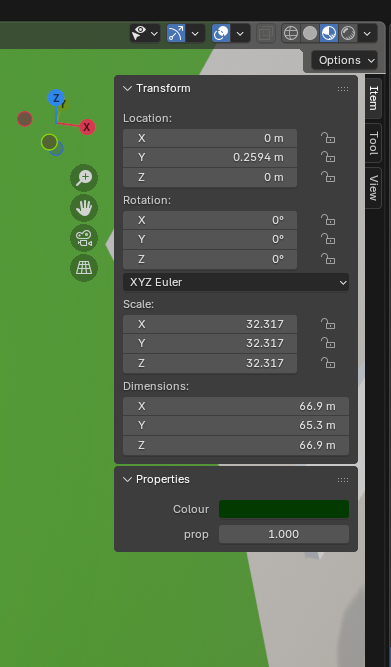
Just a quality of life reason for my need. I don’t like switching back and forth between the material custom properties (to make adjustments to roughness or normal maps, that I have added drivers for) and the object properties - viewport display to access the colour.
Oh. This is an XY problem kind of situation. It actually has nothing to do with specifically custom properties, you just need it for convenience. If you started with that, it would have been faster and possibly even better then just an example. It’s always better to provide details and context.
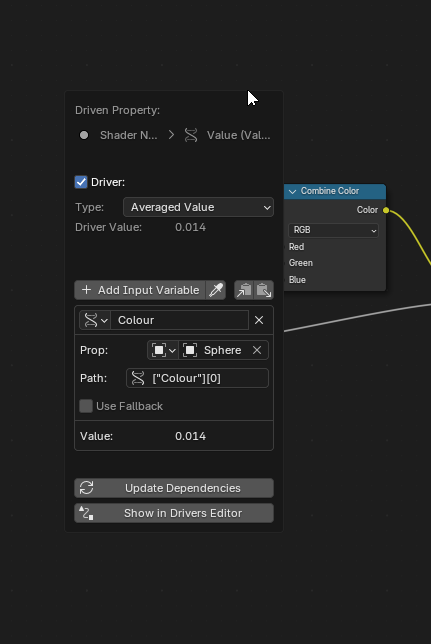
Where indexes [0-2] are your RGB and [3] is your Gamma, you now have a Colour driver in your shader node. Not exactly the most elegant of solutions and it would have been nice to just drive a colour input directly, but it does the job
Object properties show up there and it’s quite convenient since you probably want to set something in the material per object. You could have material custom properties there with a little bit of Python, but I don’t really see the point to be honest. Because why would you want that?