Material makes one side of the object go black no matter how I turn it

When I use this material one of the sides of the mesh turns black. When I turn the object the side that was black aquires color but the one that replaces it goes black. Other materials work fine, but this one doesn’t for some reason.

Object from one side:

The same object from the other side (camera position doesn’t change):

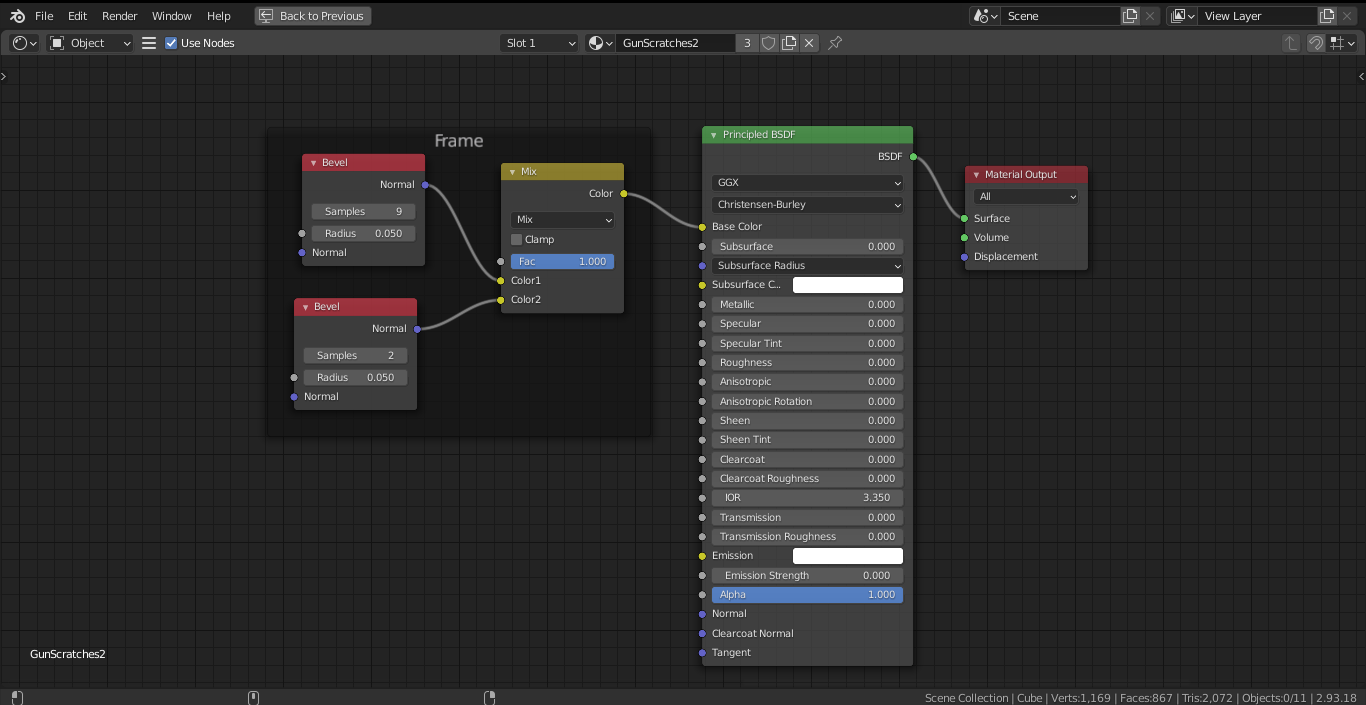
Shaders:

You’re in Eevee. The Bevel node is Cycles only

I’ve changed the Render Engine to Cycles in Render Properties, but nothing changed. Is that what you mean or you have to set it to Cycles somewhere else too?
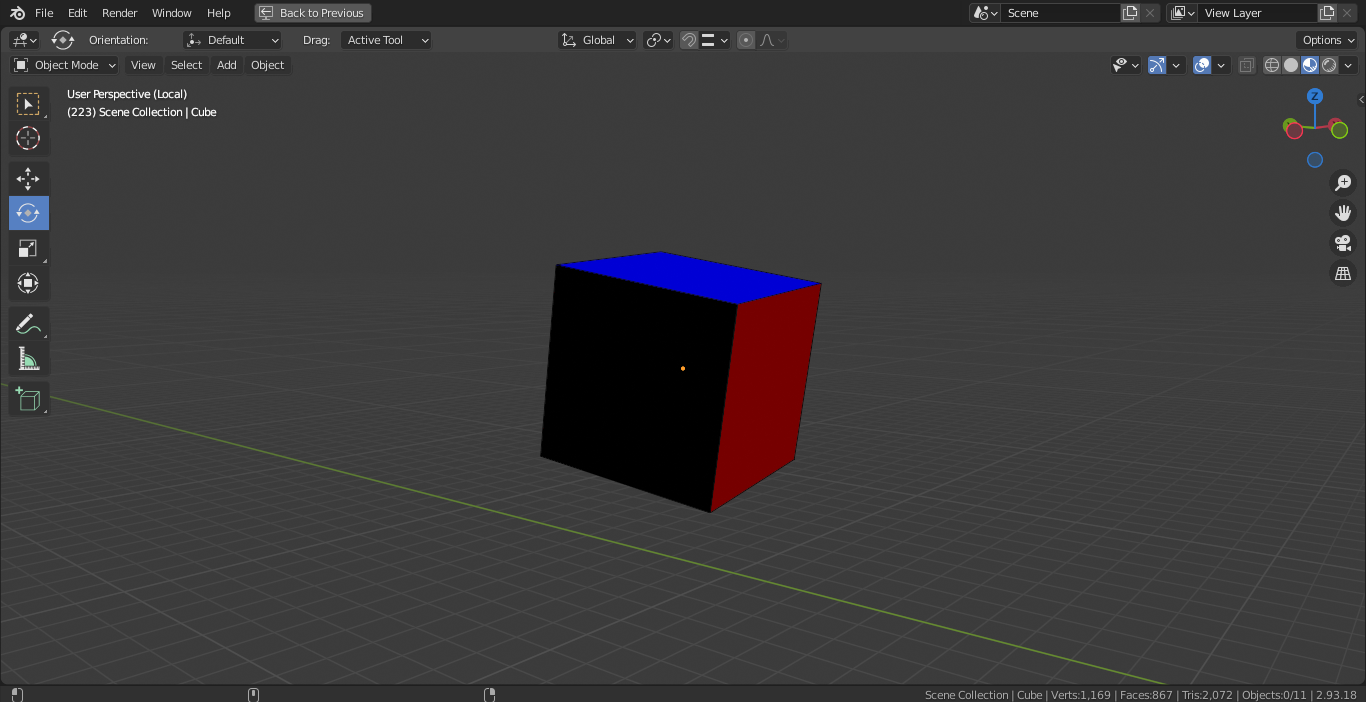
Then you’ll need to switch to Rendered view, not Material Preview (Z), as Material Preview uses Eevee

I do not know what you are trying to achieve with this but what you are seeing are the normal’s vector colours.

The bevel node is used to effect the normals, also mixing 2 bevels like that is a bit weird.

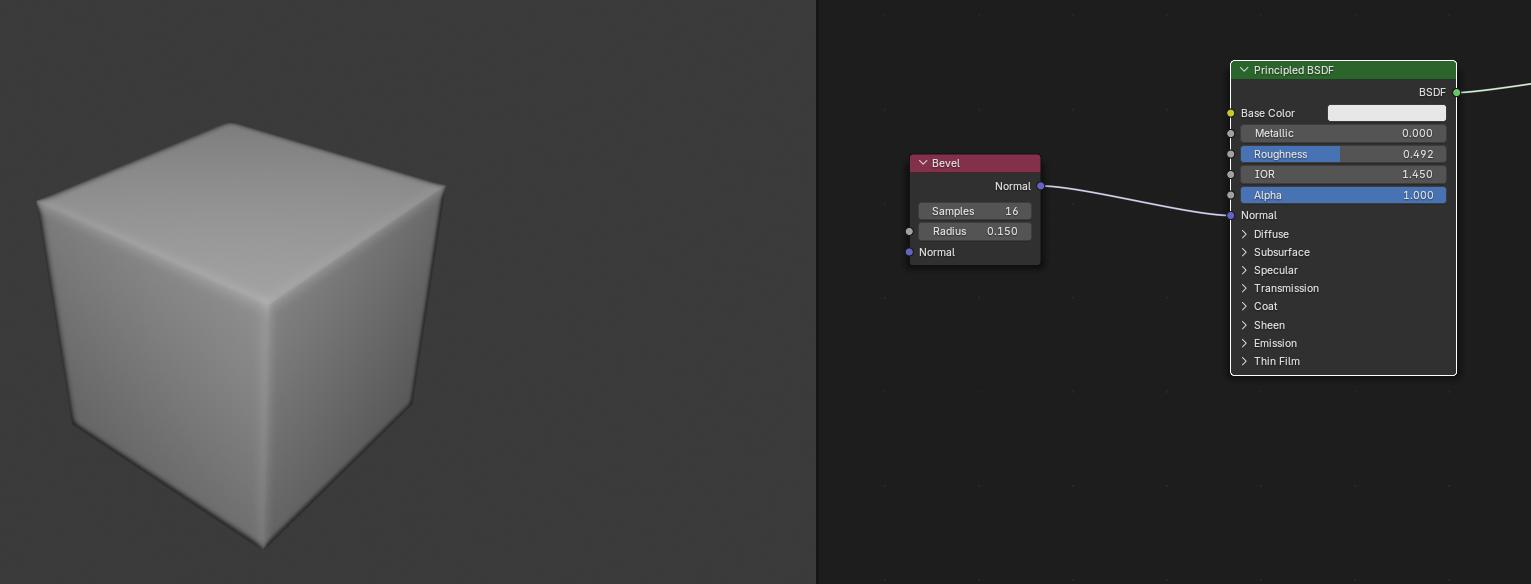
You should use the bevel node for this, those colours are interpreted as normals and give the cube the appearance of a bevel. (cycles only)