Hi all, often there is a need to convert some CAD files to use in Blender, the solutions are always few and often one is forced to use programs such as FreeCAD which are too large or to buy a converter, or an application.
But now you can use Mayo, is been developed for a couple of years a tool that allows you to do various things but above all convert CAD formats into polygons to be used in Blender, it has various options for tessellations that can both be set manually and in a generic way based on quality.
Save into OBJ but glTF, support assembly with multi parts, and are preserved into exported file and organized via parenting.
Mayo is a free opensource CAD viewer and converter, support several 3D formats and there is a version for Linux and Windows, is Cross platform
Mayo runs on Windows, Linux and macOS but in GitHub there are only the Windows and Linux I assume for macOSX is necessary the build from sources.
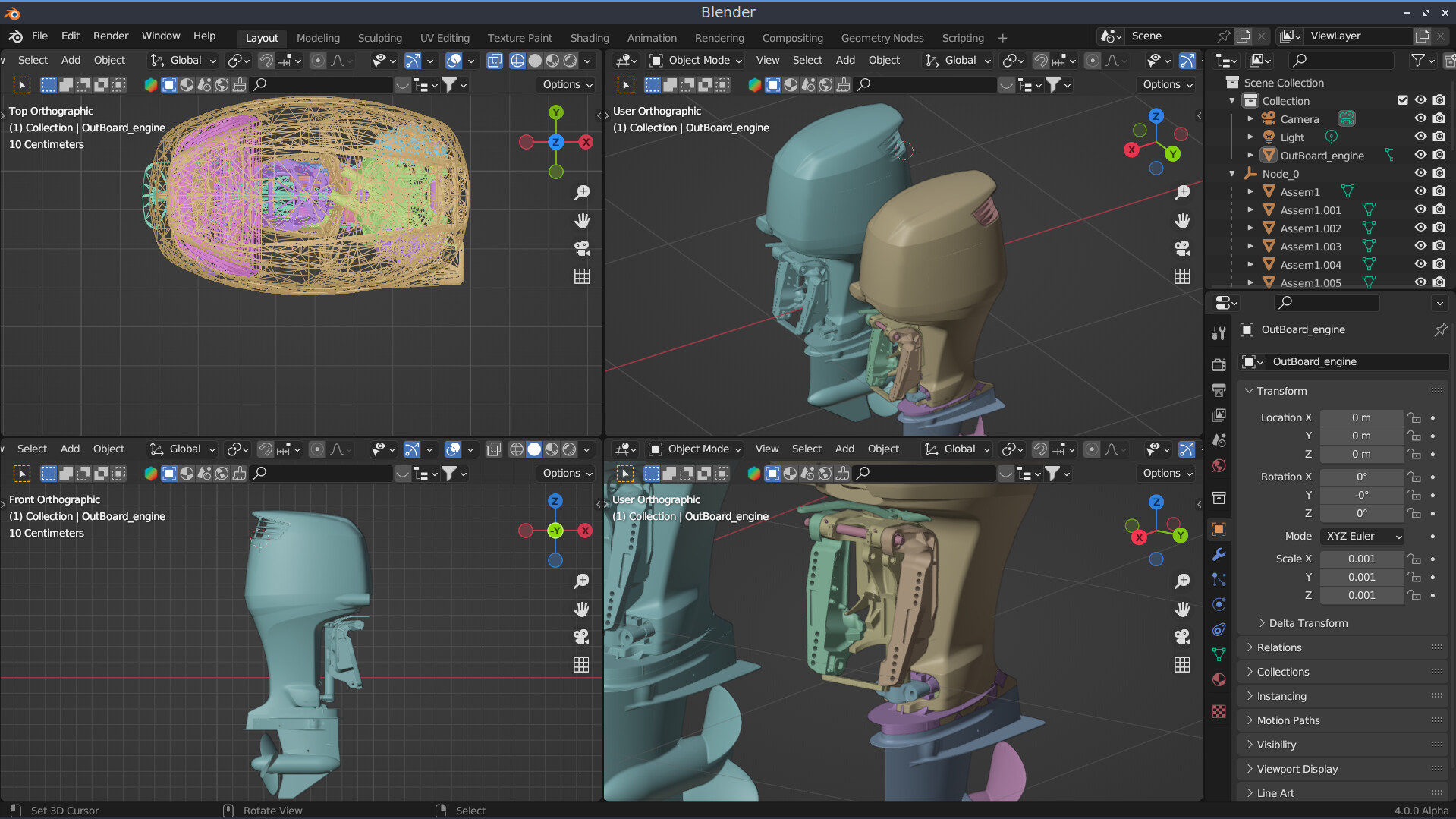
Blender with an OBJ imported from Mayo export and a glTF with the right scale and also assembly organized in multi objects with materials too
I prepare some tests in the next days, with different tessellation levels of the meshes, but for the moment with the default settings and exporting in glTF, the result is acceptable.
However, for those who want to do it independently, the options are general, and must be set in the preferences, and Mayo need to be restarted.
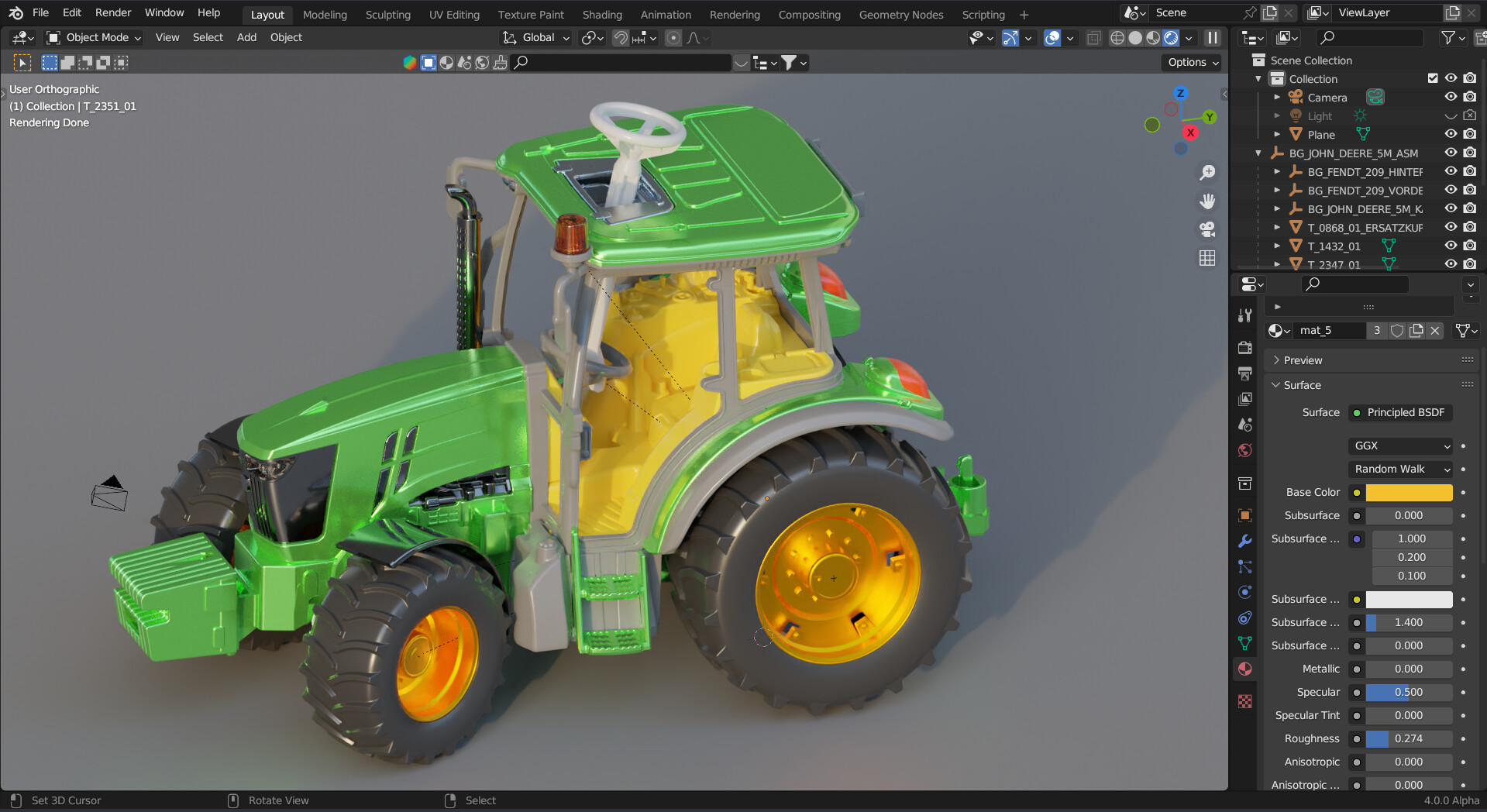
I’m still here, I did a test, setting the tessellation parameters manually, but it’s hard to get acceptable results, better to use the preset ones, here in this model downloaded from GrabCAD I set the precise value, the default one is normal, you can also set very precise for those who want a very good quality, but precise I think they can go very well.
Model in Mayo
Thank you very kindly, I am very happy that it is useful, I mainly share things related to CAD and news, and small solutions that I experiment with for my projects.