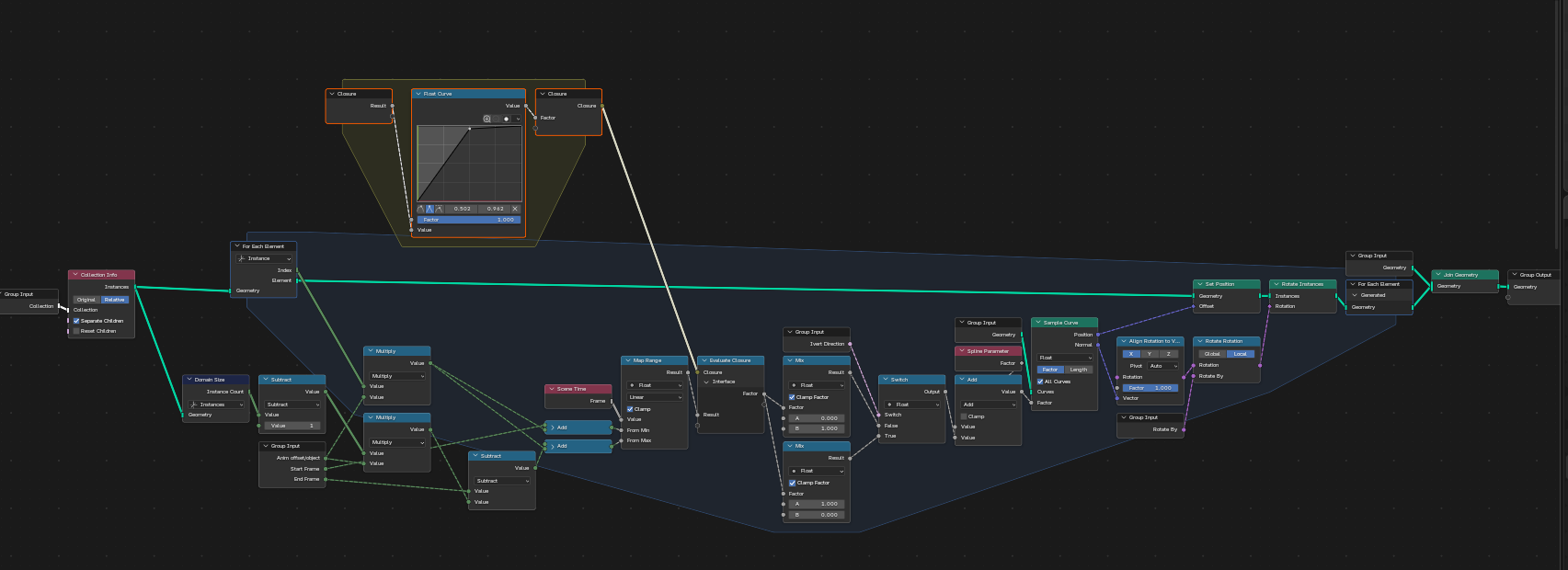
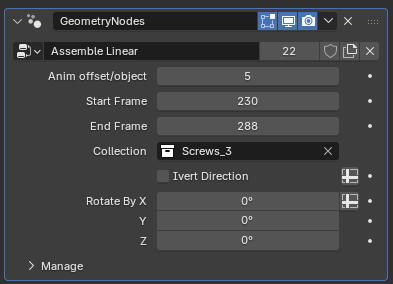
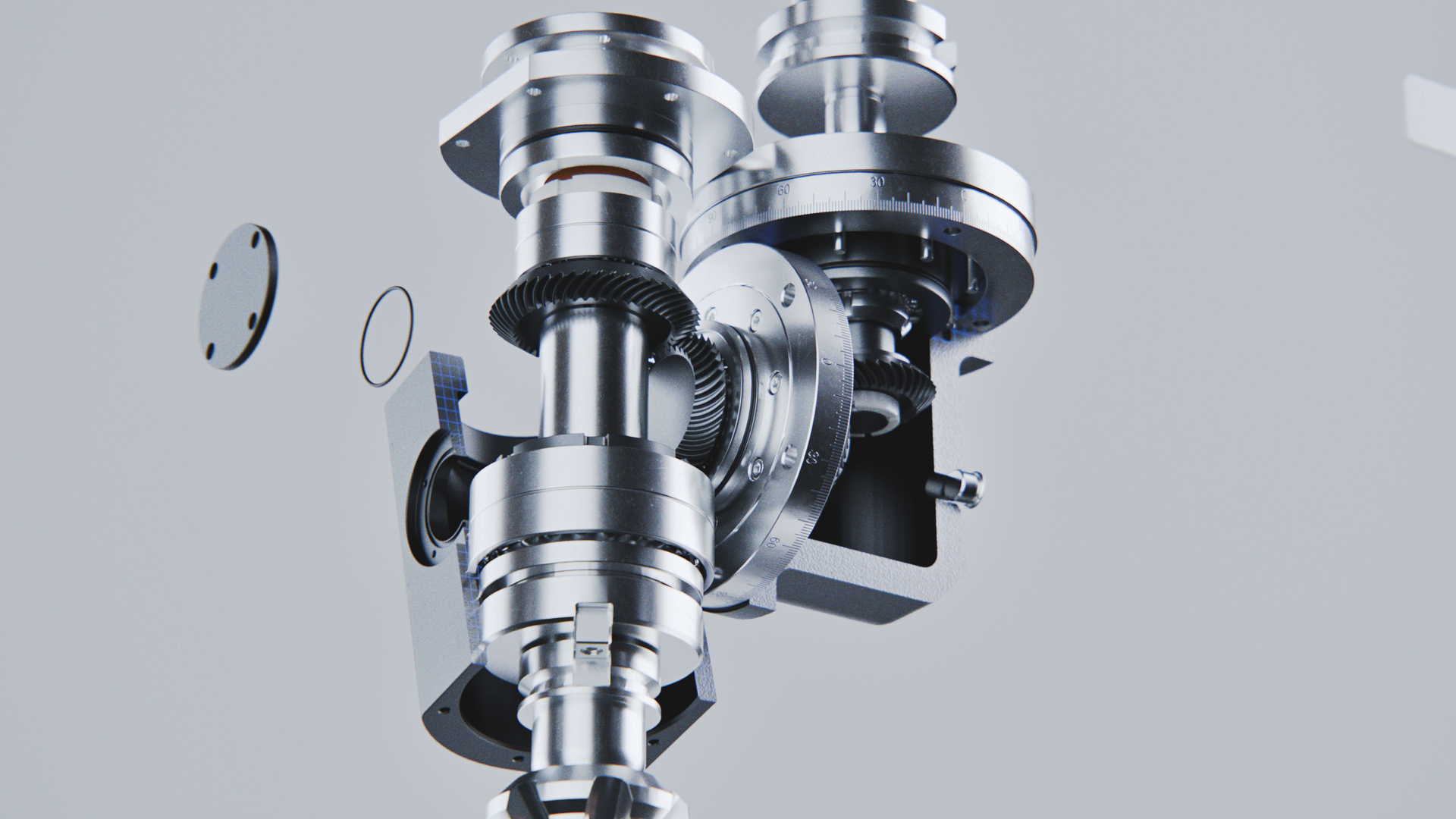
This is one of my most recent personal projects. I have been doing technical animations for quite a while now, but couldn’t share any of my work, so I decided to make a project like this just for fun.
The original model is from grabcad, however there is still quite a lot to do with cad files to get them looking good.
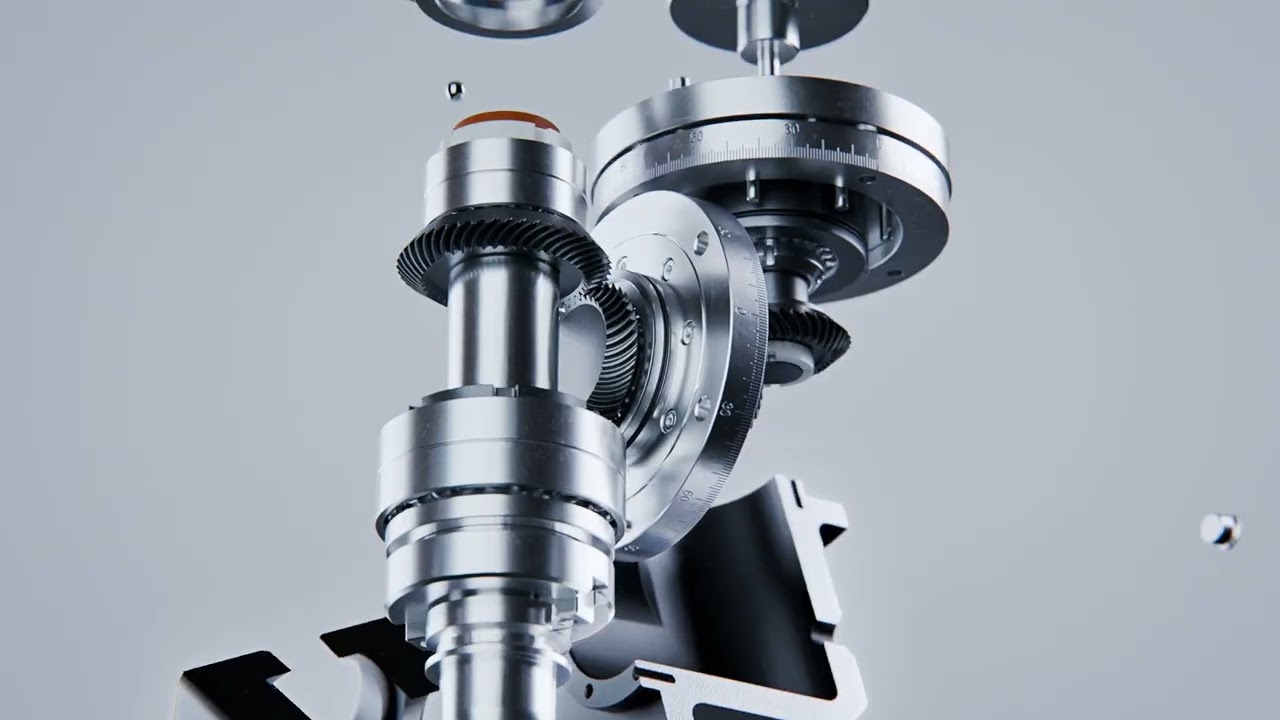
Here is the video of the animation:
For the metal materials I wanted something that looks very realistic, so I used one of my older tools to add micro scratches to the metal. I think that really helped bringing it one step closer to realism.
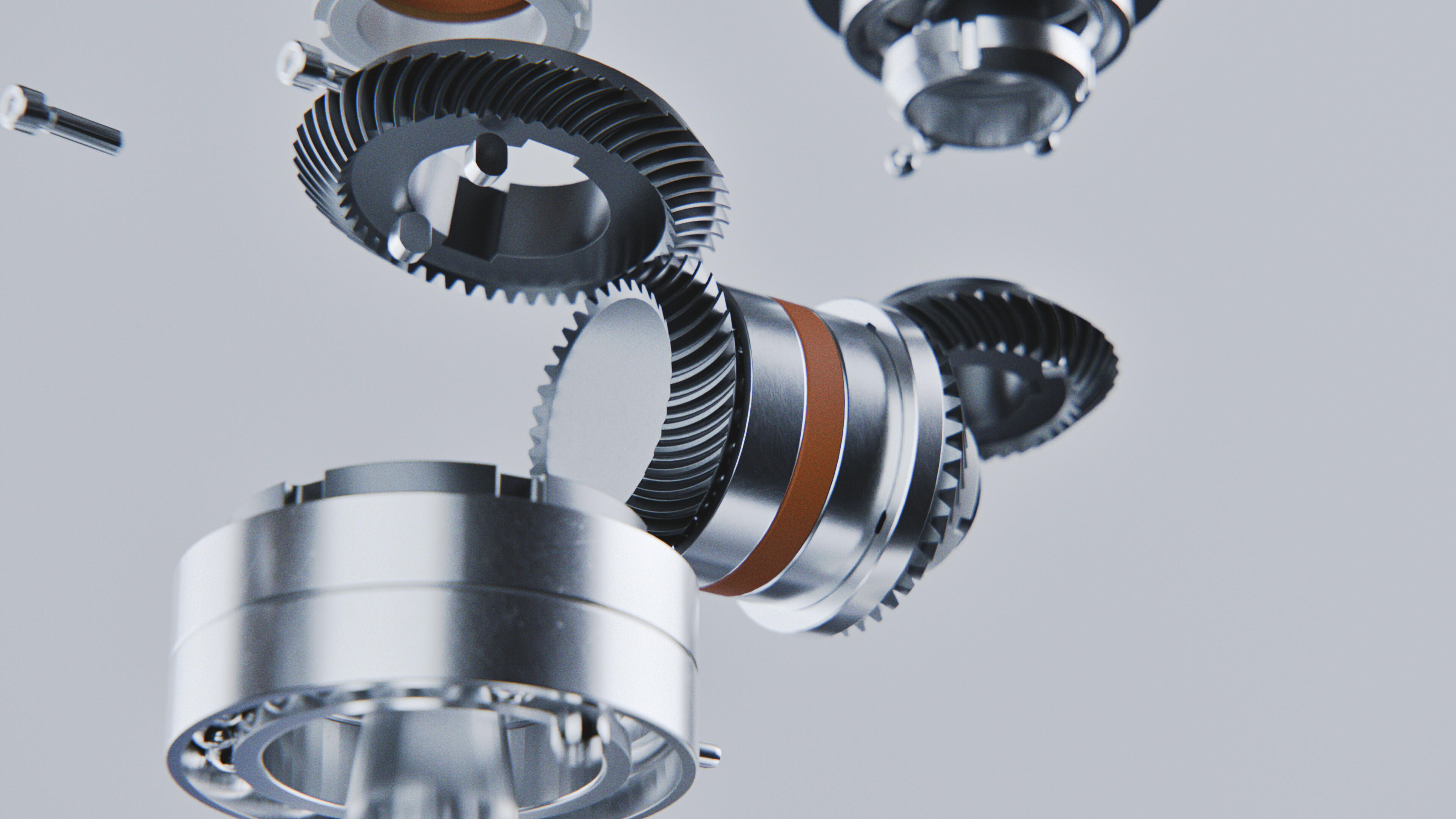
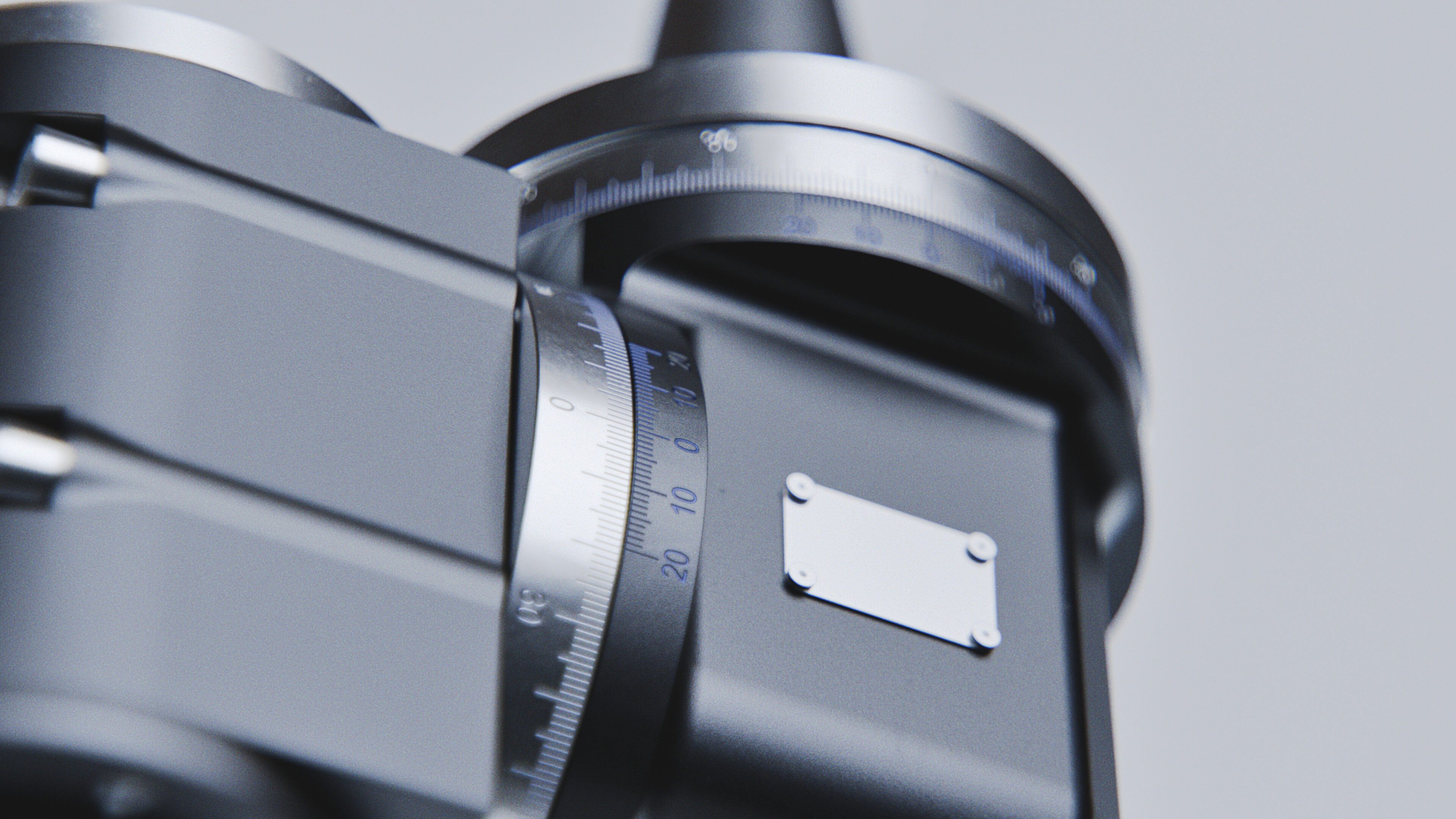
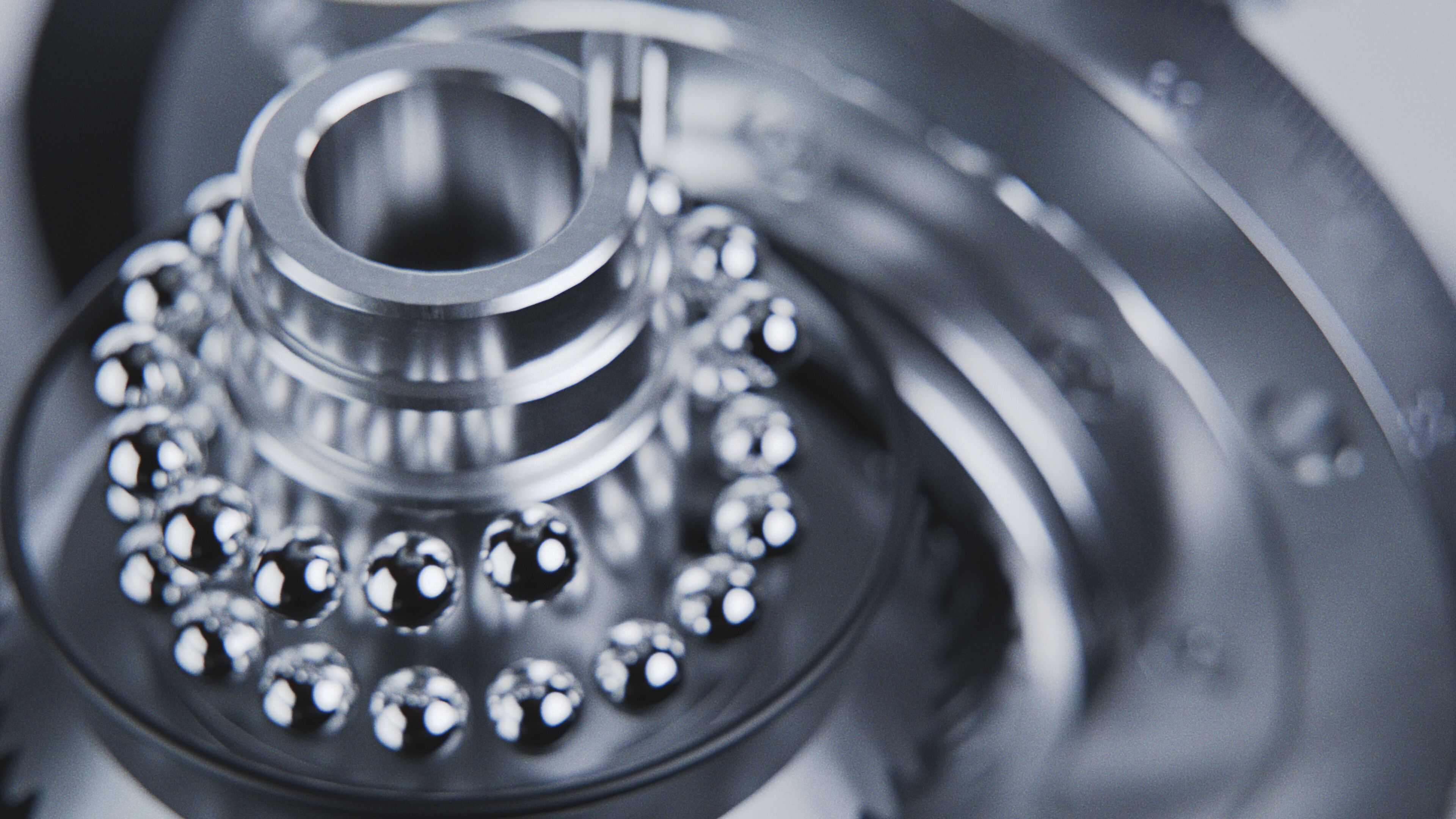
Here are some other still images I rendered. For these I also used the LensSim addon to give it that extra character.

Now lets talk about the issues I had during this project. In the animated video I use some booleans to dynamically hide and reveal certain elements. This caused quite a few problems later on in the rendering phase. As it turns out first of all the converted mesh topology does not play well with booleans in of itself. Then we get to rendering where I needed to use motion blur to keep things realistic, but then I had the problems of flickering. As it turns out motion blur and booleans also do not work well together. Then I thought I’d just render out the velocity vector mask of the objects in my scene so I can later add an accurate motion blur in post, however it turns out that if I want to use Lens Sim then that render pass does not work.
My understanding of the issue is that even though the booleans look good in the viewport, when we render the animation with motion blur it then interpolates the boolean motion between the frames. Meaning that even if it looks fine in the viewport it might throw the usual boolean errors when rendering the motion blur. And later this will result in the flickering we can see.
Anyway, I rendered this out quite a few times, and even now if you take a look at the vide towards the end you can still see some errors, and flickering in the last bit where the outer shell is revealed.
For the post processing I used Blender as well.
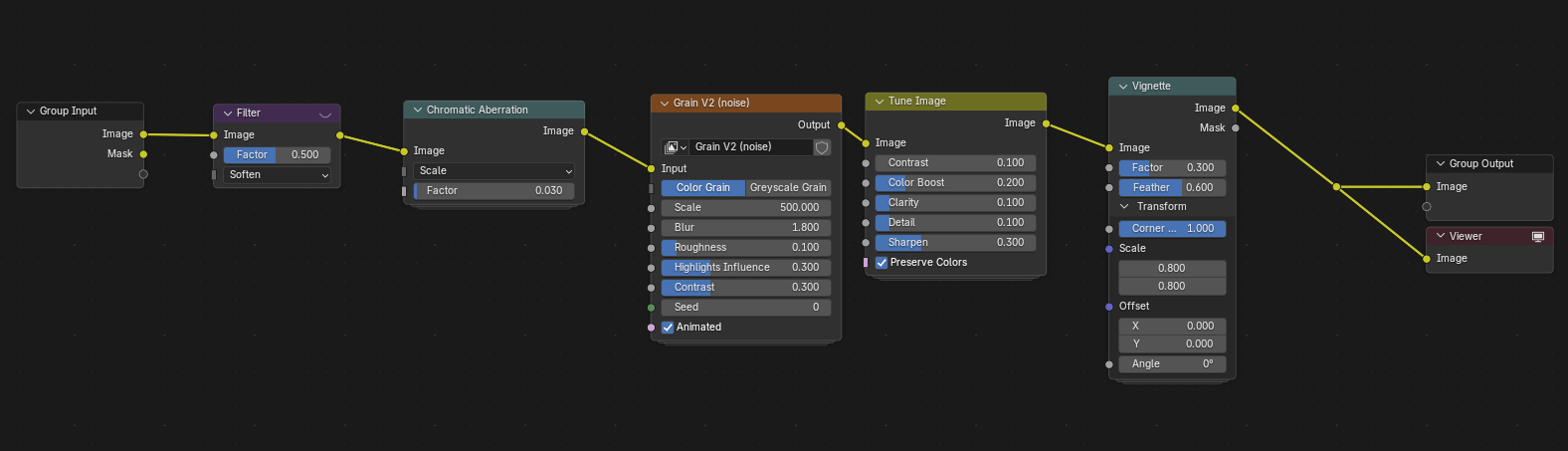
The only special node here is my custom grain texture.
Let me know what you think!
If anyone knows of some magical boolean fix then please do share…