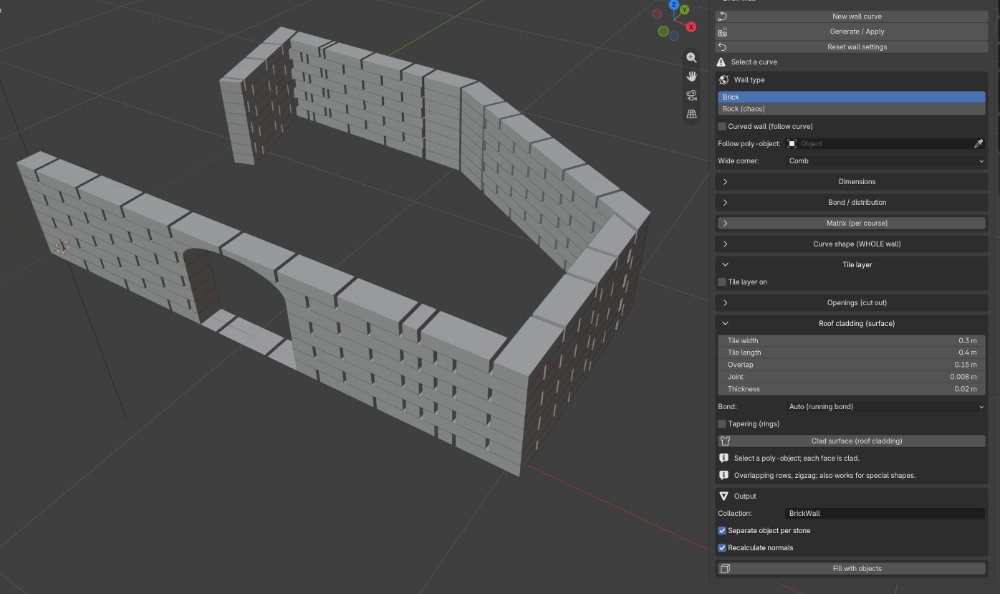
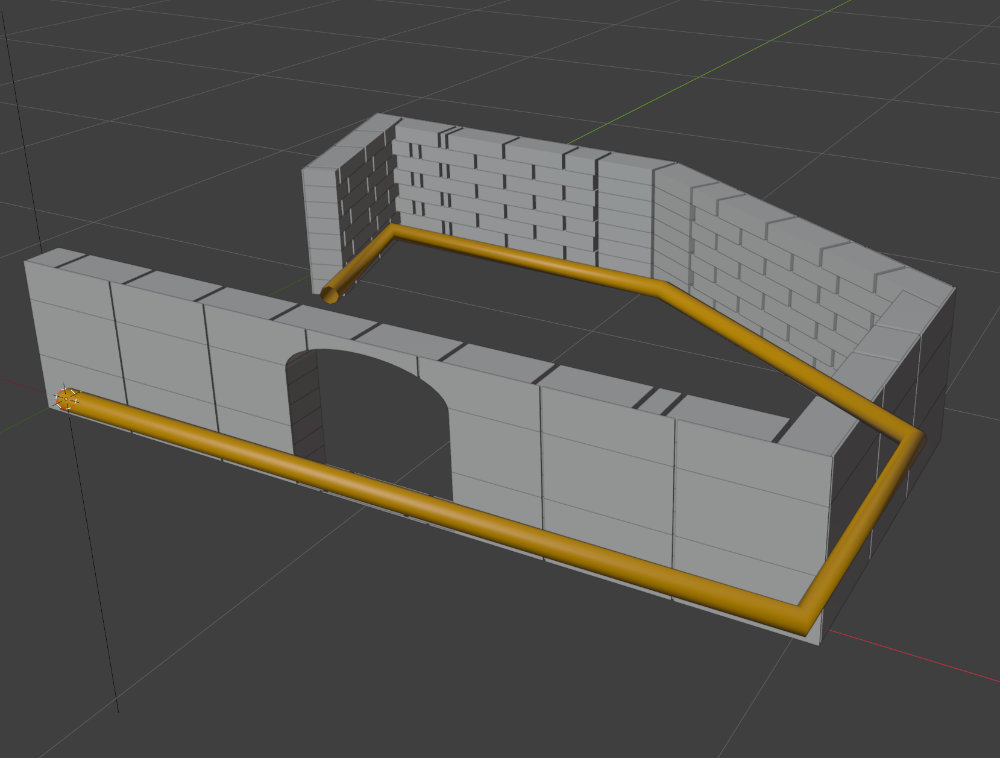
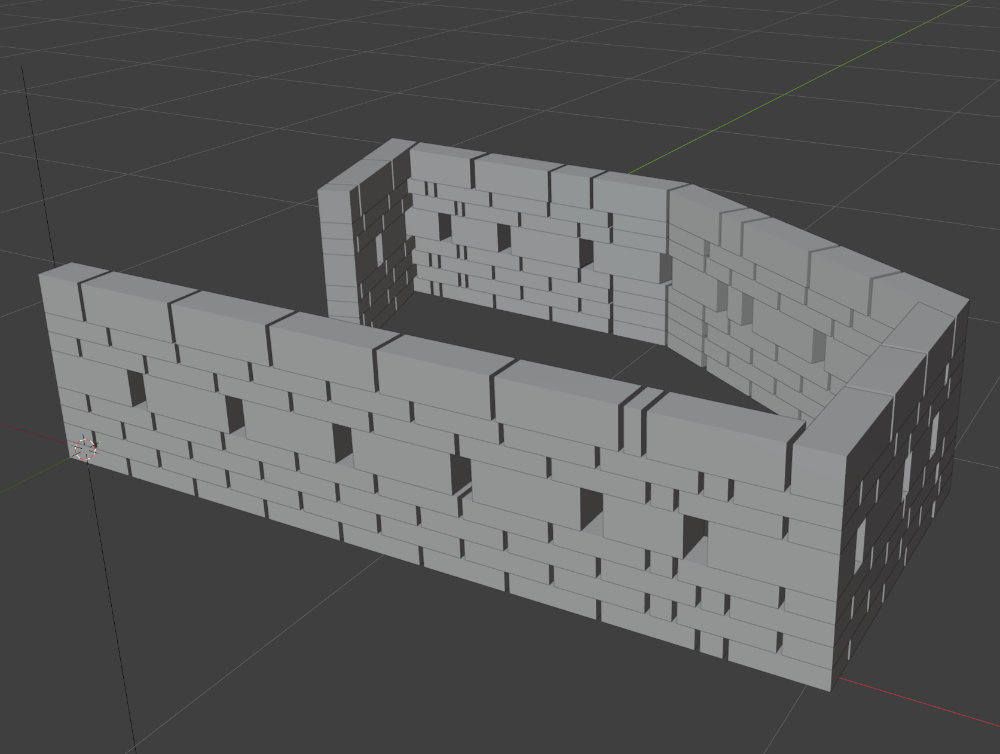
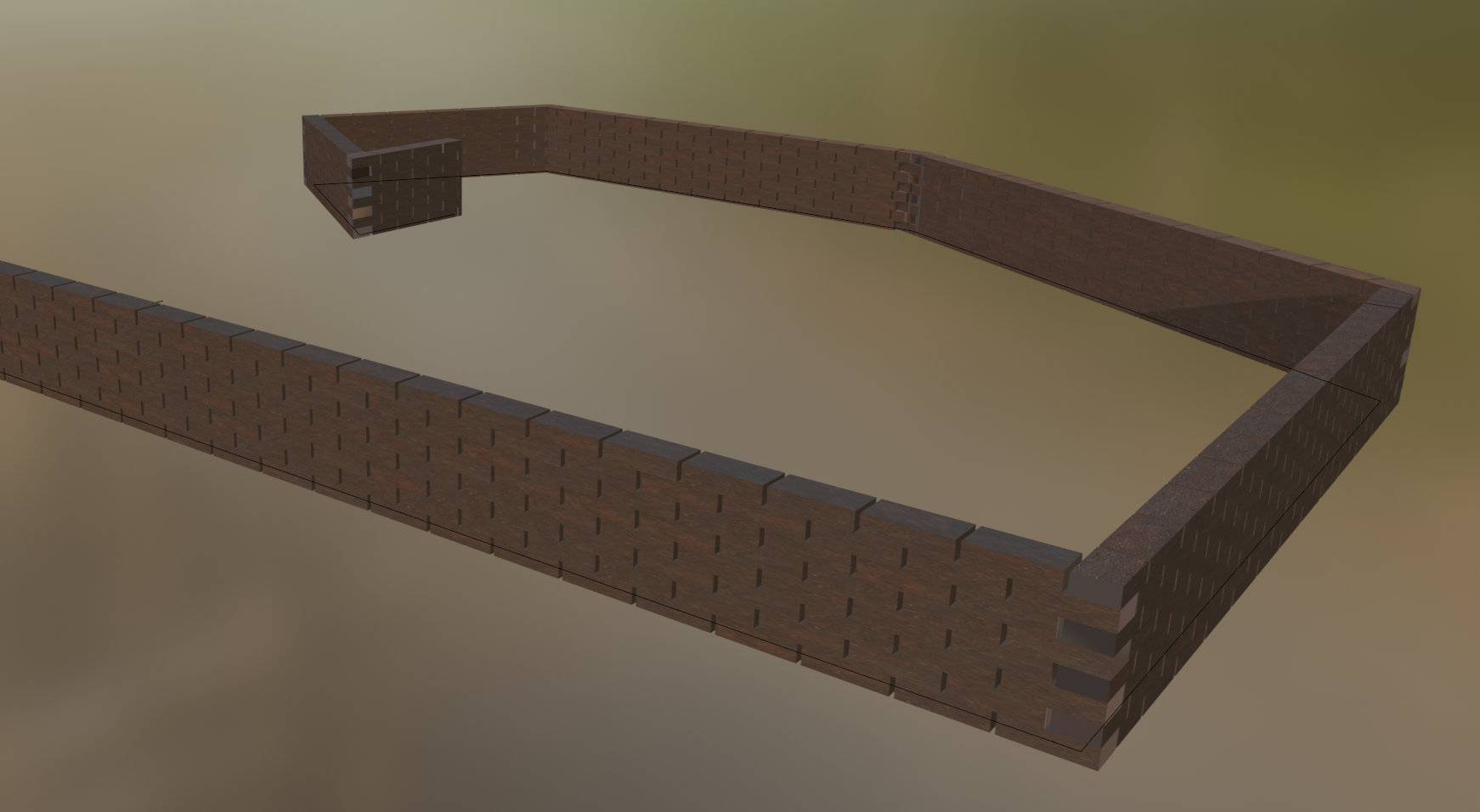
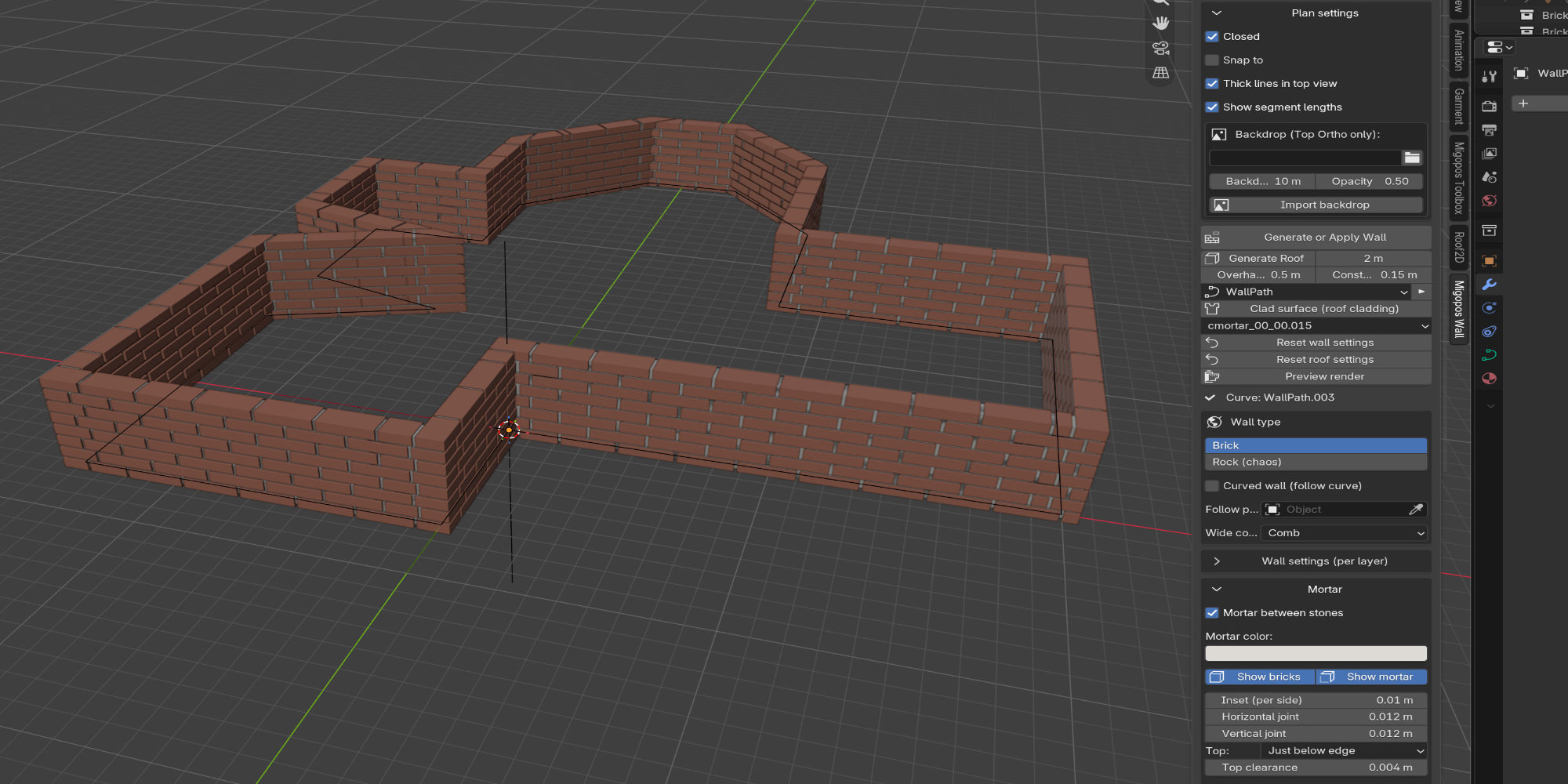
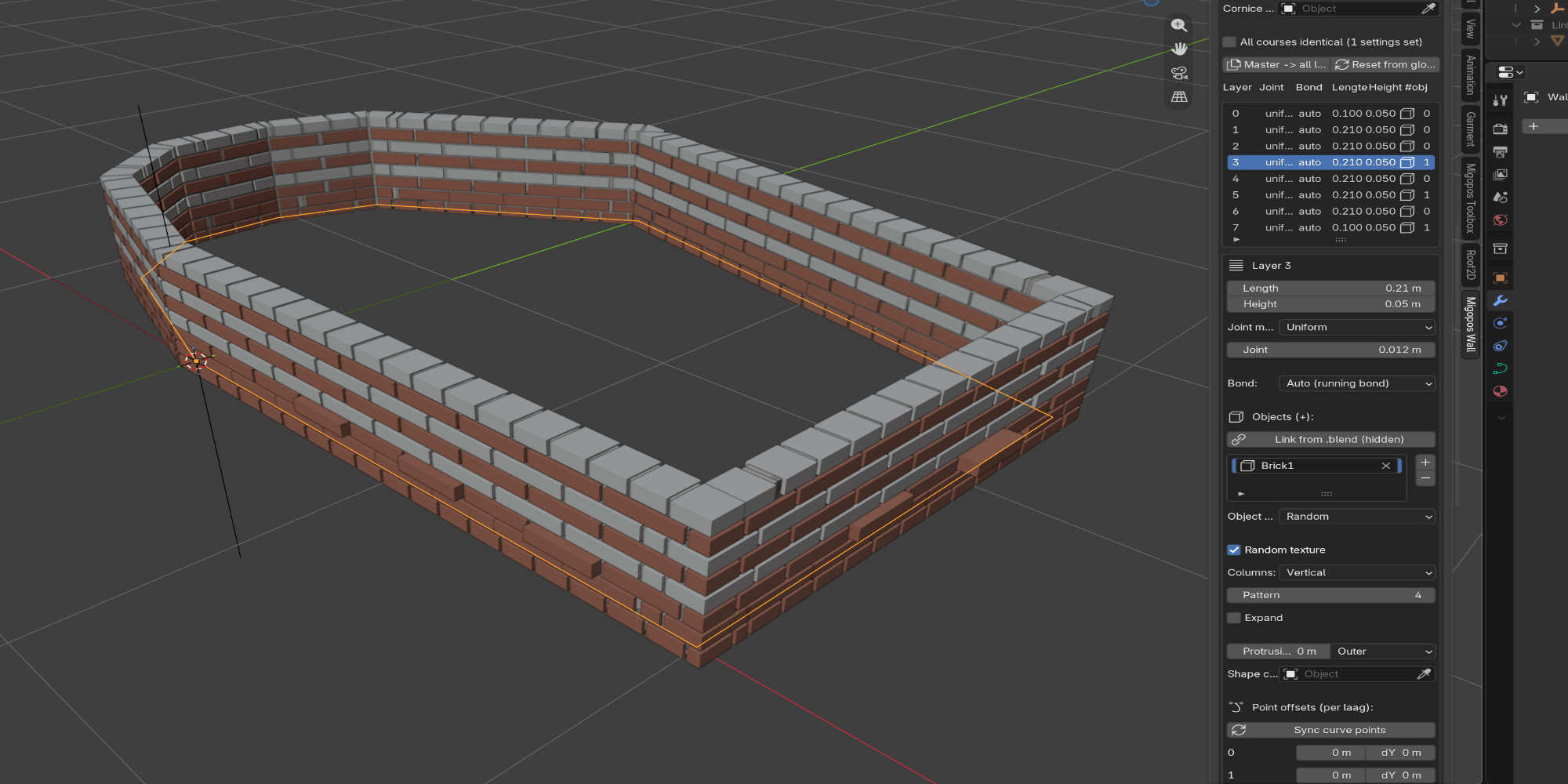
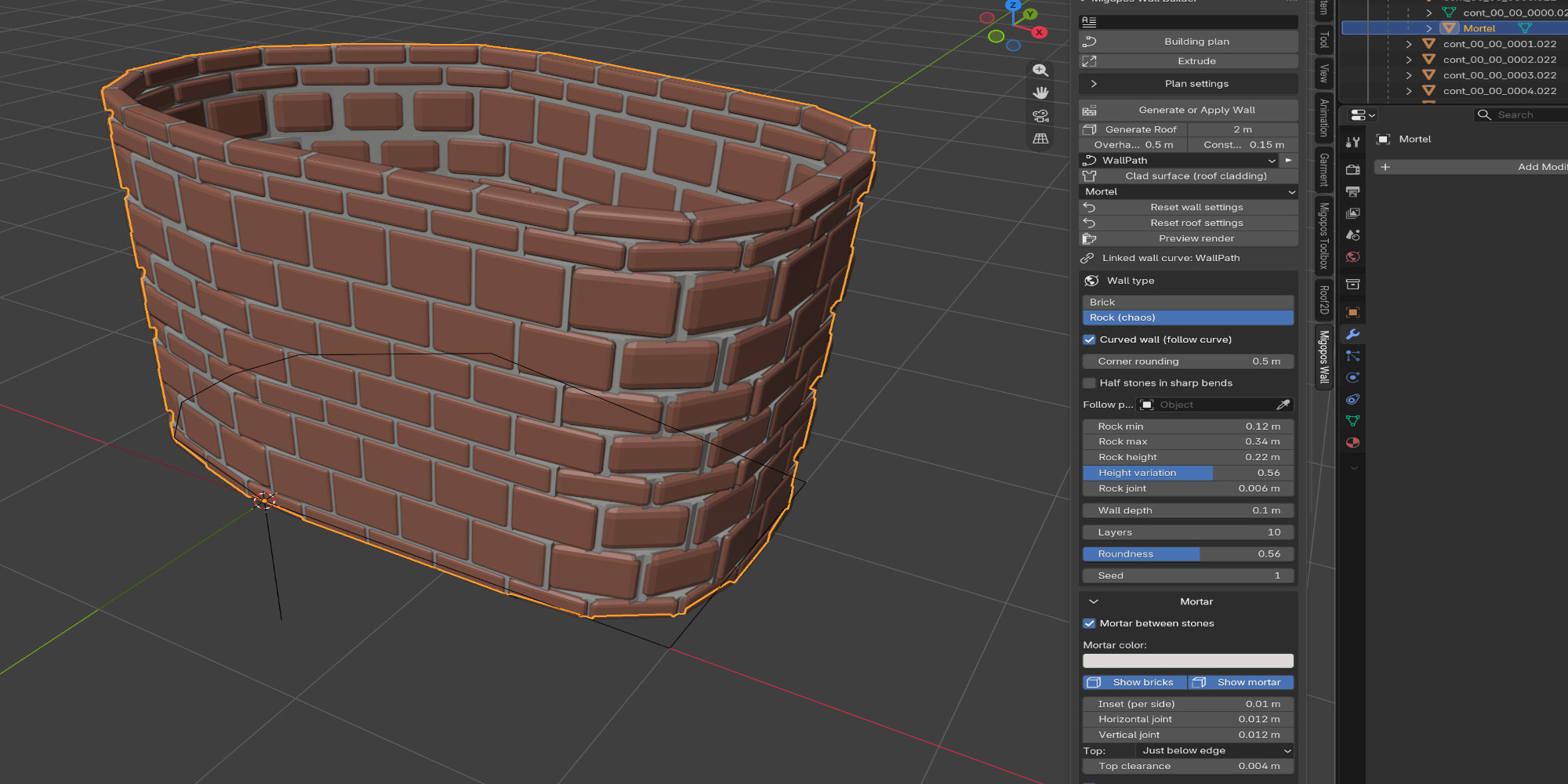
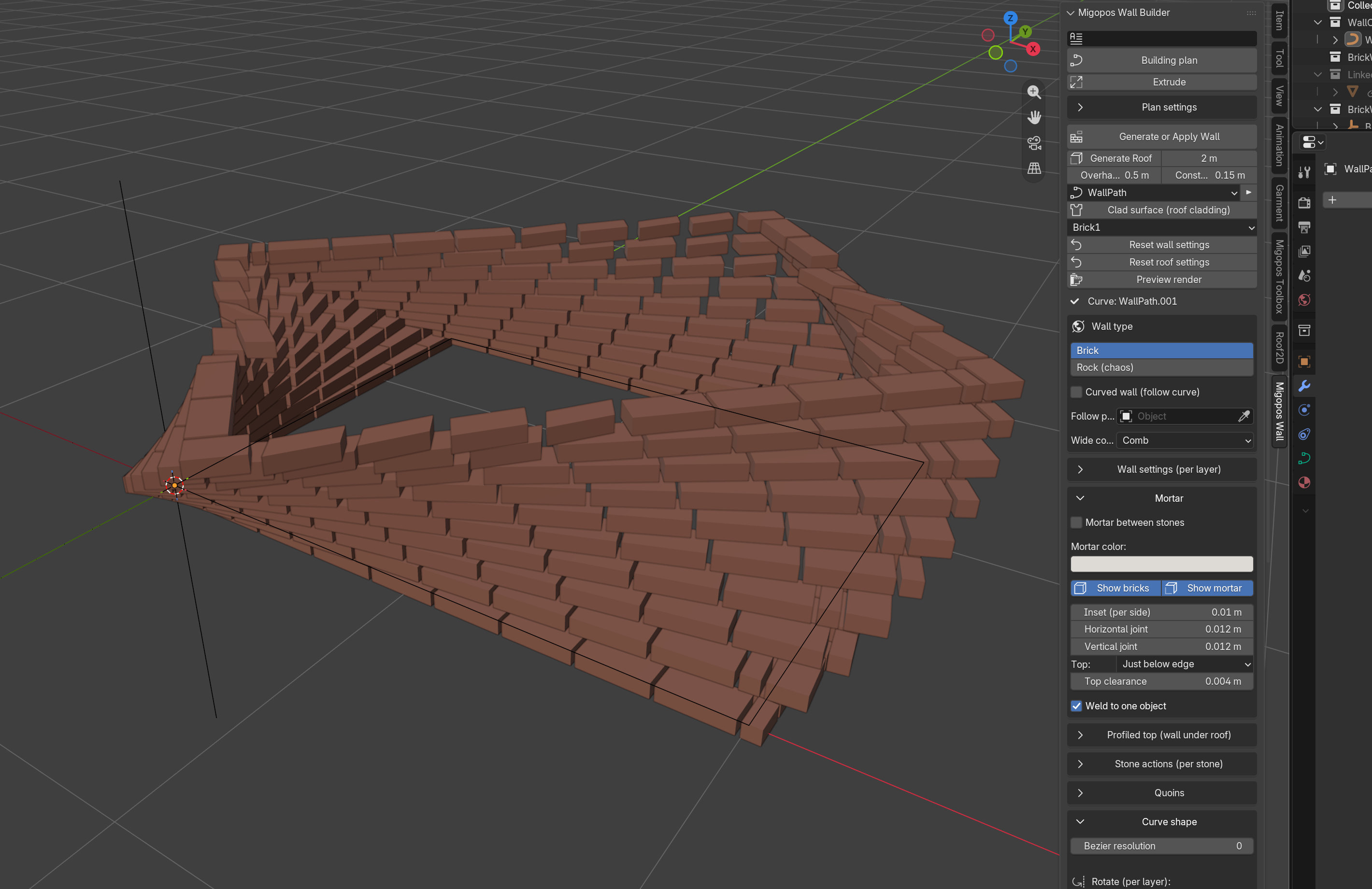
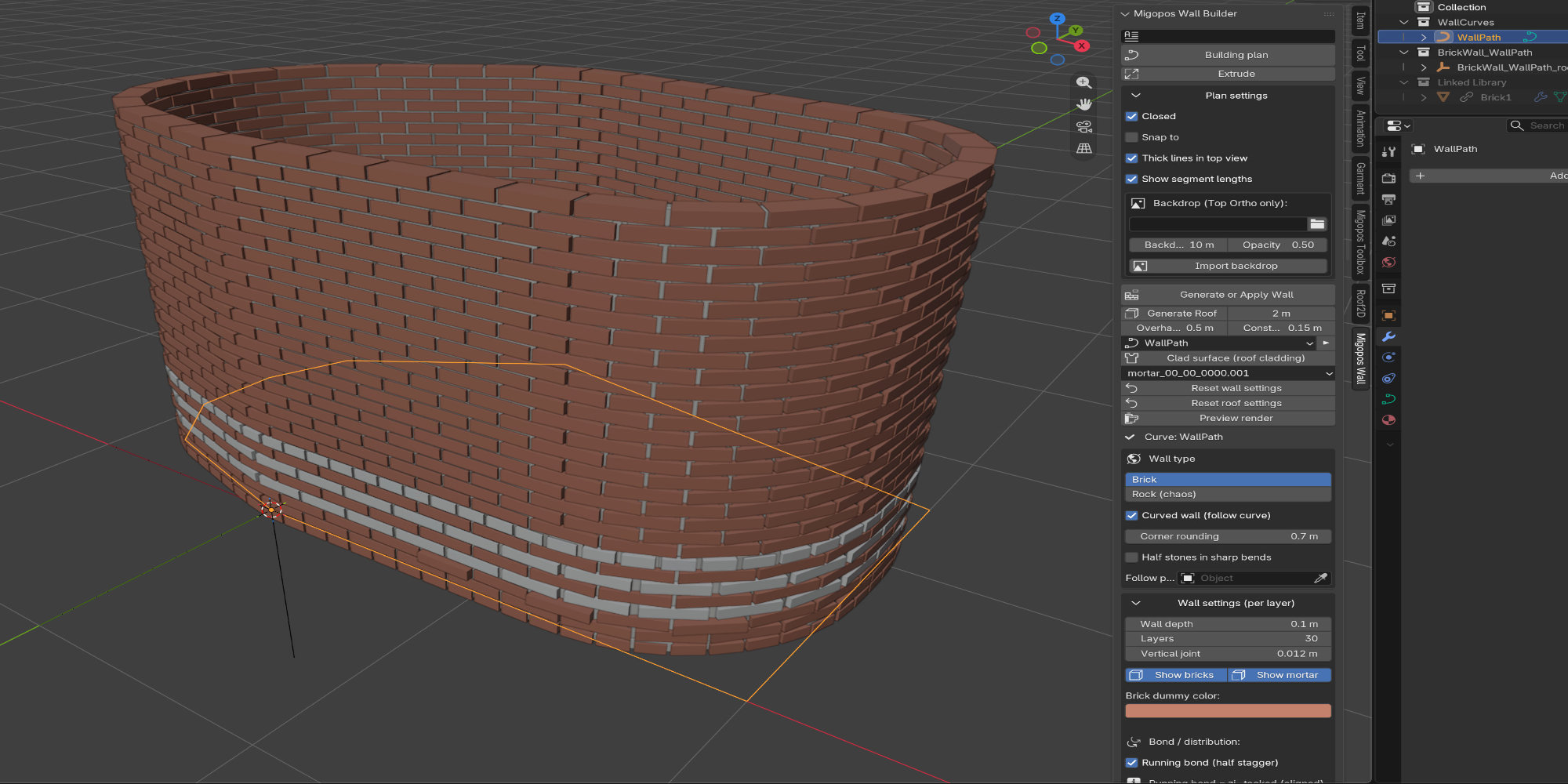
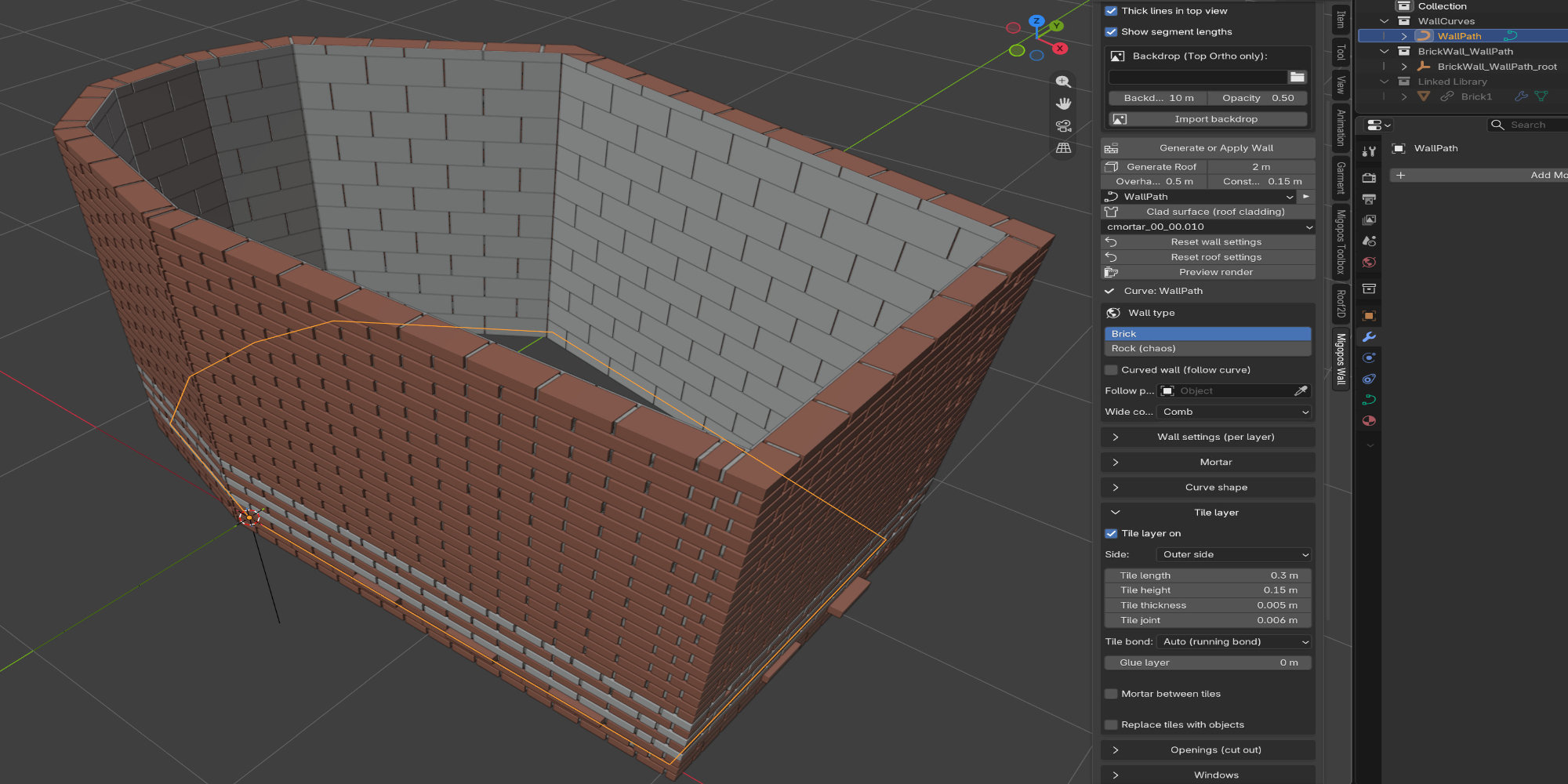
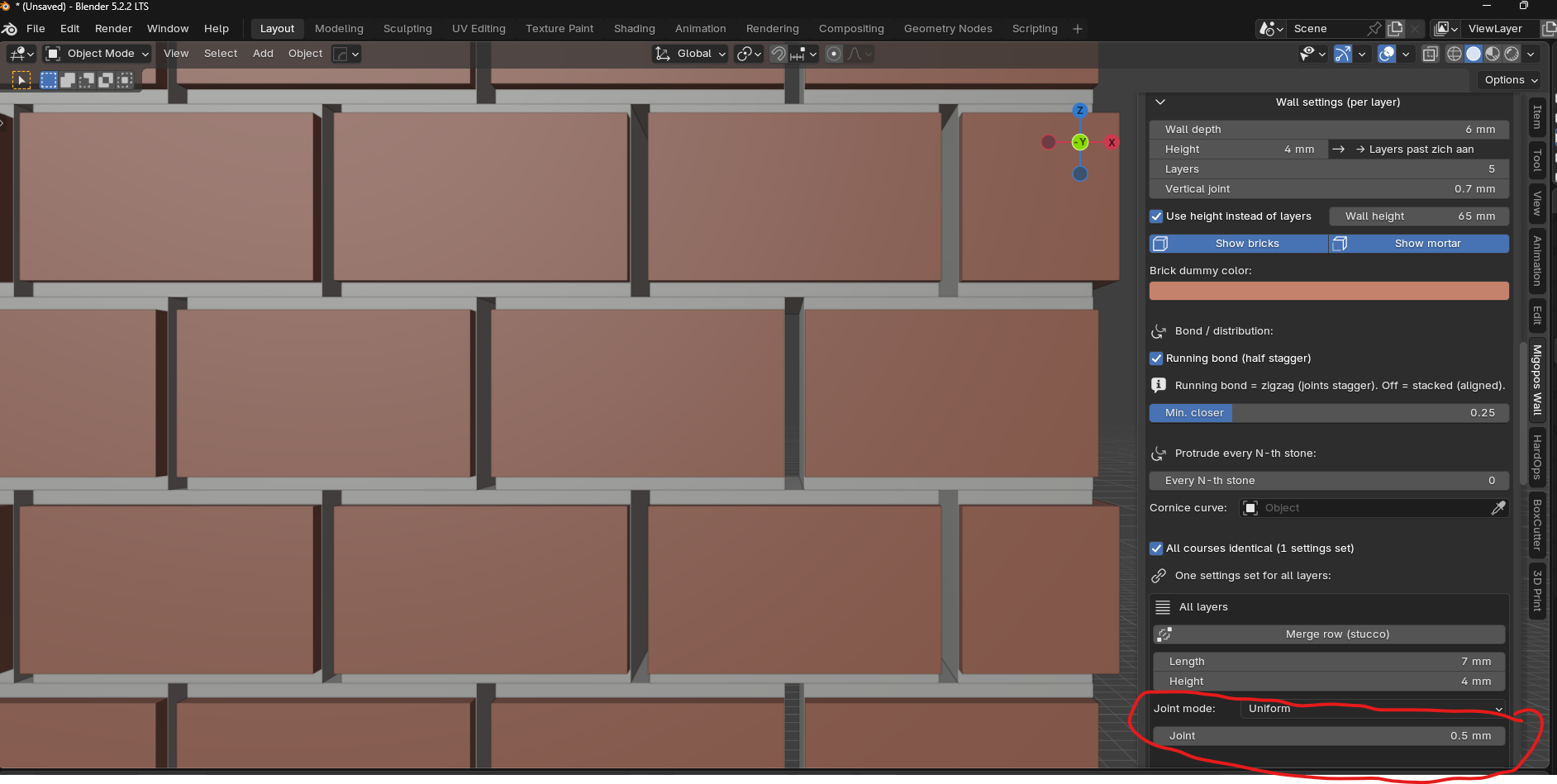
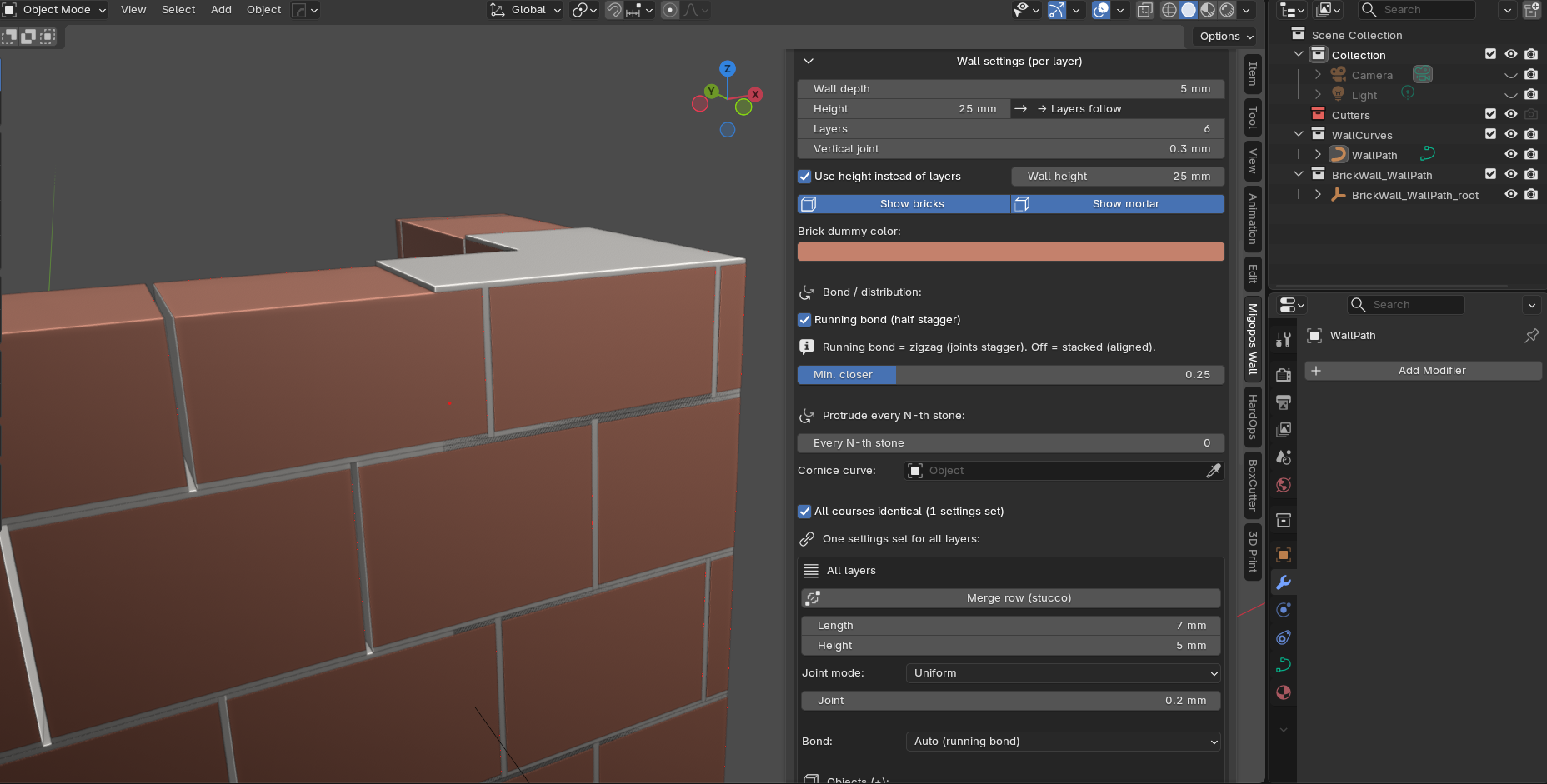
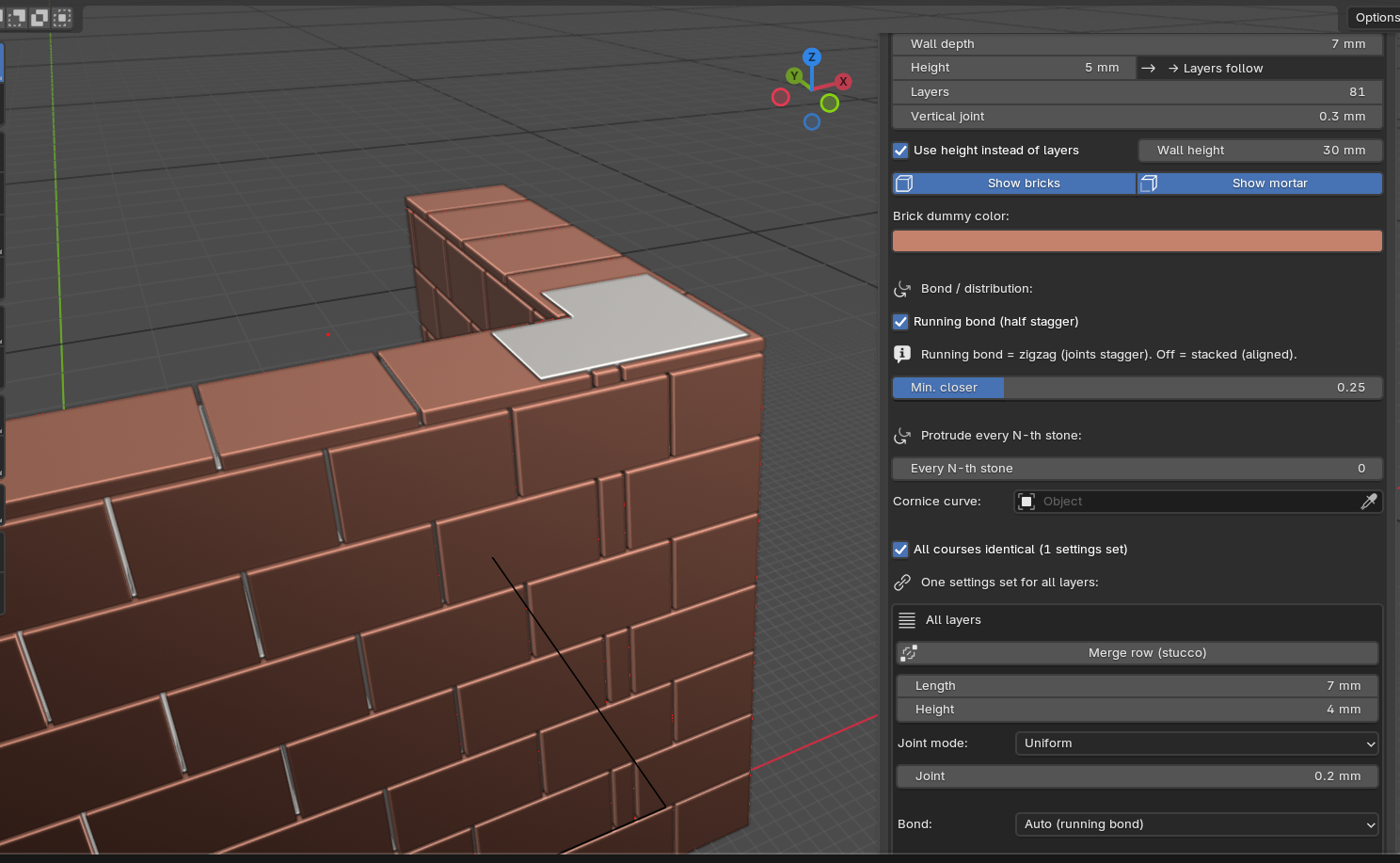
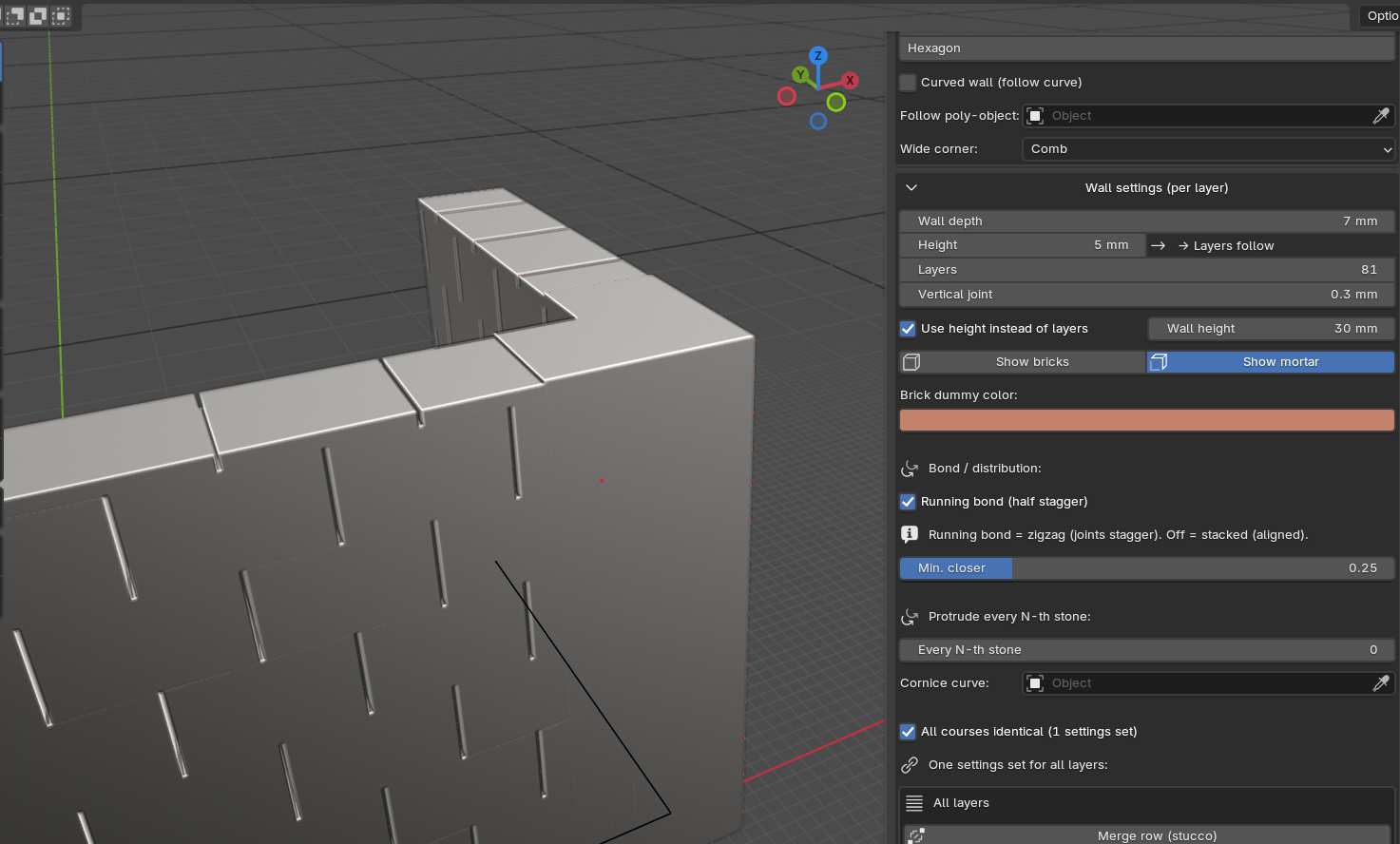
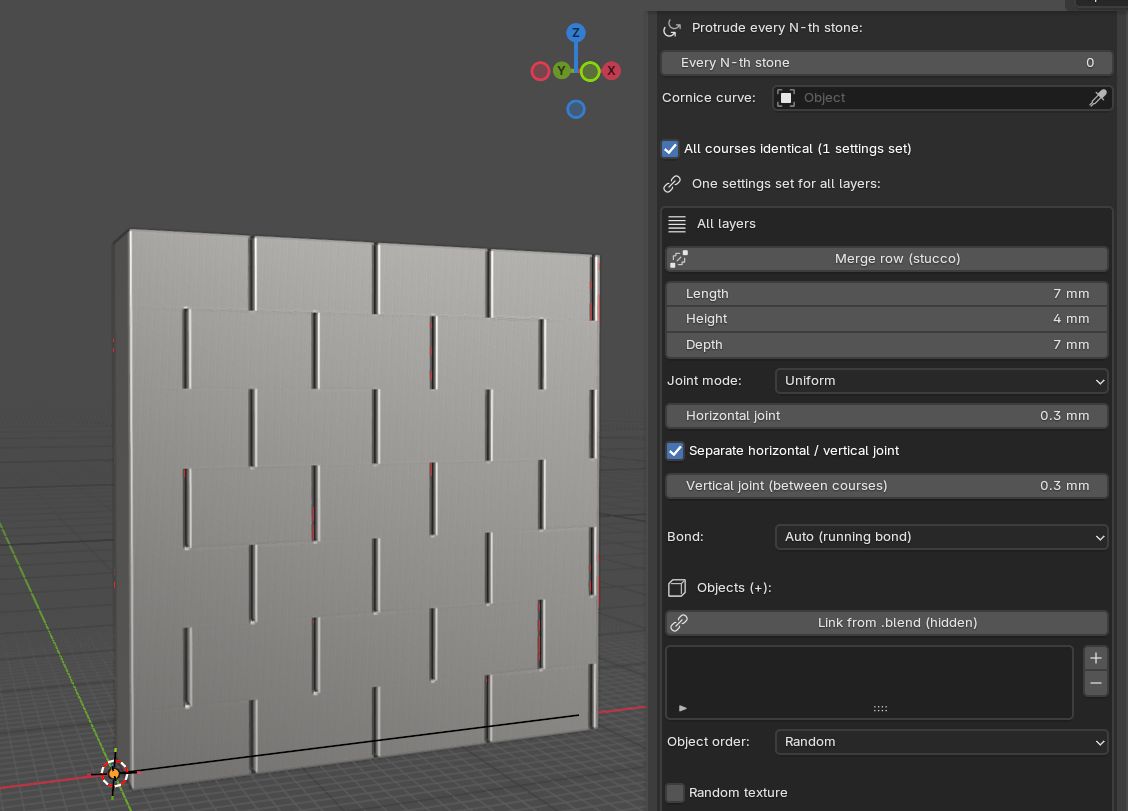
I have attached the image you asked for. The mortar between the bricks in the same layer are not generated. They are only generated when the Joint setting just below “Joint mode:” (see picture circled in red) is set to 0.1mm..
I work with [mm] because I want to use it for my Model railway ( H0 scale ) hobby.
Thank you for the screenshot. This makes it clear for me. I tried it with the current version, but also got some issues. I will have to dig deeper into this. What will your final product be? A 3d print?
Can you test the newest update migopos_wall_builder-0.9.146?
It still has some problems, but it might help enough. I am also working on an option to export for 3d printing (not yet available in this update).
Settings for bricks have been updated so you can create mini bricks as well.
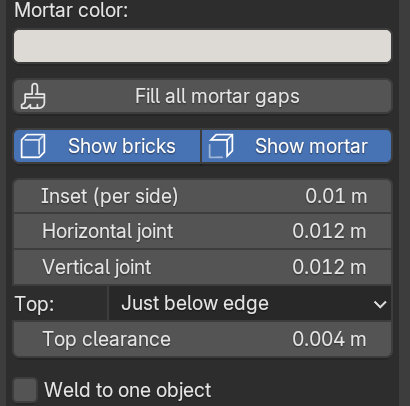
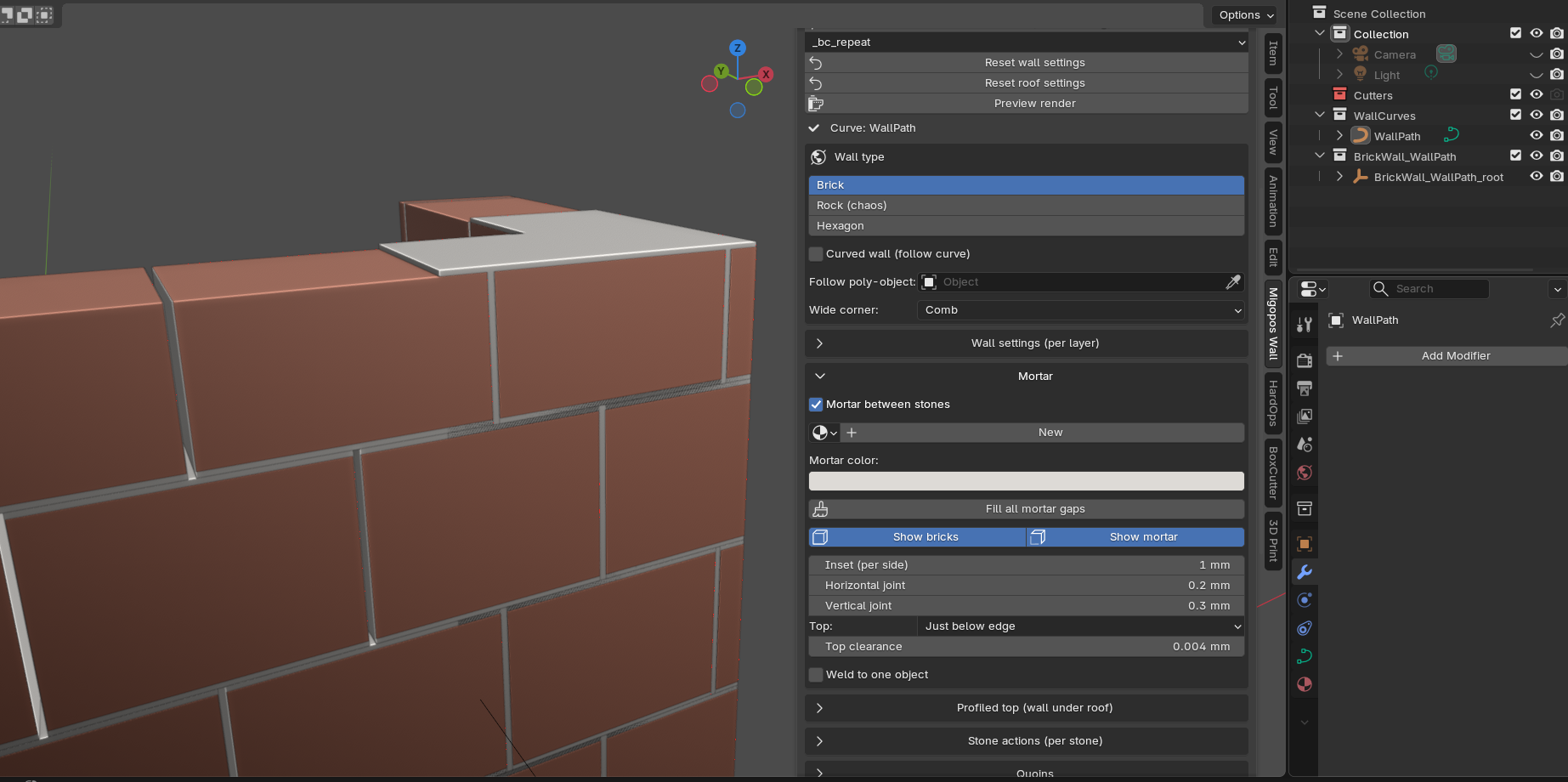
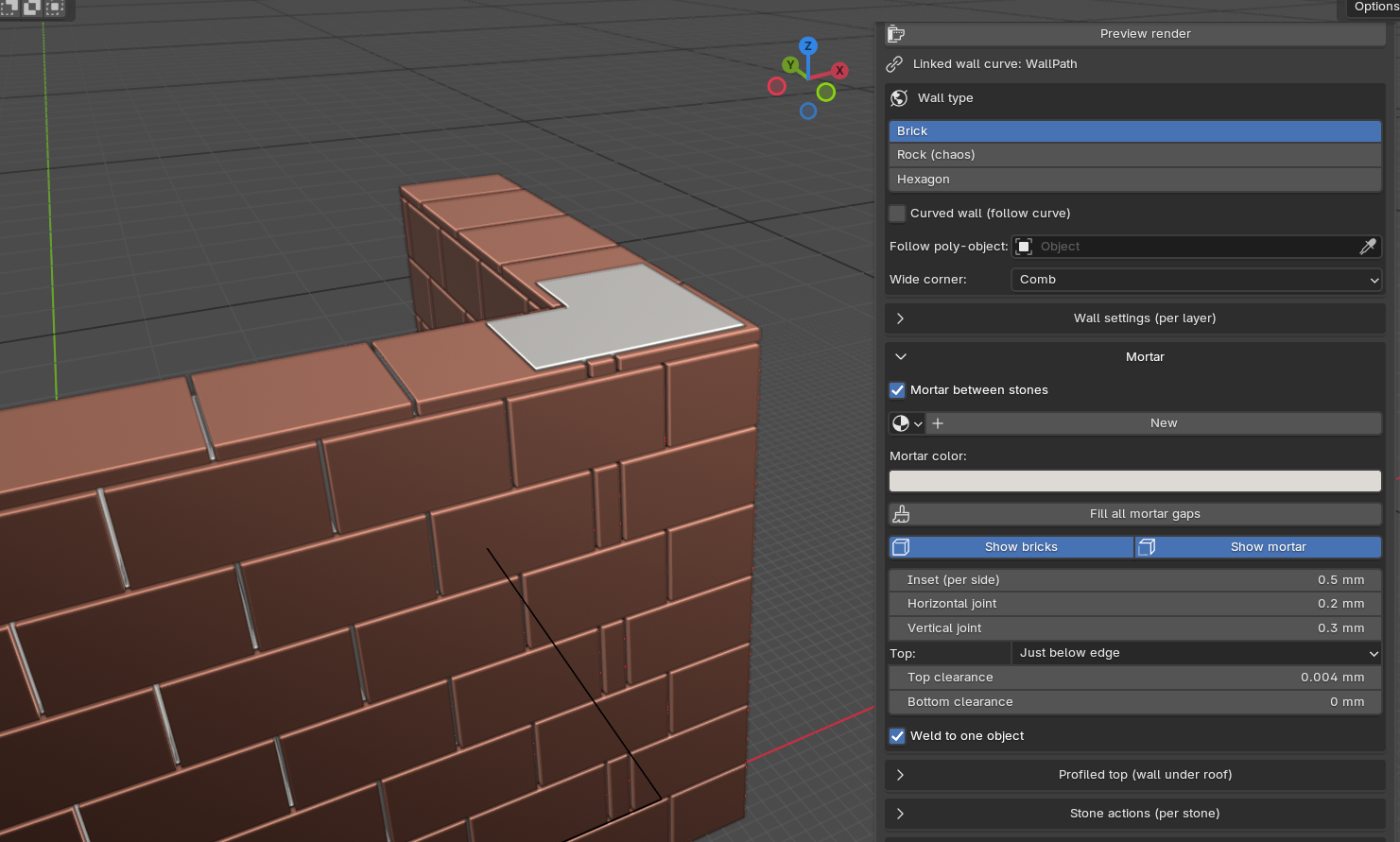
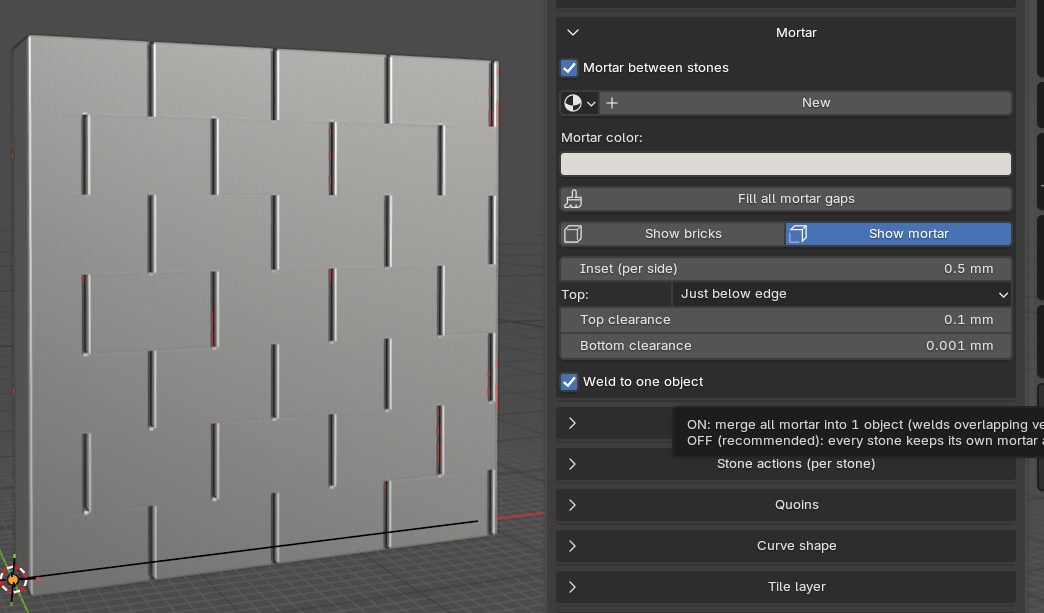
Mortar has a setting for Top clearance. You need to adjust it so the mortar will stop just beneith the top of your wall. If you end up wil holes in your mortar, you could do: Weld to one object and then click Fill all mortar gaps. Currently this last stem can overshoot your mortar on open end walls. In that case you can just disable snapping and use your edit tools to move the polygon of the mortar a bit inside the wall.
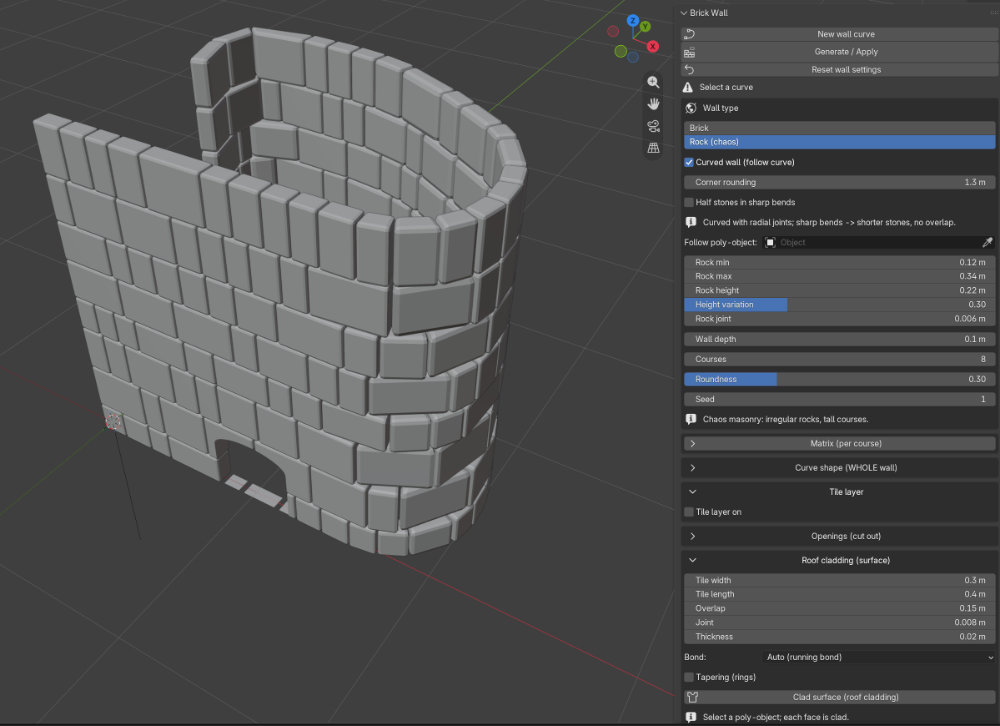
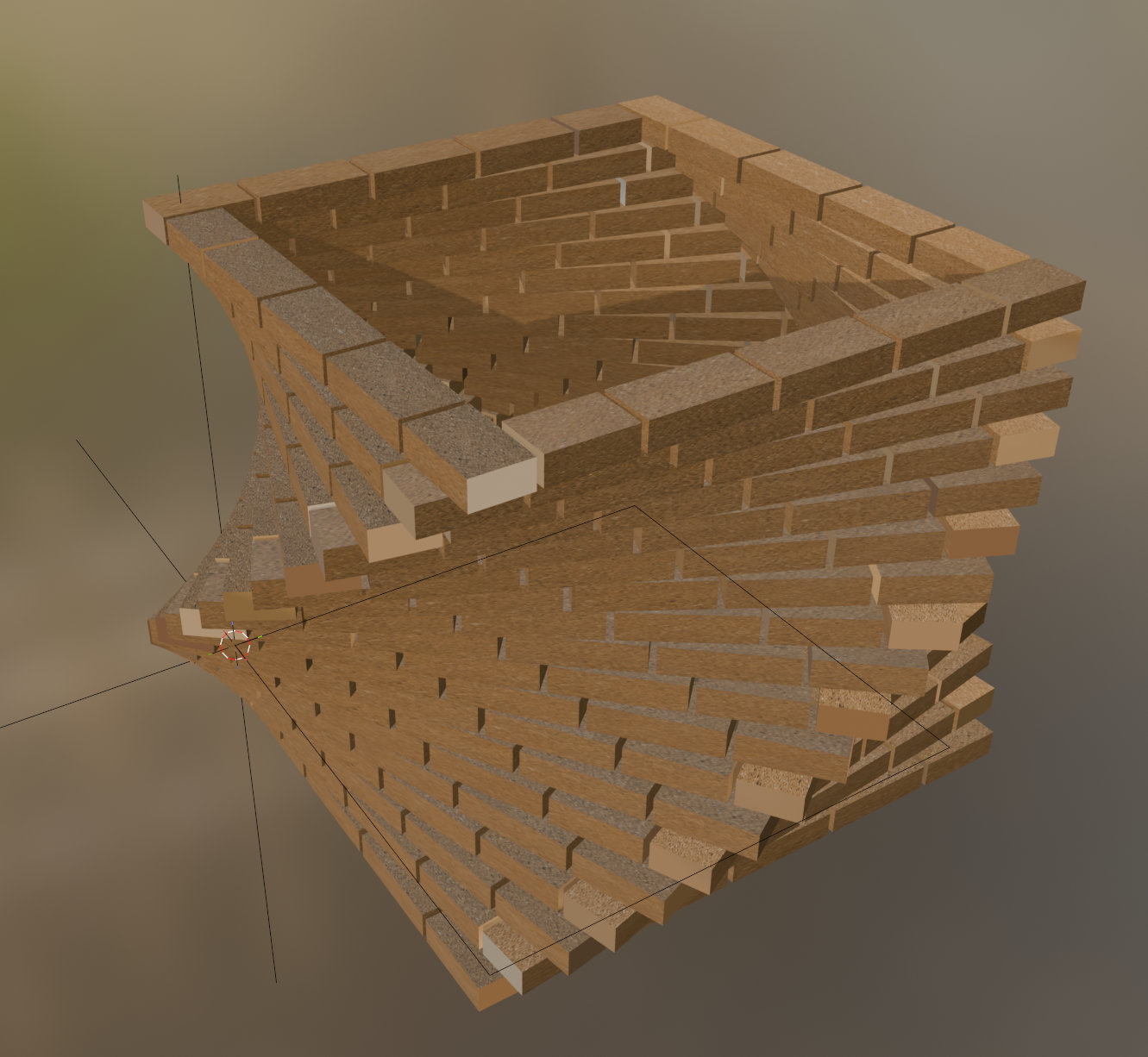
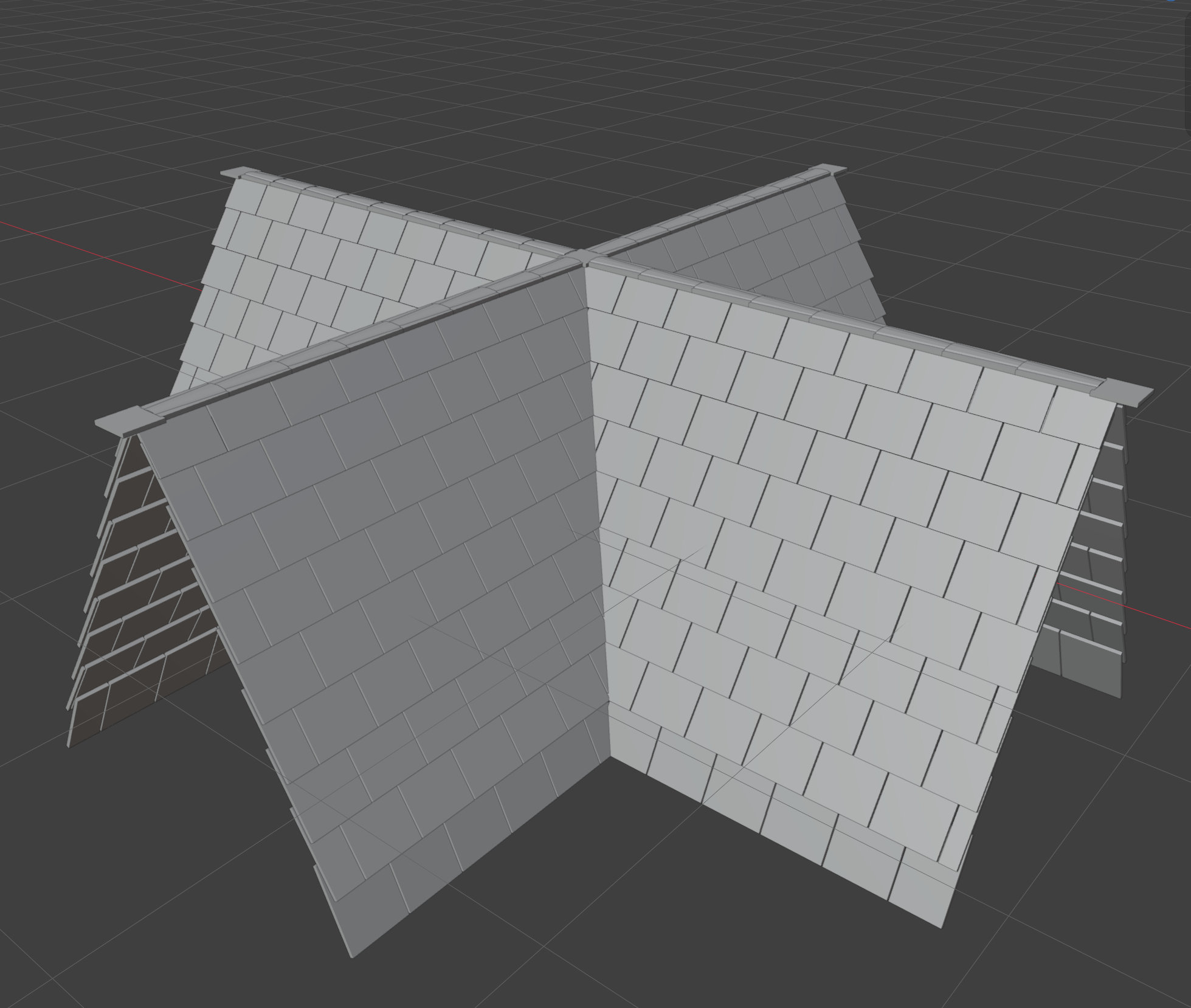
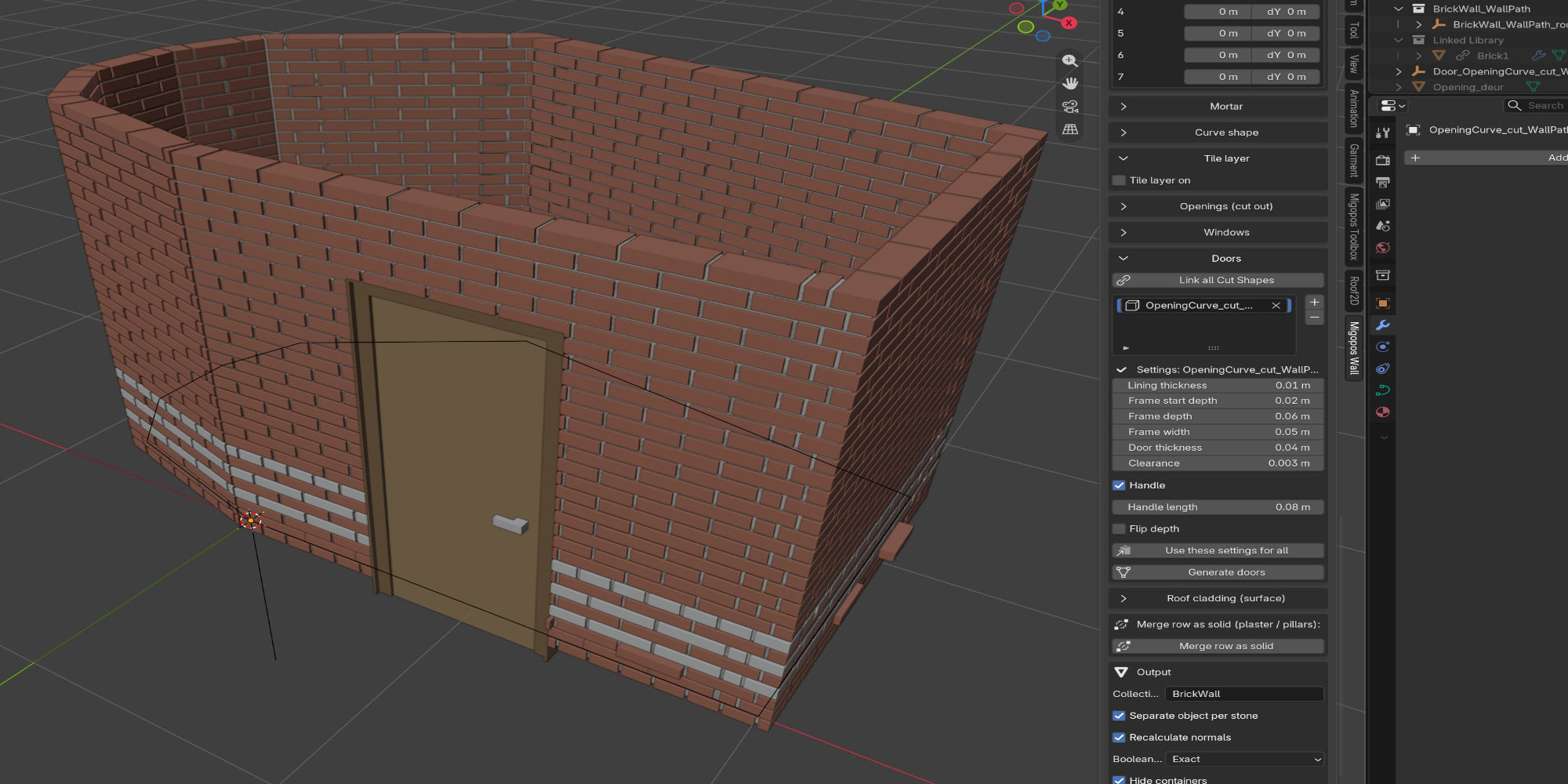
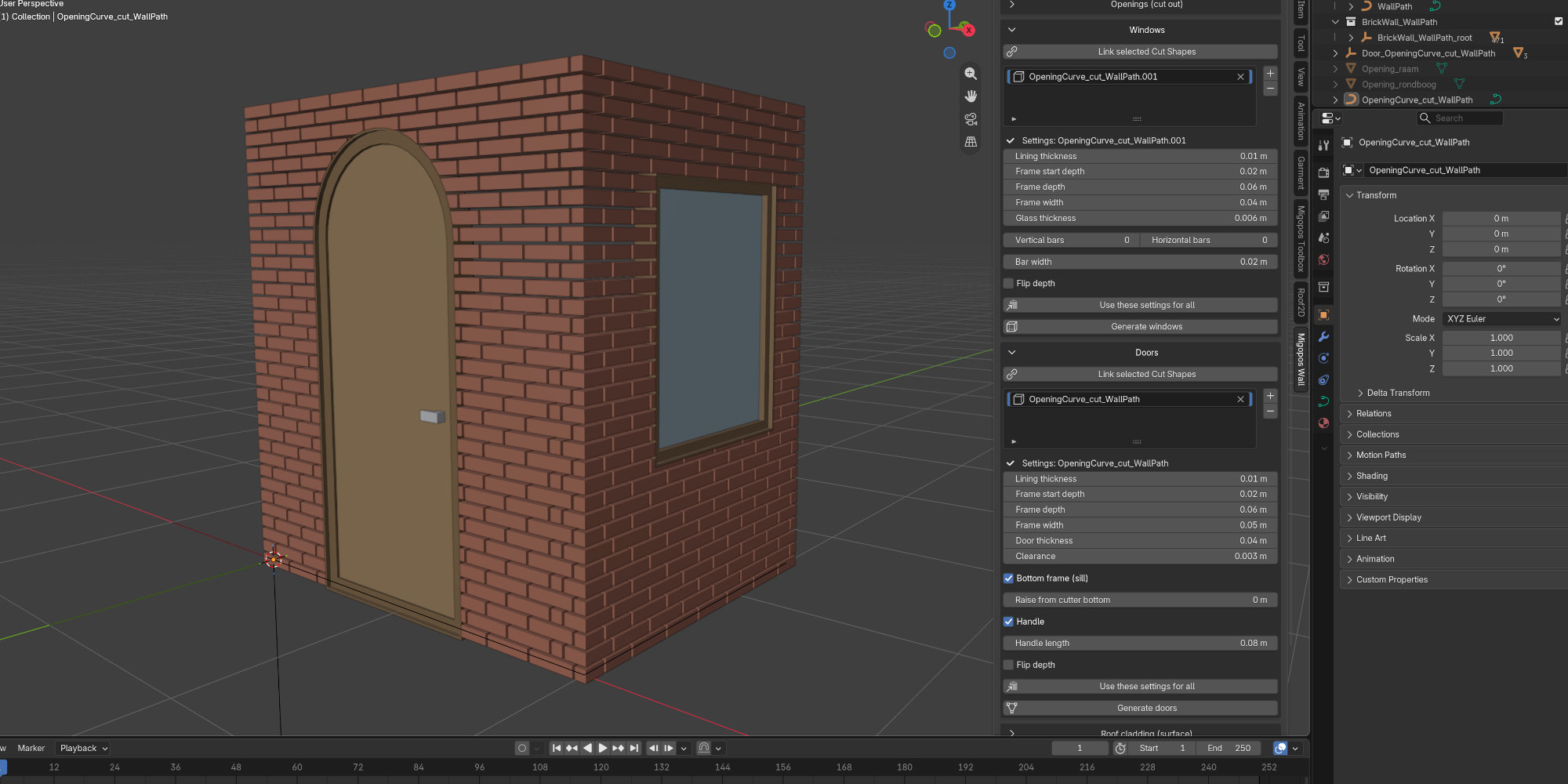
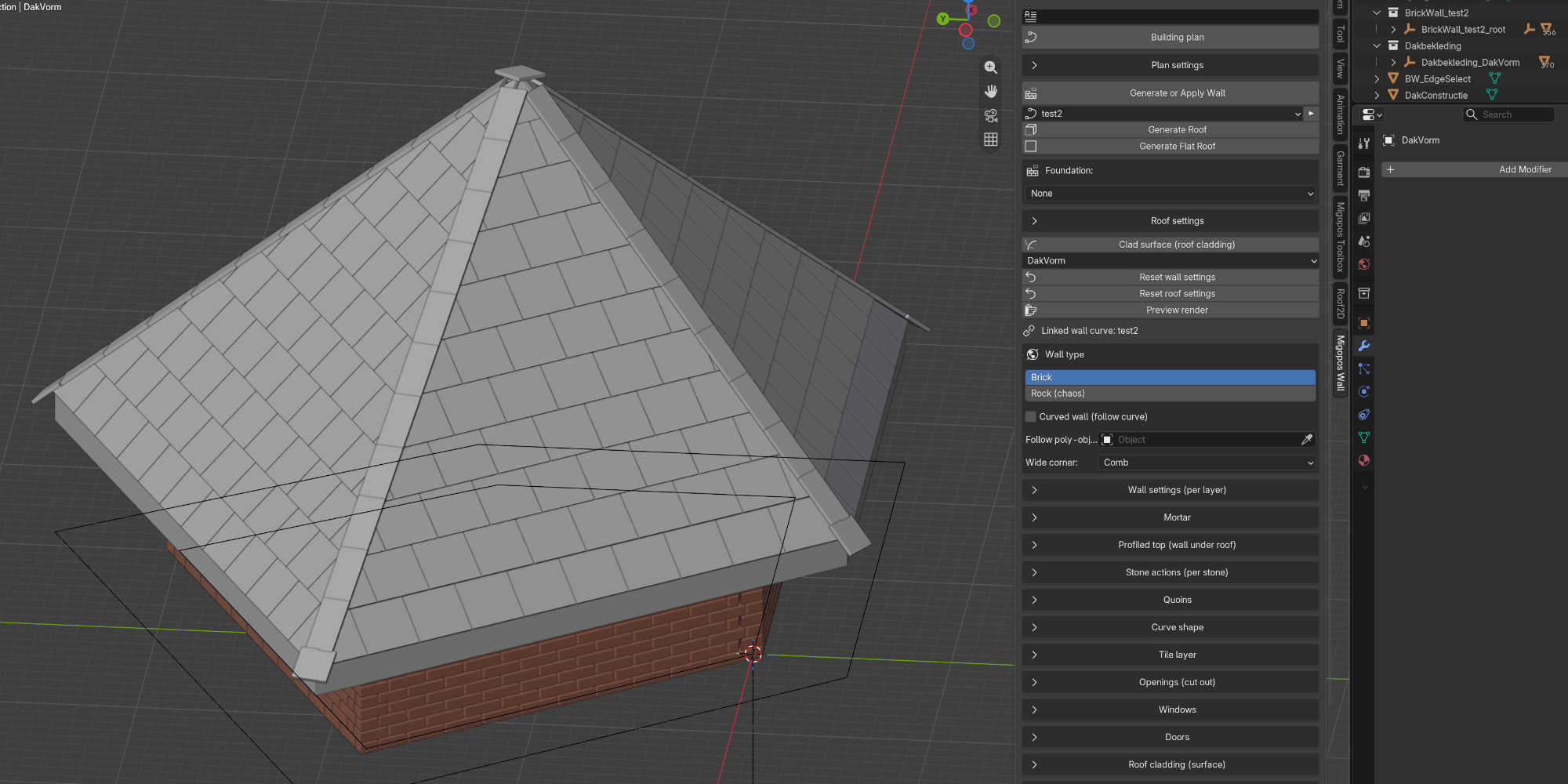
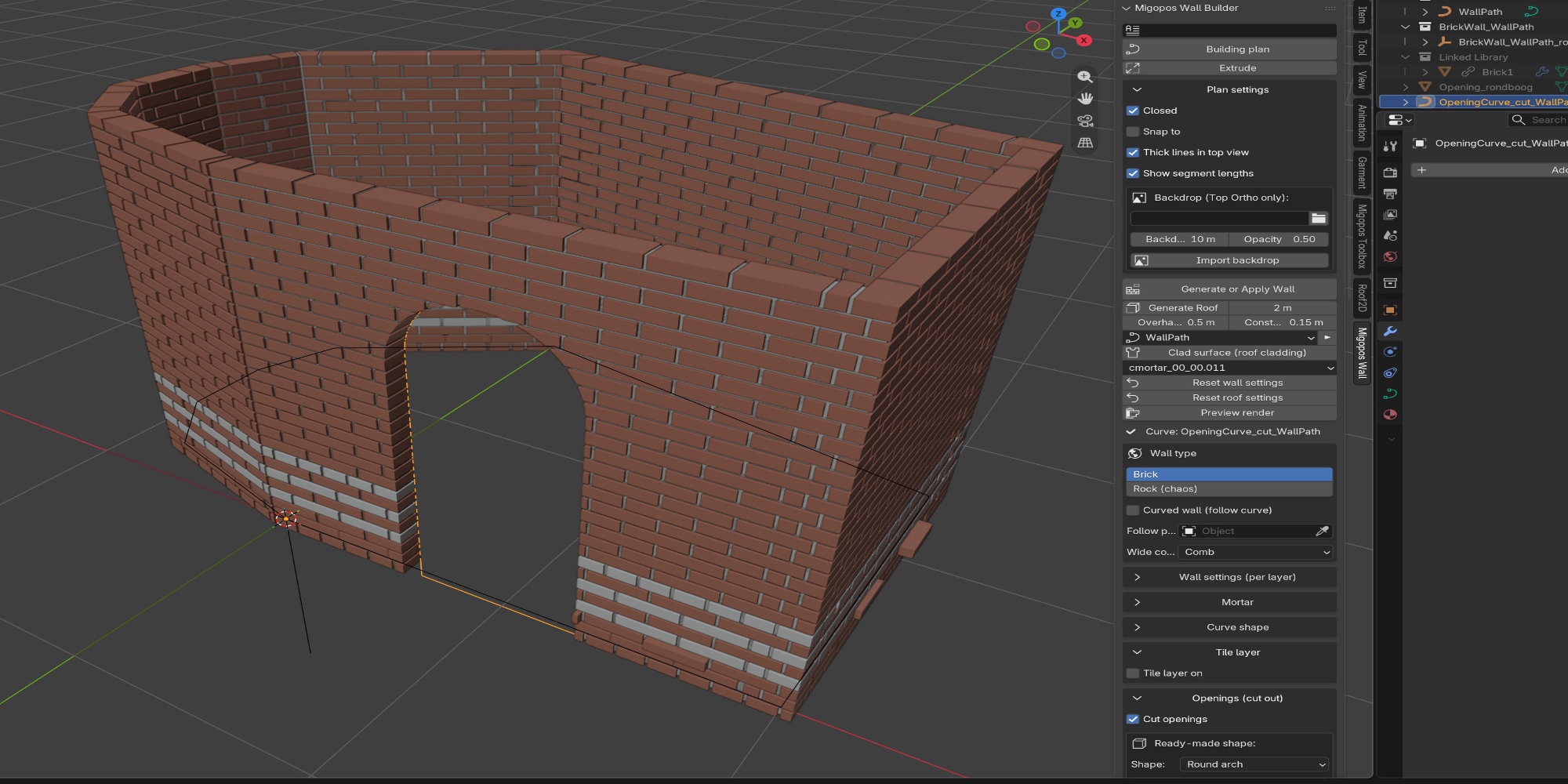
Here is also a small preview of what the current addon can create. It has a build in auto generate roof feature. I am still working on the roof cladding, chimney, skylight, profiled top (with roof), Y shaped walls, and many other things.
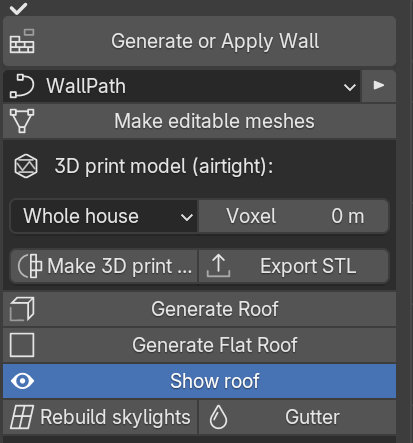
I have little time today. But I made something for you. Check migopos_wall_builder-0.9.148.zip. It also contains a simple export to 3d printing feature (3D print model). You can set if you want the whole house, walls only or selected. Set the correct voxel size for your project (triggy, because it needs to be super small for you to work). Then hit Make 3d print and if you like it, Export STL.
You can see the version number at the top of the addon. Is it v0.9.165? If I use your settings in my version I get normal results. If you still have these problems, you can use the Fill all mortar gaps tool (in Mortar menu). Be aware that after regenerating the wall the holes show up again and you need to use the tool again.