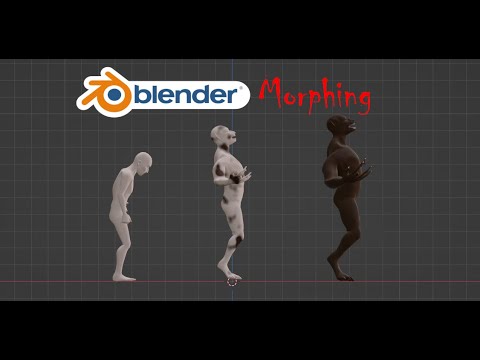
I have a human head OBJ and a chimp head OBJ. I made a human head in Zbrush, and from the human head, I pushed and pulled the exact same vertices into a chimp head. The human and chimp both have the same number of vertices. In Zbrush, I used “vertice layers” so I can easily morph back and forth between the human and chimp, and it’s very smooth.
However, I’m trying the shrinkwrap modifier in Blender to morph between human and chimp, and it’s looking bad. From Zbrush, I had exported separate OBJs from the 100% human head and the 100% chimp head. I then imported those OBJs into Blender in an attempt to morph between them using the shrinkwrap modifier.
Through shrinkwrap or another method, is there some way that Blender can recognize the exact vertices on the human that correspond to the exact vertices with the chimp and just morph between the two? Something very straightforward?