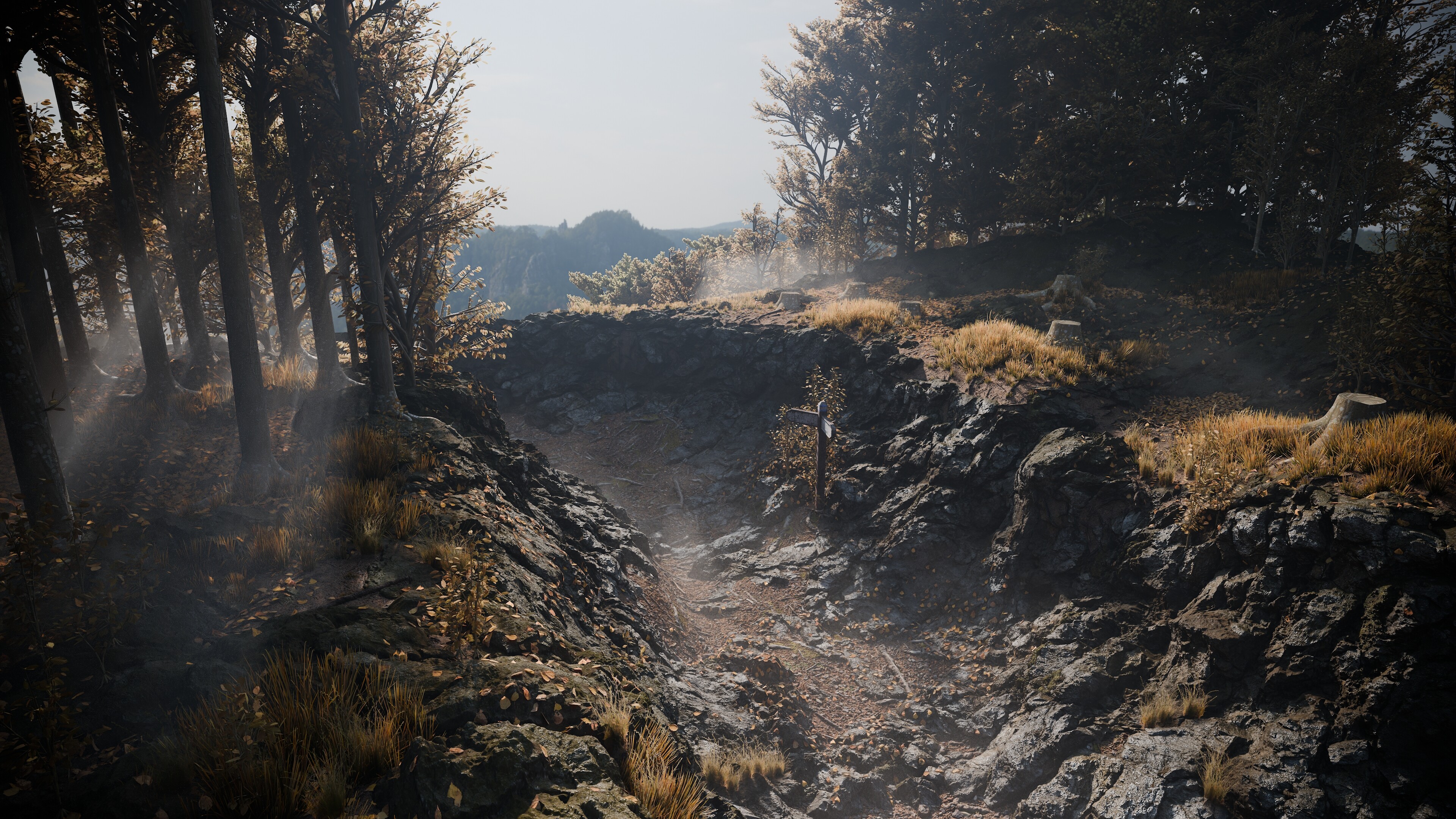


After what feels like years I’ve finally found the time during my lunch breaks (and in between them cough) to work on a personal scene.
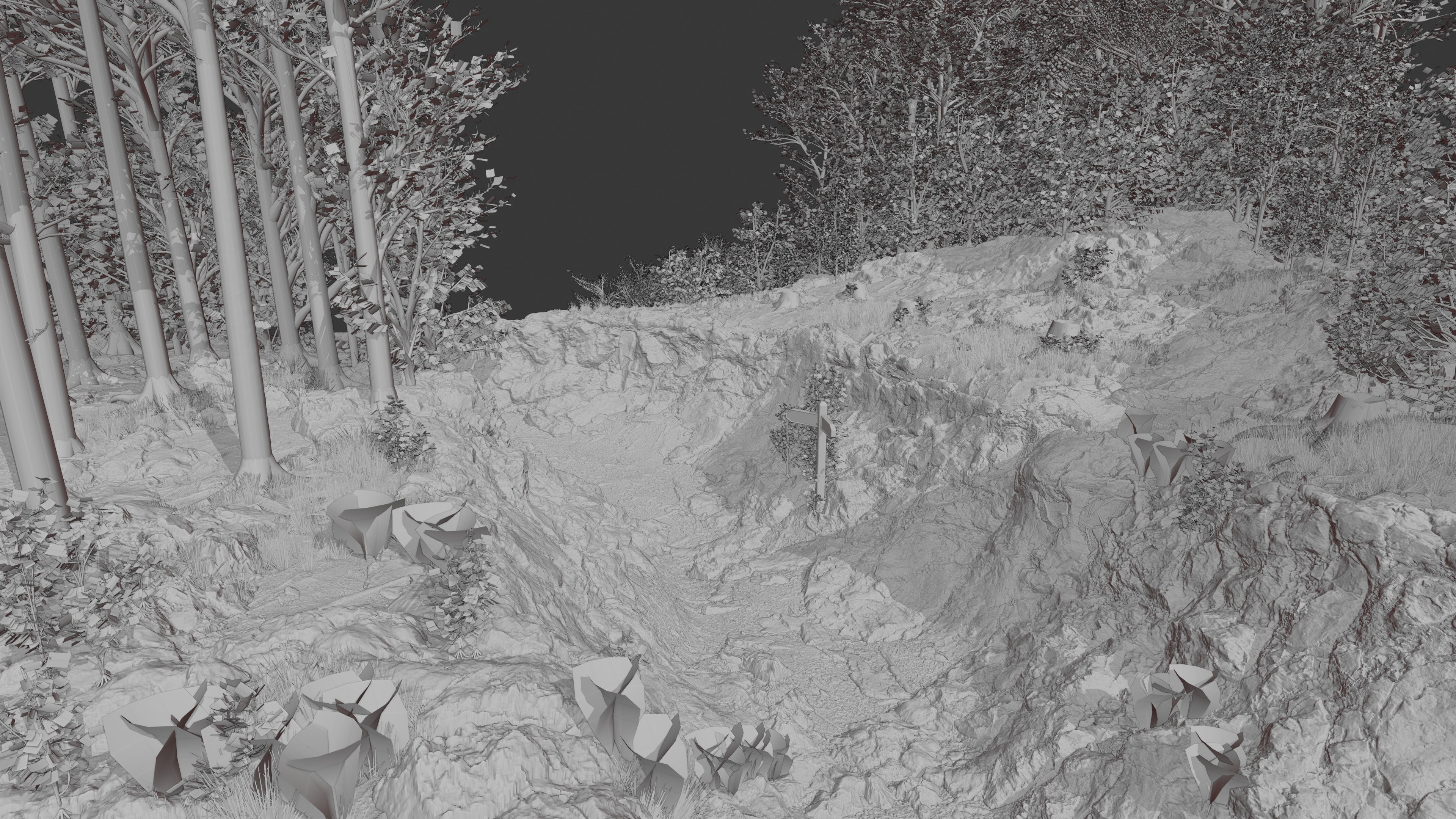
Thanks to the vulkan implementation I was able to create a convincing ground just with a few textures from textures.com (obviously) and heavy mesh displacement.
Additionally I used the tree generator I’ve been working on for the last couple of weeks in GeometryNodes to create a bunch of beeches to place alongside this path.
I found the autumn colored leaves had a nice contrast to the grey rocks so I decided to add some orange grass as well which worked great for catching attention.
At the end I’ve added a sign post. Despite being so small it works pretty well as the center of the image and helps as a size reference to ground the scene. I was contemplating about adding more man-made objects but I wanted to get finished so I decided against it.
A bit of compositing has been afterwards, also in Blender.
Done in 4.5.5 and obviously rendered in Cycles. Hope you guys like it.
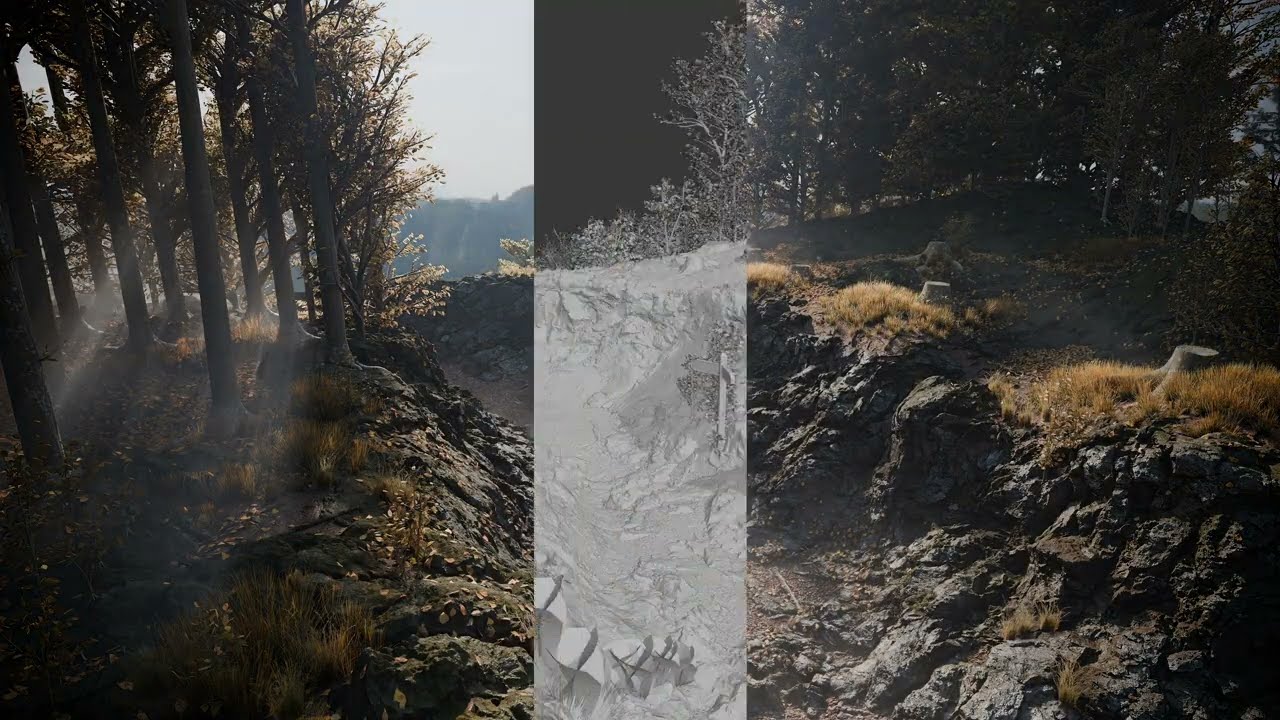
Here is a small video of the progress: