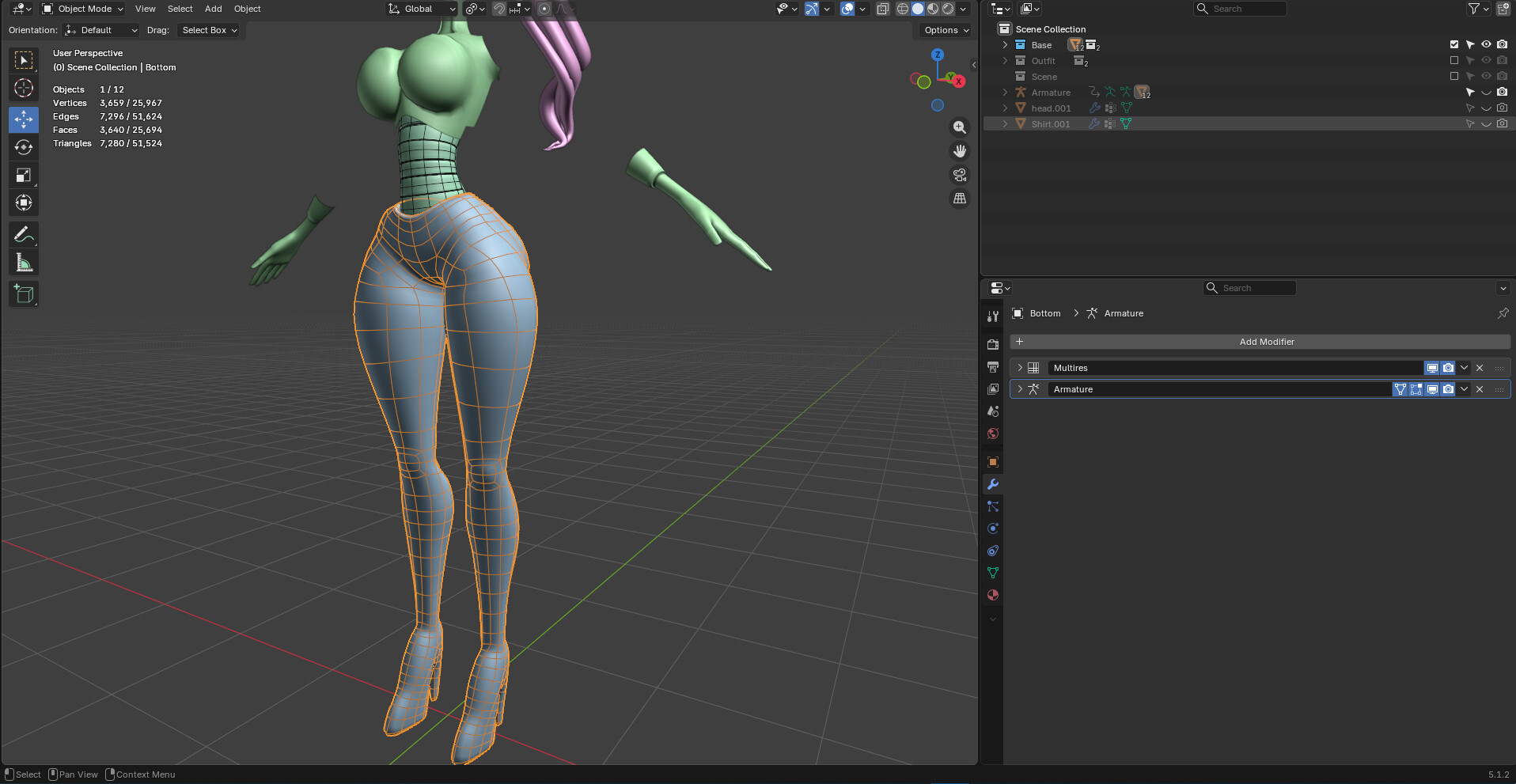
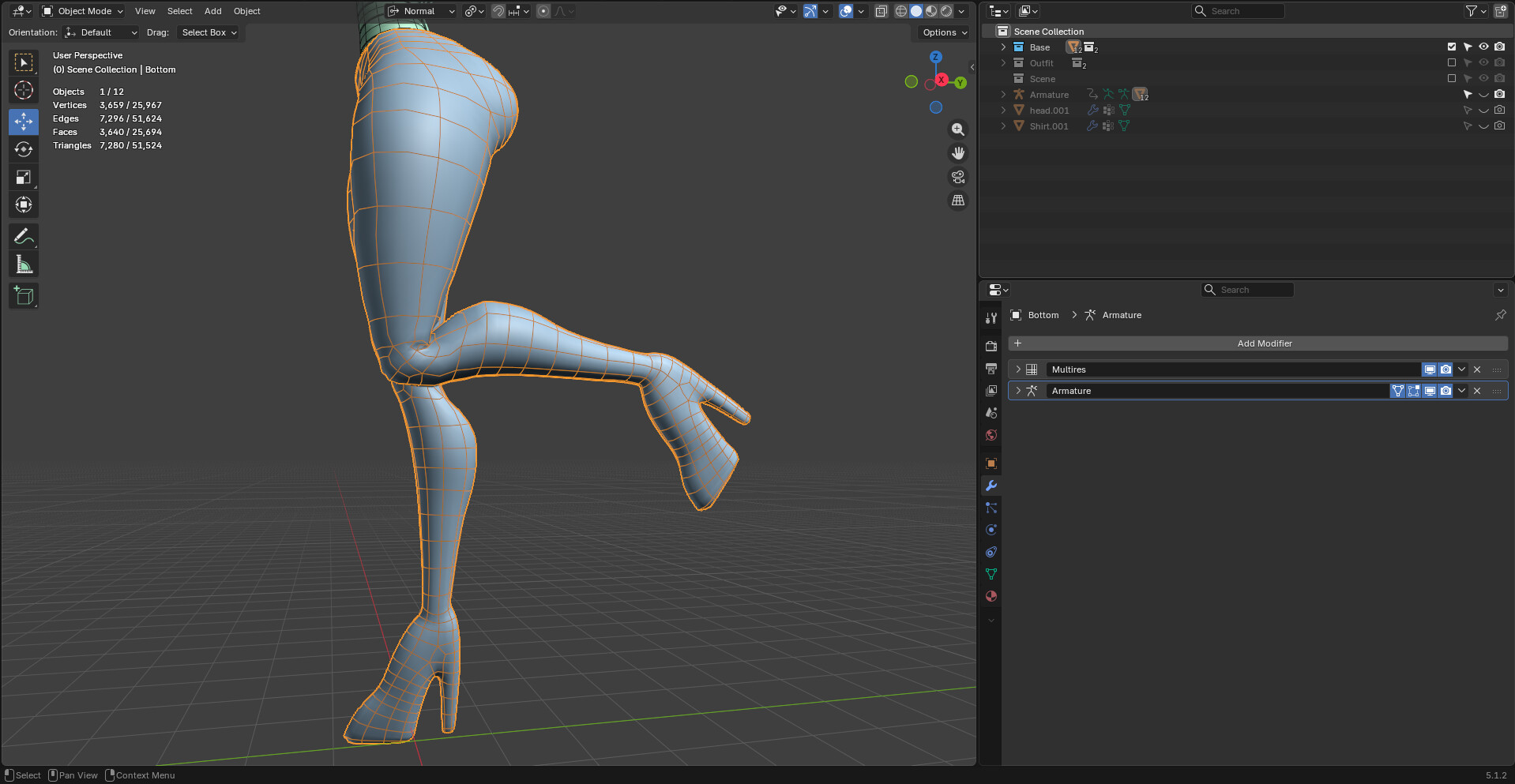
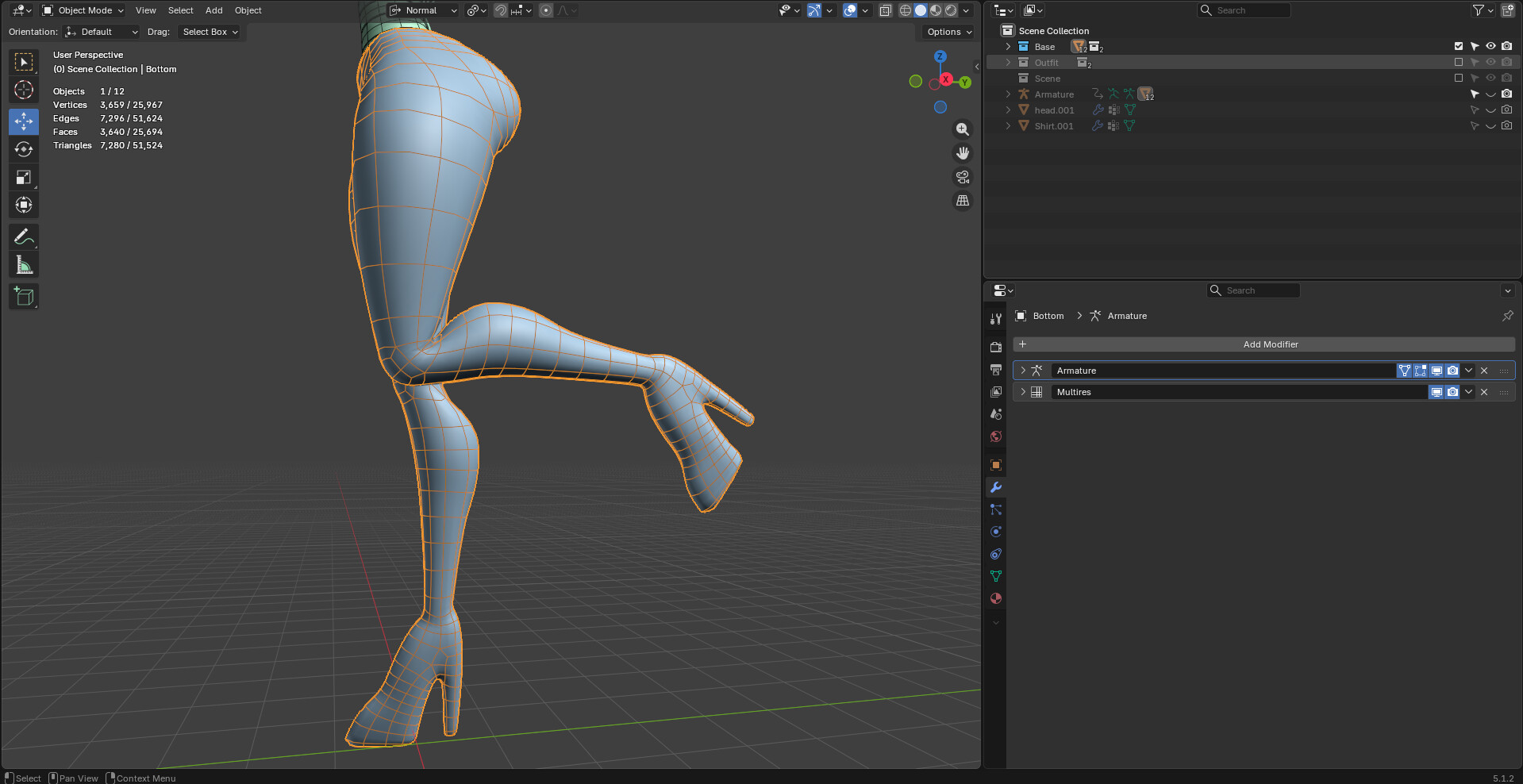
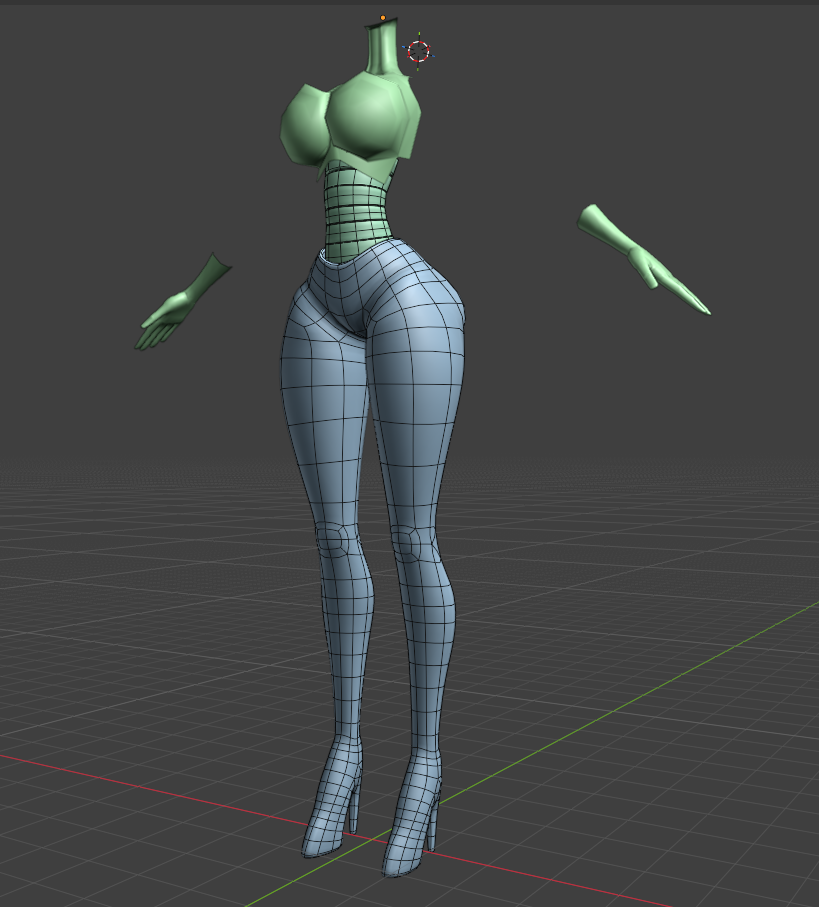
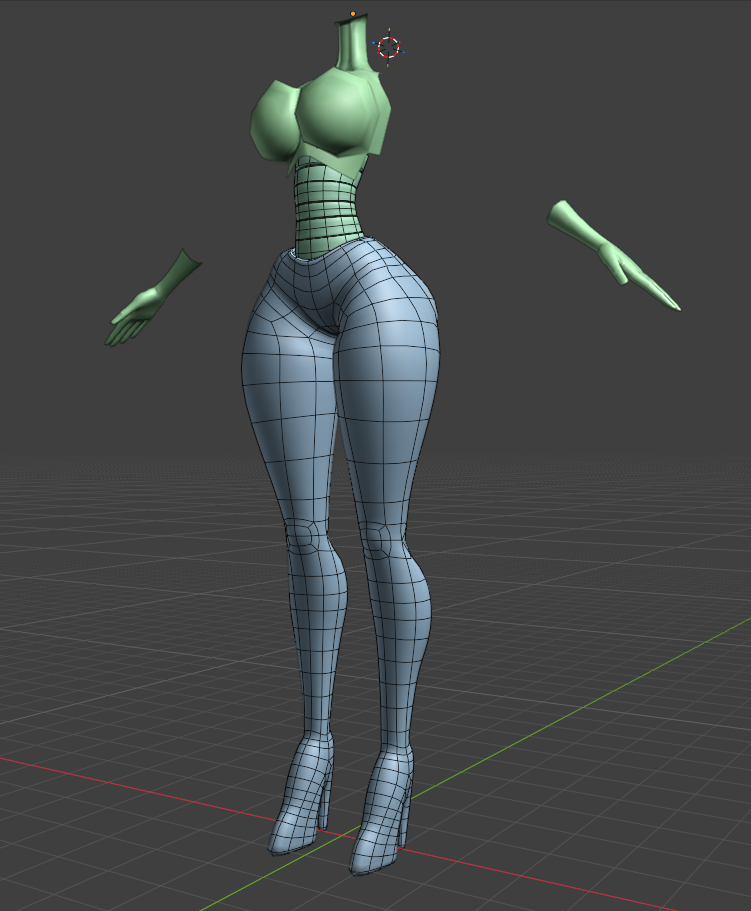
I’m having a lot of issues with the Armature and Multires modifiers for this model, no matter what order I put them in. It works in one spot but breaks in another.
In A, root scaling breaks with Armature on top but is fixed with Multires on top.
In B, bends in limbs become jagged with Multires on top but not with Armature.
I’m not sure how to move forward with this because I need Multires to keep the shape of the original mesh.
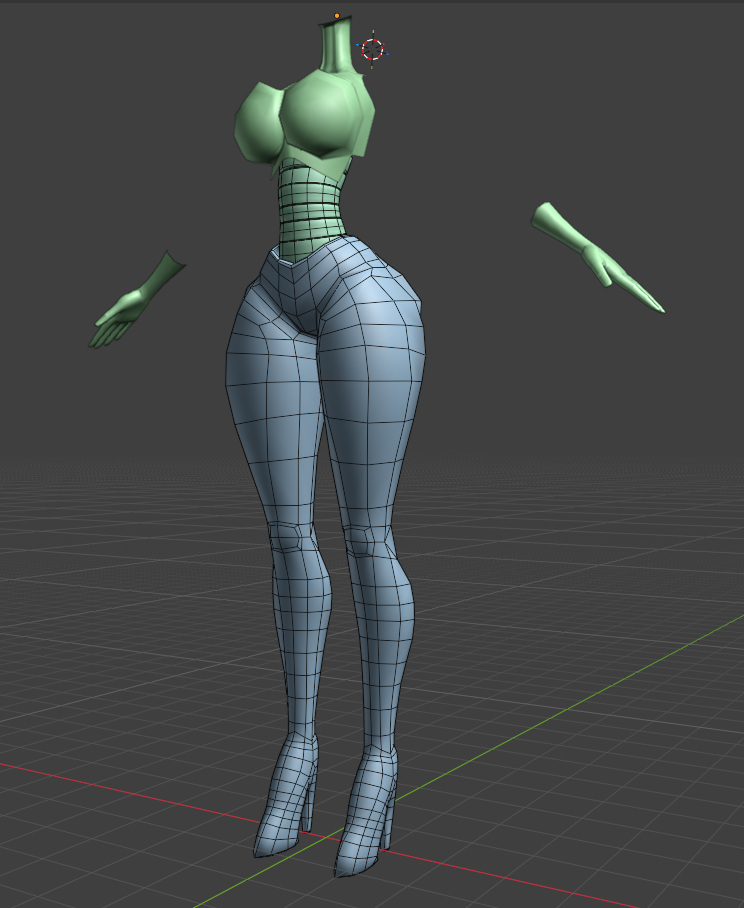
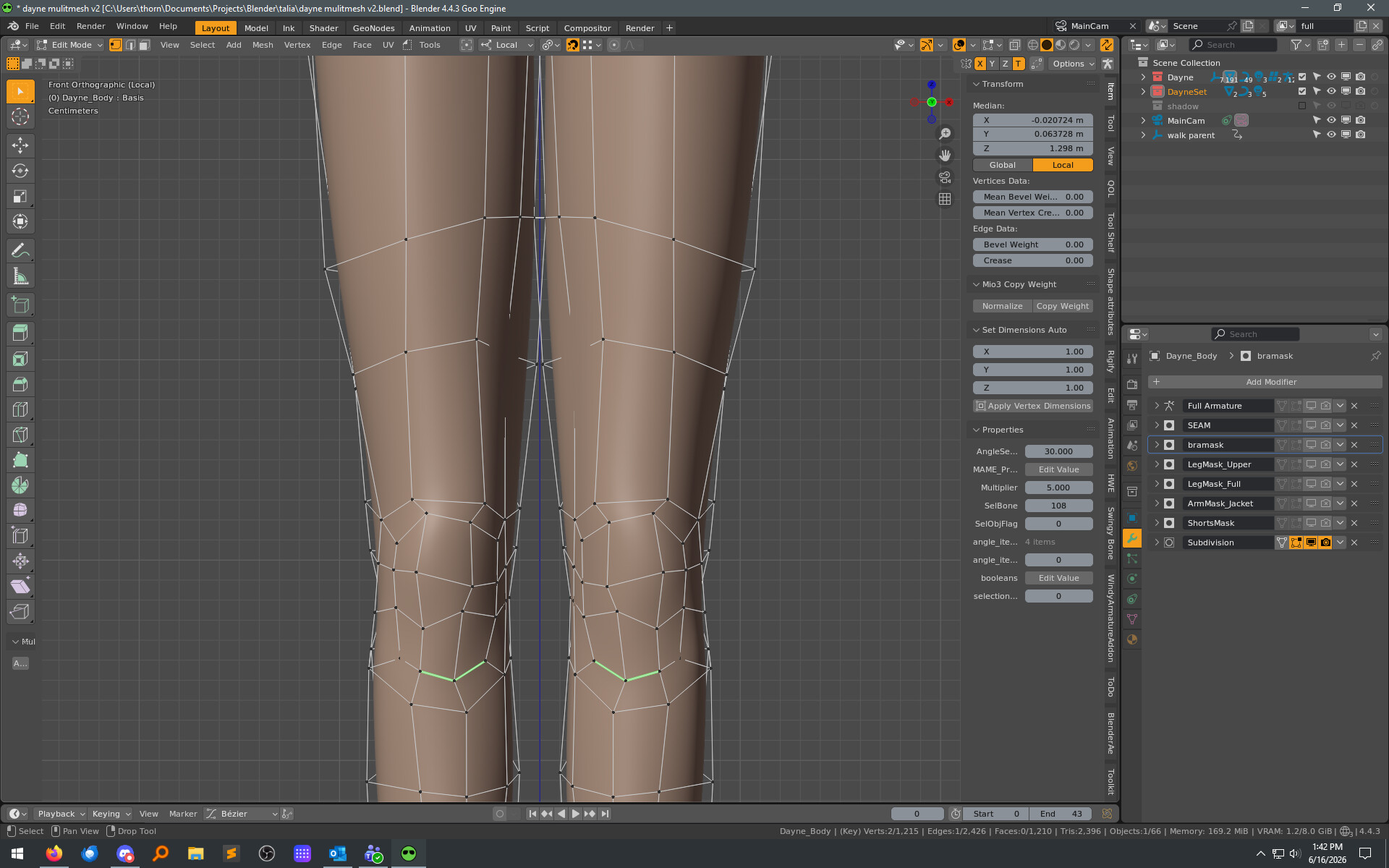
This is the retopologised mesh with the Multires modifier.
Subdivision modifier smoothes the mesh out too much. The only method I’ve been able to find is to use Multiresolution and I didn’t have any serious issues with it until now.
That’s not how retopology works. Multires is for dynamically changing topology for sculpting. Retopology means you’re not making dynamic mesh changes anymore and you have a finalized mesh ready for rigging
Obviously we cannot see your base mesh in the screenshots, but based on the visual result I’m seeing - that result looks like an average situation where one would use a low-poly base mesh, with a subdivision modifier. Then add the armature, and go on about life with no troubles.
In general Multires should always be the last modifier on the list, otherwise you’ll have weird deformations and a horrible performance.
But since you mentioned that you’re using Multires to keep the shape of the model maybe you’re not using it as intended. For that just use subdivision surface (also after Armature modifier to keep better performance).
Multires should be used only to add high frequency detail to the model, not to “shape” the model.
Just to clarify, that’s Dyntopo, not Multires.
With Multires you keep the original topology intact and only add subdivision levels for sculpting, but it’s not dynamically modified when you sculpt.
The issue I have with Subdivision is that it smoothes the mesh down way too much for my liking, whereas Mulitresolution let me keep the shape from my original sculpt and apply it to the Retopo mesh.
Are there no similar methods to automatically keep the accurate shape volume with the Subdivision modifier like I have with the Multires? I have separate outfit meshes that I don’t want to conflict with.
I wanted to avoid having to manually reshape and fix the entire thing in/out of Subdiv, without applying it or multires.
If this happens, it means the base mesh before subdivision didn’t have enough geometry to properly define the shape of the mesh. A well modeled mesh will barely change shape when subdivided, it will just increase in quality.
–
Does it work if you apply the multires modifier? The shape you created with it would become permanent, but the modifier would be gone and wouldn’t interfere with the rigging anymore.
This might be a bit heavy though, so maybe apply the multires only at level 1. Then, the shape would be maintained just well enough that it should react well to subdivision.
Well, this does depend somewhat on the underlying mesh that you put the SubD modify on.
For example, let’s consider something that’s basically a cube, formed into the shape of a skull. It will become very rounded and pull away from the cage vertex/edges.
I can see in the example screenshots just posted, that there’s certainly a difference between the two meshes, and how one of them shrinks in a way that he does not want.
But I’m not understanding why a particular path was taken, to end up in a place where he doesn’t have a mesh that offers good control to use the subD modifier .
That is true, but I would use more vertices than just a cube if I was making a skull. It sounds like that would be harder to control than just having a few more sides to the base shape.
Multires is generally a special case among modifiers. Any modifier that changes the number of faces cannot go after it in the list because of the special data it holds, there are very few modifiers with those constraints.
A big reason why multires is so special is because it’s designed more as a temporary thing that’s meant to be used for the sculpting process. When the sculpting is done, the detail contained in the multires would usually be baked to normal or displacement textures, then the modifier is removed.
I would prefer to keep mesh affecting modifiers unapplied so it’s easier for me to make any future additions/adjustments but if there aren’t any better options I’m starting to I might have to apply one level at least. Manually reshaping the mesh with the subdivide modifier is feeling a little suboptimal.
Ok, understood. I think this is the point that you take a step back (which, is unfortunate), un-dig this hole that you’re in, and redo the base mesh elements.
And FWIW, you don’t have to apply a SubD modifier. It works fine alongside rigging, masks, materials, geonodes, shapekeys, etc. And when unapplied, you still get the option of changing the resolution levels to be smoother more/less dense when camera distances need that.
You could also make the un-subdivided mesh a bit bigger so it looks correct once it’s subdivided. The problem with that is is will look a bit too fat if the subdivision is off.
eeehhh I think I’m just gonna have to apply the lvl 1 multires, seems like it’s the path of least resistance available to me atm. If I start the mesh over I think that’s just gonna kill it for me tbh.
I did some quick testing and it looks like the applied multires behaves the same as it did placed before the armature modifier but a lvl 1 subd helps a bit. I’ll still have to do some fixing throughout the rest of the model. But it should work.
I would still like to find out if there’s a similar subd method like multires that works for rigging but I might be out of luck there.