Hello Blender community!
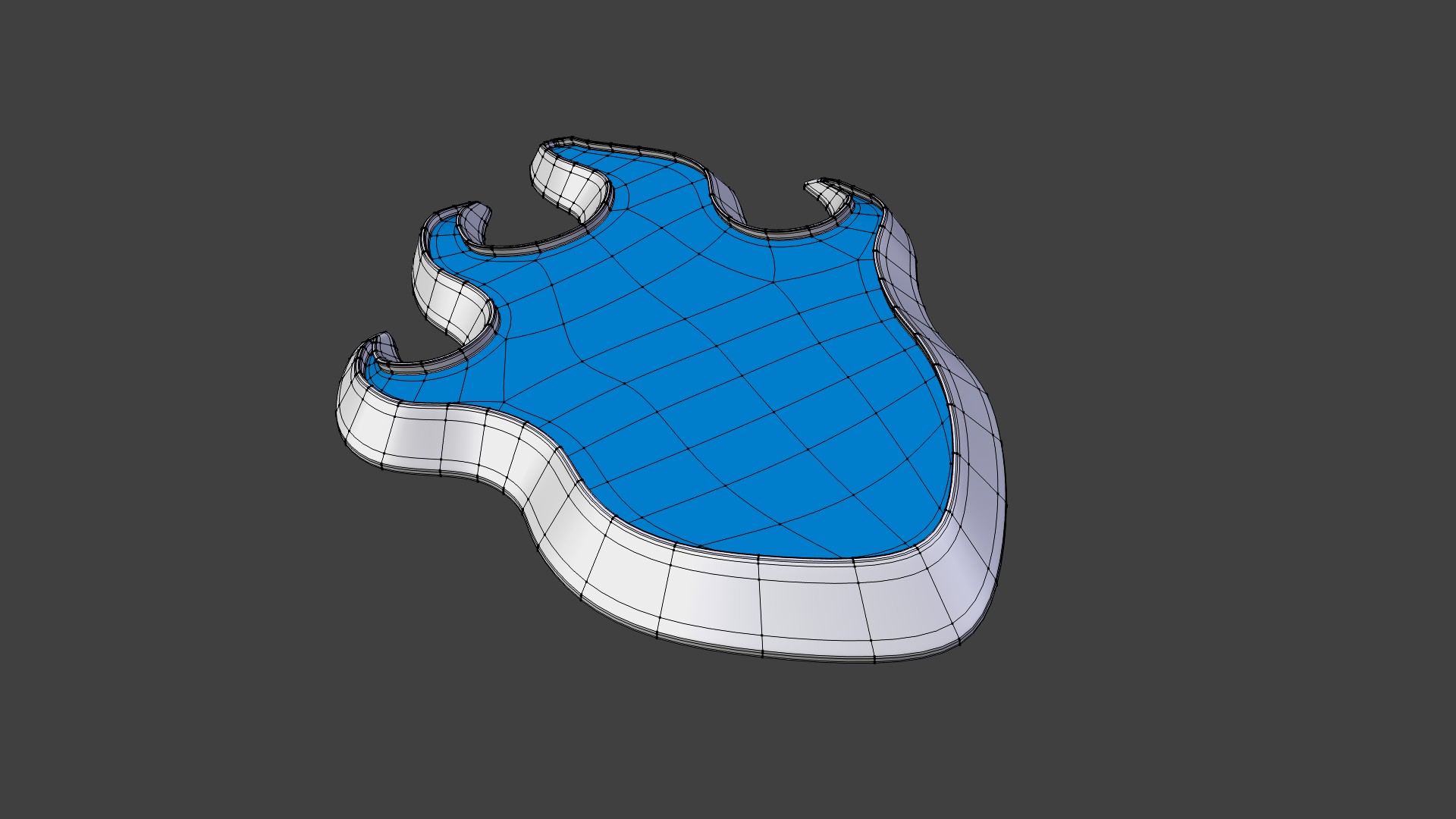
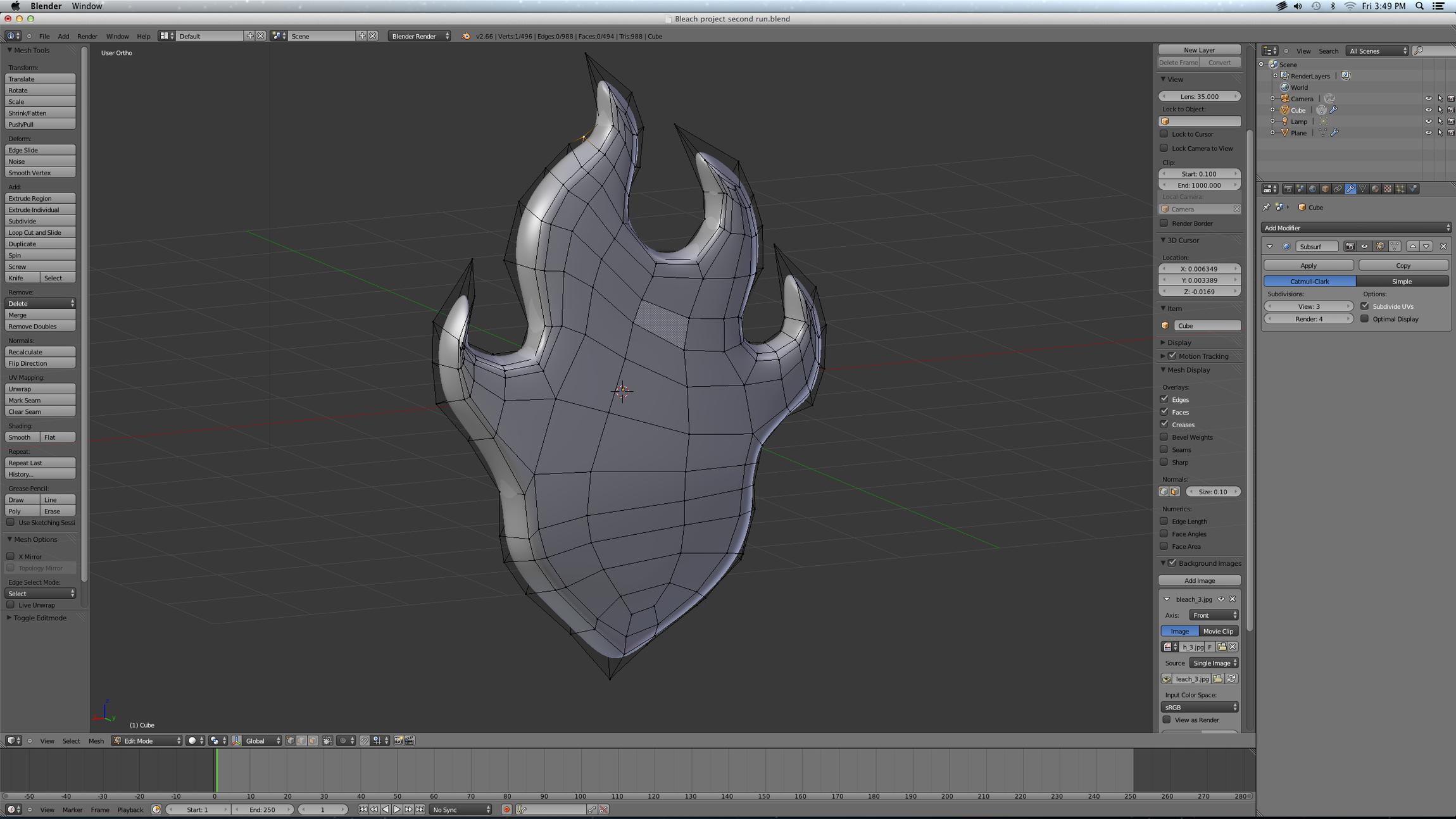
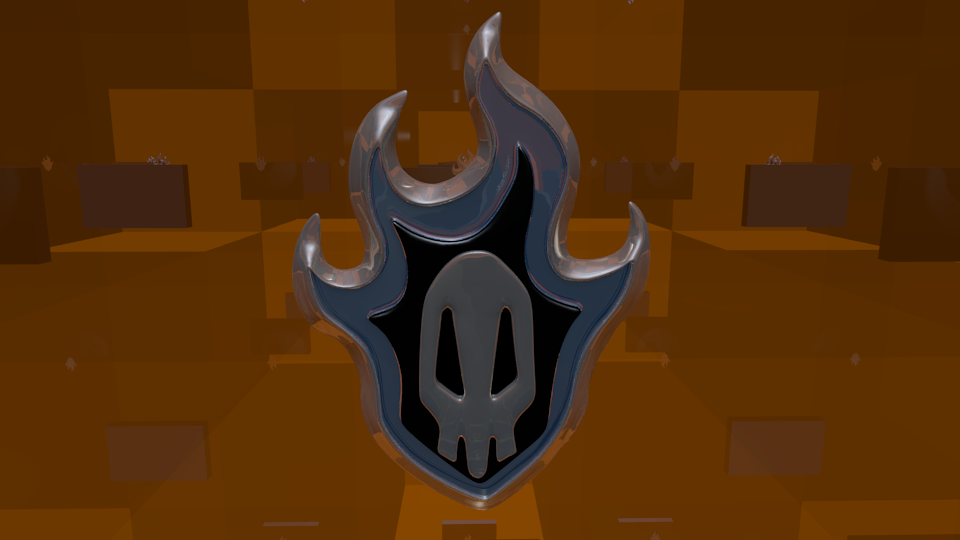
This is my first project I’m doing in Blender. I pretty much did all of this on my own after looking up some tutorials and the basic layout and keys/shortcuts in Blender. I would like some advice on how I could make it better as I’m sure it’s far far far from perfect. I don’t know if the topology is good (I’m actually fairly sure it’s horrendous) or if I did the coloring right, I don’t know how to render or set up lighting, and I don’t know how to make a pedestal or stand to put this on if I do render it. These are all things I would like to do and if anyone could help me improve this and push it to be completed that would be awesome!! any tips and pointers are welcome and appreciated!!
Nice first project!
Press F12 to render then when its finished hit F3 to save it. (CTRL+F12 will render the timeline in sequence if you wanna make a video)
Add lights with SHIFT+A > LAMP.
Also add a camera. Press 0 on the num pad to enter camera view.
Thank you for the complements :]
How can I make it better and improve it? Also if I just wanted to do a basic render for it, how would I set up the lighting and make a decent picture set up?
I like the design. Is that topology from, it being made in sculpt mode? It is interesting but I can’t wrap my head around how some of those lines came about, then again I’ve always had trouble deciphering things in wire frame view.
I actually did this poly by poly as I had no idea how I would do it by box modeling. I used a picture for a reference and did the outline of each “flame” border, then would select two adjacent flames and fill it in with the “f” key. I’m sure that’s probably the worst way to do it, but it got the job done xD I tried cleaning up the topology a bit, but I’m also not so good at that yet either! Most of the things I did to make this I still don’t have a good understanding of how they work. Like coloring it…it took me forever to figure out how to do multiple colors on one mesh, and I’m still not sure if I did it in a good way or just a way that works hahaha
Thank you for all the compliments, it means a lot that you guys like it! :] and of course any help and tips in how I can improve it is definitely welcome! For example, How could I make the topology better?
I took your .blend and fixed the white/blue part of the model. Take a look at that and try to do that to the rest.
Moved objects to different layers for better organization.
Added some text…
I also added a couple of compositing nodes to achieve a slightly better effect.
Added Cube and sized it up to enclose the scene. Then added transparency and mirror to the cube in the material tab.
The details are in that blend I posted.
I don’t have any updates yet, regrettably. I’ve been busy with work and then when I’m not working I signed up for the CG Cookie workshop “Mastering Modeling in Blender” so I’ve been trying to do that as much as possible! When I get a bit of extra time I’m definitely going to do some more work on this, hopefully this weekend!! :] I’ll keep you updated!
So, I apologize guys. I’ve had a lot of crap going on as well as some depression hitting me kinda hard which has inhibited me from trying to work on this for quite some time. I however have done some of that online course I mentioned and have a bit more understanding of topology and how it should look. The only problem is, I can’t get it to how I know it should look (I’ve decided to try and start from scratch again)…I’m not sure how to go about it, whether I should separate each section and just overlap them or make it all as one piece…as well as as much as I’ve learned on how good topology should look, I just can’t seem to get it to be clean and flowing well. :[ I’m going to try to get something done at least on it and get it up here so maybe you guys can help me out. I just don’t want to have it end up exactly how it was to begin with.
Okay, so here’s what I have so far. I decided to start over again as I said, and I’m mostly done (I think) I just need to make the skull, and probably add some text as DDD did (I really like that font, what did you do to make it?). Please take a look and tell me what you think, it’s a lot cleaner than it was before, but still far from perfect…seems I need to re do some of my topology lessons…
Also, can someone tell me how to move things around to different layers? I tried making it so layer 1 showed everything and then layer 2 showed the outer set and 3 the inner, but no idea how to manage layers x.x


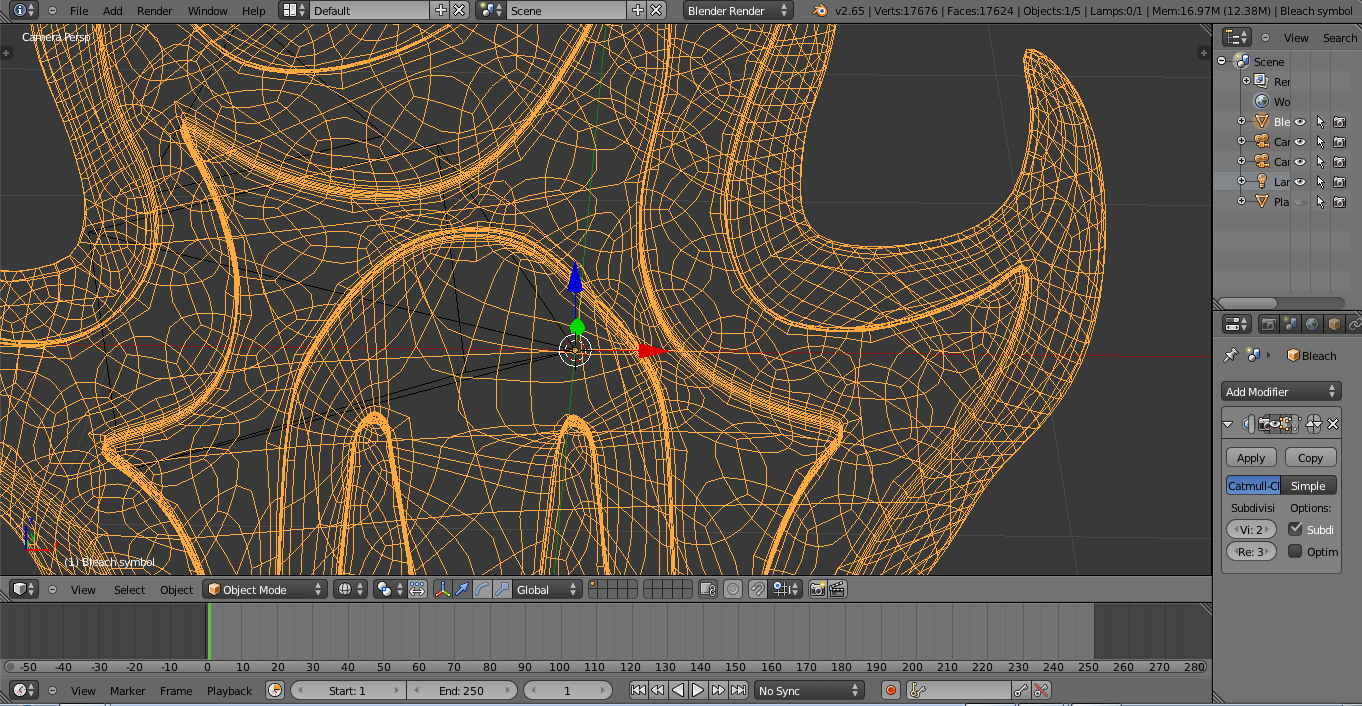
 Most of the things I did to make this I still don’t have a good understanding of how they work. Like coloring it…it took me forever to figure out how to do multiple colors on one mesh, and I’m still not sure if I did it in a good way or just a way that works hahaha