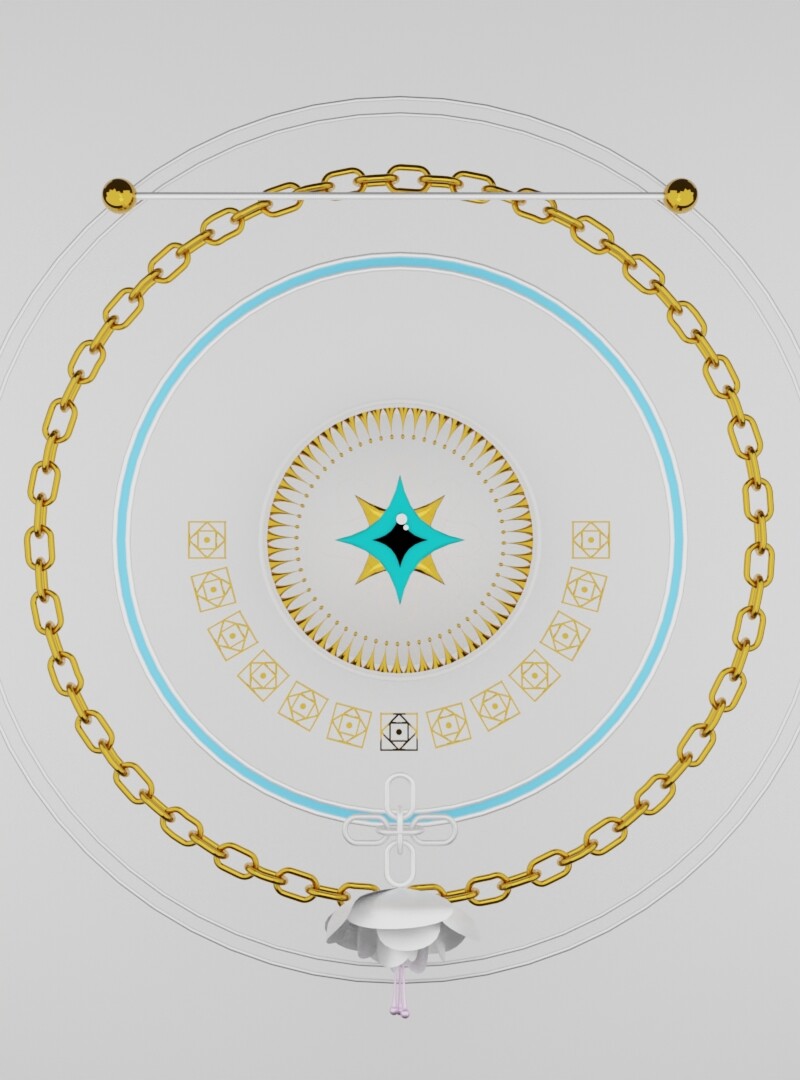
That’s it, i’m using cycles, and te option “depth of field” is disabled. And my final result looks like the next image. I still need to clarify materials, lights, and something else, but what worries me most now is that I don’t get a focused result. Also this is going to be an animation at the end, so i don’t really know if rendered like an animation would change something.
Ignore me, I’m just trying to figure out where I can ask my own questions. Hopefully writing something here unlocks a badge for that or something (we’ll start with the emoji badge I guess).
Check your “Pixel Filter”. This one needs for antialiasing your renders. By default it’s “1.5” (less - more aliasing means more sharp and “edgy”, higher - more blurry).
 (we’ll start with the emoji badge I guess).