Should I worry about this n-gon faces, the shading is bit weird. If yes is there an easy way other than cutting a loop throughout the model
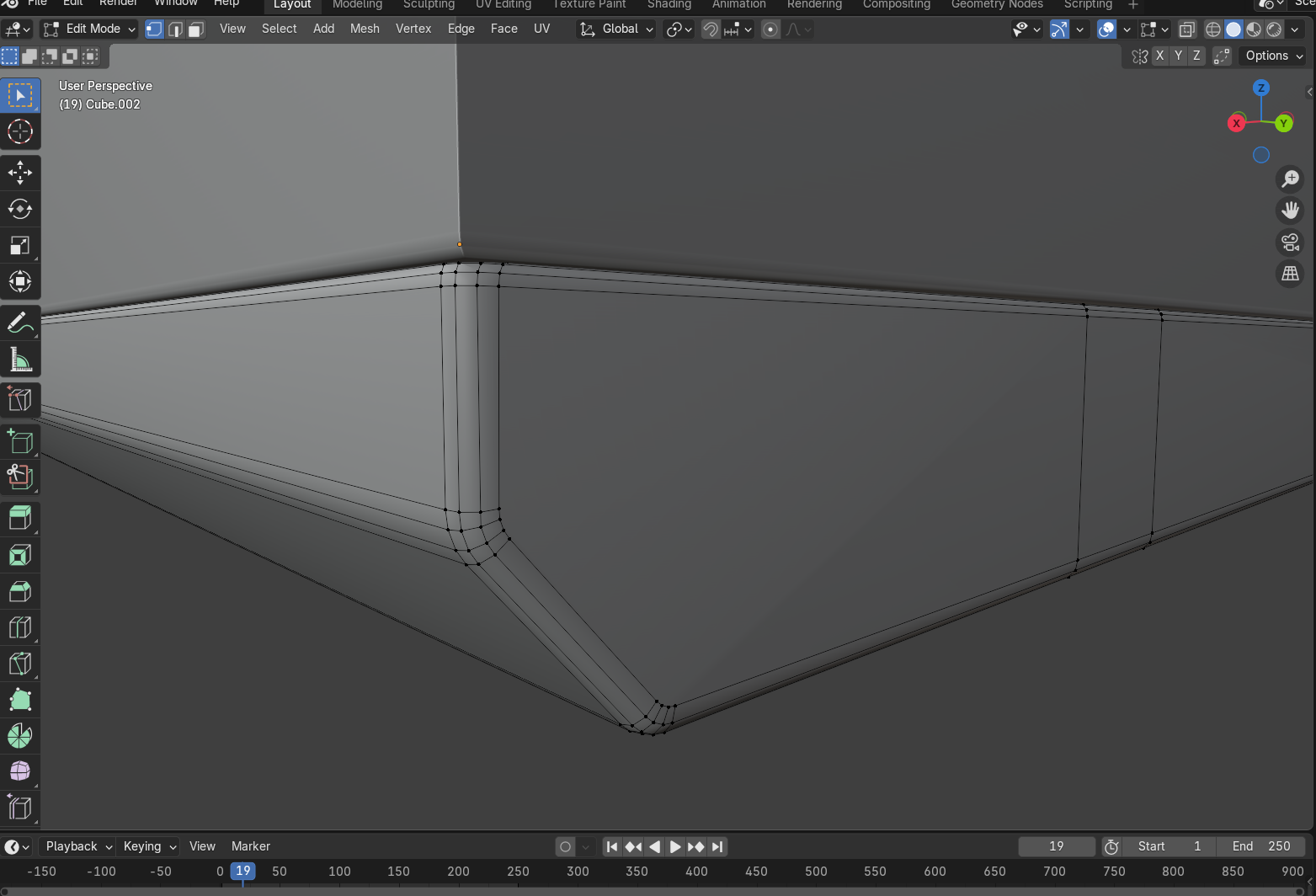

I still kinda new in blender so tell me if im wrong, when im facing something like this i mostly use auto smooth for better visual, but as far i know N-gon on hard surface doesn’t matter if you looking for visual, but if u want to make it for games, or deform i recomended to change it to quad.
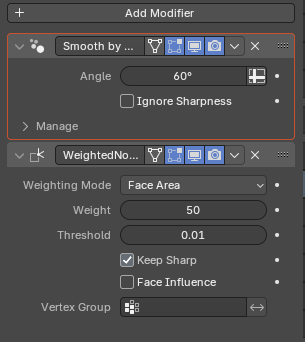
Try the Weighted Normal modifier
Please pay attention to the order of the modifiers
If you use bevel modifier you can try this:
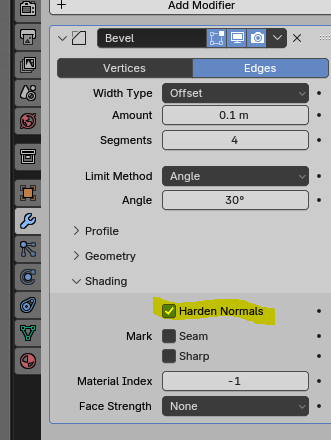
it solved the current shading issue but it got worse around where i had tri’s, but when i get rid of the tri and made it all n-gon, everything becomes good. should i keep all the n-gon’s
im already using smooth by angle here, i tried chaning the angle but nothing
but i didnt used bevel modifier here, i manually added bevel to edges i want
While Weighted Normal solves many problems, it is not perfect.
In some cases, you may need to draw the edges properly or orient the edges.
Ngon is not a problem unless you have used Subdivision modifiers, but the orientation of the invisible edges that are randomly created is a problem.

fsdf.blend (145.2 KB)
Rather, the use of bevel modifiers may be more advantageous.
Ngons are basically triangles. If you have a quad then you have two triangles, an ngon with 5 vertices will basically be 3 triangles. Each face has a normal direction and i believe smooth shading uses Interpolated normals or something similar to it (Basically the normals between a face and neighboring faces is smoothed). Since you can’t control the triangles in an ngon, their normals may point is very different directions which is why you get shading issues when the normals are Interpolated.
Have you already tried to check normal?