bartv
July 22, 2019, 8:17am
1
We just activated a new beta feature that allows you to select which image in your post to use as a thumbnail. To use:
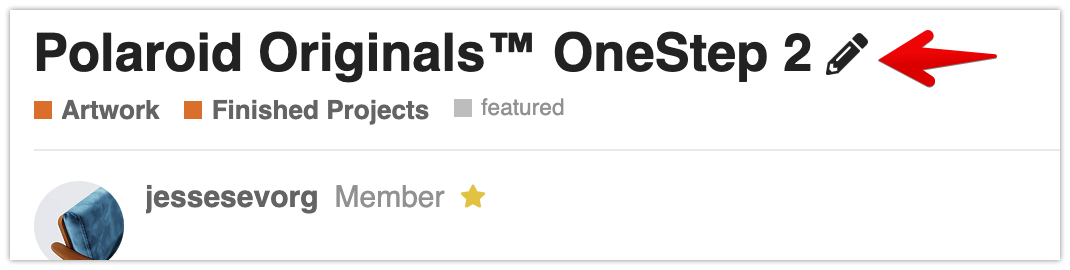
Edit your topic’s meta data:
Click the ‘Select thumbnail’ button…
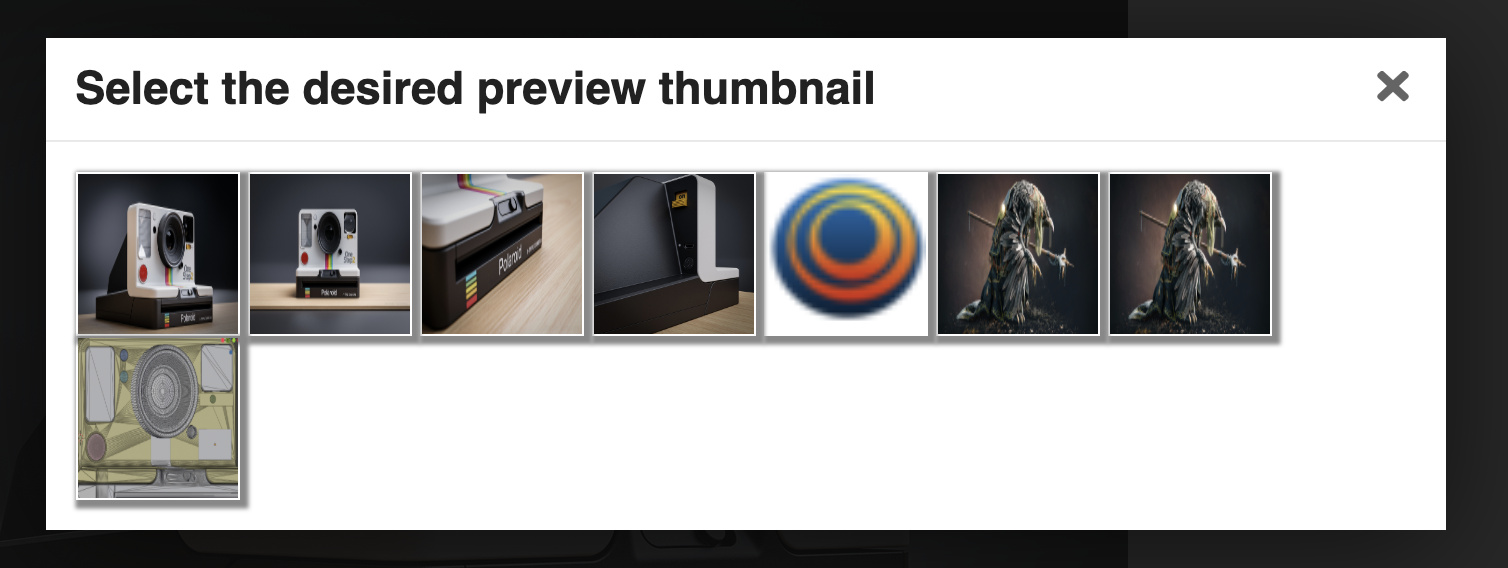
… and pick the one you like:
Please report any issues with this feature below.
13 Likes
Perfect… I was waiting for this feature!
1 Like
bartv
July 22, 2019, 2:43pm
5
It doesn’t auto-crop yet though
1 Like
Hey! @bartv : aparently thumbnail selector does not work for me.
Os X El Capitan & Last Firefox Version.
Trying to change the thumb of my post, but it does nothing.
bartv
August 8, 2019, 10:40am
9
Interesting, I can confirm that on Firefox/Mojave. Reported here:
dogdayfear
August 8, 2019, 10:55am
10
It does not work either with Safari and Chrome in Os X.
bartv
August 8, 2019, 11:07am
11
I just checked in Safari and Chrome and it works as expected. Can you try in a private browser window to rule out any plugins?
dogdayfear
August 8, 2019, 11:24am
12
Tried incognito & private windows in Firefox and Chrome. Disabled all extensions for this window mode. None of them worked for me.
Tried Safari with no extensions installed. As I dont use Safari so much I have it clean of addons. But same results: thumbs does not change.
bartv
August 8, 2019, 11:25am
13
I’ll reply in a PM to follow up
Miss_BB
October 14, 2019, 7:23pm
14
Doesn’t work for me too. Firefox Nightly 71 and Windows.
I’m trying to set the thumbnail on this topic but it’s staying on the very first image (I would like the last one of the last post)
( I’m running Chrome over Ubuntu 16.04 )
Thanks
[EDIT] Sorry bad link… Just updated
bartv
October 14, 2019, 8:21pm
16
Nightly builds may not be supported yet, can you try in the stable release?
Hmm, that’s a link to a category, not a topic.
Sorry I had misscopypasted the link, it’s ok now
bartv
October 14, 2019, 8:24pm
18
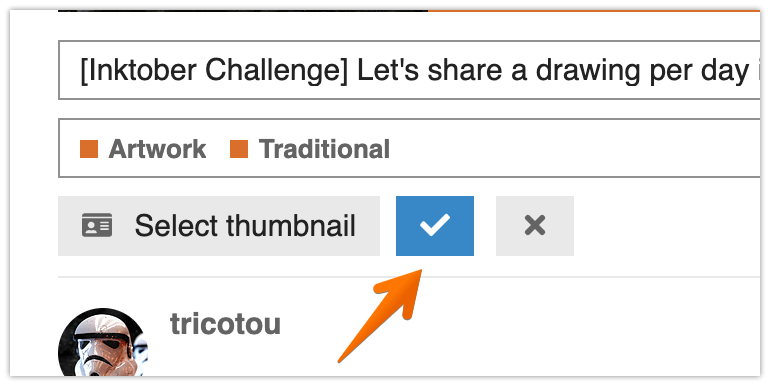
I just tried your link and it worked on first try. Just making sure - after selecting another thumbnail, did you save the change with the blue checkmark button?
Yes I did checked this checkmark
By the way I saw you changed it for me and it’s ok know
Do you want me to try another thumbnail change in order to try to reproduce / debug ?
bartv
October 14, 2019, 8:27pm
20
Yeah, please do. Which Chrome version are you on? Is it latest/stable?



 (I’ve even tried the whole process twice)
 thanks