punkcoders
October 28, 2021, 4:38am
1
Hi,
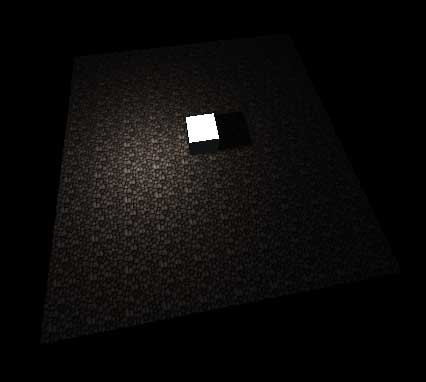
I’ve done the protocol explained in the doc:
But lightmap doesn’t display in threeJs.
I’d need help to find my errors. Thanks if you can
punkcoders
October 28, 2021, 4:42am
2
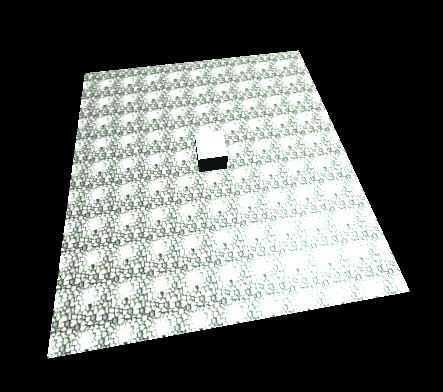
Here’s the screen of display error in threejs:
punkcoders
October 28, 2021, 5:42am
3
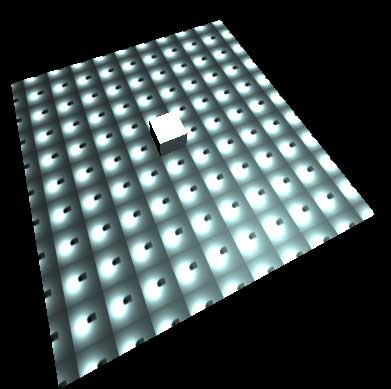
I’ve just tried the classic multiply approach, displaying is perfect in blender:
But… my glTF is worse…
punkcoders
October 28, 2021, 5:43am
4
Now glTF exports lightmap with texture coordinates. HELP ME !!!
punkcoders
October 28, 2021, 12:31pm
5
If i believe this topic, the problem is in gltf exporter:
opened 09:45PM - 19 Apr 20 UTC
closed 04:58PM - 17 Sep 20 UTC
bug
exporter
**Describe the bug**
It's currently not possible to use multiple UVs on the sam… e texture.
I'm using one texture, red channel for AO, green channel for roughness and blue channel for metallic.
Metallic and roughness use **UV1**, and AO uses **UV2**.
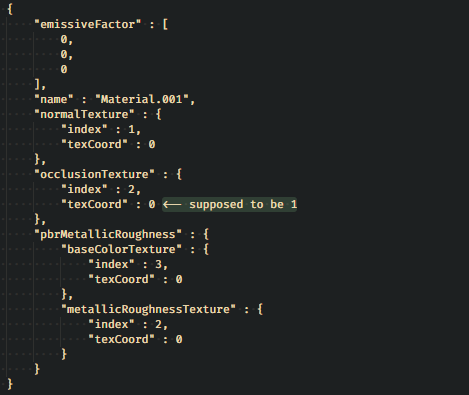
When exporting, AO is using **UV1** as well.
When changing the AO to **another texture**, the export is perfect.
**Screenshots**

**.blend file/ .gltf**
[cubes.zip](https://github.com/KhronosGroup/glTF-Blender-IO/files/4500354/cubes.zip)
**Version**
- OS: Windows 10
- Blender Version: 2.82.7
punkcoders
October 28, 2021, 2:43pm
6
According to these people:
Hey guys. i am trying to export gITF from blender and render it using threejs in browser. I had some dump questions here(tried search on google but got no luck) according to blender gITF doc, gITF will combine texture and model together. does...
Reading time: 1 mins 🕑
Likes: 3 ❤
Threejs doesn’t use directly the second texture as a lightmap, so, maybe i need a some javascript workaround ?..
punkcoders
October 28, 2021, 4:00pm
7
I’ve found the workaround. glTF doesn’t support lightmaps, so, store the texture elsewhere, for example in emissiveMap. Then, in your 3d engine, create a new material using it as a lightmap.
let newMat = new THREE.MeshBasicMaterial({map: obj.material.map , lightMap: obj.material.emissiveMap });
obj.material.dispose();
obj.material = newMat;
Now it works.
punkcoders
October 28, 2021, 4:36pm
8
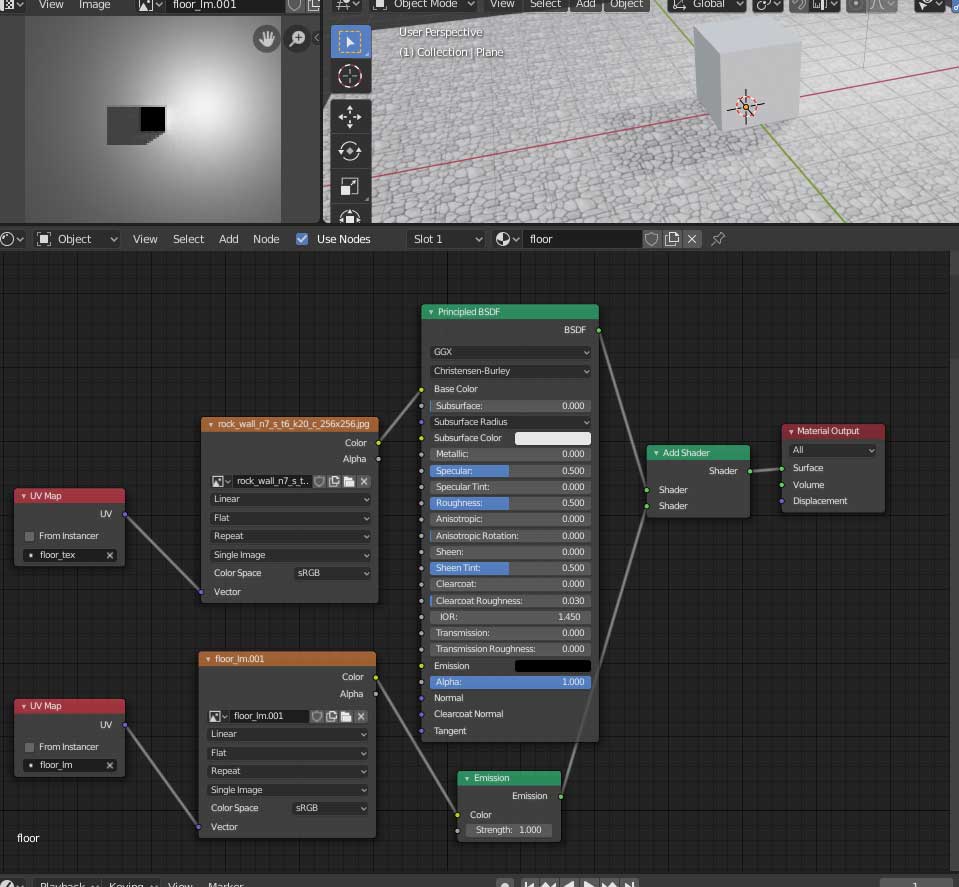
Here’s the final version of my shader:
zuppaman
February 3, 2022, 3:06pm
9
Thx for writing down the solution as well with so much detailed.