DOMO79
July 25, 2019, 12:26am
1
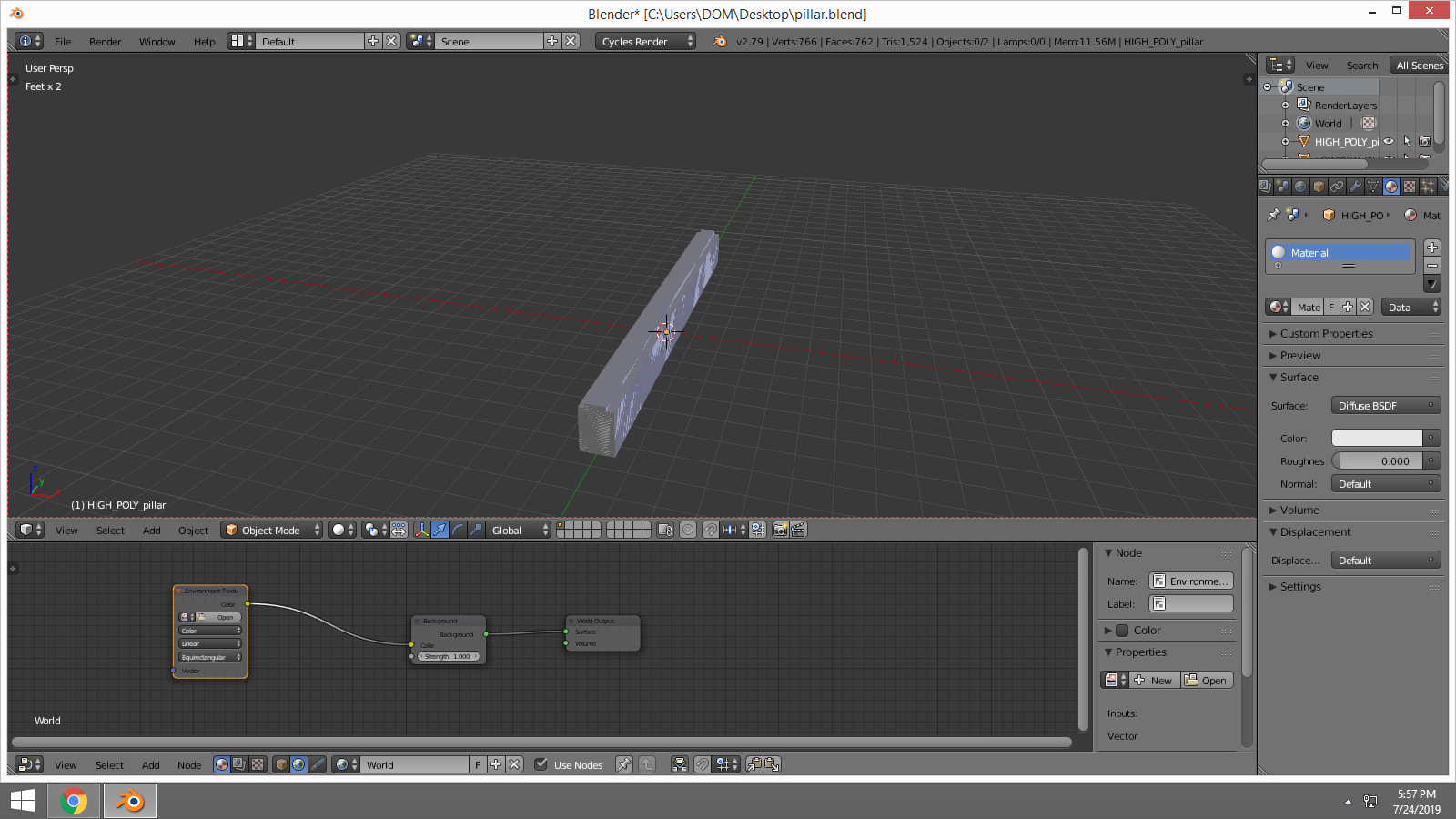
If I get into environment
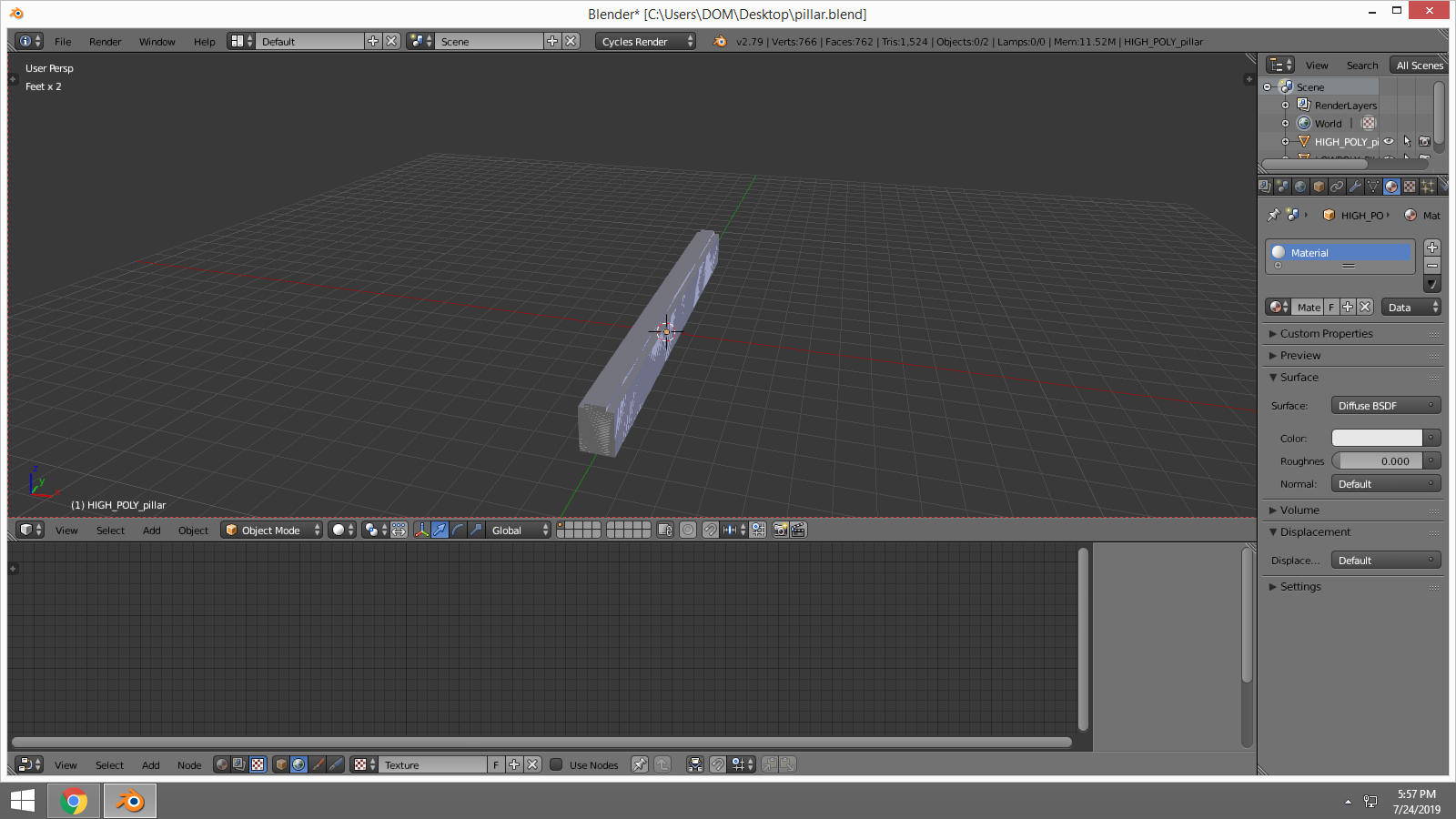
node I cant get back into nodes for materials. Why is this?
ldo
July 25, 2019, 12:36am
2
The second lot of icons you circled–click on the cube icon in that group. You have the World icon currently selected.
DOMO79
July 25, 2019, 12:58am
3
If I click on the cube nothing is there, then if I click on the node tree it goes back to the environment
node
ldo
July 25, 2019, 1:09am
4
That means you haven’t got “Use Nodes” enabled for the material, only the background.
PyBlend
July 25, 2019, 1:42am
5
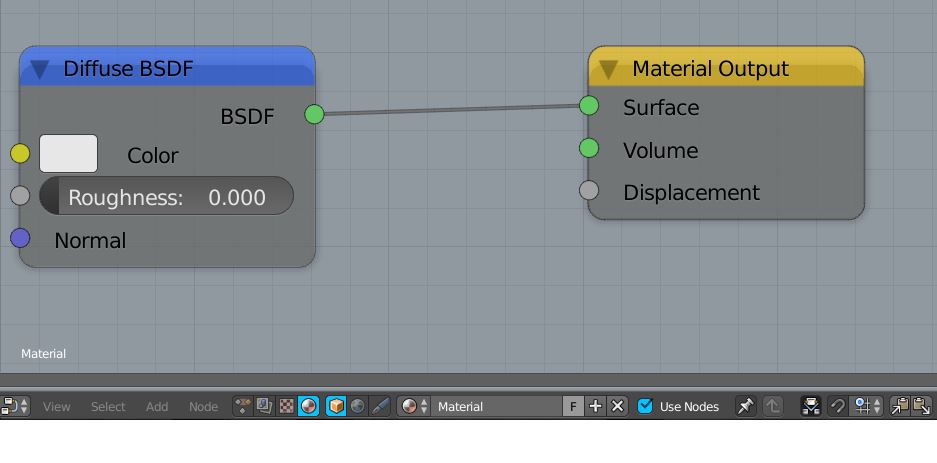
In your screenshots you have the texture work space selected. You need to select the ball on the left and the cube on the right. like so:
My icons are in a different order due to addons but it works the same.
The left icon (the ball) is for shaders and the right icon (the cube) is for object shaders.
PyBlend
August 19, 2019, 12:06am
7
In this screenhot the extra icon is for the Animation Nodes’ editor.
The Animation Nodes (AN) addon is a node based visual scripting system designed for motion graphics in Blender.
The main goal of this project is to have a very customizable and extendable node framework. You can use it as powerful driver alternative, text manipulator, animation replicator, …
Download
Thread Overview
Leon Cheung created a spreadsheet that helps to directly jump to the quality posts in this Thread.
Learning AN
AN has a manual . Also checkout the external links for more lea…