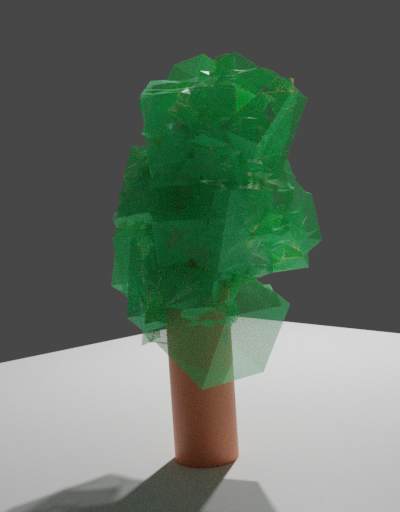
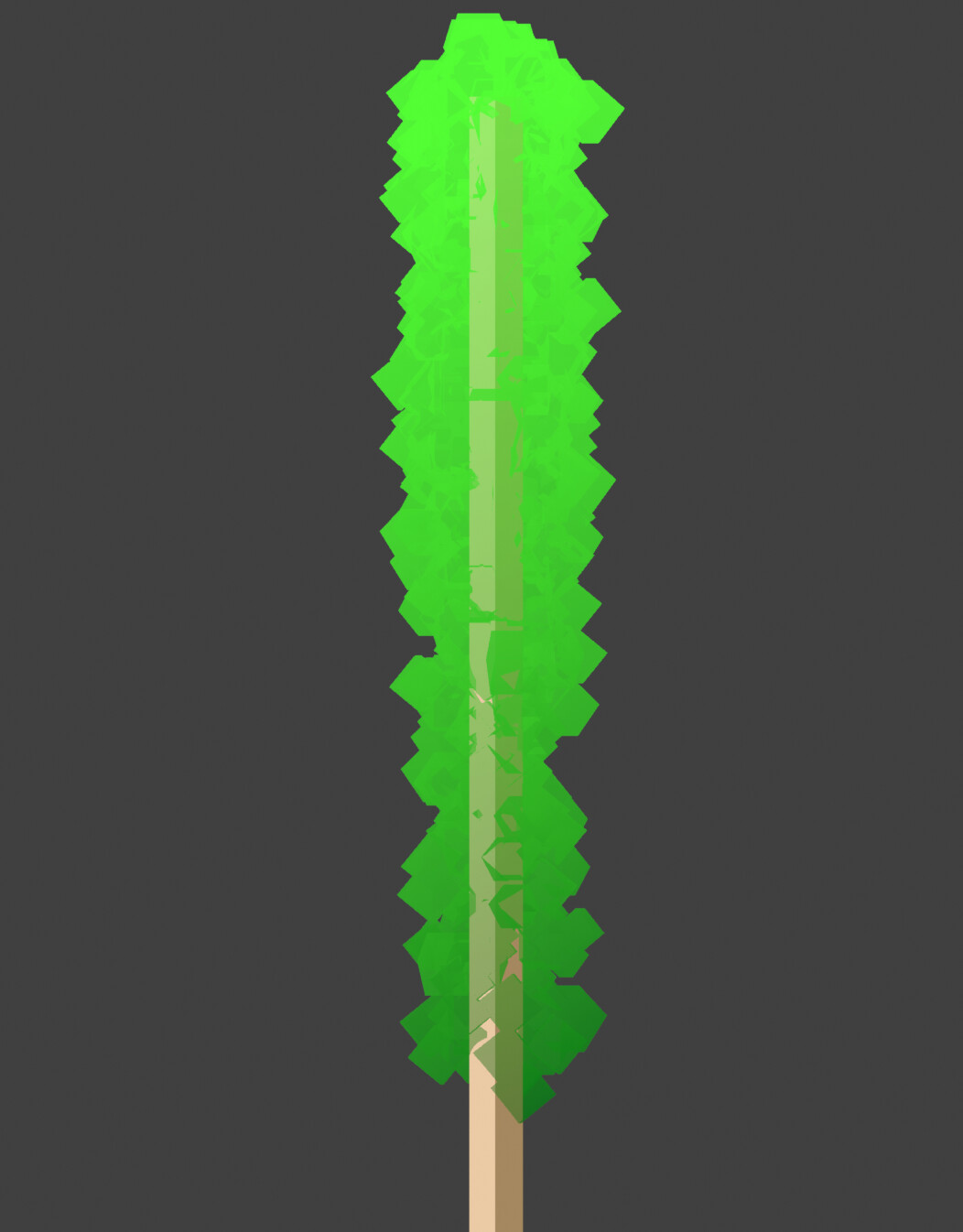
Hi. I’m trying to create a crystal NPR/Anime style shader. In this example, it’s for a rock candy stick. It has been made up of cube particles that have been converted into one object. I want it to be somewhat transparent, however, doing so reveals the the individual meshes within the object overlapping each other. I would like for it to be a flat, uniform transparency with some highlights, if that makes sense. Is there a way to achieve that?
Please excuse my node setup–I am not super advanced in Blender so it may not be very professional or ‘accurate’. If there is a better way of doing a toon crystal setup, please let me know. There seems to be surprisingly little online about the subject. Rock Candy.blend (1.6 MB)
I have seen that video, but it’s not quite what I’m looking for in this context.
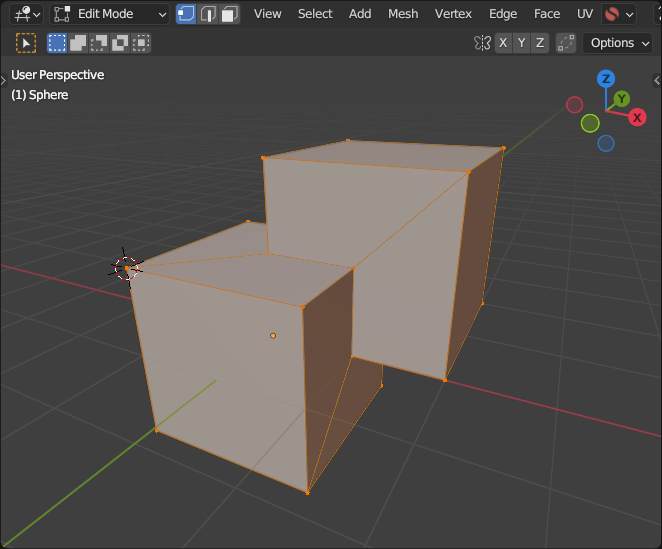
I would like to join all the individual cubes into one mesh like in your image, but that would require using the Boolean Modifier, right? It would be time consuming to join only two cubes at a time.
Well… it’s hard to tell when you give no reference. Also i meant multiple different kinds of merged cubes (or even slighly randomize ones) and then using them as particles.
Because usinf this one cubes only can’t give anz “cristalized material” look.
Here’s a simple example. On the left, the transparent cubes overlap each other, creating more opaque areas. I want something more like the example on the right, where it is all one uniform transparency, and therefore more simple and ‘stylized’. I am not sure if this is possible in Blender.
Then the geometry of the candy should be uniform, and a single mesh - not a “particle billboard” placement. Then also make sure you aren’t showing backfacing in the material.
I am not sure if this is possible in Blender.
At this point, not the conclusion you need to be leaning towards.
Ohh i see now → stylish… somehow if overlooked NPR/Anime…
Well… the “problem” is youe transparency idea… when drawing this in your example image on the right side you might have used a separate layer with some transparenvy and voila. But when you do this for ever square (cube) then it does this overlapping like on the left side. It’s the same for 3D… when not using any transparency you got this unwanted result like in your first image on the left; when using single cubes with transparency you get this overlaps… so you have to get some finale merged mesh…
In some game engine there are different shaders techniques (based on “the screen”) but blender does not have those… you might get this with some compositing trick; maybe using some cryptomate; and maybe some double rendering becaue of the transparency ??
Edit: hmm in fact some cubes with an applied remesh modifier and some transparency…
(Gloss has been turned down to try and better show what I mean)
I tried Cryptomatte, but the picker refuses to pick up the material, or anything that has the material I don’t know why
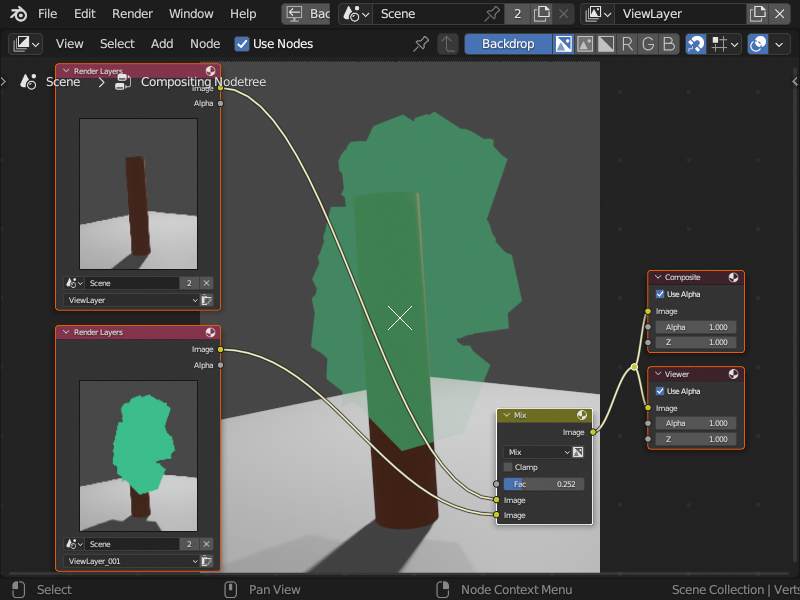
As i mentioned… using different view layers to render the thing “behind” the crystal and giving it some emmisson shader to make it "flat"and mix this in combo… here in Eevee:
Perhaps the method you’re showing is the only way to achieve the look I want. However, it might make things difficult if I were to use the model in an animation.
(On a side note, the reason Cryptomatte wasn’t picking up the material when I tried it was because the Render Mode was set to Blended. But either way, I still didn’t get the effect I wanted.)
Anyway, thank you for taking the time and effort to try and help me


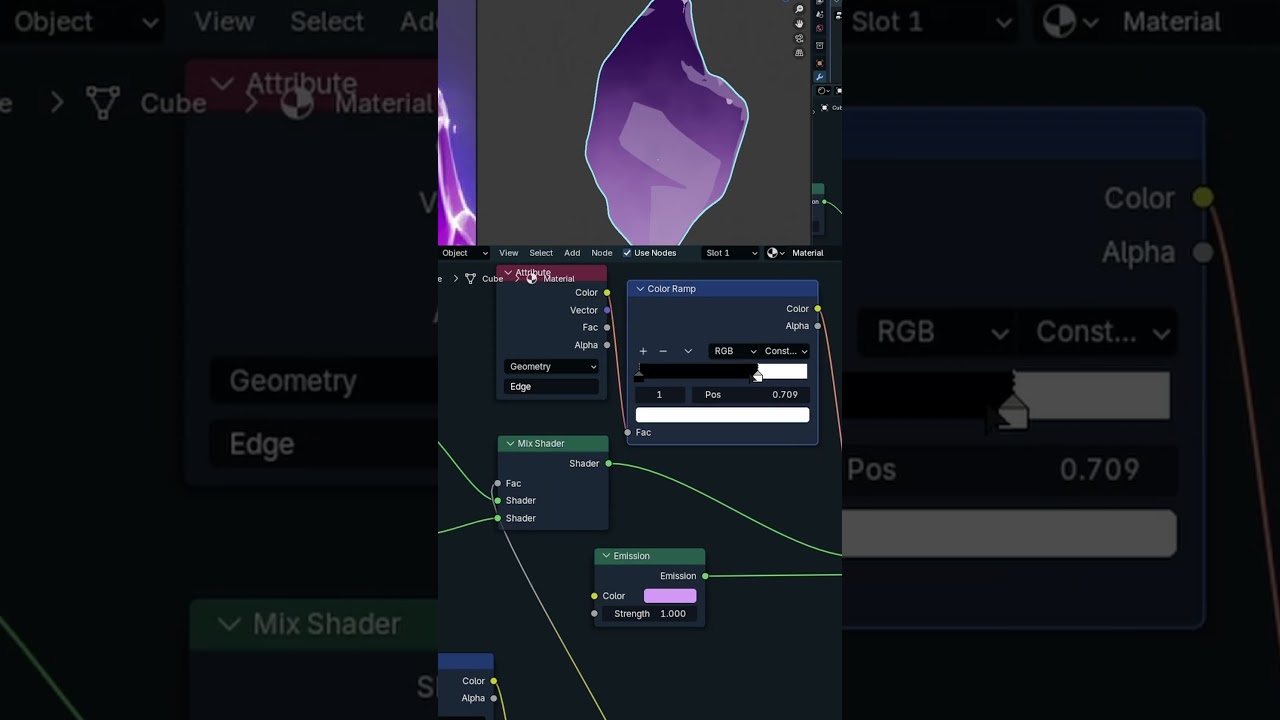


 I don’t know why