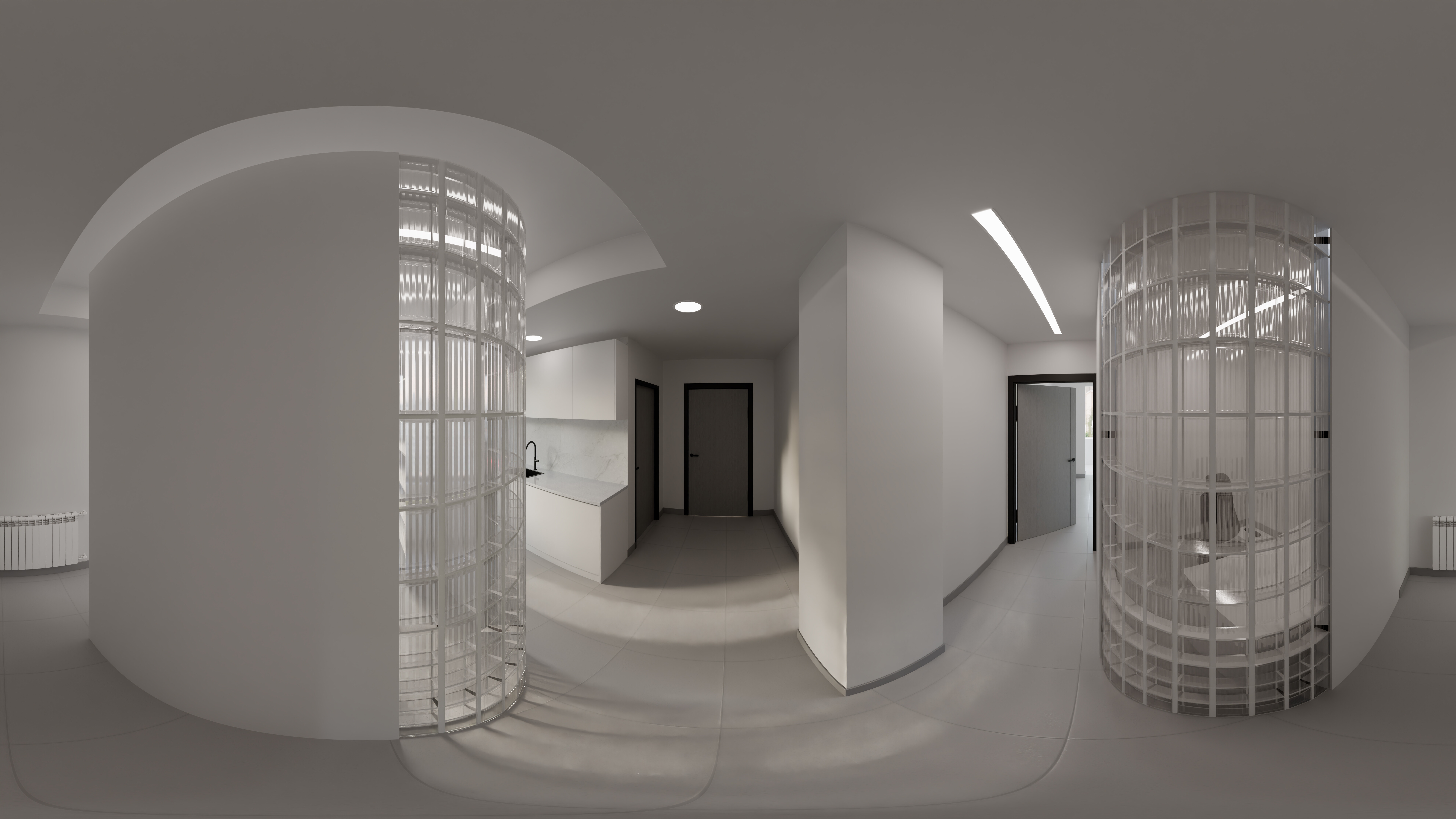
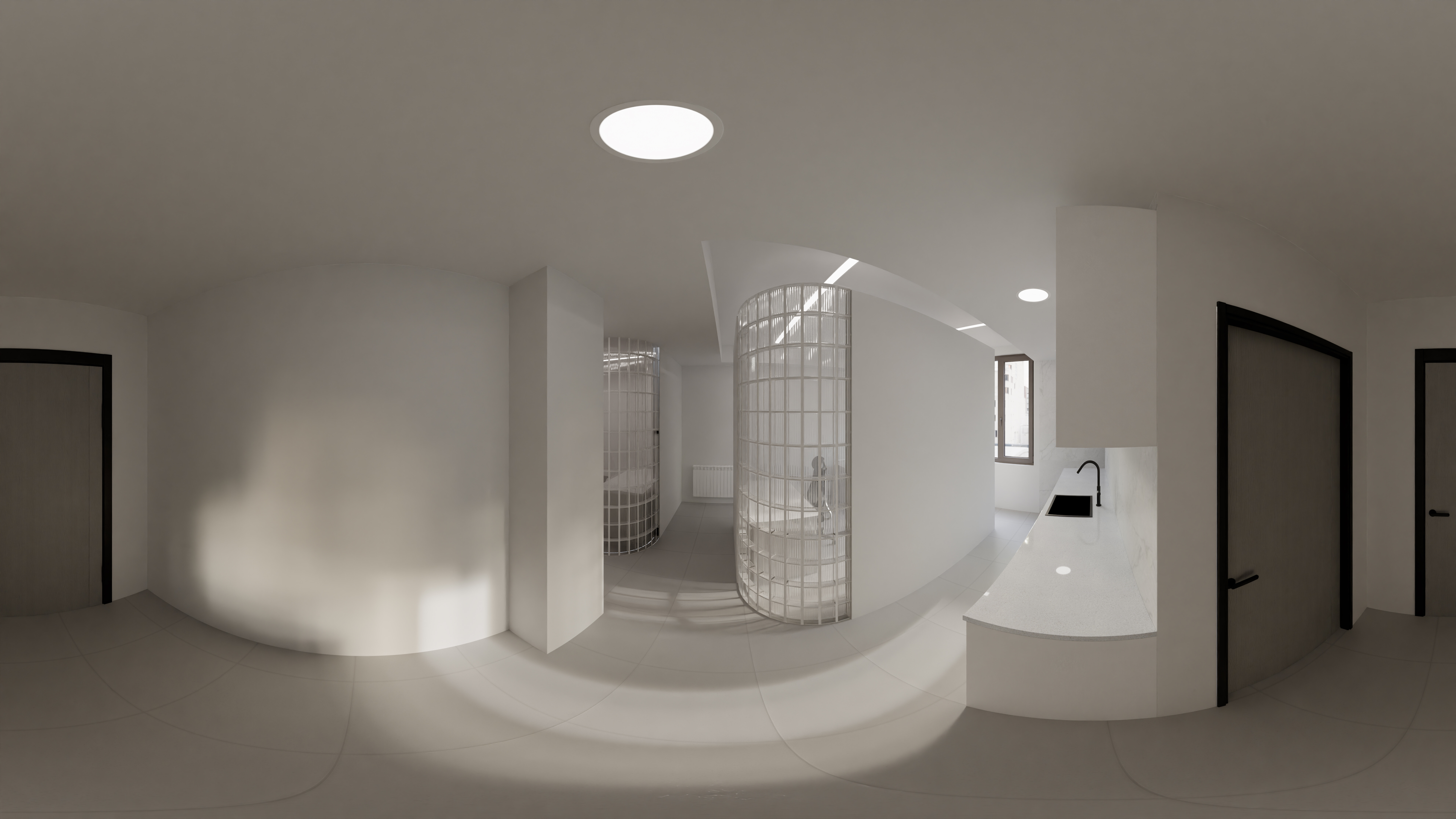
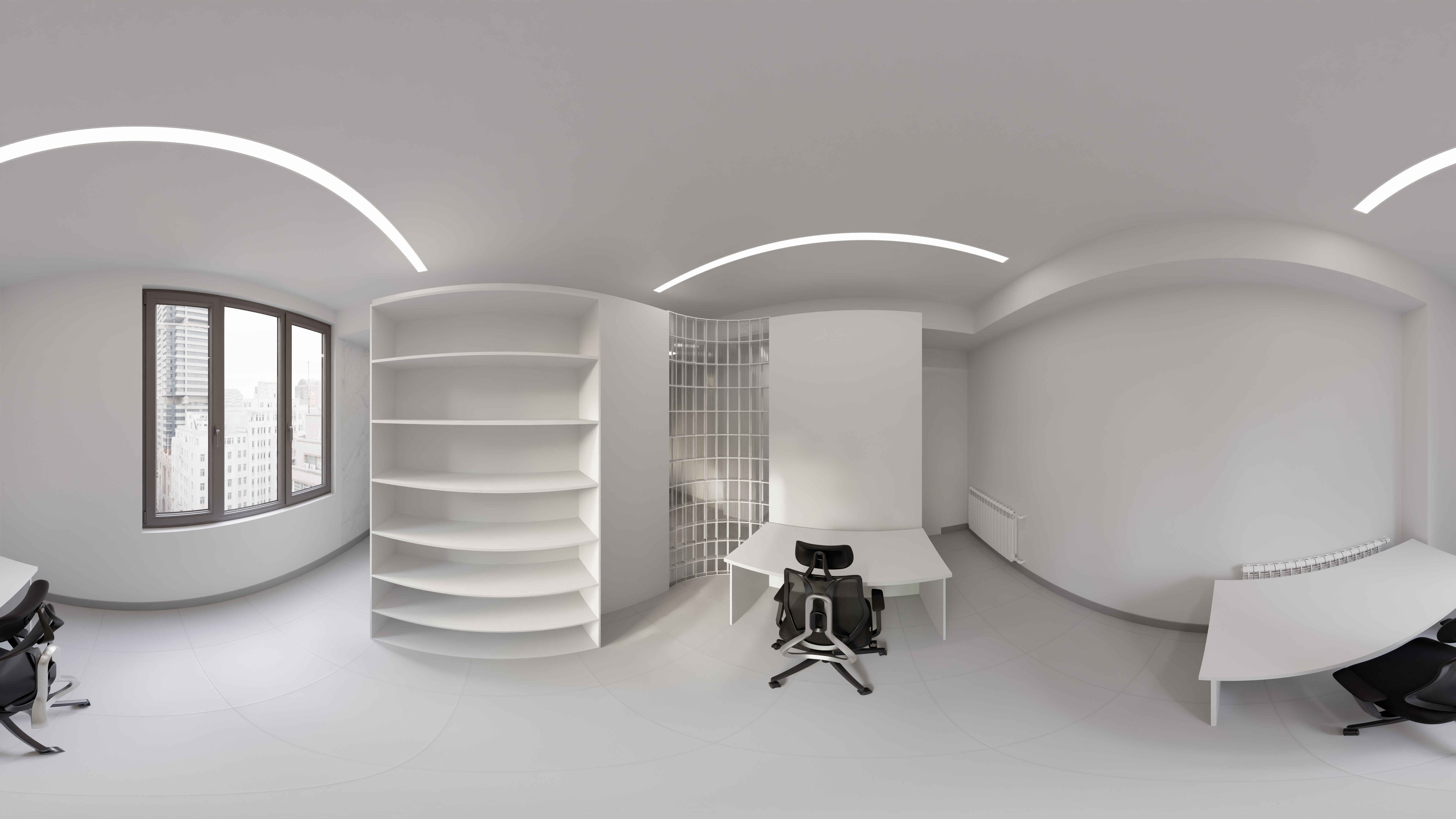
Office on-hold design
3 Likes
Are those renders of 3d scene or HDRI maps?
These are renders of 3d scene
I don’t think Ali properly understood your question.
You are asking if they are environment maps. Yes, that they are.
They are not, however, HDRIs, because they are just JPEGs.
We tend to use the initialism “HDRI” to refer to environment maps, because often an environment map is also an HDRI (stored in an .exr file), if that helps.
You can see his office naturally like this:
- Save Ali’s images somewhere convenient.
- Load up Blender and delete everything in the default scene.
- Switch to the Shading workspace and change “
Object” to “World” in the Shader Type drop-down box. - Select the “Background” node and press Ctrl+T.
- In the “Environment Texture” node select one of Ali’s images.
- Switch back to the Layout workspace and switch to “Material Preview” shading with Z, NK2. (Nothing will appear to have changed. That’s ok.)
- In the upper-right corner of the viewport window click the little down-chevron button for the Viewport Shading options:
- Enable Scene Lights
- Enable Scene World
- (Optional) Press Shift+Alt+Z to disable all viewport overlays (for a clean view of Ali’s work)
At this point you can pan around to see the room. Switch back to Shading to change which image is displayed, and back to Layout to look at it.
It is a fairly small office, but the glass block lets it have a lot of natural light.
I featured you on BlenderNation, have a great weekend!