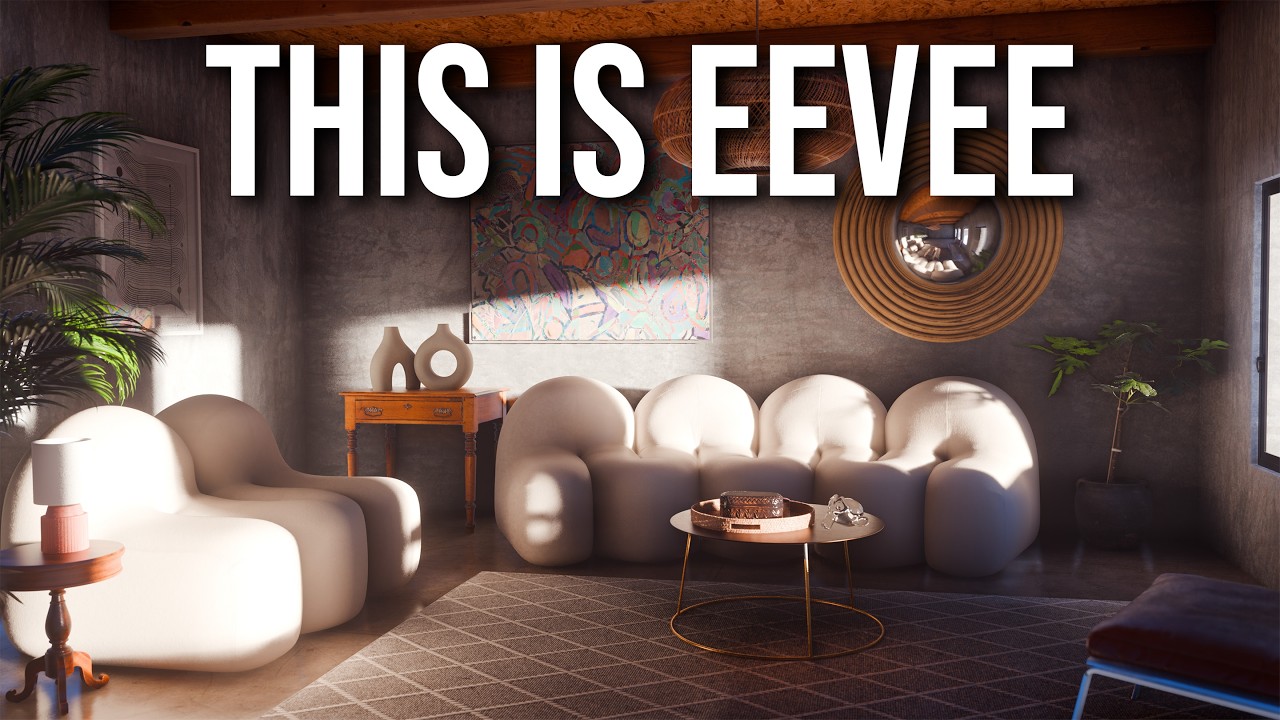
Hi everyone,
I’m starting a new client project focused on exterior architectural visualization (landscape design), notably for animation. In the past I worked with SketchUp and Lumion, but I now feel confident enough to move fully over to Blender given the experience and different add-ons (Geoscatter, Botaniq…) accumulated.
Now, while used to Cycles, I’d really like to rely entirely on EEVEE (next). My goal is to push the engine as far as possible to get close-to-real-time rendering, similar to what you get with D5, Unreal Engine, or Twinmotion. I know EEVEE still has some limitations, but for outdoor scenes—where light bounces matter less—I think it might be viable.
So I’d love input from people experienced with EEVEE and Blender archviz:
Do you think EEVEE is now capable enough for exterior archviz work, especially for animation?
If yes, do you have recommended tips or settings for a smooth viewport experience and fast render times?
Also, though I believe I have enough of them, do you have any add-on recommendations?
Thanks for this. I did watch this video a while ago, but realize that it might be worth a re-watch indeed. Also doing a bunch of experimentations in the meantime. Cheers!
Outdoor scenes are usually easier to render than indoors, as you don’t have the need to create detailed bounce light to get a good result. There are a few things you should know for good performance though.
Eevee is a rasterizer like a game engine rather than a path tracer like Cycles and so has some of the same limitations as a game engine. It’s more sensitive to polygon count and texture resolution than Cycles, so make sure not to use more of those than needed. Model everything in low to mid poly and avoid subdivision unless needed for an important object. Reduce the resolution of background objects’ textures if they are higher than needed. If you import a heavy pre-made object, decimate it.
Cycles prefers foliage that’s fully modeled polygonally rather than low-poly leaves done using transparent textures. Eevee prefers the low poly leaves with transparency. If you have lots of vegetation, you will have to choose what models and addons you use, as some of those addons are meant for Cycles and use the heavy non-transparent models.
Eevee is sensitive to large numbers of lights, especially if they are clustered and their affected areas overlap. This can be good to know if you make a night scene. Limit the range of lights where you can. If you have multiple clustered sources, see if you can use one brighter light object to represent them all rather than a bunch of small lights. If a light will not produce visible shadows, disable them for that light. Don’t use a point light where a spot can do the same (point lights cover more area due to being 360).
Eevee next’s shadows now default to the max setting. If your scene has only a sun, that’s not going to be a problem. But if you have many lights, you can regain lots of performance by going to the main shadow settings (in the render settings) and reducing the global shadow resolution. There is usually quite a bit of room for reduction because of the high default quality.
If you light your scene with an HDRI, the direct sunlight will be shadowed by default, but not the ambient light coming from the rest of the sky. If you have an enclosed area, such as a dense forest, it will be too bright because of this ambient light that’s not being properly blocked. If that happens, you need to use a volume probe. It can do bounce light, but also block the ambient light. If you watched the blender guru video, you have an idea of how to use it, but it doesn’t have to be only for interiors. You can totally use one to shade the inside of a forest (and it’s even easier, as you don’t need to line it up with walls).
Eevee is really good at volume fog, unlike Cycles which struggles to denoise it. However, don’t set the volume resolution too fine. 1:4 or even 1:8 is enough for fog, the finer 1:1 or 1:2 are only really needed for detailed smoke sims.
Finally, keep in mind that Eevee is fast compared with Cycles, but you will never get to the levels of Unreal, it’s not quite designed for that. Eevee is a fast non-realtime renderer, it focusses on quality in places where actual game engines make some sacrifices for speed. 2 or 3 seconds per frame is a good performance for Eevee next.