Hi all,
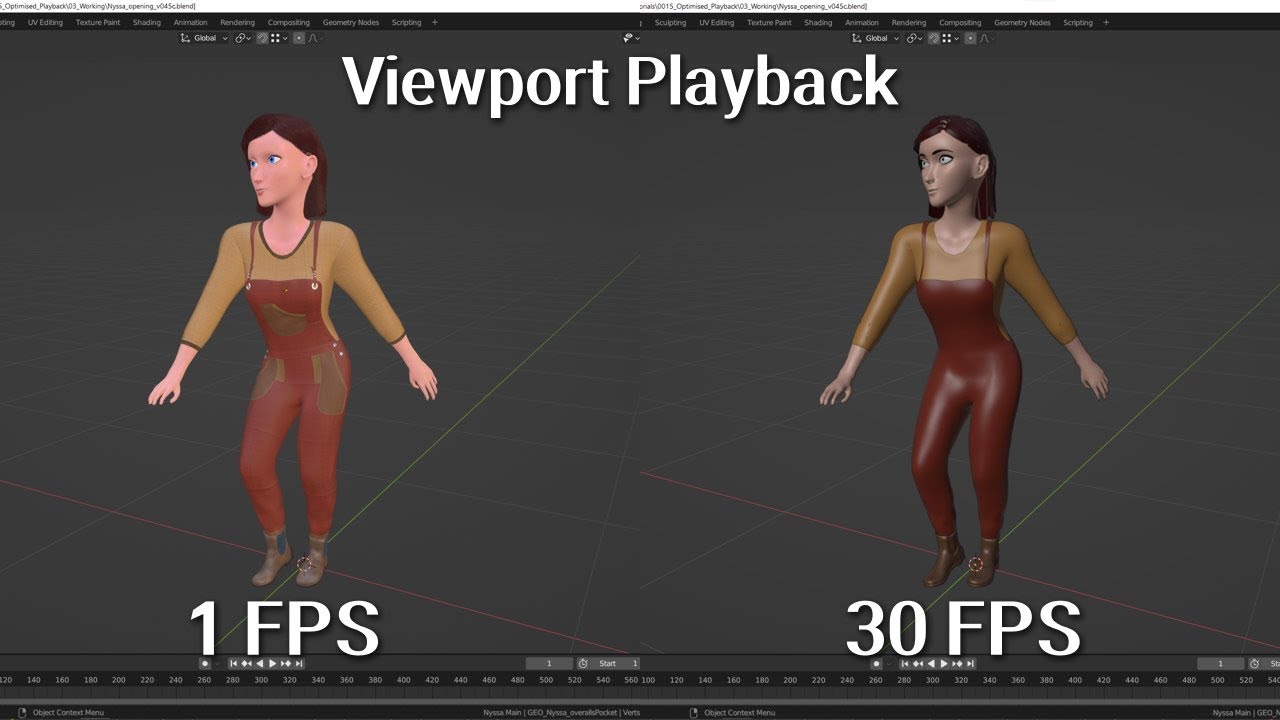
As I slowly work on my animation project, I’ve just uploaded a new video that takes a look at how you can improve the playback speed of an animation in the viewport.
Hi all,
As I slowly work on my animation project, I’ve just uploaded a new video that takes a look at how you can improve the playback speed of an animation in the viewport.
Super useful video. It’s a big problem with working on low-end PCs, which I thankfully don’t have to deal with (as much) anymore.
I’d also suggest, instead of just hiding objects in the viewport, disabling the objects in viewports. Turn on the monitor icon in the outliner filters to disable objects quicker. I’ve found it has a greater effect on playback fps than hiding them alone, especially with things that involve lineart.
Thanks.
That maybe much like disabling each modifier on the object, since just turning the object off via the outliner, still leaves all the modifiers to be processed in the background and hence slows down playback speed.