Here the two benches i have so far.
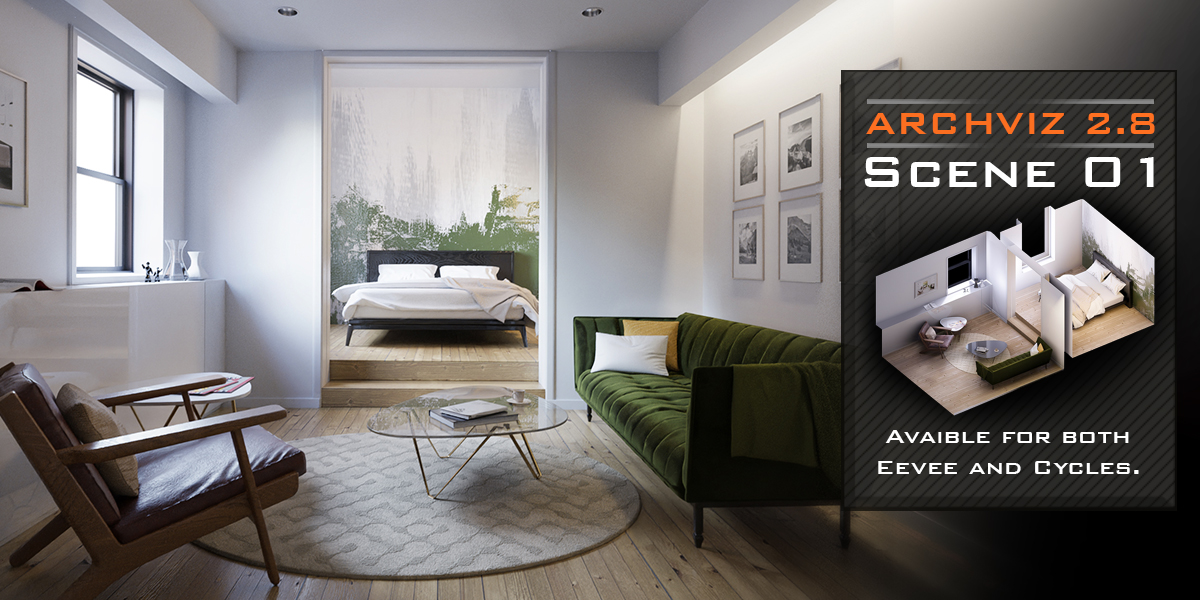
First test with an interior scene
so here is some hard bounces interior global illumation, a bit harder for the computer
viewport performance for 200 samples [2x 2080TI]
RTX ON: 37s
RTX OFF: 55s
rendered at 2000x1477px @2200s [2x 2080TI]
16x16 tiles
RTX ON: 14m65s56
RTX OFF: 20m55s59
32x32 tiles
RTX ON: 9m34s34
RTX OFF: 17m07s77
64x64 tiles
RTX ON: 9m09s96
RTX OFF:16m24s26
256x256 tiles
RTX ON: 8m43s40 1,6X FASTER
RTX OFF: 14m16s22
256x256 tiles
slower than the rest
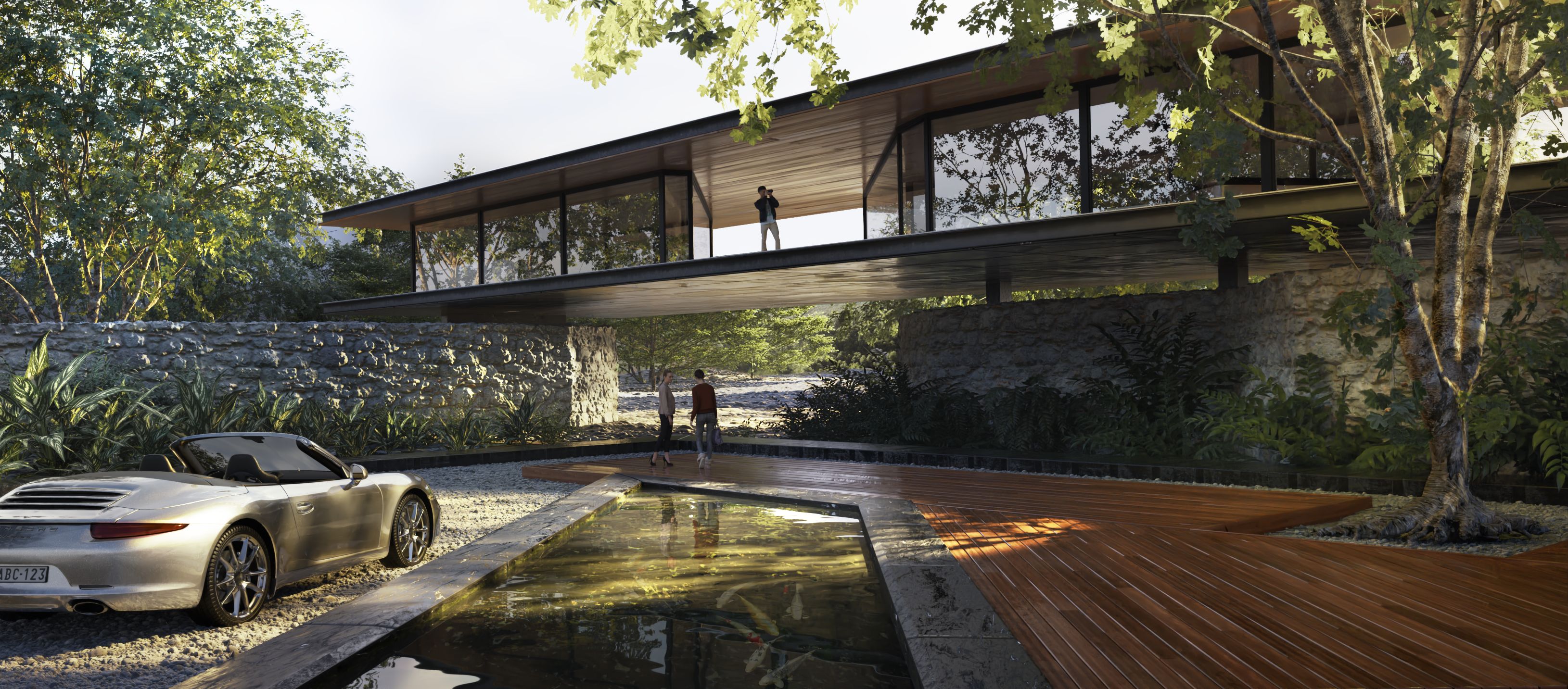
Second test with an exterior scene
lots of complex geometry, trees, displacement, but not so hard to calculate bounces
Viewport performance for 100 samples
RTX OFF: 01m06s92
RTX ON: 00m41s18
rendered at 700x1650px @1500s
16x16 tiles
RTX ON: 6m+
64x64 tiles
RTX ON: 4m34s85
128x128 tiles
RTX ON: 4m23s56
256x256 tiles
RTX ON: 4m09s31 2X FASTER
RTX OFF: 8m11s89
256x256 tiles
slower than the rest

simple asset, direct light, just an hdri and an asset.
same cheap kind of scene they always make RTX demo on youtube
viewport performance for 500 samples [2x 2080TI]
RTX ON: 22,76s
RTX OFF: 27,21s
rendered at 2000x2000px @1500s [2x 2080TI]
250x250 tiles
RTX ON: 1m34s00 1,6X FASTER
RTX OFF: 2m0s11