@oscurart
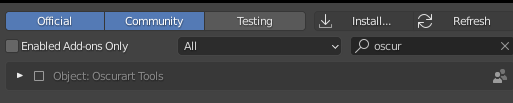
Just noticed that Oscurart Tools is no longer included with the 2.91 build (can confirm it was in 2.90.1). Wondering why and if it will reappear at some point. Was a handy add-on.
Daf
@oscurart
Just noticed that Oscurart Tools is no longer included with the 2.91 build (can confirm it was in 2.90.1). Wondering why and if it will reappear at some point. Was a handy add-on.
Daf
Yes, you’re right.
I had some differences with some people from the community.
You can get my addon from my repo 
Thanks!
Is this the repo you are referring to
If so I’m not sure exactly what I need out of all of those files to install the Tools.
I copied it over from the 2.90 install files and it’s good to go.
Thanks!
Download the oscurart tools folder and paste into the addons_contrib. Then enable it from preferences. I don’t recommend install addons from “install”.
Perfect - thanks again! 
Daf
Hello,I copied oscurart_tools to addons:
sudo cp -r /home/alex/workspace/Thirdparty/Blender-28-Addons/oscurart_tools/ /usr/share/blender/2.91/scripts/addons
Enabling it in preferences,then using ‘Distribute Objects’ to distribute selected 5 objects,and got an error:
Needs at least two selected objects
And it seems that this error occurred in old version before.
https://blenderartists.org/t/oscurart-tools-update-rig-model-render-setting-more/576702/28
How to fix this issue?Thanks.
I got the same Problem. Got an error: “Needs at least two selected objects” even when there are more objects selected.
EDIT:
It still works with version 2.90.1.
Download previous version of Blender here:
Index of /release/Blender2.90/
and then go to Edit -> Preferences -> Addons -> Search for Oscurart Addons. They are still there.
Sorry, I tried to copy the “oscurart_tools” folder into:
C:\Program Files\Blender Foundation\Blender 2.91\2.91\scripts\addons_contrib
I couldn’t find it in add-on preference setting.
Nope, me neither. Tried a bunch of things, but none of that makes any script or the addon itself show up.
You use this link download the zip and just drag the folder “oscurart_tools” in your addons default folder dir (for windows is = C:\Users\UserName\AppData\Roaming\Blender Foundation\Blender\2.91\scripts\addons)
That’s what I tried as well, I couldn’t see the addon in the menu.
Sorry for the late reaction, that indeed fixes the install.
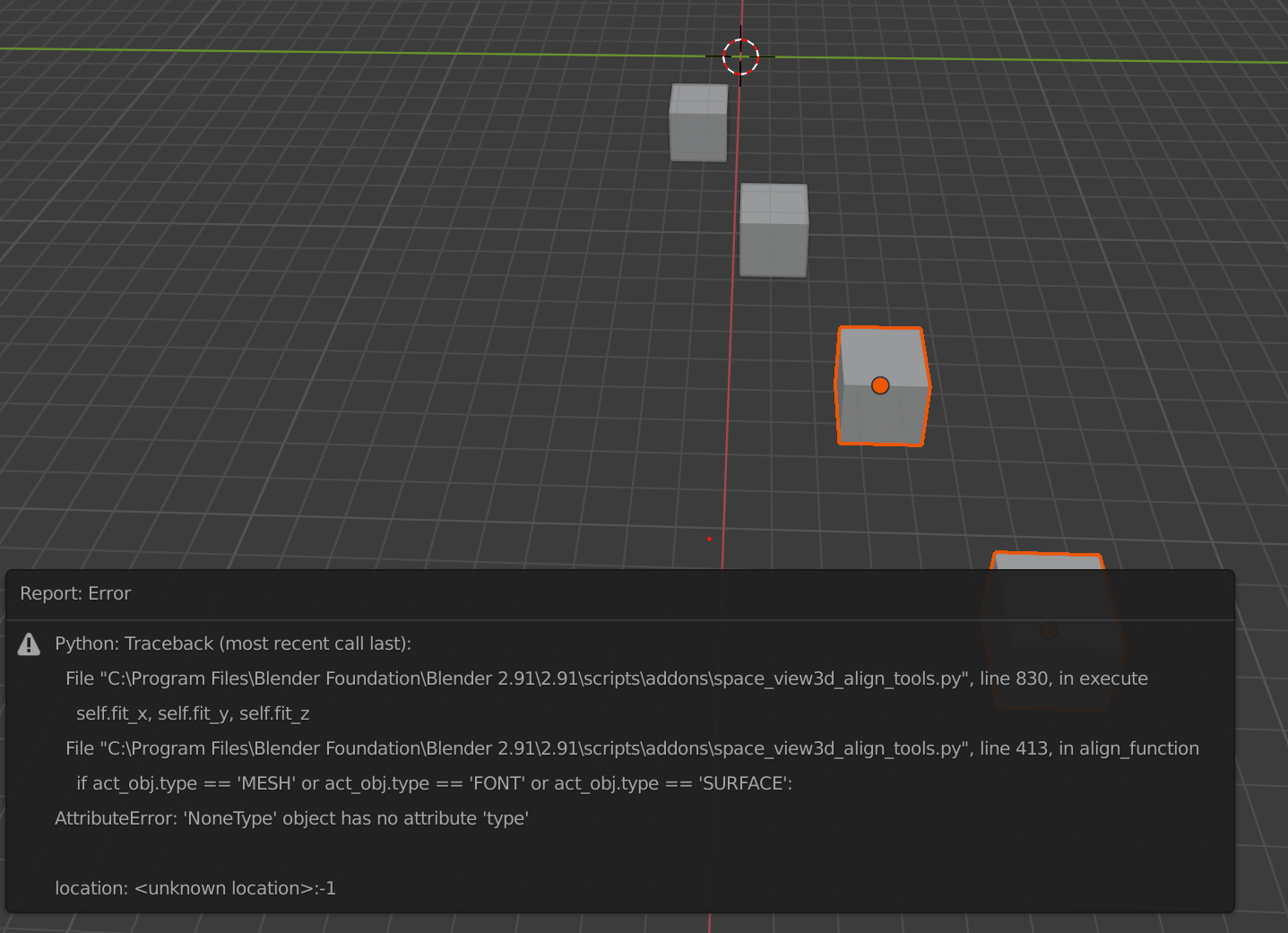
@oscurart For some reason though the addon creates errors when alligning objects after a distribution with align tools or Machin3tools’ align. It is easily reproduced and triggered by succesively aligning and distributing objects. The error may also be triggered by using the object distribute function in succession.
the the previous posts!
Thank you light bringer !!!
Two questions if I may, if the right click version of the add-on doesn’t work, can it be removed ? Because it makes me wonder what other versions doesn’t work.
Question 2: What does distribute Meshes does ? I assumed it is about multiple “elements” inside an object so I selected a bunch of object and pressed Control + J to combine them and then select all the objects inside while in edit mode and then click “Distribute Meshes” to see if that is what it does but it shows that mythical “Need at least two selected objects” again.
Even if you have no time to answer at the moment it is fine, cause I mainly use your amazing add-on to do the object distribution/spacing thing, THANK YOU 
Two questions if I may, if the right click version of the add-on doesn’t work, can it be removed ? Because it makes me wonder what other versions doesn’t work.
Question 2: What does distribute Meshes does ? I assumed it is about multiple “elements” inside an object so I selected a bunch of object and pressed Control + J to combine them and then select all the objects inside while in edit mode and then click “Distribute Meshes” to see if that is what it does but it shows that mythical “Need at least two selected objects” again.
Yes both options works now, didn’t know why it needs the N panel to be opened.
Thank you, currently you are the ONLY ONE who have an add-on that perform this task, thank you for being the Hero we need ;p
Hahahahaha, you’re welcome.