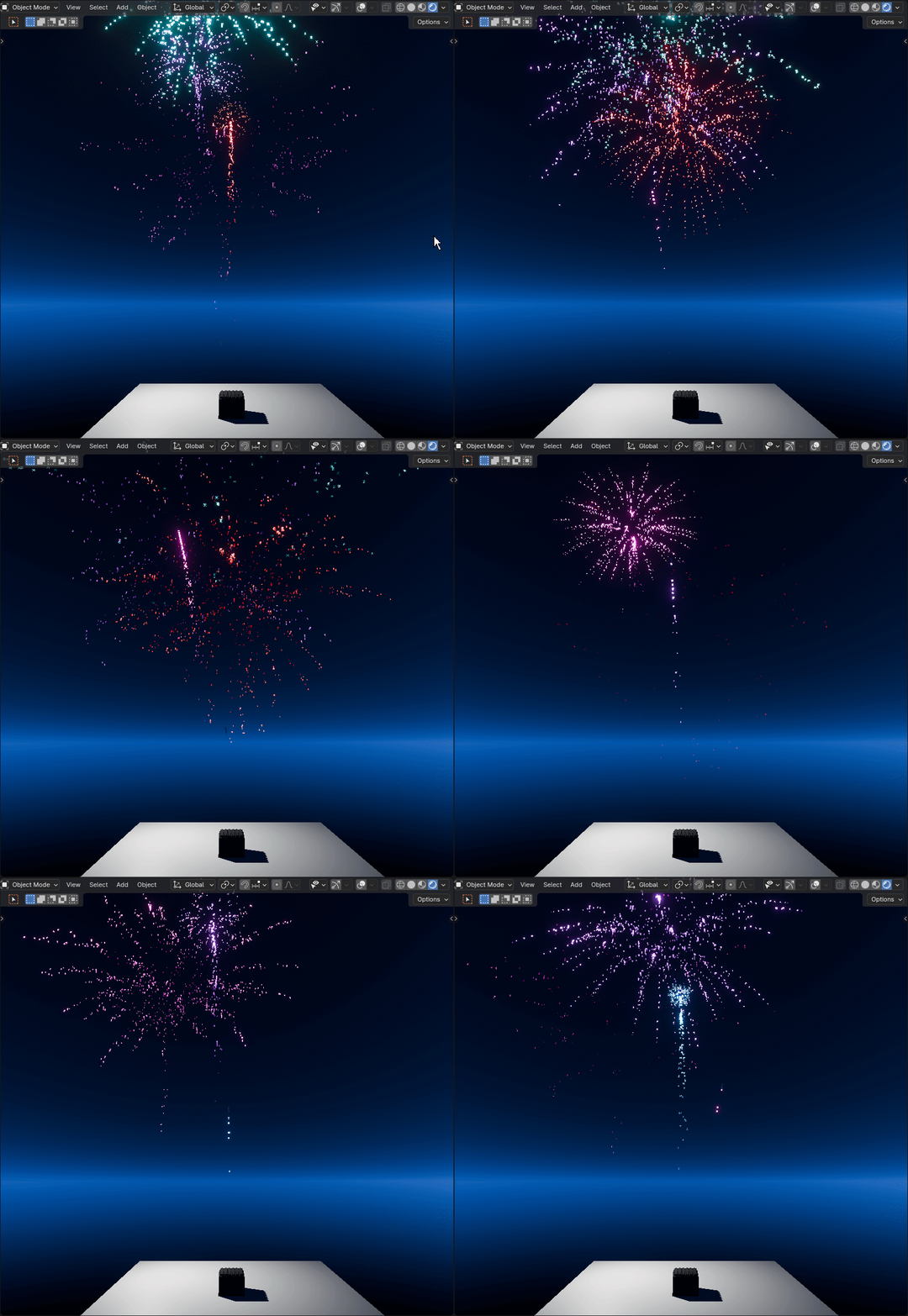
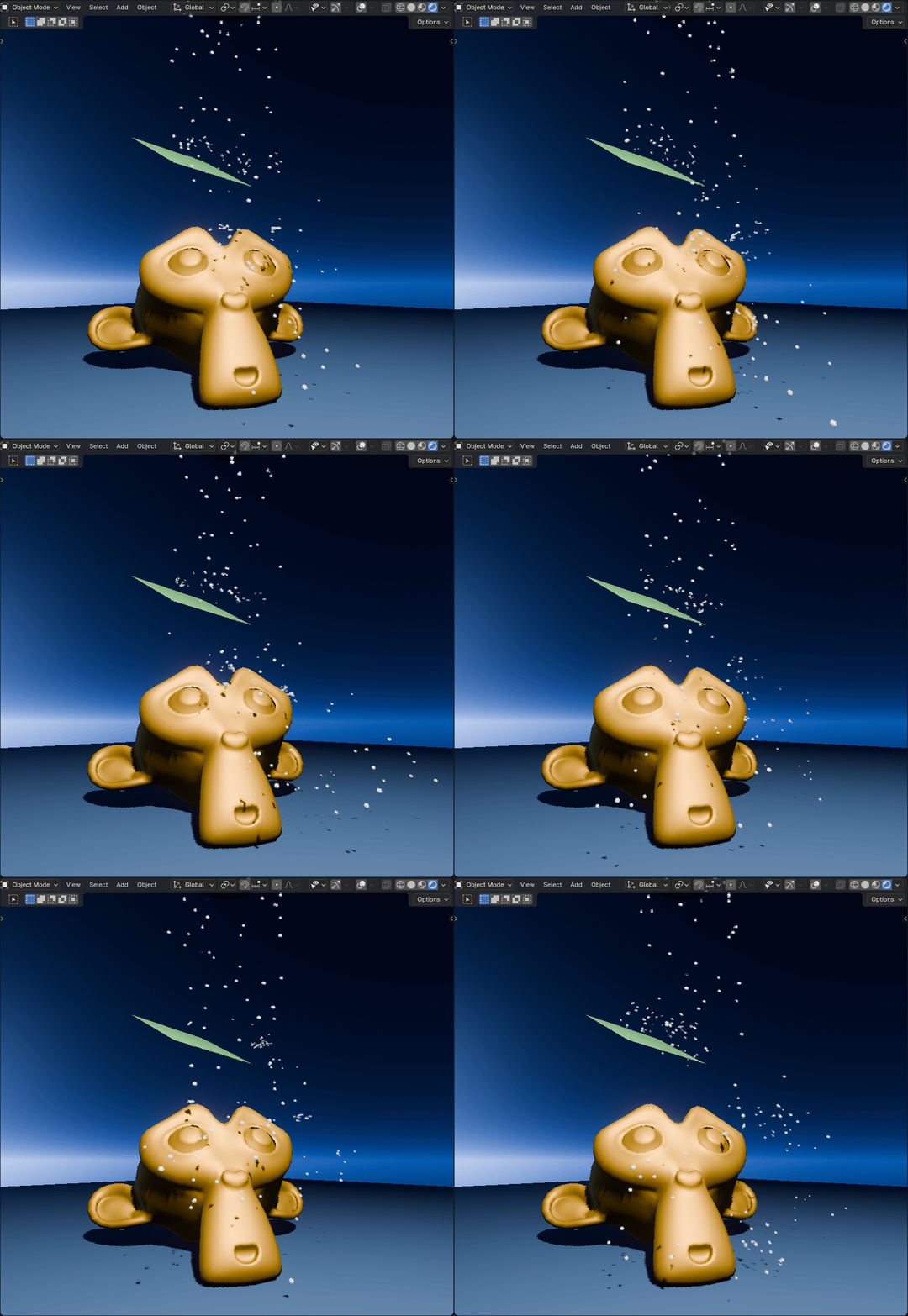
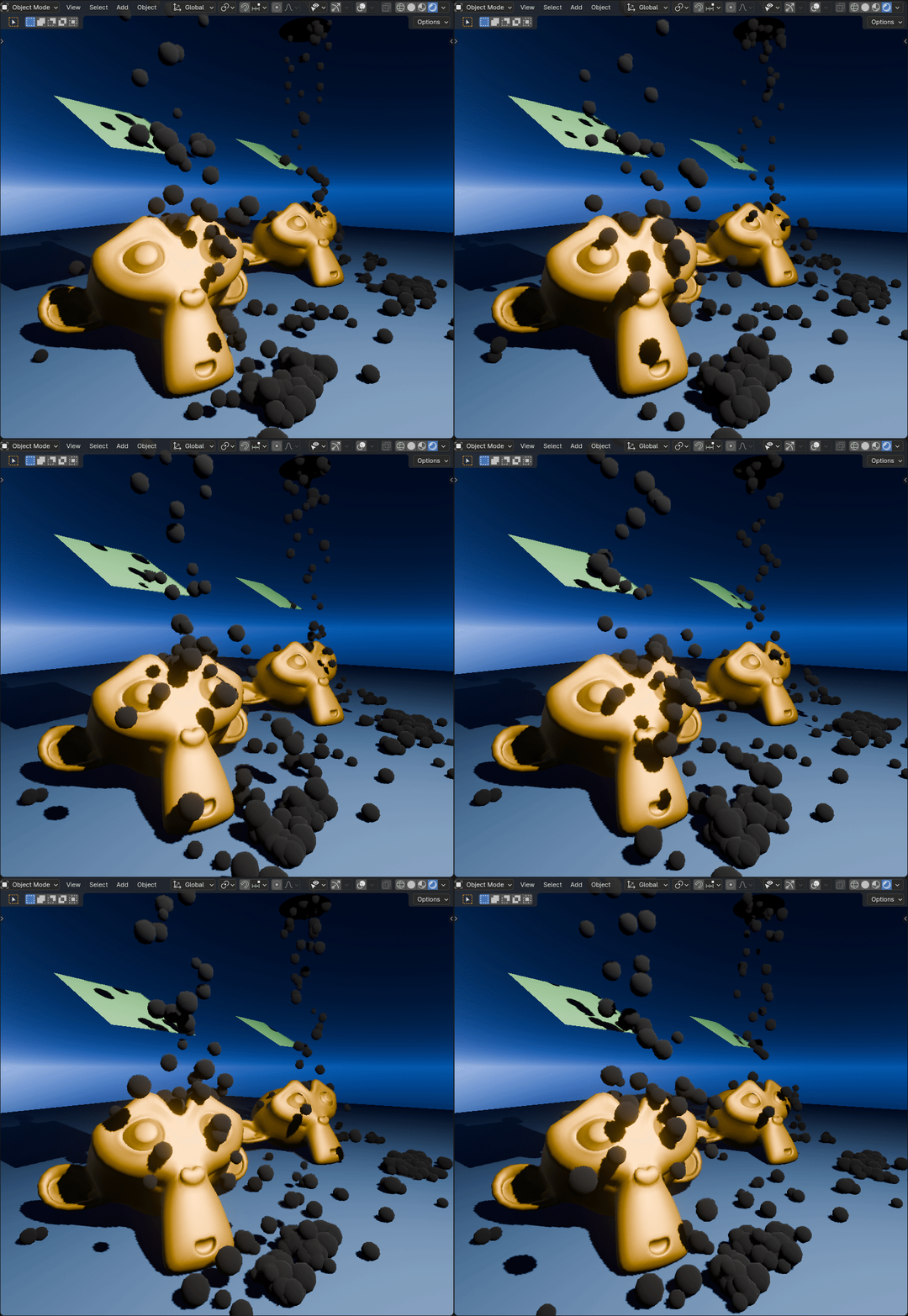
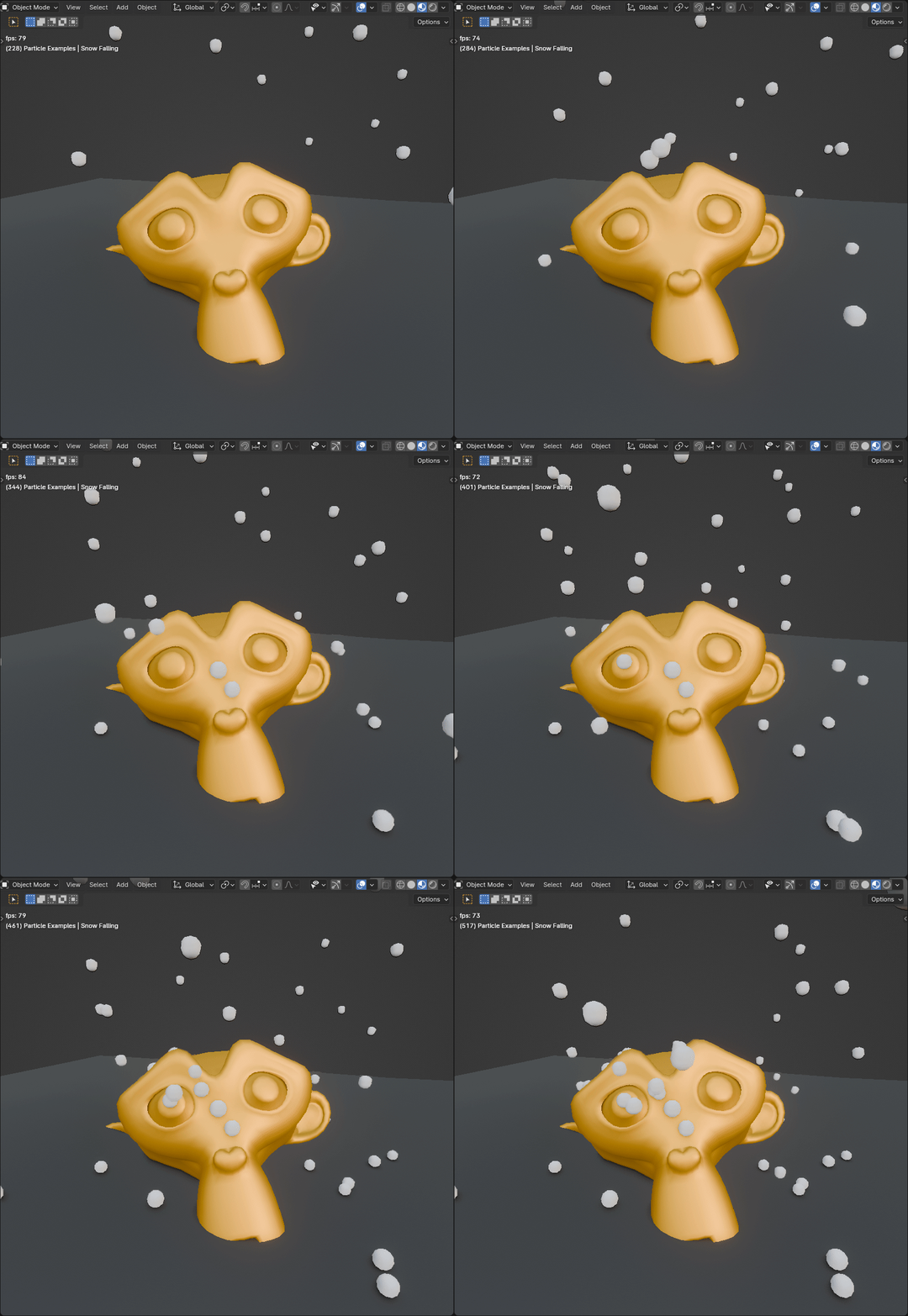
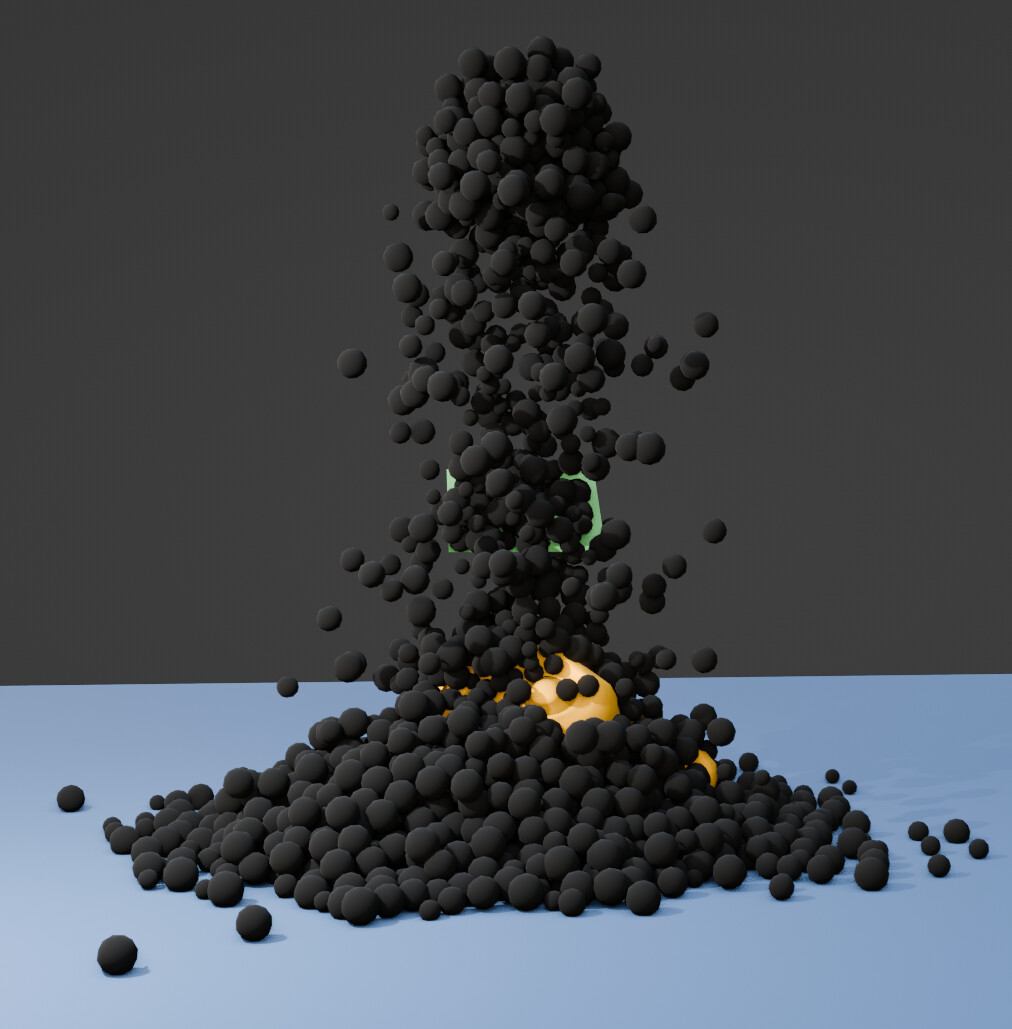
I spent the last few days working on a set of node groups for particles in geometry nodes, that I now like to share for free. You can see a few demos here:
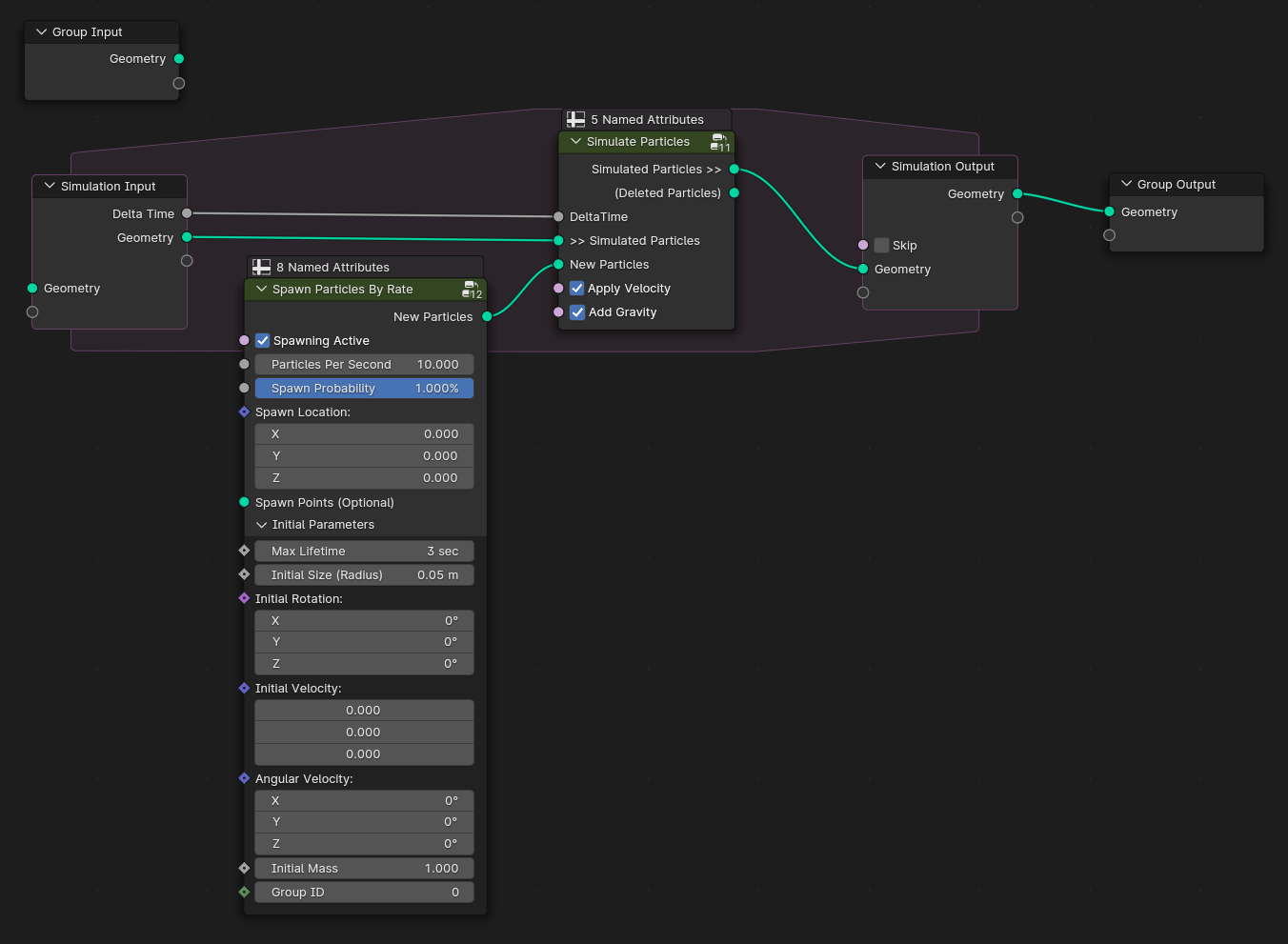
Making particle simulations in geometry nodes always takes a few steps to do. Even if it is just for a few points that fly around. It involves particle lifetime tracking, velocity, and spawning new particles at a certain rate. So I created (hopefully) easy-to-use and understand node groups.
The Simulate Particles node group moves particles by their velocity but also removes particles whose lifetime exceeds their maximum lifetime. Spawn Particles By Rate creates new points with given parameters at a certain rate. I’ve added descriptions to most of the node sockets so you can get more insight if you like.
You can get the blend file from Gumroad (Needs Blender 4.0):
I share it for free and if you like to support me, you can buy me a coffee on ko-fi
The blend file contains these groups as assets, so you can save them to your asset library. It also contains a few examples. Many of them were also shown in the video above. I encourage you to look at my example node-setups to see how all these groups can be used together.
If you have any suggestions or feedback, let me know.
Ahh, sounds great!
Yesterday i tried to do particle collisions for a snowing animation and in blender they just bounce and yiggle a lot with standard particles…
I will try to recreate it with your solution, then we finally have a working collision system =D
I’d like to share it in another thread, but these node groups often use a lot of node groups themselves. So it will be hard to make screenshots where people can see what’s going on.
Should I then just add a few gifs like above from the particle systems and a link to this thread here? Also, I can’t share the blend file directly since it is bigger than 5mb. ^^
Ah yes, I suppose that makes most sense then. I don’t think that ‘readable screenshot’-rule can always be quite applied for practical reasons.
It’s mainly meant in the sense of asking for something to reproduce or, if that’s not practical, sourcefiles are fine too.
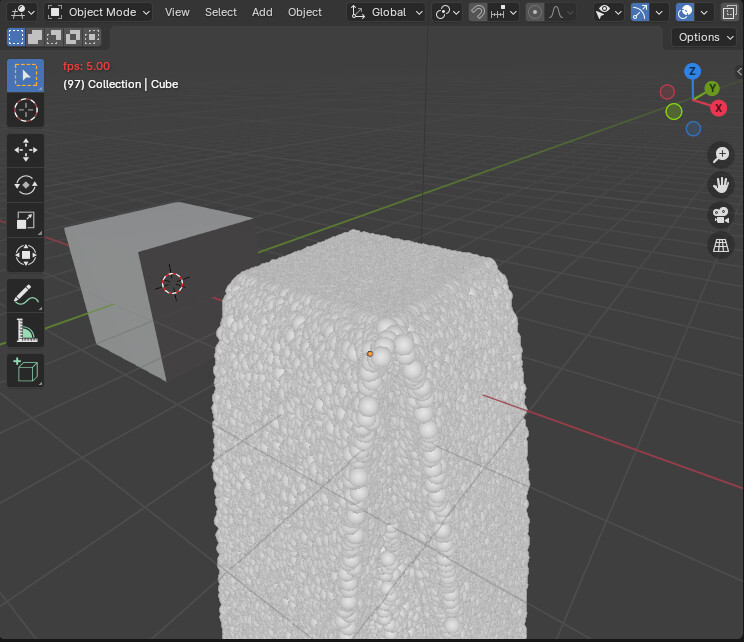
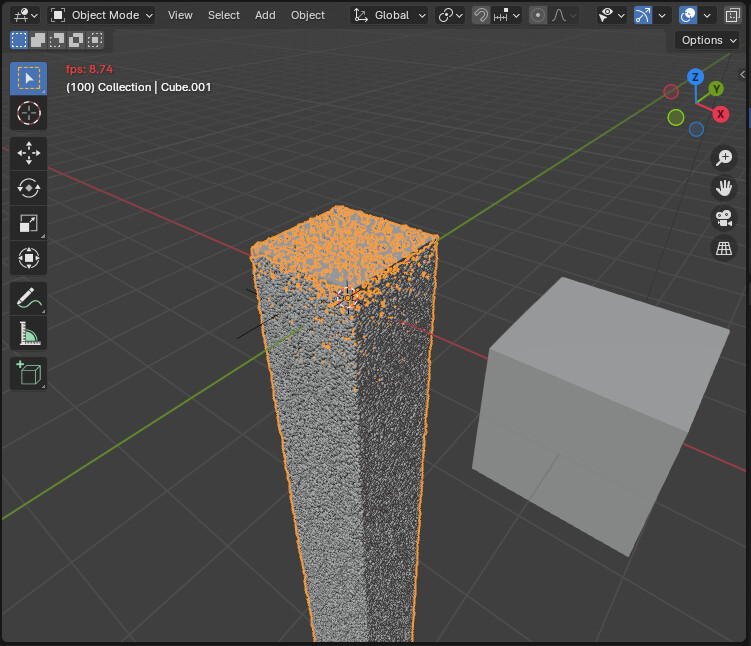
Up to this point, both particle systems have spawned around 1 million points while simulating them in parallel.
So in this example, geometry nodes seem to be faster. There might be other cases where the default particle system performs better. Geometry nodes on the other hand seem to cache these points better. So when I run the simulation again at the frames where it uses a cache I have 60 fps. But it uses a lot of VRAM. (It is also a lot of points on the screen )
You can also bake both geometry nodes and default particle systems to gain more performance if needed.
That said, this example is very basic and if you use collisions and more complex transformations on these points, performance will get worse of course.
Using nodes is just far more modular and flexible IMO that’s why I made these groups in the first place. ^^
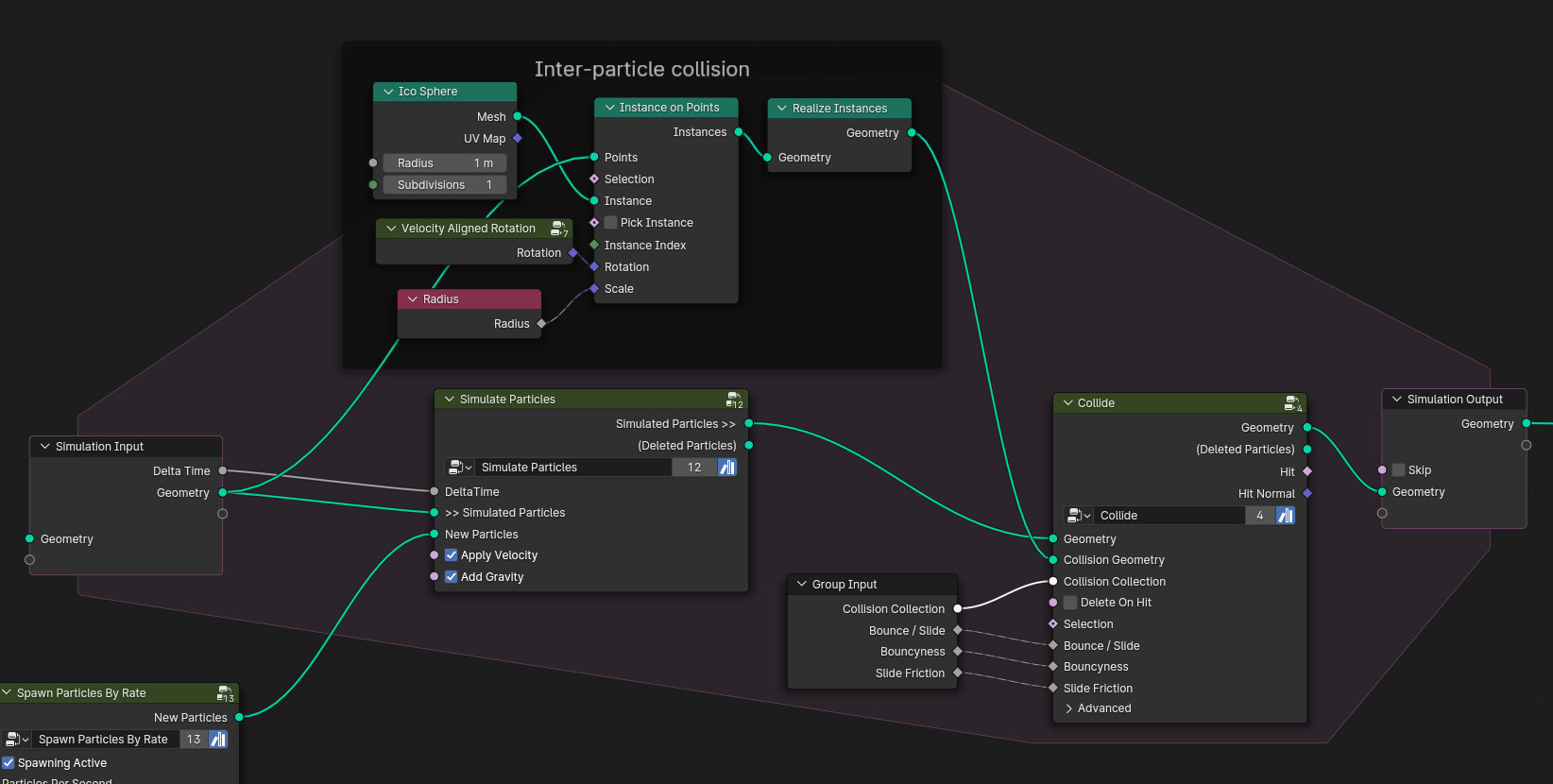
I hope simulation nodes will get sub-steps soon, as it’s clearly missing here (however, upping the subdivisions of the collision ico sphere already improves stability - while exponentially increasing the simulation time).
Edit: Ah, well, at 2 subdivs, it’s already damn stable.
Self collision is something I’d like to add in the future presumably a bit more integrated and using less data to evaluate.
Using the points as icospheres can potentially slow down the computation since every vertex of every icospheres is evaluated. My plan is to check for collisions by distance between points and their radii.
Thanks for sharing though, it is a clever way getting it to work for now
Oh yeah, this was just a quick “hack”, and I’m not well-versed enough in GN to add it to your collision group directly. I’ve noticed that your current setup just uses point sizes to calculate collisions, which is probably way faster and more robust, so I’m looking forward to get a proper integration by you!
Probably
You could divide the delta time by x substeps and run the particle nodes inside a repeat zone.
You might need to apply gravity and velocity (move particles) separately (there are separate nodes for it). The simulate particle nodes would otherwise spawn several particles per frame since it depends on the scene time. → put everything in a repeat zone except ‘simulate particles’ and turn off gravity and velocity there. Use ‘Apply velocity’ and ‘add gravity’ node groups at the beginning of the repeat zone. Use divided delta time for all the nodes in the repeat zone.