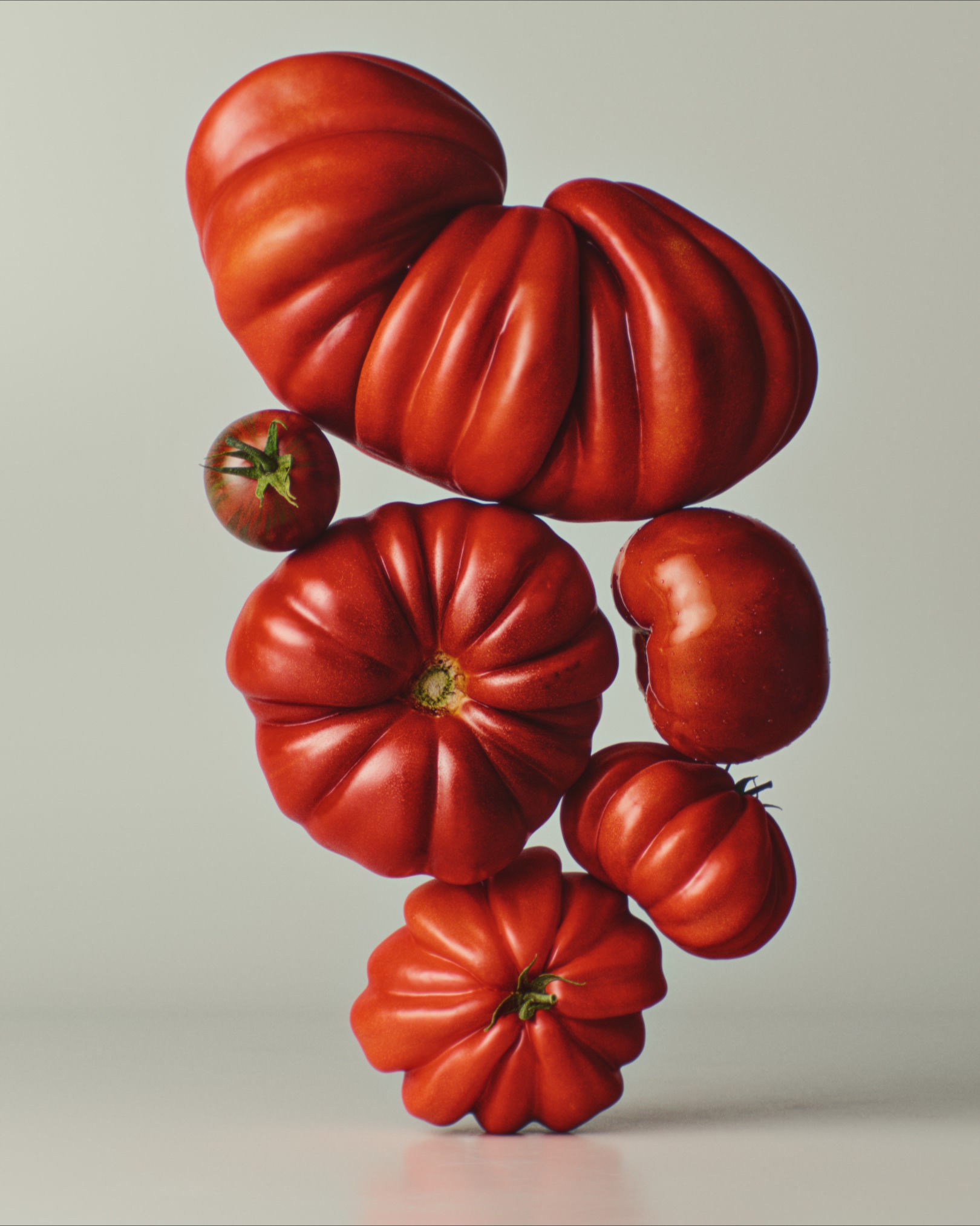
I’ve always been very intrigued by photorealism and finally had some time to dive deeper.
Here’s a result of my testing so far 
As I hate gate keeping I’ll try to outline my process as good as possible:
-
Models, texturing and lighting are crucial! These are all photoscans from ZB Vision and the best food scans I’ve come across. As a tangent, subsurface scattering drastically changes the look and makes them so much more realistic. These could probably have had even more SSS.
-
Using the addon Lens Sim helps introduce all the nice imperfections and qualities of real world lenses. This particular shot uses an Canon nFD 100mm f/2.8 @ f/11
-
I’ve never been a fan of the colour handling in Blender. Luckily much of that has been solved with v5.0, but I exported the render as a linear EXR to have complete control in Resolve.
I stayed clear of both filmic and AGX (as in my opinion they are both bad). For this render I used a CST to convert to DWG/DI and then used the JP2499 DCTL. -
The last magic touch is a combination of Hazy, an OFX plugin that emulates diffusion filters like Black Promist, Glimmer etc., and Lens Node, another OFX plugin that further emulates lenses, by introducing coma, bloom, aberations, fringing etc.
All of these combined have taken me closer to the goal of achieving better photorealism.
For understanding the Blender to Resolve workflow I highly recommend the freemium course Blender to Resolve