Hi all,
I built this for myself first. On a film project I had a long list of green screen shots, and for each one I needed a camera with the plate as background so I could line it up by eye in 3D space. Creating every camera, loading every plate and placing it on the timeline by hand took far longer than the actual alignment, so I automated that part.
That tool is Plateline. It builds one camera per video plate or image sequence and lays them out on the timeline: background image set, clips end to end, a marker bound to each camera so scrubbing cuts between shots. It saved me a lot of time on that project, so I cleaned it up and released it.
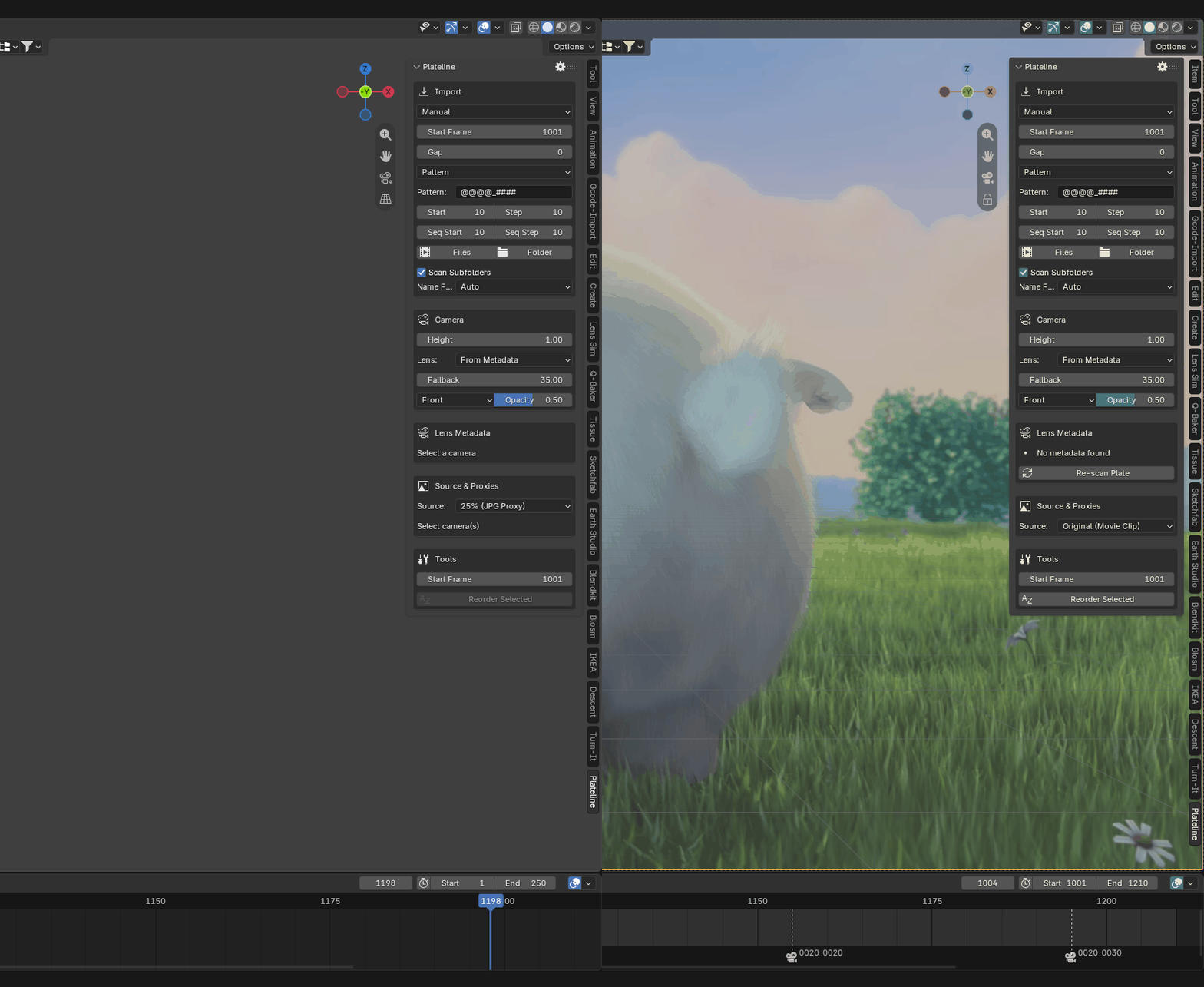
What it does
- Select all 500 frames of five sequences and you get five cameras, not five hundred. Any frame you click anchors to the first.
- Inconsistent padding (
shot_1toshot_12), dropped frames and stills that end in digits (SH010.png) all come out right. - Names from a token pattern:
@@@@_####gives0010_0010,0010_0020, then0020_0010at the next sequence. Or the file name as it is. - Drag plates straight into the viewport.
- Placement: after the last clip, at the playhead, or at a fixed frame, with handles.
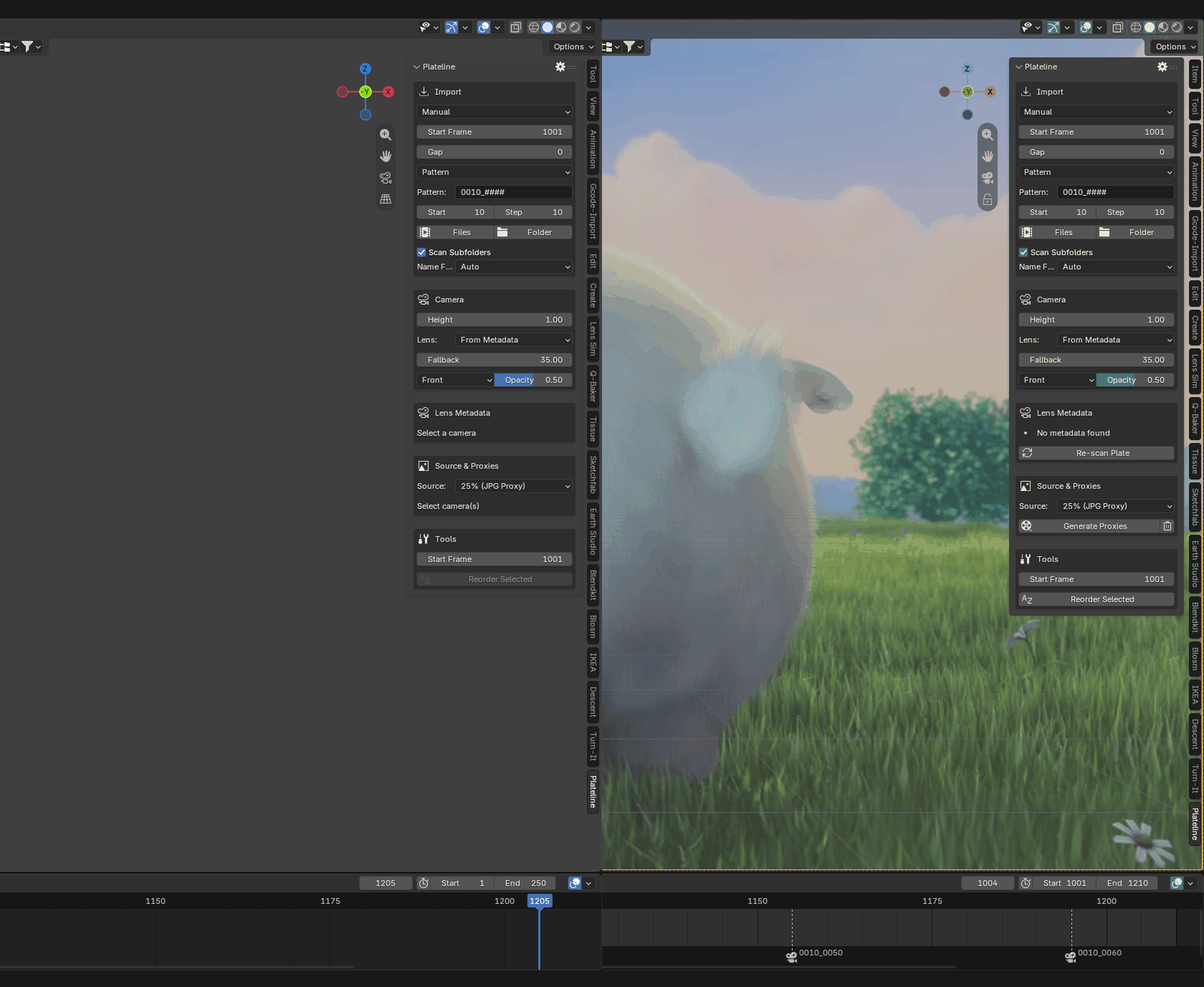
Known limitations
- A version number at the very end of a name looks like a frame number, so
plate_0001_v1/_v2/_v3reads as a three-frame sequence. Put the version before the frame number. - Focal length in Light is the value from the panel, applied to every camera.
It’s free on the official platform, so you can also install it from Blender’s Get Extensions: https://extensions.blender.org/add-ons/plateline-light/
There is a paid Pro edition with folder import, lens metadata from EXR headers and a proxy pipeline, for people who get whole deliveries at once: https://superhivemarket.com/products/plateline-pro?ref=10017
Bug reports with a few real file names and your folder layout are the most useful thing you can send me: https://github.com/VFXHannes/plateline-light/issues