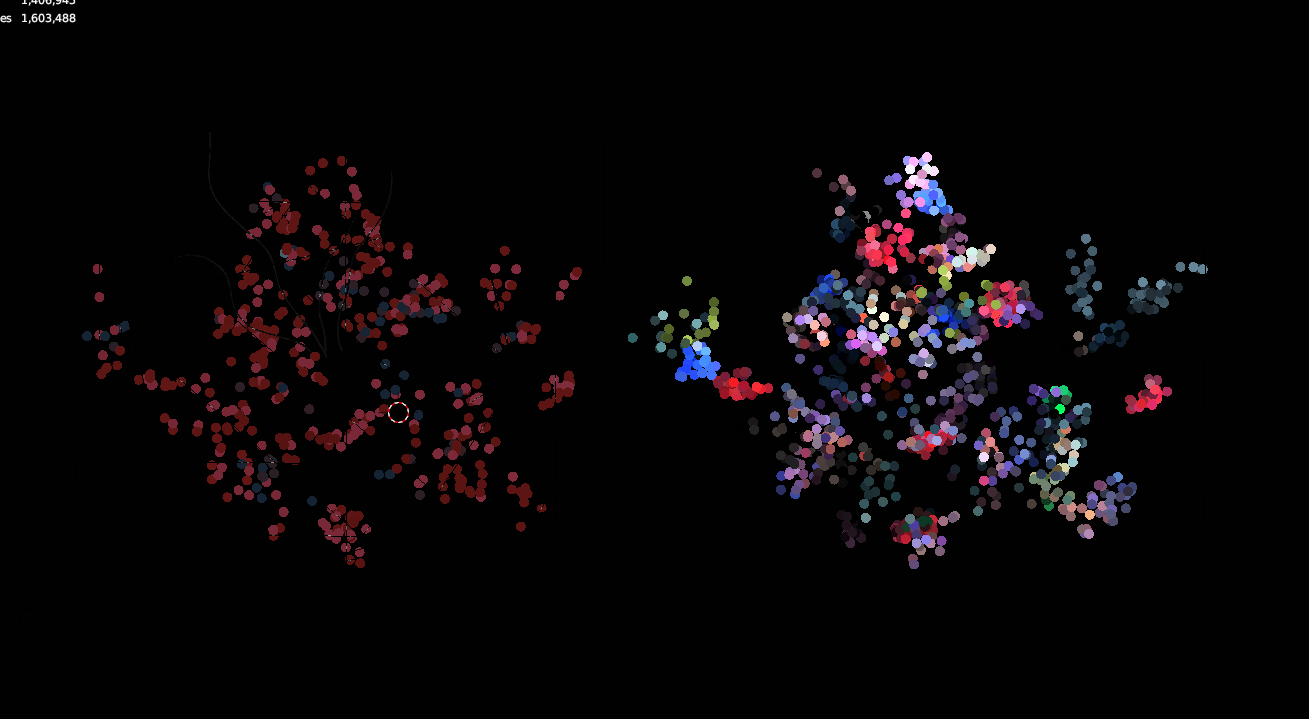
Hi, I`m trying to generate points from particle system (left), taking color from vertex colors, but getting a different results from when generating the same from mesh surface (right)
Also when I was trying to generate from particles with vertex colors it was asking for UV (there was no UVs at that moment). And when generating points from particle system, point cloud was generated slightly shifted from mesh, it becomes on its place if I move mesh origin to the world center
I`ve found out that generating from particle system with vertex colors deals somehow with UVs, but I keep getting that error, generating works with 1000 particles but error appears when trying 5000 or more
emitter need non overlapping uv layout. to find from where particle originate i have only particle uv property. that is why you have to have uv layout on emitter. and non overlapping so there is only one possible result, if your uv overlaps, particle at that coordinate could origin from any of faces that overlap. that might also explain why you get different results each run. it uses ray casting on flattened mesh, i have no control over what face index is returned if faces overlap and are exactly at the same space (z coordinate is zero).
i see, will fix that in next release, it does not apply inverse matrix world on points
i was able to replicate that error. it happens when ray casting did not hit any surface so particle origin on mesh is not found, which is odd. must be some floating point rounding error or something. will fix that in future release so particle which origin can’t be found will be skipped.
btw, when it happens it does not depend particle count. only when some particle is on that bad position. it happened on suzanne mesh at count of 100000, 10000 worked well
Thanks for quick response, now everything is clear!
Does it automatically means that I can use only particles on the first frame when they are on the surface? What if I want to make 2-3 frames of simulation to make them a little bit sparse from the surface?
Also will it work with particle system emitted from volume?
you should be able to use any frame. uv coordinates are set at particle spawn time.
with volume, honestly, i don’t know. never tried that. if volume particles will have some uv coordinates and they will match to something, it will work like with particles emitted from surface
I`ve also tried new feature of generating from geonodes, however colors are slightly different from the the same vertex colors but generated on mesh surface. Am I doing something wrong?
can you pm me some example? there was some change recently in way how vertex colors are stored in blender… but quick test from blender 3.2, first is geonodes, second random on surface and last is original
alright, confirmed, colors from nodes are in linear color space, while i expect srgb for display. this is most likely connected with deprecation of vertex colors (blender 3.2) and their replacement with color attributes. old vertex colors were always in srgb, color attributes are in linear. fix will be in next version. vertex colors deprecation will affect all generate operators, so i guess it is time for big rewrite of everything
hi, that’s ui mistake, average is useable only with uvtexture to reduce noise a bit that comes from image noise. picking individual pixels from image can amplify noise that already exists with lower point counts. parameter does nothing with vertex colors…
fixed index error (when exact emitter face cannot be found, nearest will be used), color interpolation (was not working properly) and emitter transformation in generate from particle system
fixed linear to srgb conversion colors in generate from geometry nodes vertices (most of colors in blender are in linear color space, pcv uses gamma corrected as they are in ply, las, etc. files)
fixed missing alpha blending when selection is displayed
fixed container transformation in Split Selected operator in Remove Color, Remove Value filters and Tools
new helper operator Export, export all/selected/active pcv instances to ply files
new export option Ignore Zero Scalars, do not export scalars that sum to zero
new filter Poisson Disk Elimination (depends on scipy), even spaced subsampling
fix incorrect/error default colors in some cases
ui Convert panel
ui pye57 is now default option for importing e57 files
Poisson Disk Elimination result, is very similar to what Simplification filter (at Distant Samples type) does and much much faster, but you have no control over how many points are in result. only point radius. it only make sure that no other point is in point radius..
helper operator Export is located here, in viewport menu and uses Influence setting like other operators there. files are exported to chosen directory and will be named after container object name (to make sure each name is unique) with ply extension. existing are overwritten without warning.
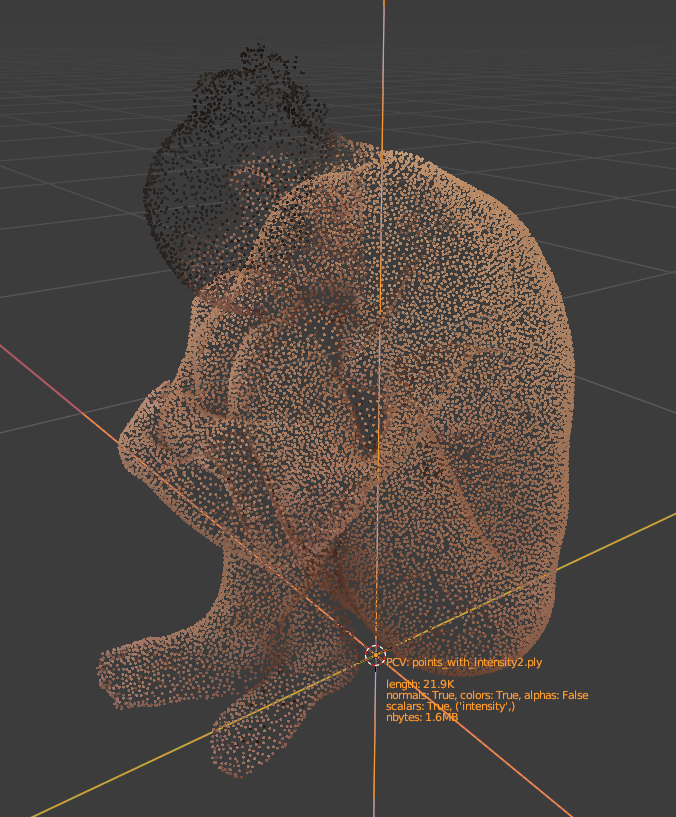
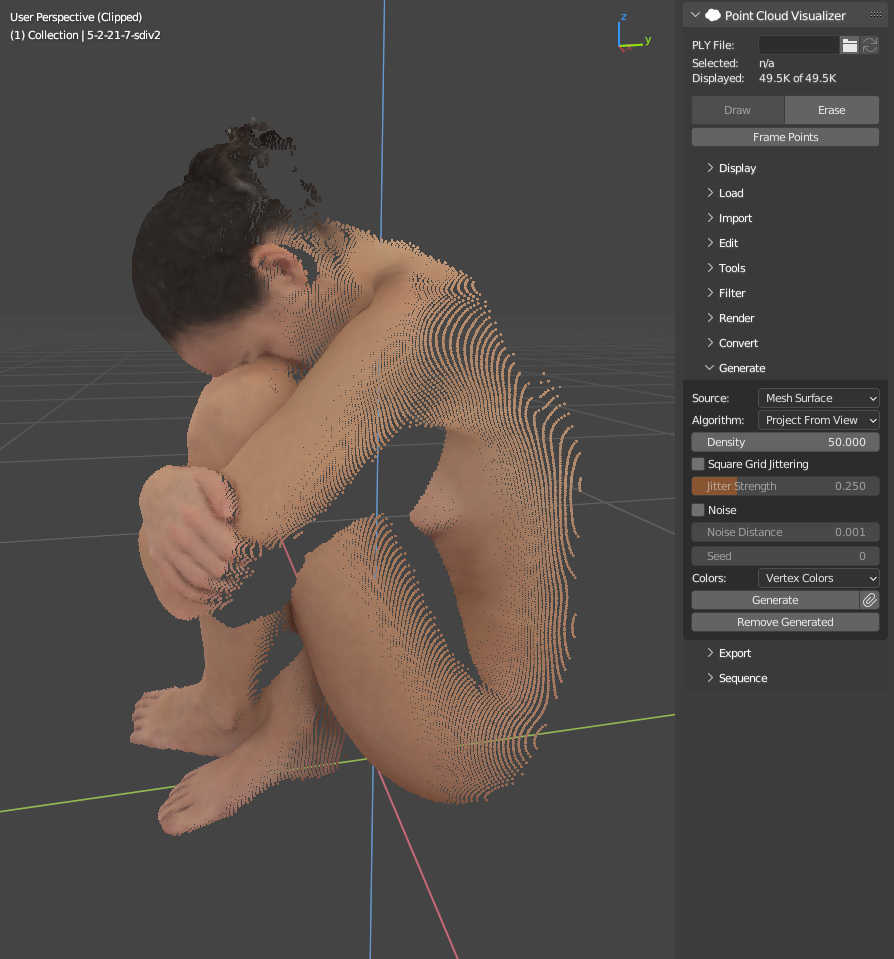
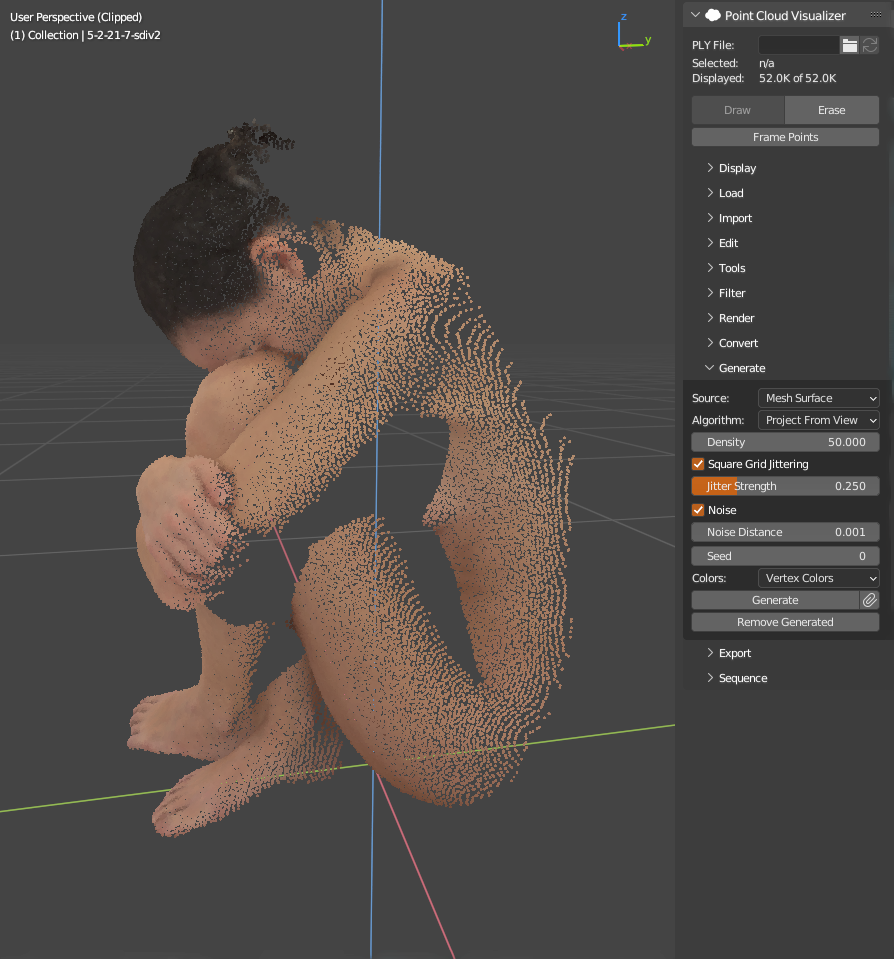
generate > mesh surface > project from view: basically you can simulate how real scanning is done. it can be run multiple times and new points are appended to existing. you can add some jitter in pixel grid and some displacement noise to look more realistic. want to blend generated points with real? this is tool for you
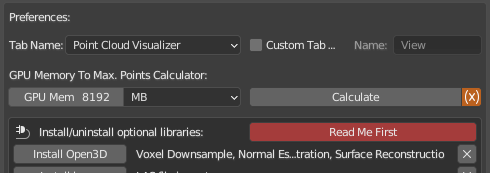
Open3D 0.16.0 support (including python 3.10, so blender 3.1+ is supported)
renamed addon directory to point_cloud_visualizer, does not matter much for normal use, only if you happen to use pcv in scripts, now it got to be imported with import point_cloud_visualizer as pcv for example
E57 files reading libraries (pye57 or PyMeshLab) and Open3D will crash Blender if both are used in single Blender session. To use both, install Open3D and pye57 (better option for E57 files reading) and use following system: start Blender, add an empty, go to PCV panel, import E57 file, export as PLY with PCV, quit Blender, start Blender, add PCV instance again and load exported PLY, use filters using Open3D as needed. Blender will only crash is one of libraries is used and then the other.
macOS
Open3D might require you to install libomp (might not be required in future if it is a bug and libomp will be included in installation files). If after Open3D installation an error complaining about missing libomp.dylib occurs, quit Blender, open /Applications/Utilities/Terminal.app and
run brew install libomp and wait for installation to complete
ps. be careful with installation, remove old pcv first so you don’t end with two versions installed. 2.0 will be treated as different addon because of different directory name
well, no, sorry. you won’t see panoramic viewport either. but if you convert points to geometry nodes, you can render with panoramic camera. or if you need pcv opengl render, setup 6 cameras with fov 90 degrees and square image format to render sides of cubic projection https://wiki.panotools.org/Cubic_Projection and stitch together to equirectangular https://wiki.panotools.org/Equirectangular_Projection but such conversion need specialized tool, not sure what is available. i got myself https://krpano.com/ long time ago, i use that…
fix open3d version requirement on other platforms than mac (required open3d 0.16.1 is available only for mac, while other platforms latest version is 0.16.0, haven’t noticed it..)
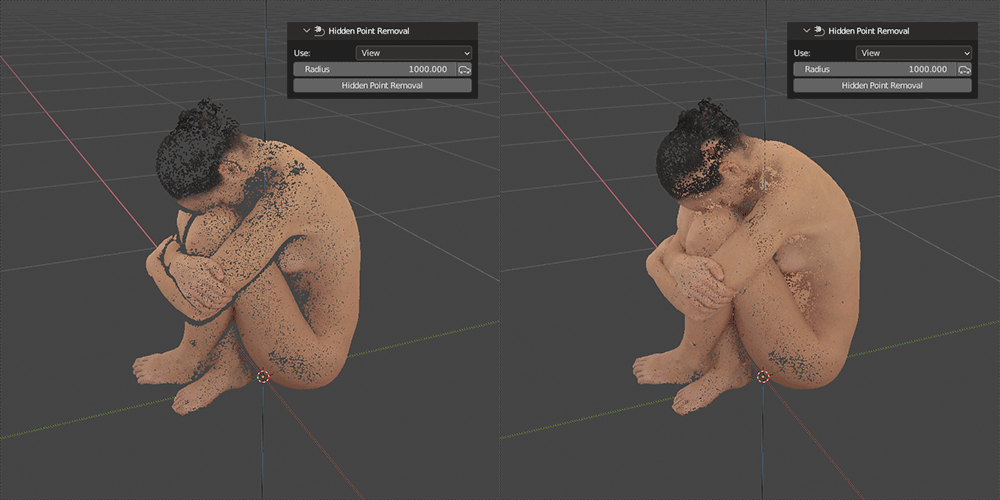
filter: Hidden Point Removal (using Open3D), view dependent points removal
render: Hidden Point Removal option, filter will be run on each frame on points that are send to render
Height Shader: added global axes and fit to range options
Upcoming features already available under Experimental section:
Packer
Store loaded points as hidden mesh datablock with attributes in blend file. Automatically restore and draw points from datablock at blend file load, save points to datablock on blend file save. More info here in documentation: https://jakubuhlik.com/docs/pcv/docs.html#experimental-packer
Viewer
Load and display very large datasets that does not fit into gpu memory. Octree, Level of Detail, Camera Frustum, Threading, PLY, LAS/LAZ and E57, all of it is there.. More info here in documentation: https://jakubuhlik.com/docs/pcv/docs.html#experimental-viewer