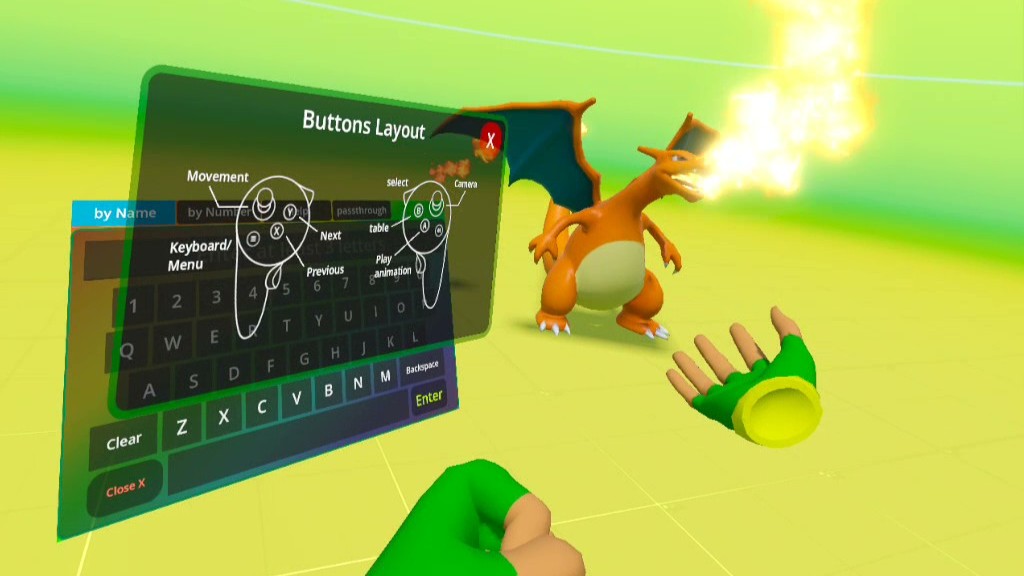
After being inspired by @AstroidmaniaVideos and @Biochao videos on presenting Pokémon to scale, I decided to try to make first version of trying to make a Pokedex in VR! This is sort of a passion project of mine but I’m not necessarily going to share it since it would most likely get taken down.
For my first session, I imported and went through all the Pokemon in Gen 1 using Blender. That included adjusting materials and rearranging animation to prepare for export. The settings would depend on which gaming engine to build in.
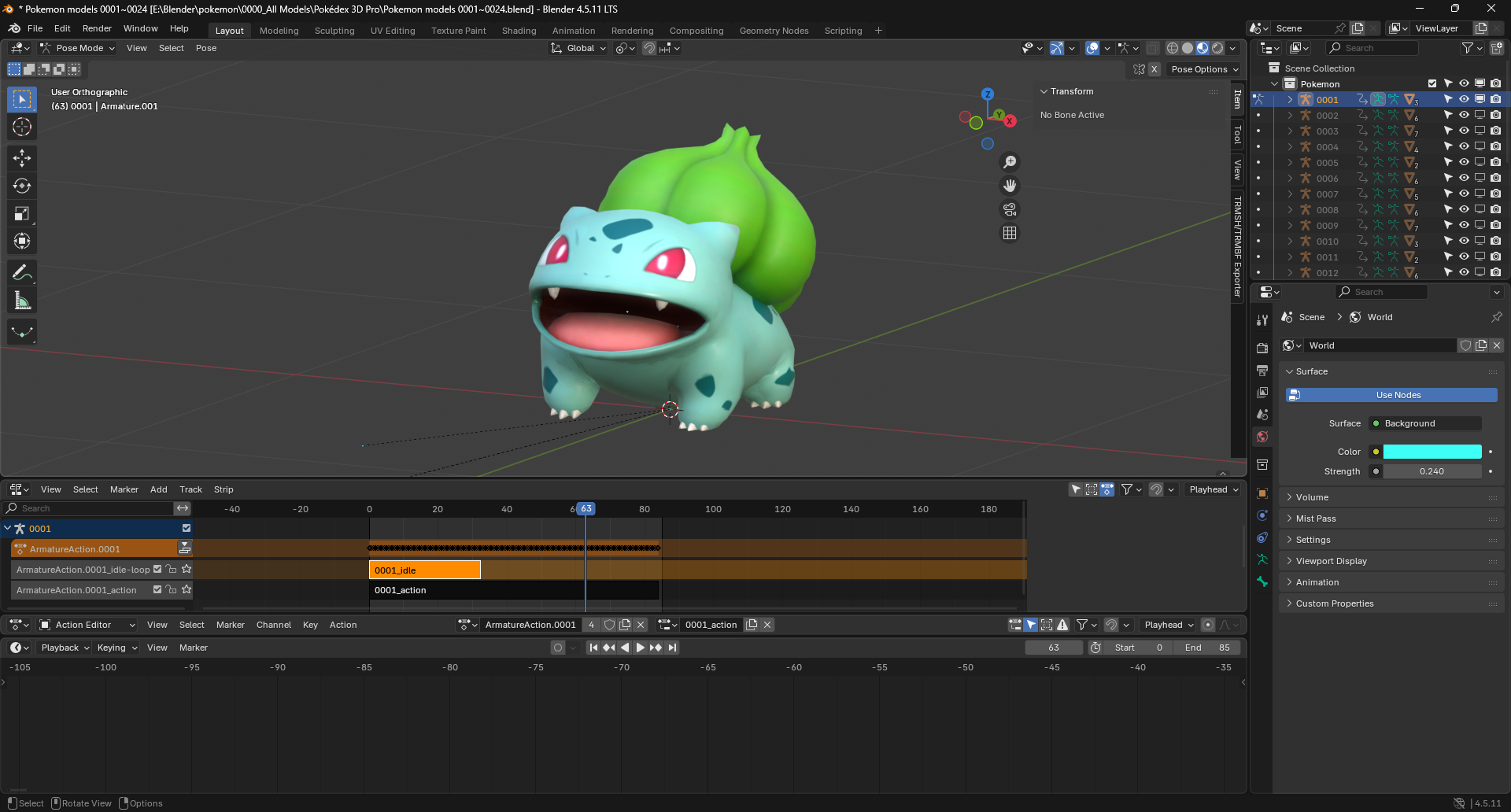
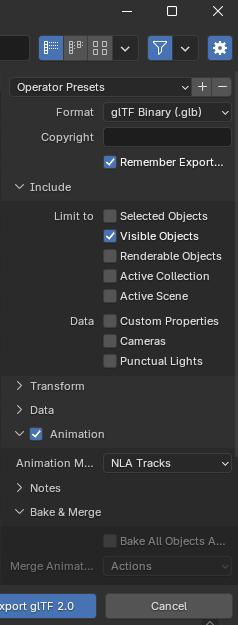
Next, I tried learning Unity but there were a lot of hassles. First was even downloading the Hub before even downloading the program itself, and that also took FOREVER. And it wasn’t always guaranteed to include all the relevant assets and preferences. Then after all that, it would just get stuck on even exporting a simple game with only a few objects in the scene. Getting frustrated, I went back to Godot to play with it more since it was a much easier process to download and get started, and also I could run it natively in my Meta Quest 3 headset! Which meant I didn’t even need my main computer to edit my game! My headset automatically updated it to Godot 4.7, but the necessary plugin to build VR assets wasn’t working properly. Fortunately I could sideload an older version of Godot 4.6 which I had previously worked. If you want to work with older versions, you would have to turn on Developer mode on your headset as the older versions will show up as an unknown source and won’t run otherwise. To prepare for export, I split the idle and action animations as separate NLA tracks and named them with their respective dex number so it would be easier to code their animations in Godot. Fun fact: adding the suffix “-loop” to a track automatically marks it as a looping animation in Godot. Base materials such as Principled BSDF should carry over, but more complex material shaders involving many nodes will have to be recreated in Godot. I exported each Pokemon as a GLTF choosing .glb since it has a smaller size rather than the full .gltf file. Also choose to export “Visible objects” only and not the lighting or camera. And select “NLA tracks” so that Blender will export each NLA track as its own animation.
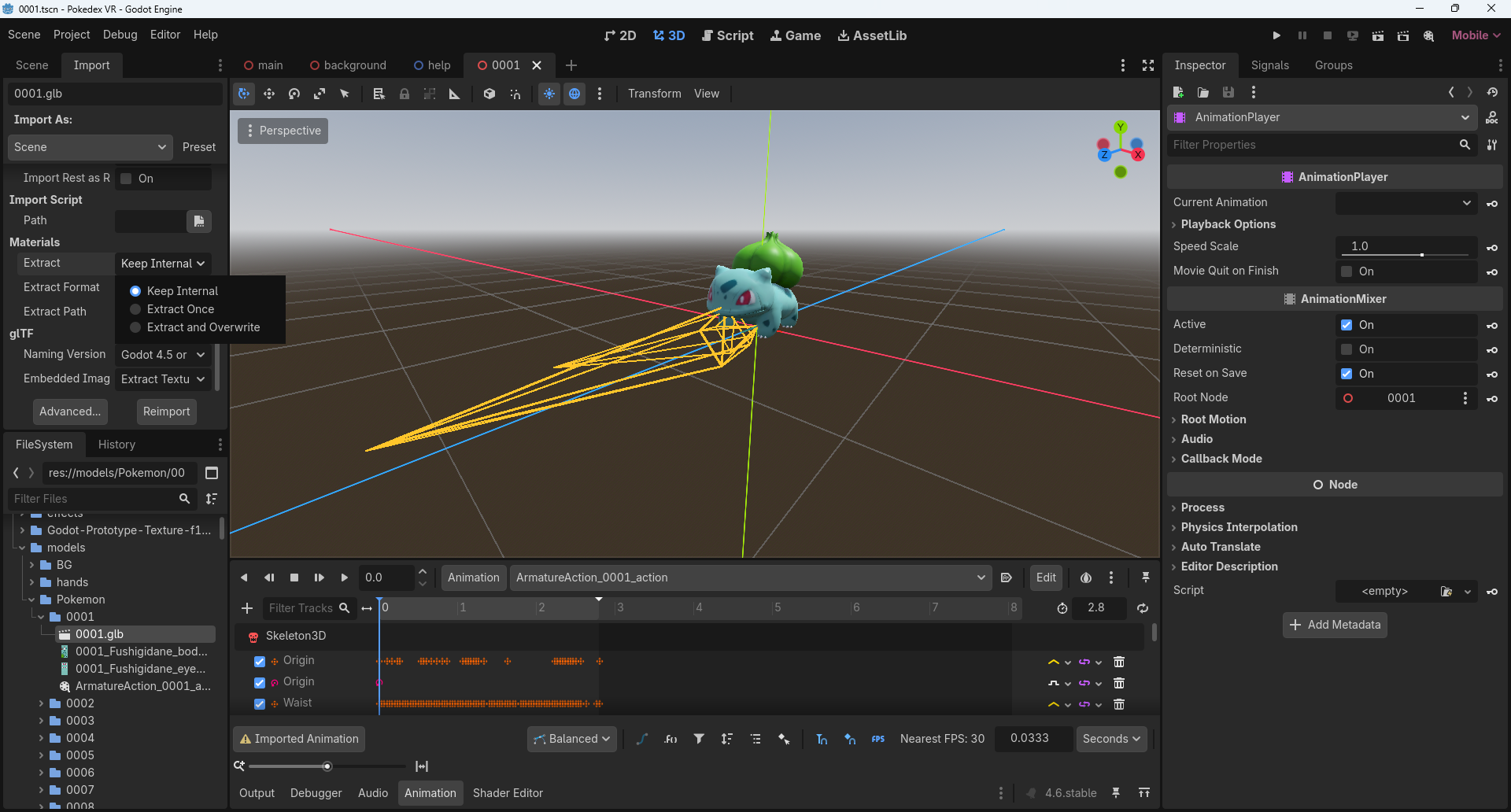
Importing into Godot has some pros and cons. Simply drag the .glb file into Godot’s file manager. If you straight up import them with the default settings, then you wouldn’t be able to alter any of the materials or animations later on. When reimporting, you would need to save the animations with an external file path you can create when turning on that setting. And for the materials in the same reimport window, instead of loading in internals, choose to extract them once only or overwrite each time you reimport. To make one of the animations for the object automatically play on startup, mark the “autoload” button next to the Animation name that looks like an arrow with “A+” inside.
These bones didn’t include any eye animations so I had to save each action animation externally adding keyframes to its UV map just for the eyes. Unlike Blender, Godot doesn’t have an autokey option whenever you change a value, and adding one requires a user to add on the “AnimationPlayer” node, then click on it before clicking on the object mesh you want to animate. I hope Godot updates their workflow for animators in the near future.
Another issue depends on which render mode you save the Godot project with. There are 3 modes: Compatibility, Mobile, and Forward+. They go from least to most advanced. Compatibility runs on OpenGL. However later in my project I had to create an effect that doesn’t work in it, so I had to switch to Mobile that runs on Vulkan instead. Those two types treat normal maps differently, especially the object normal space maps that I found with my models. I wish I could find tangent normal space maps instead, but I’m not going to convert hundreds of them for this project
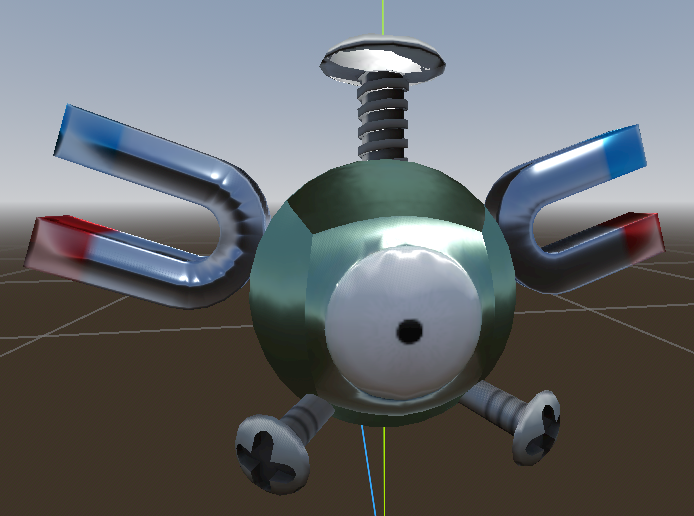
I later had to abandon using normal maps
Since this was my first big project in Godot, I didn’t go straight into trying to build the whole game. Instead, I broke it into a lot of smaller parts/functions that I could solve pretty quickly and then add it back into the main project. I set up a different project to serve as my playground to figure out different functions.
Godot has its own unique internal scripting language called GDscript which in my opinion feels relatively easier to understand than most of the other mainstream ones. However, one could also use C+ and it would still work. The big features I needed to solve were adding a working keyboard, the search function, creating a list of results as buttons that when clicked would load in the right mesh, and formatting player inputs to play their correct action animations.
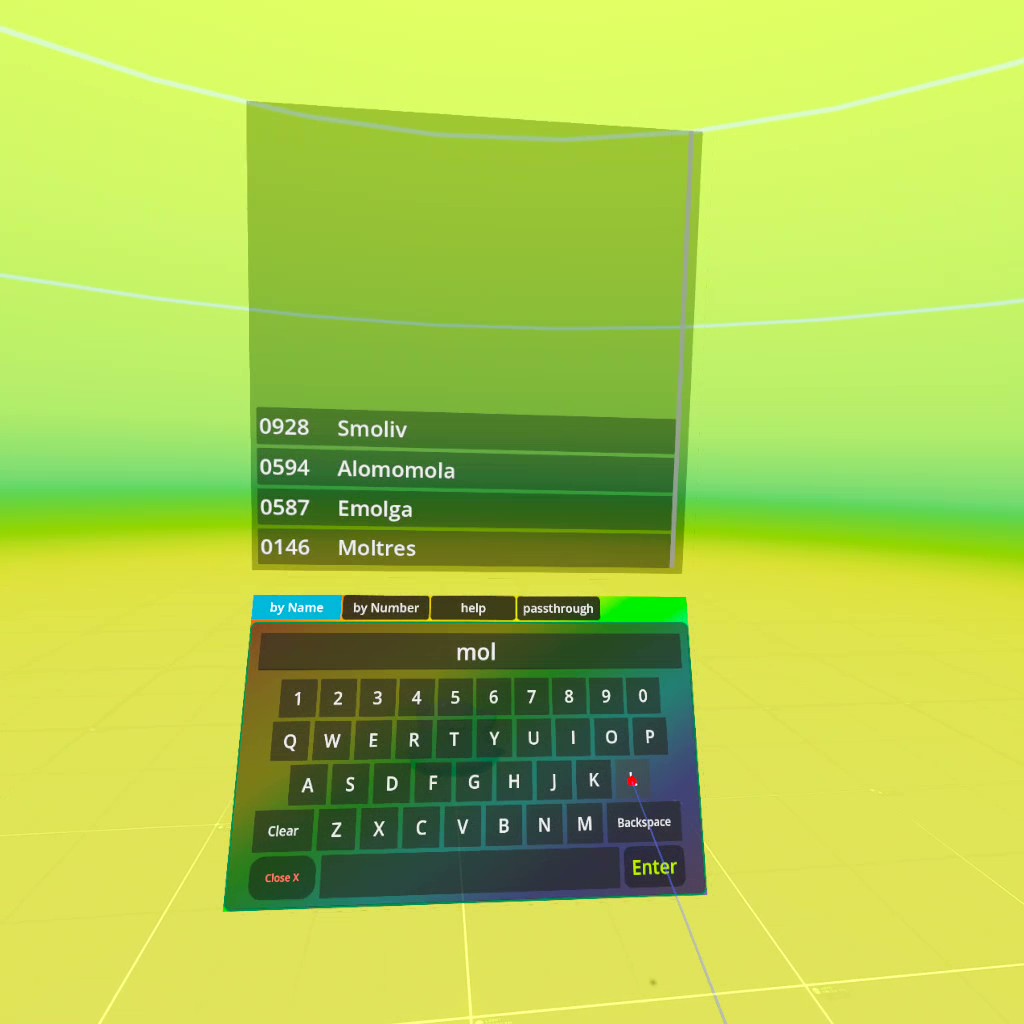
I couldn’t get the passthrough feature that allows to see your realworld surroundings to work, but it’s not as crucial to the game. I also coded a function where I could prop up a pokemon onto a table if I think they’re too small and low to the floor. The Meta Quest has a boundary feature where if you’re too close to a wall or floor in real life, it would make your gameplay transparent so you could see them which I felt would break the illusion.
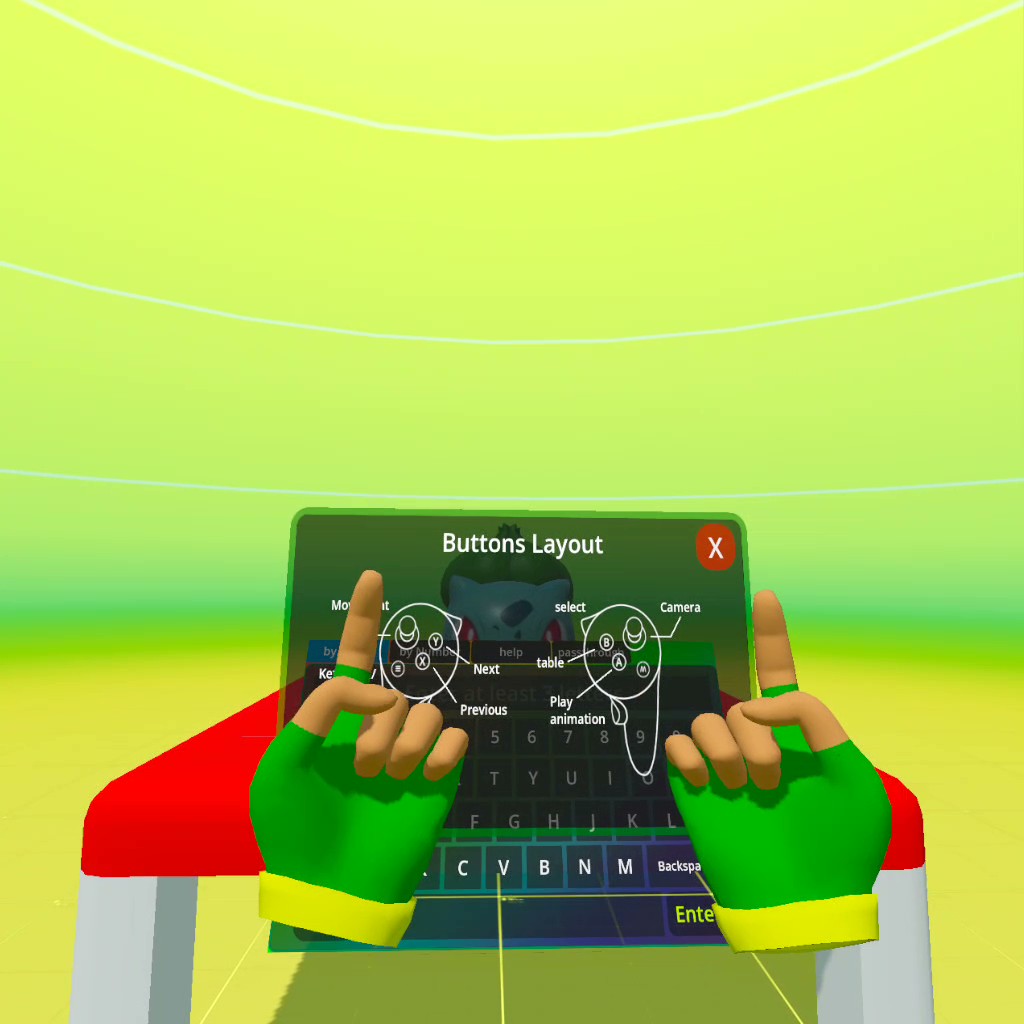
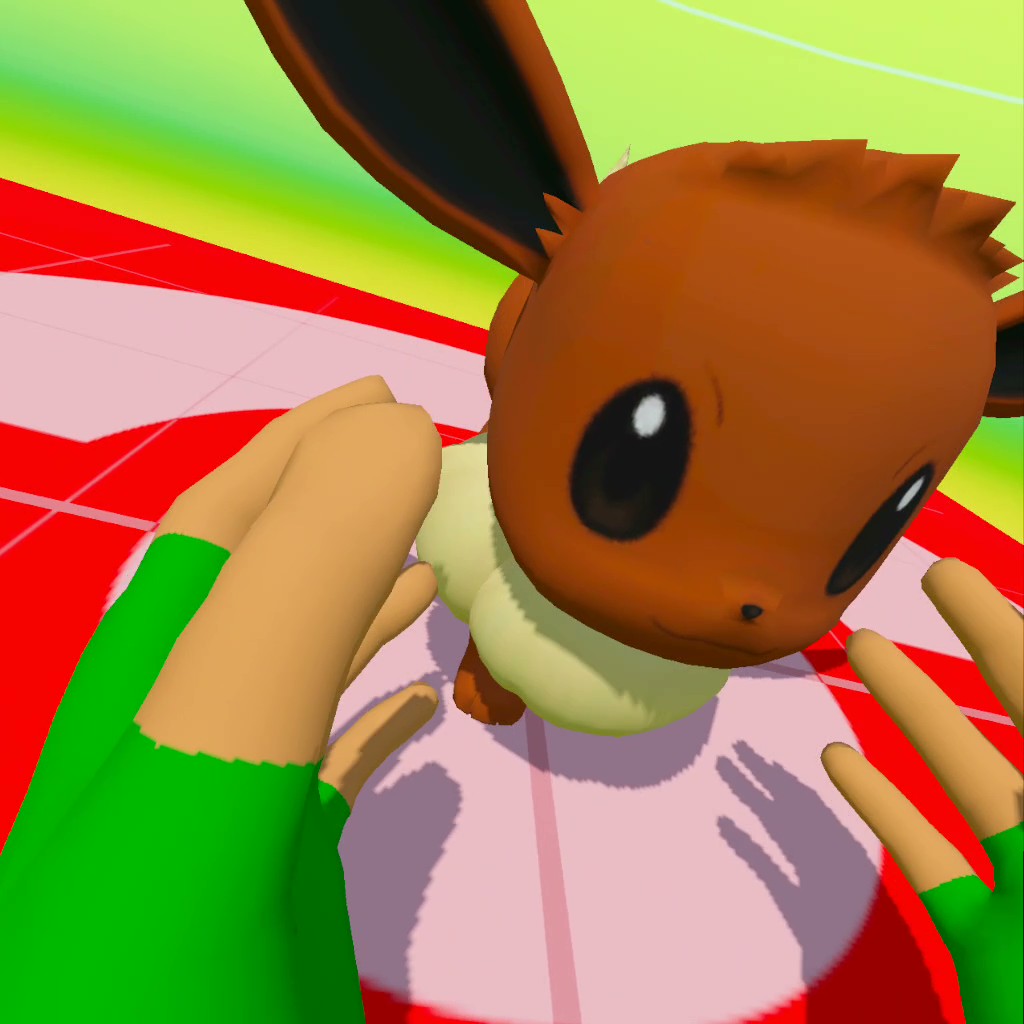
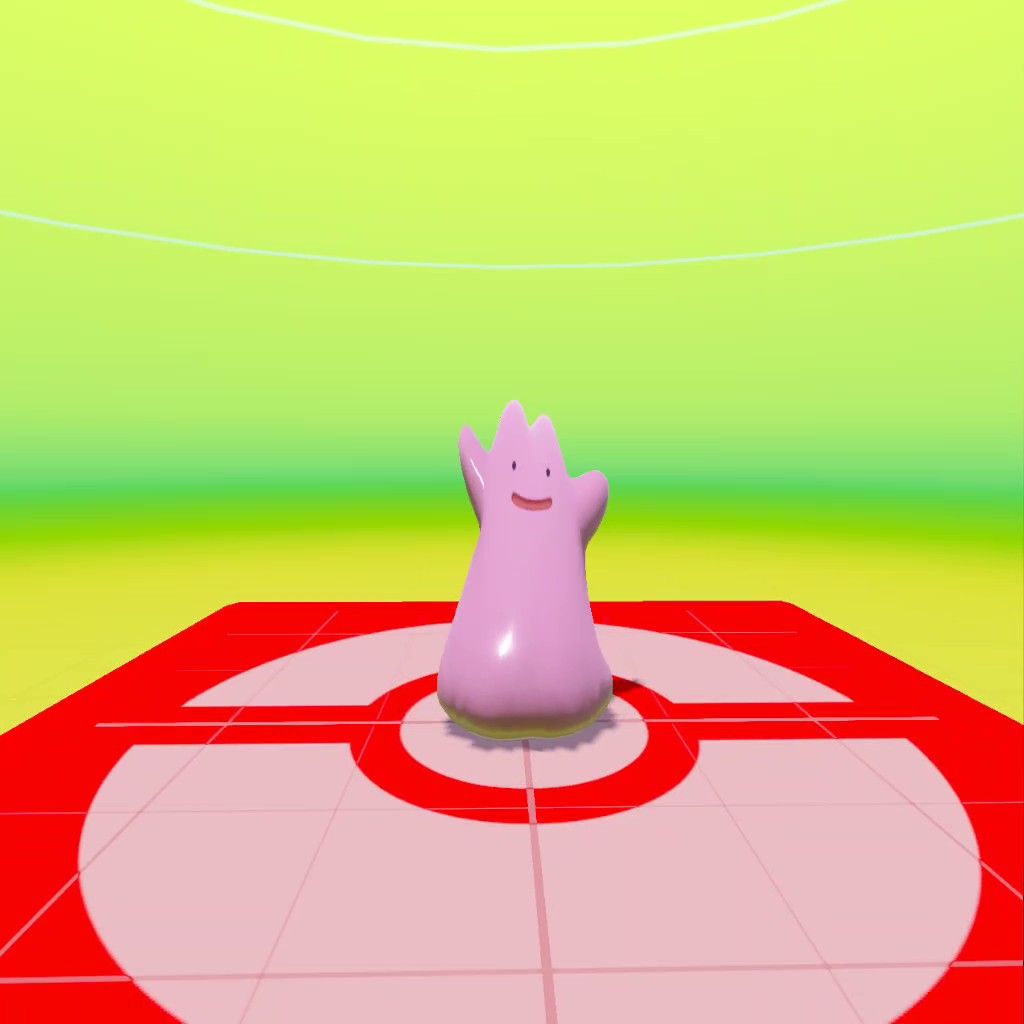

Additional effects such as flames and particles had to be completely recreated in Godot. I’m really proud on how good this Moltres turned out 
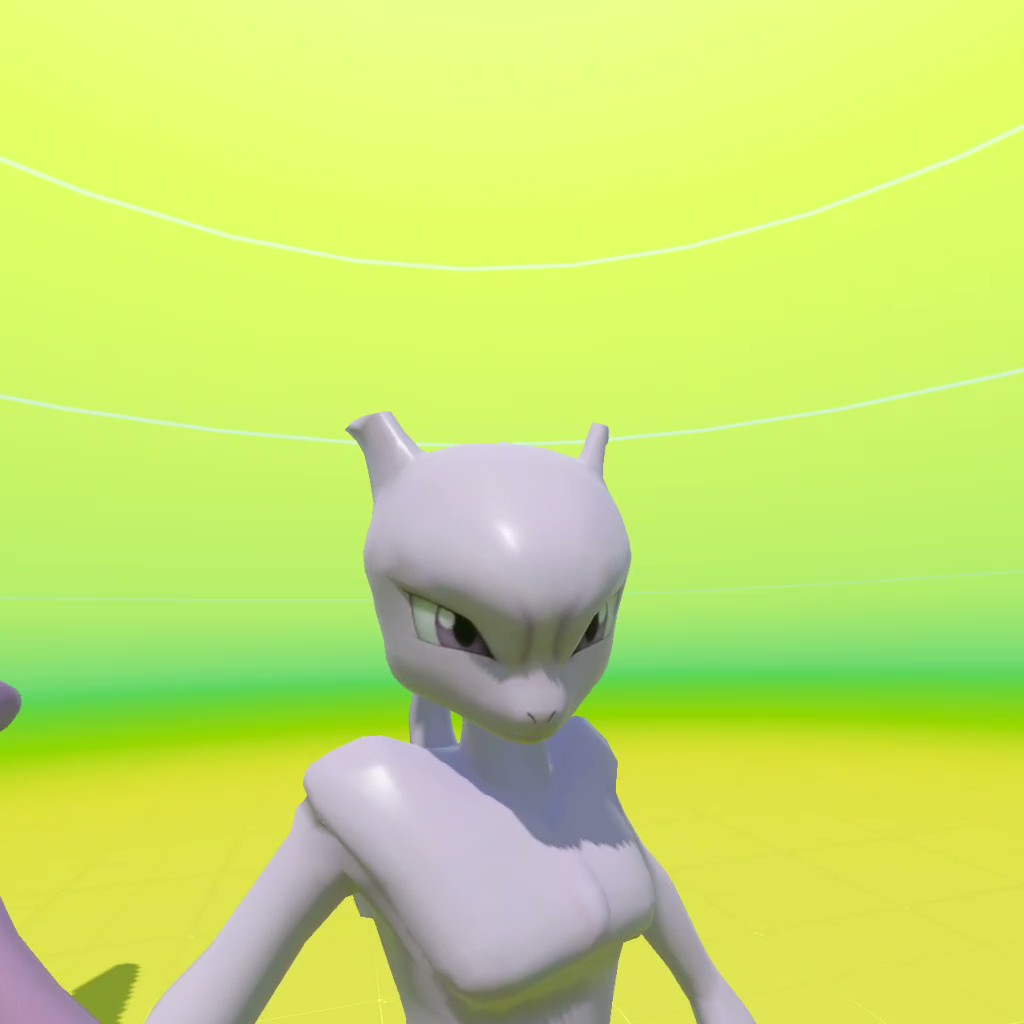
Other features I plan to include would be the ability change the colors of the player’s hand mesh and gloves, as well as add a save function so I could choose certain pokemon as my favorites and quicky load them in without having to type in the searchbar.
Now that the most crucial functions are working, adding in the other hundreds of Pokemon will just be a matter of time so I’ll add them at a much leisurely pace. I mainly wanted to make this project because I wanted the interactivity with the Pokemon I used to dream of as a kid. I also wanted to push myself into learning Godot so I could build my skillset and use them to make other potential games in the future.
Will this be updated? Who knows?
To be continued…