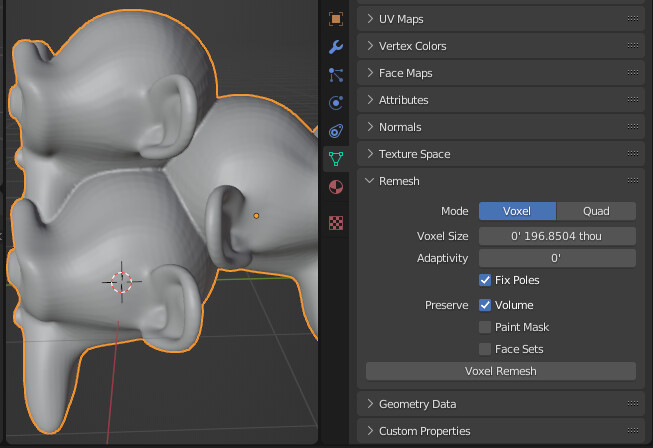
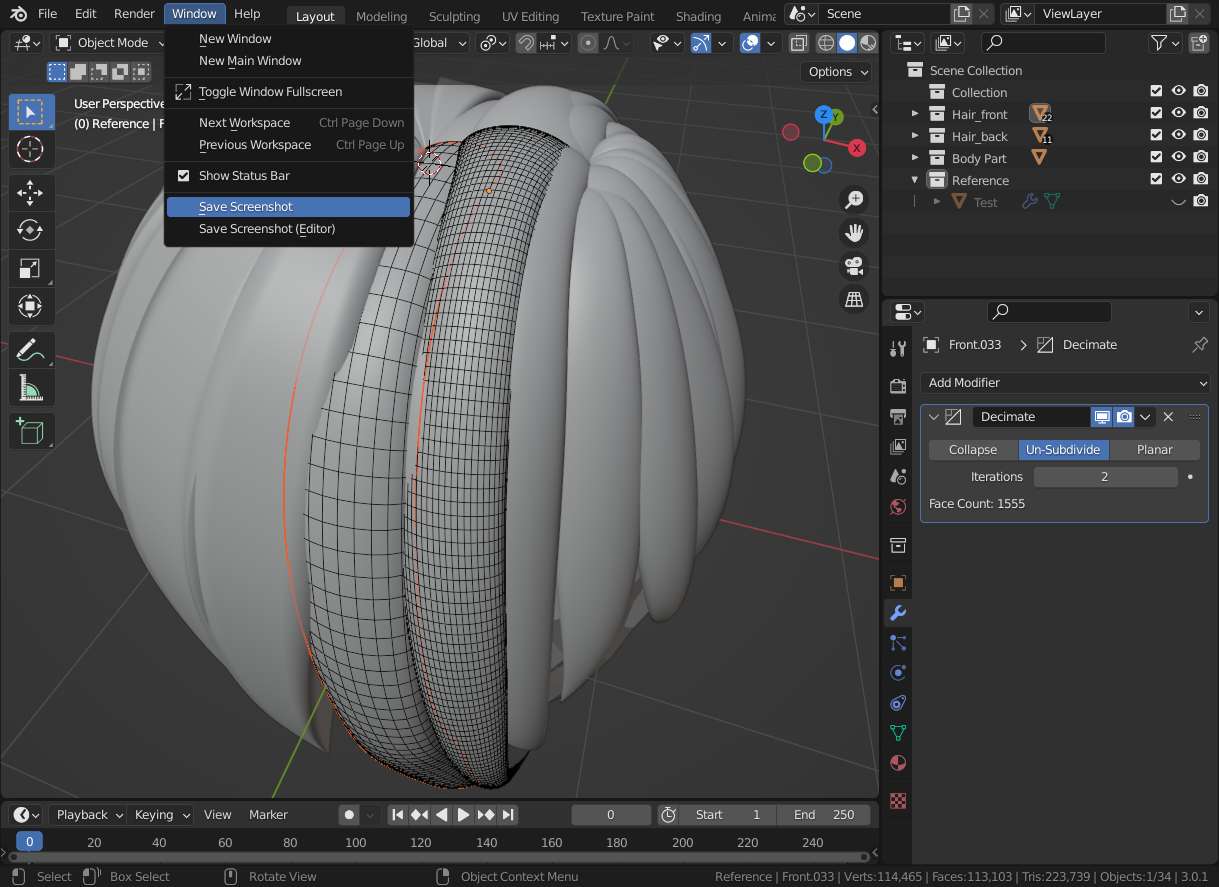
I encounter some problems while I am trying to join multiple objects together to form a character and clean up all internal geometry.
I selected all objects press ctrl+J → create a large cube cover the object → use boolean modifier-intersect, but blender nearly crush and all internal geometry are remaining.
I tried to repeat the exact same steps on some simple mesh like cubes, circles or even parts of my character mesh and everything be right. It only goes wrong when I modify complex mesh.
What’s wrong with it?
Any other simple way to join multiple objects and clean up all internal geometry?
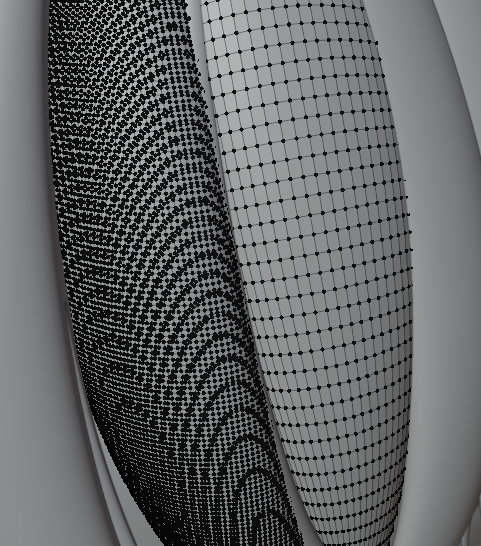
Hmm… maybe just decimate your mesh to have less vertices and don’t bother about overlapping? One benifit would be: nice UV’s. Left one is is 2 times unsubd so from 5805 to 1505 vertices right one is 5804 vertices.
My final purpose are export the objects for 3D print in few pieces, like front hair, back hair, head and different body parts. However there are many internal spaces between the objects, what I though is combining all objects and clean up internal geometry then I can find out those space easily. Also, when I export it to printable file such as .stl, usually some of the mesh will disappear (or not a solid?). I am not sure is it because of complex mesh so I want to clean up all unnecessary geometry to prevent the opportunity of such problems happen.
Ahh yes… 3D printing… (next time: maybe mention it in question/headline, post, add tag?? ) … sorry no own experience but usually something like @thinsoldier is the way to go (lots of parameters)…
(You do know the 3D Print Toolbox addon shipped with blender?)
Blender 2.93 or later required.
Mesh: Merge & Clean
Boolean merges one or more objects, with options to fix the resulting normals. Does a lot of cleanup and, if possible, it will only merge vertices belonging to the same edge loops in order to preserve geometry and UVs. Though it’s no substitute for proper retopo it can be a decent starting point.