Hi everyone,
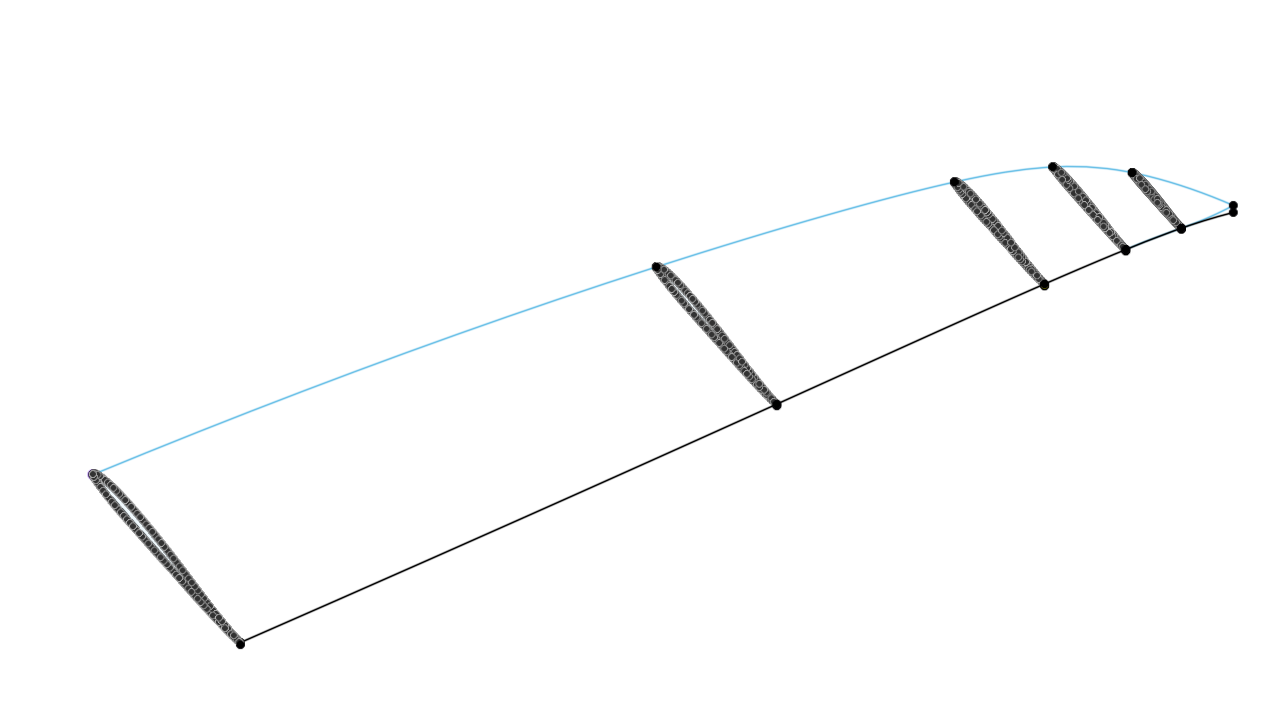
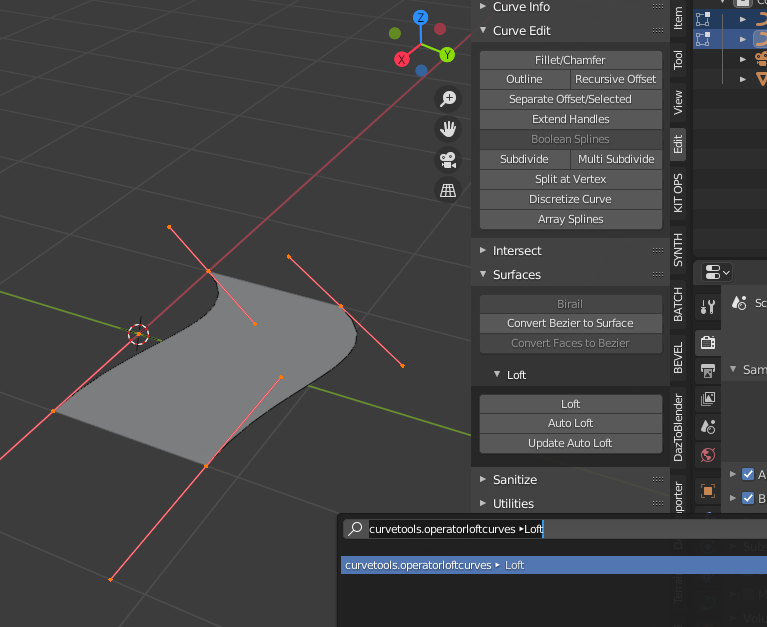
I’m new to Python scripting and I’m looking for help with a python script. I’m trying to run a shared script on GitHub, but I’m having trouble with it. These are Python scripts and blender files for 3d construction of airfoils, hydrofoils, surfboards etc.:
Author’s website:
https://alexpgh.github.io/foss-toolchain-mpcnc/blenderInst/
https://alexpgh.github.io/foss-toolchain-mpcnc/blenderAirfoils/
As the author writes - the scripts were created in Python on Linux. Maybe that’s why I can’t run them in Blender on Windows:
I currently use blender’s long term support version 2.83.9 (on linux) spcifically the tgz download, unpack and therein start blender. This allows me to use different versions in parallel (just in case).
Add-ons
For the curve simplification check to have edit>preferences>add-ons> Add curve: simplfy curves+ activatedPython modules
Blender comes with a bundled python in whereYouUnpacked/blender-2.91.0-linux64/2.91/python/binFirst check to have an up to date pip3 in the bin dir:
cd whereYouUnpacked/blender-2.91.0-linux64/2.91/python/bin
./python3.7m -m ensurepip
./python3.7m -m pip install -U pip
Now you can install python modules
./pip3 install matplotlibFor the foil analysis stuff, we need to be able to read / write xml files and tehrefore need
./pip3 install beautifulsoup4
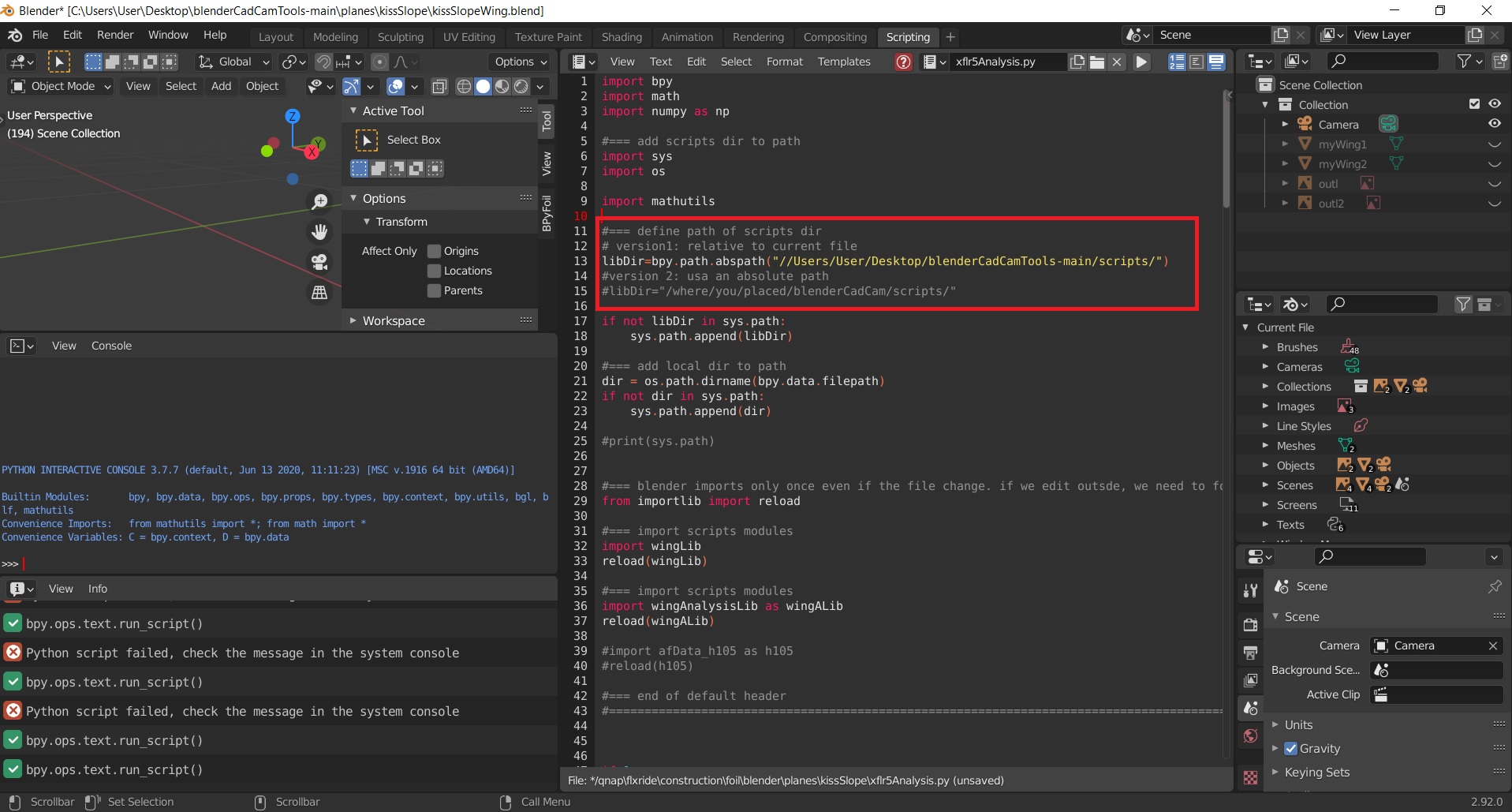
When running a script, the Console displays the following error:
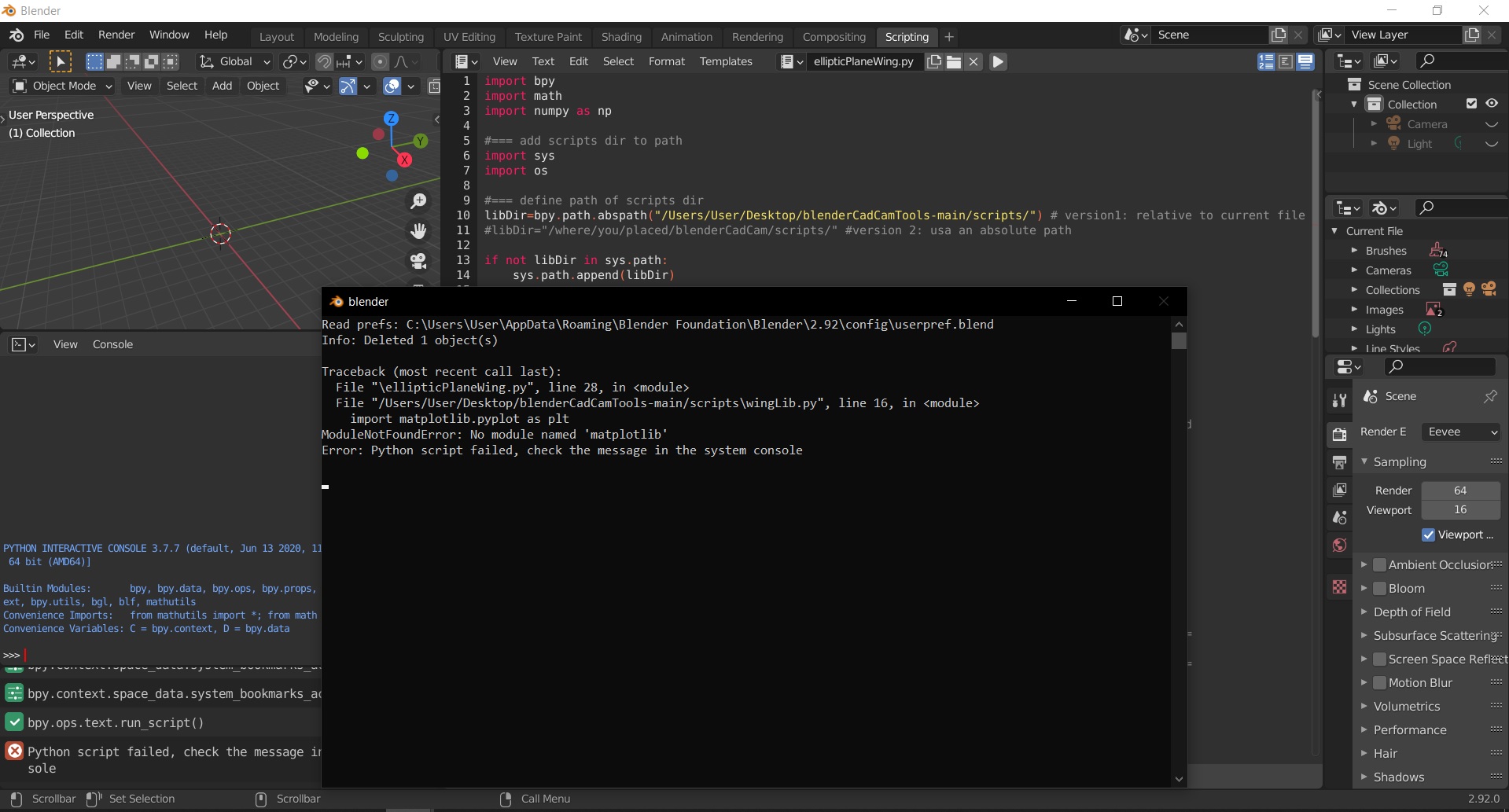
but I have Python 3.9 and Matplotlib installed.
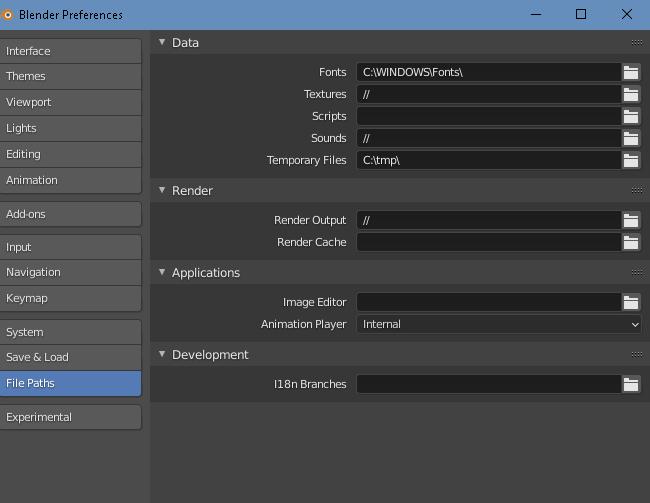
I also have a problem on line 10 with the path to the files. I don’t know if I’m doing it right. The correct path is:
C:\Users\User\Desktop\blenderCadCamTools-main\scripts
I would be very grateful for your help
Scripts license: