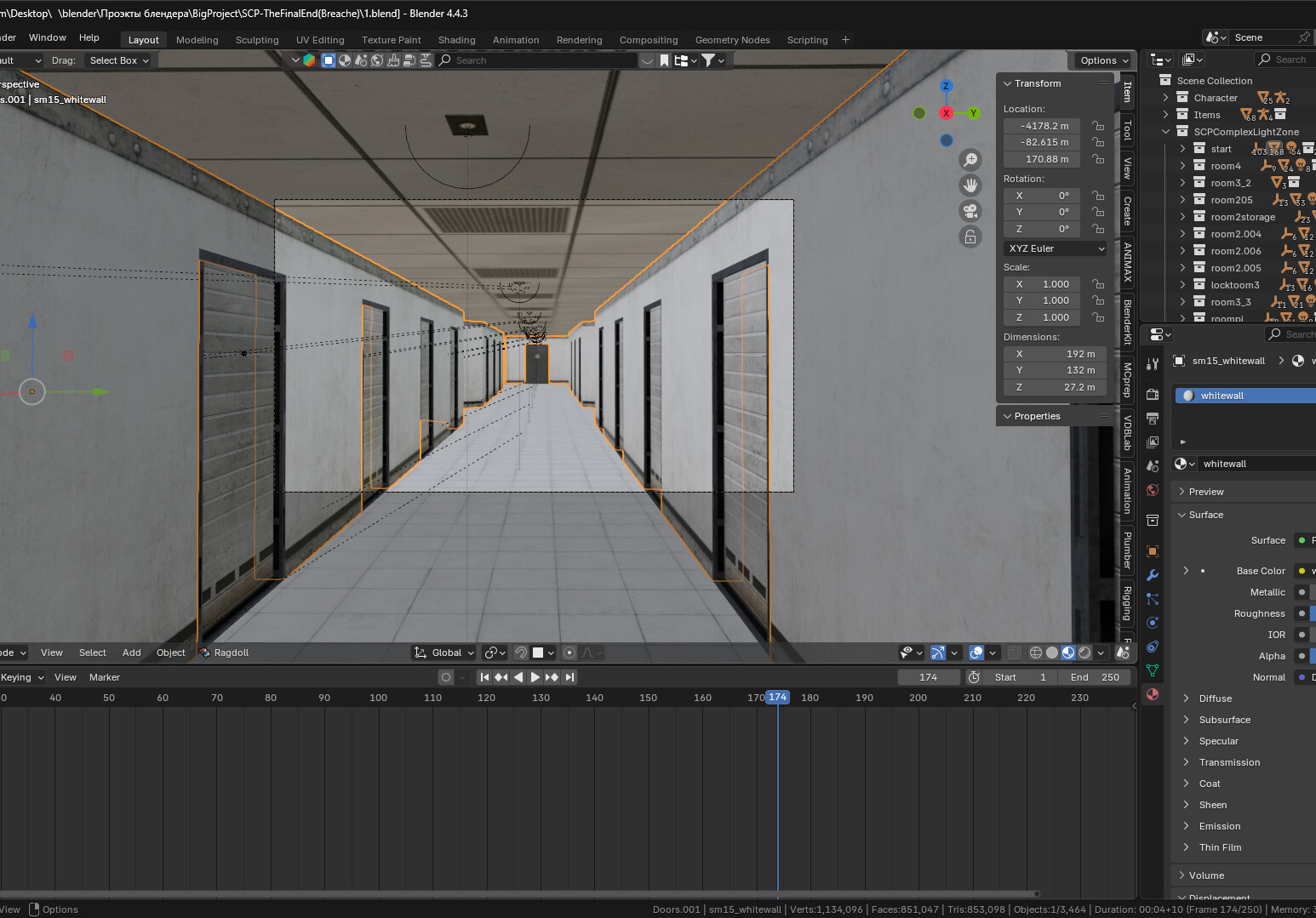
I have two PCs connected via a local network, and I’ve created a shared folder on the main PC for the second PC. However, when I open the project on the second PC, the textures break. I can’t rewrite all the paths, and I can’t copy all the files to the second PC due to memory constraints.
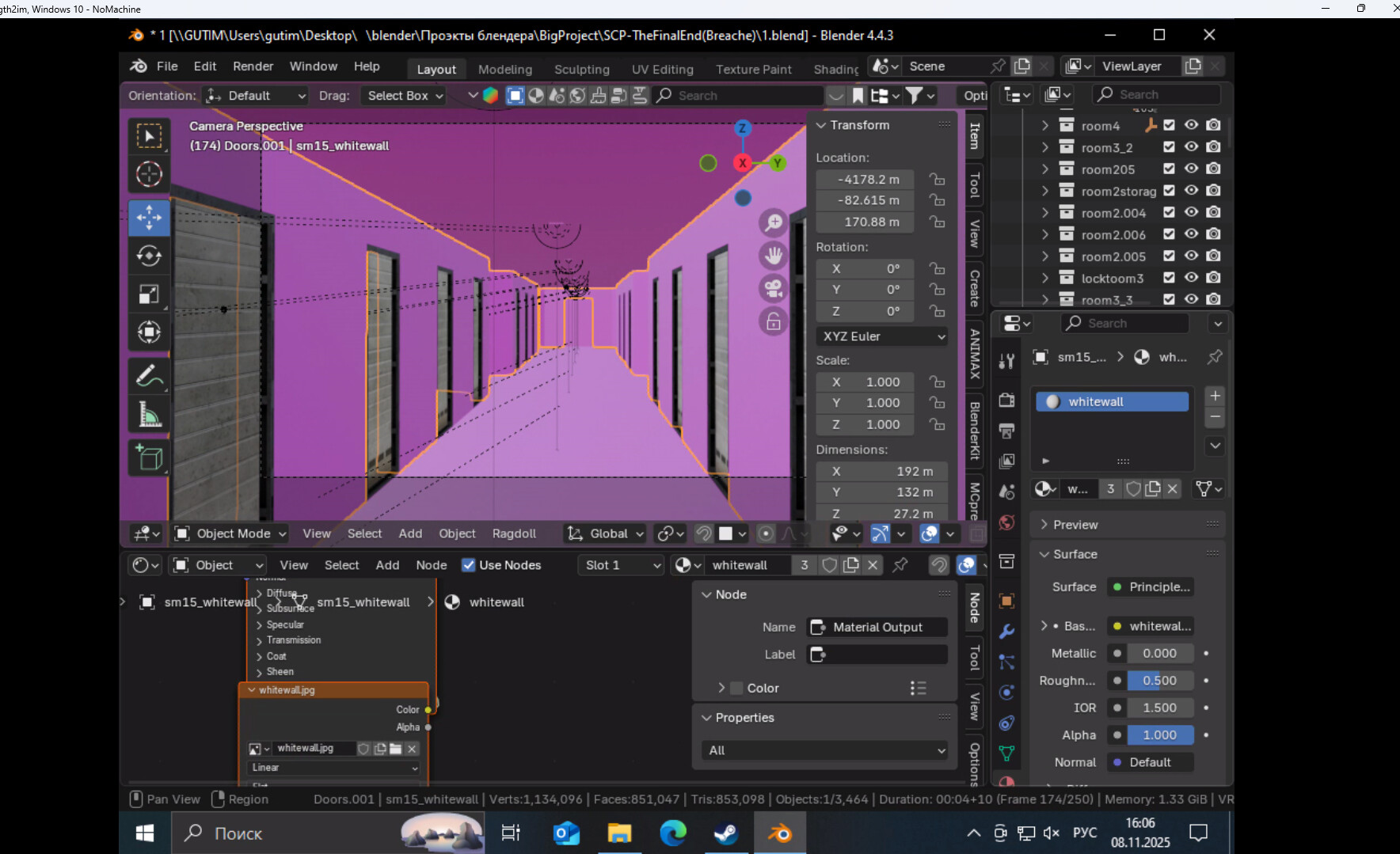
Have you tried pointing at the texture folder with Files > External Data > Find Missing Files?
the problem is that I can’t do that, I would have done it a long time ago
Maybe you should put also the textures in the shared folder? And then do as @stray instructed?
Would help a lot if you describe the issues in a little more detail.
I can texture folder with Files > External Data > Find Missing Files but then the texture paths on the main PC will break
Oh. Right, that makes sense I suppose 
Чтож, печалька 
Seriously though, are texture folder and the project file contained in the same folder?
I was sure paths were supposed to be relative to the project…

maybe
See my post above.  If the project is in the shared folder but textures are not, they cannot be reached from the other computer. And if you find the missing files on the other computer from a folder in there, they won’t be found with the other computer, because both will have them in their own locations. That’s why you must put also the textures etc in the shared folder and find missing files from there, then they should work on both computers.
u cant find this cause the user is different in the path name so it breaks
so all u can do now is pack resources or create a folder with the exact folder structure and naming so u can access it c/user/folder user must be the same so maybe create a user with the same old pc name and then try if it didn’t work pack ur resources and forget the shared folder
spasibo, it worked
Blender expects external paths (e.g. Outliner / Data API / Images / Path) to be placed exactly in the same location for a moved project as in the source PC, except for those paths that target the same folder or a subfolder of the project file, like :
./your-project/your-project.blend
./your-project/materials/base-texture.tga
The base-texture.tga doesn’t have to be in the same directory structure as an external texture, like this:
../../../User/Pictures/Textures/your-project/body-texture.tga
The …body-texture.tga has to be placed in the same drive and directory as in the source PC. That’s why you would place all the materials in the same folder as .blend usually.
But sometimes the system (Windows) restricts read rights also and blocks the access to, let’s say, C:/Blender/your-project/materials/...
Then you would simply place the project in your home directory, like : C:/Users/User/Documents/Blender/...
P.S. You can use a symbolic link on another drive to match everything on the desktop PC, as in the laptop: mklink /d "C:/Users/User/Documents/Blender" "F:/Blender" (F is the storage drive).