Mods, please feel free to move this is appropriate.
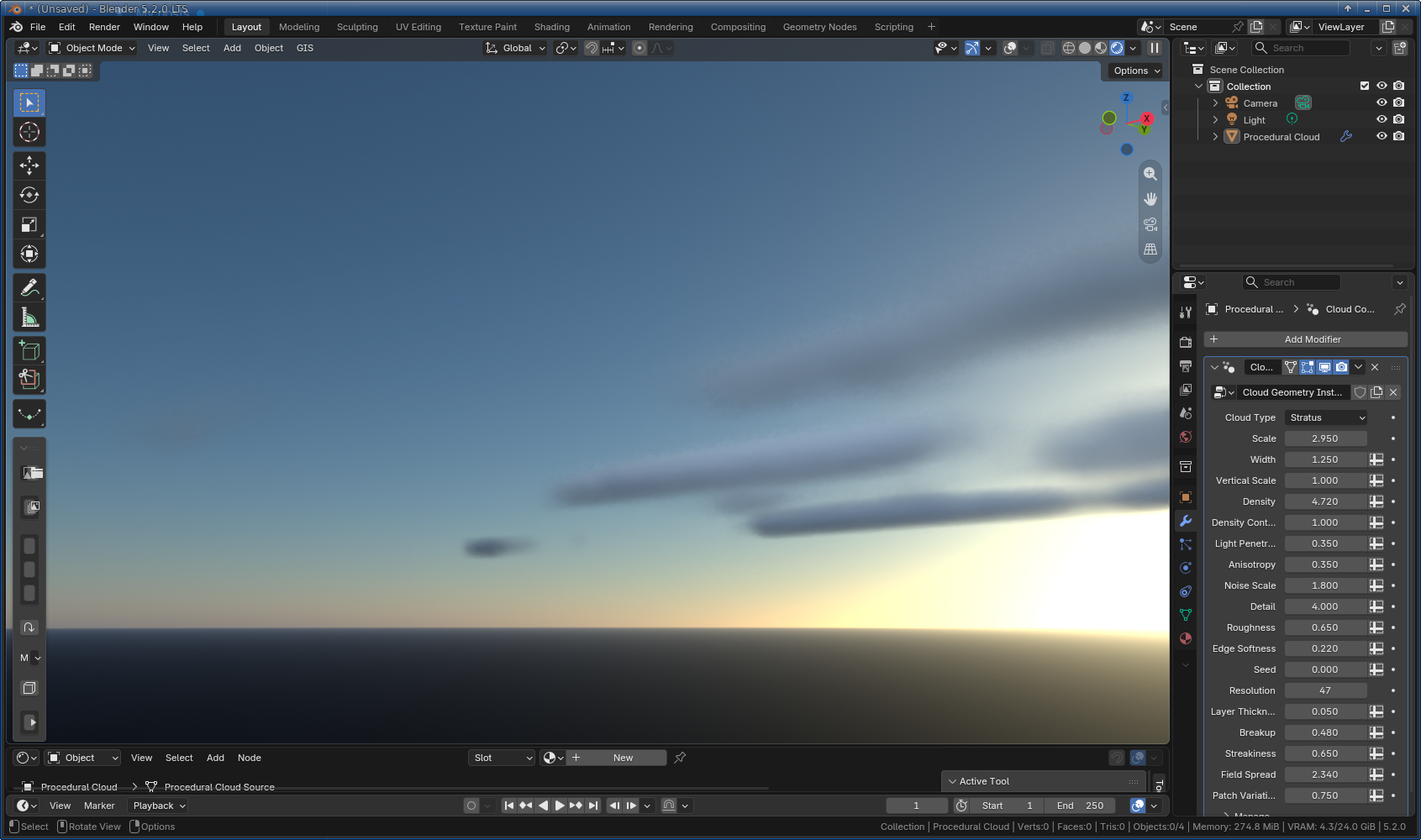
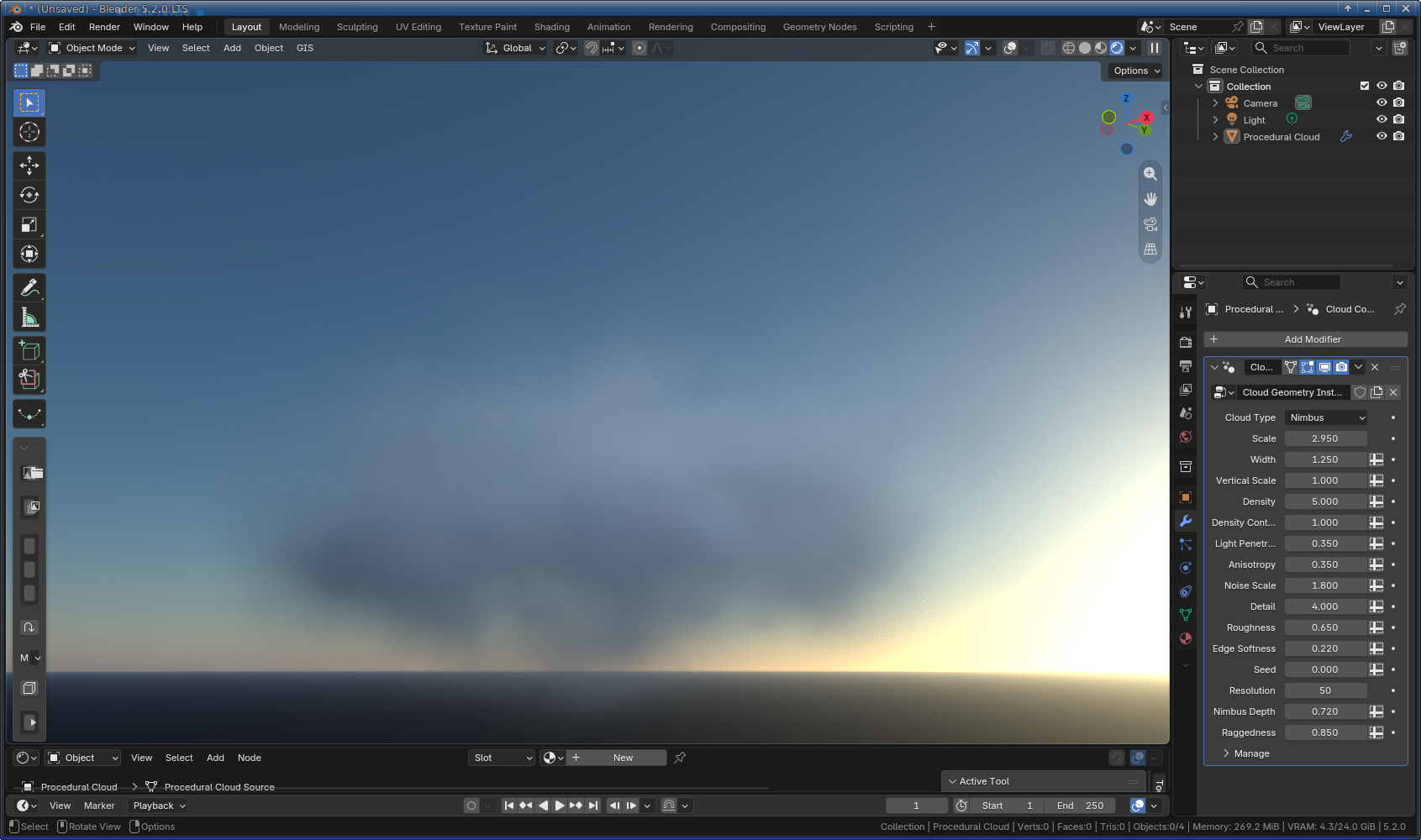
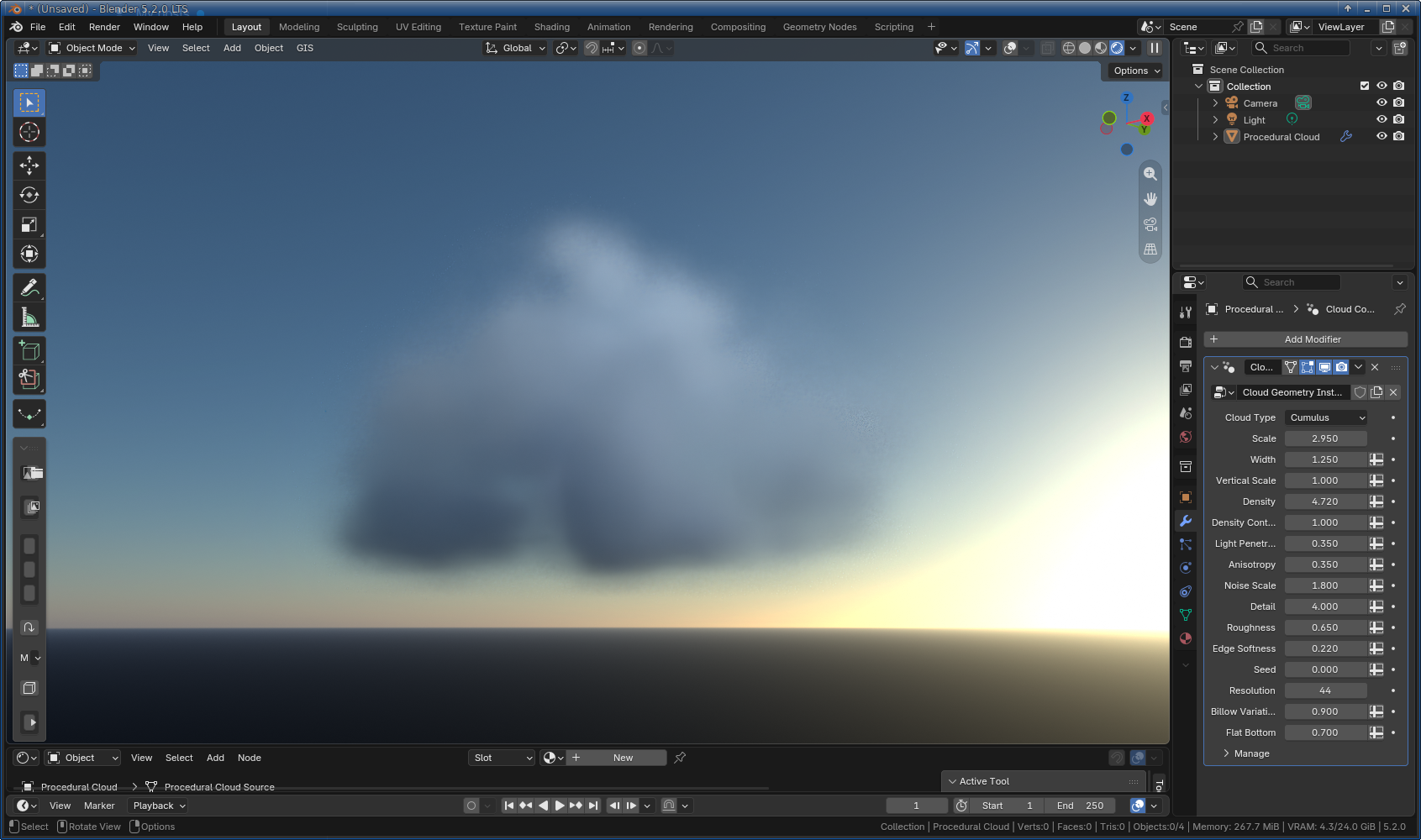
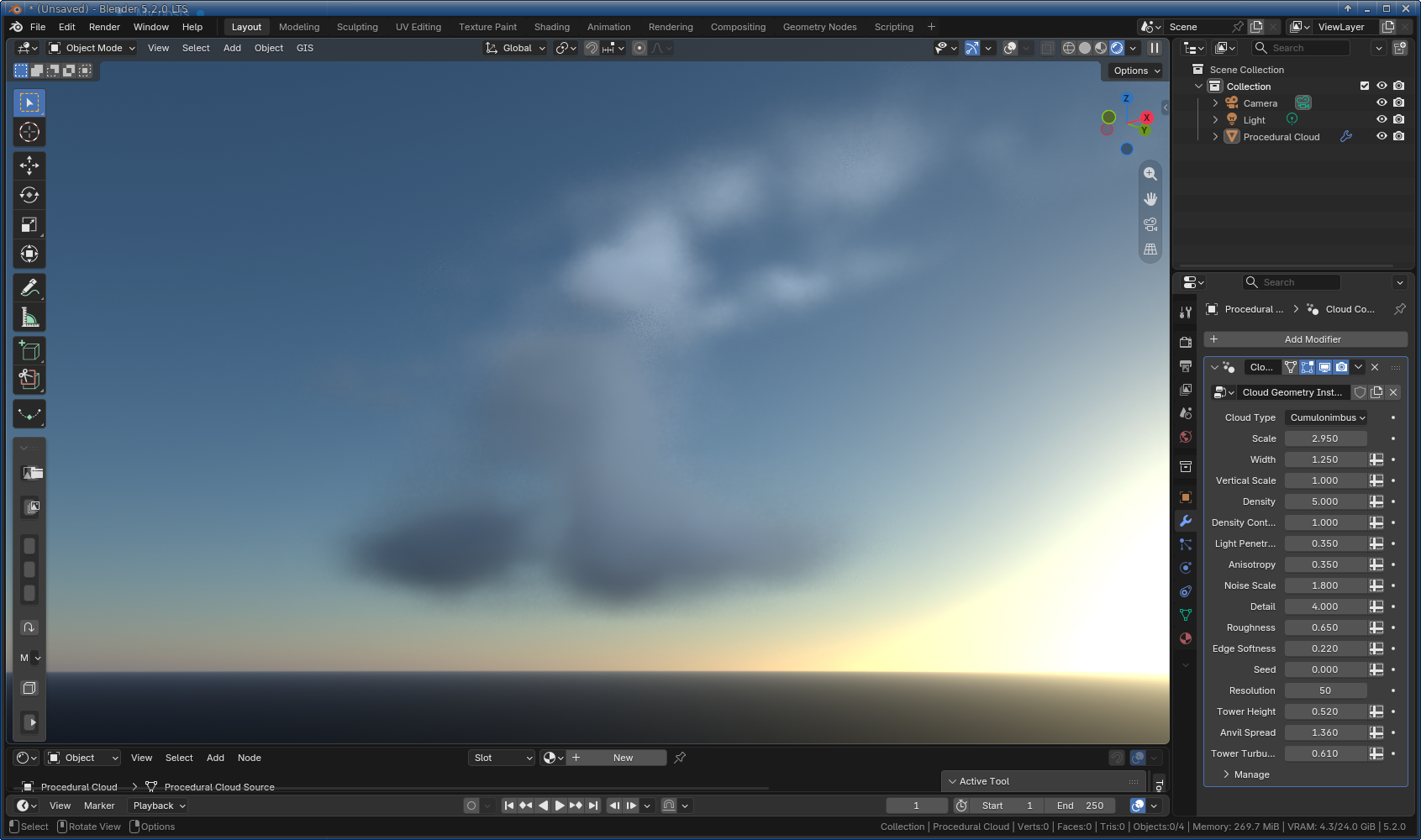
I’ve started work on a procedural cloud generator using GN, and installed as an addon. Nothing extra needed. I’m at V1, and you can choose the cloud type (cumulus, stratus, nimbus, cumulonimbus), and you can mix and match. The “tweakable” parameters (revealed in the modifiers tab) are tuned to the type of cloud, whilst the addon simply presents a “create cloud” button. The defaults are lousy, at the moment, but I’m working on getting the engine right first, before tweaking the defaults, so please play and feed back. For full disclosure, this is AI assisted, and I do not intend to monetise it. It will be free for all whatever version I use.
Looking forward to comments, observations, breakages, and suggestions.
I deliberately didn’t add screen shots. My own tests have been in a very controlled environment. I want people to try it, break it etc. But if you insist as a community, I can show some examples.
This does work, but it seems a bit convoluted for what it does. Also, you seem to be limited to the shapes that come with the system?
Wouldn’t it be easier to convert meshes to volume than trying to build shapes in mid air with textures?
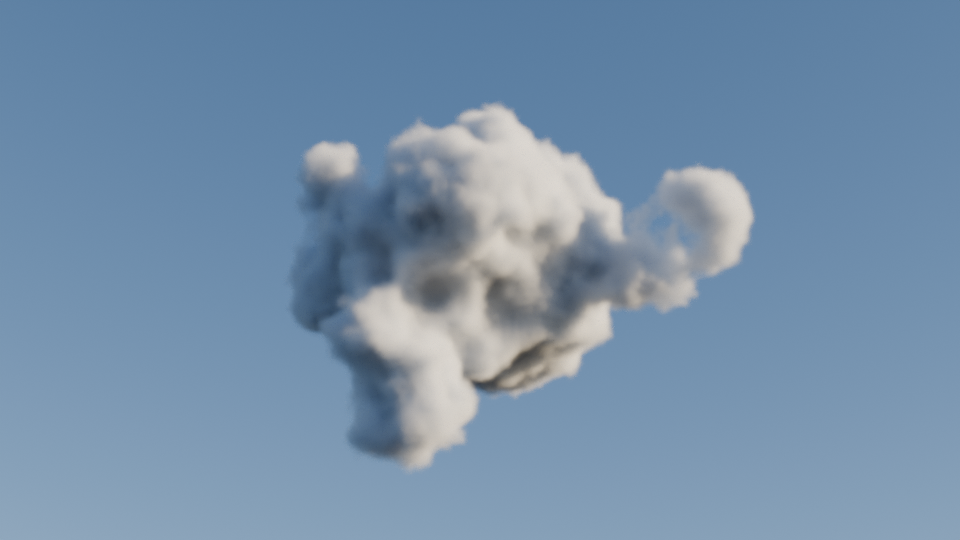
Here is an example of what I mean. This is a small geometry nodes setup that can be put on any mesh and it will convert it to a cloud. It first remeshes the object (so anything can be used as starting point, including multiple intersecting shapes), then displaces it into a puffy cloud shape, then converts it to volume.
Thank you for the feedback. If you want variety you can create multiple clouds and change the seed. The intention was not to have something that creates a highly custom cloud (nature doesn’t, after all) but to create visually appealing clouds. As I said, it’s very much a WIP at the moment, and so all suggestions are welcome.
OK, I’ve added custom meshes rather than the default clouds. If a mesh is selected when you generate the clouds, it will use that mesh, rather than creating one. It will NOT create clouds from clouds. If no mesh is selected, it will return to default behaviour. - updated in the first post.