For a few months, I’ve been working on a new set of texturing tools that analyze an object’s surface and create images that are continuous in all directions. These are not procedural 3D textures like Perlin Noise, but 2D images that know where in the 3D world each pixel is located and how it is connected to other pixels.
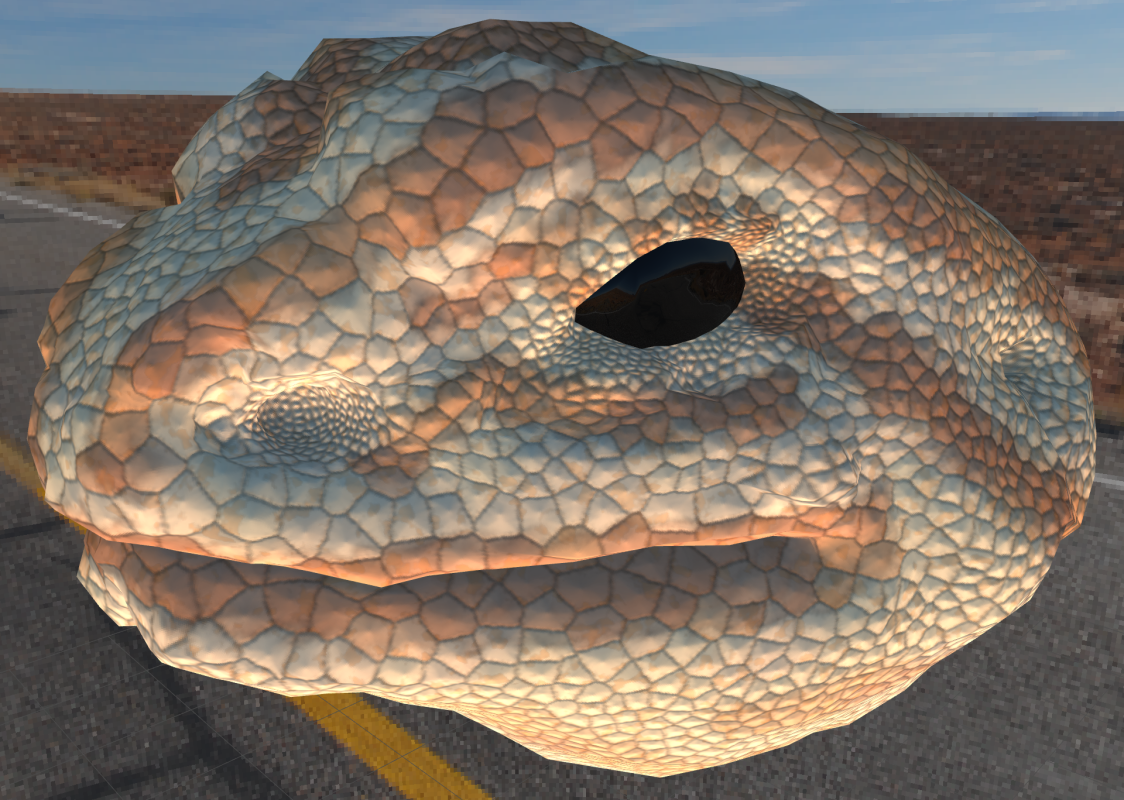
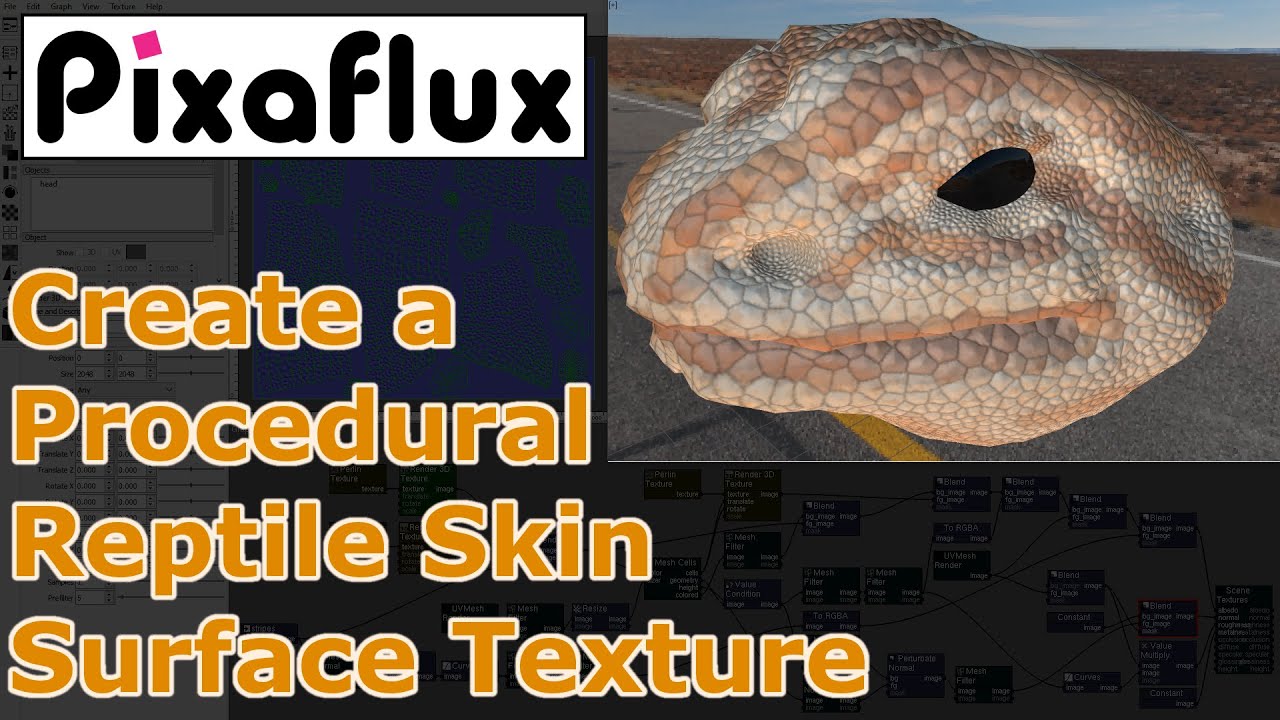
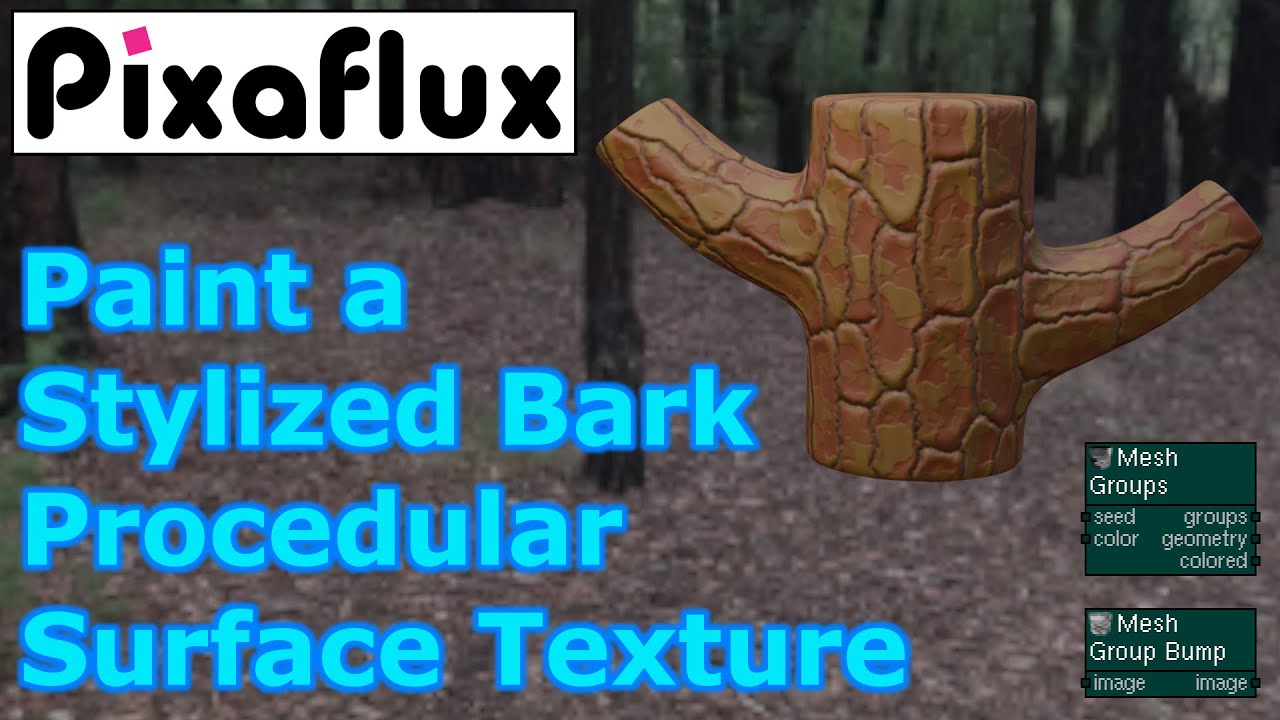
These are two examples of procedural surface textures:
Notice how the cells in these two images are continuous all over the surface, and how features like the size and color of the cells can be controlled with custom inputs.
These new texturing tools are available as nodes in PixaFlux, a free PBR Texture Composer built around a node graph engine.
We’ve added a new node in PixaFlux to grow mesh surface groups in a more controlled way, and a few other nodes to work with these groups to create more advanced Procedural Surface Textures.
In a previous post, I introduced my work with Procedural Surface Textures.
In this new iteration, I developed a structure that breaks the surface into a network of similarly sized, interconnected elements. This new approach is continuous and homogeneous across the mesh, resulting in a very organic look.
The network functions much like a 3D image, allowing image processing algorithms to be adapted for use directly on the surface.
These new texturing tools are available as nodes in PixaFlux, a free PBR Texture Composer built around a node-based graph engine.
These are some of the new nodes:
Scratches, Noise, Groups, Group Break, Displace, Filter, Reaction Diffusion, Paint…
A few weeks ago, we launched PixaFlux with a powerful new node — Surface Reaction Diffusion!
We’d love to hear your thoughts and suggestions as you explore this new procedural texture. Your feedback is invaluable in shaping future improvements!