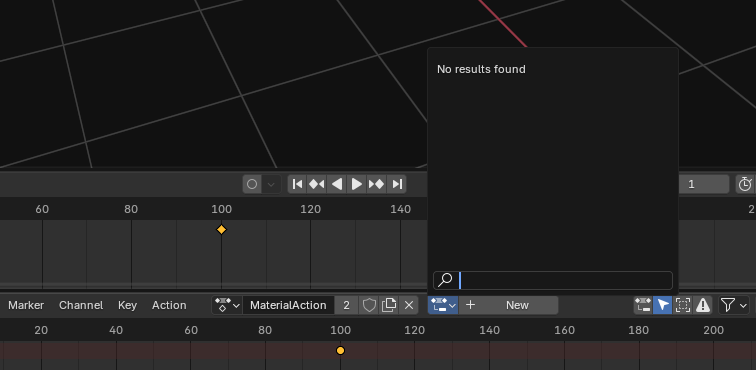
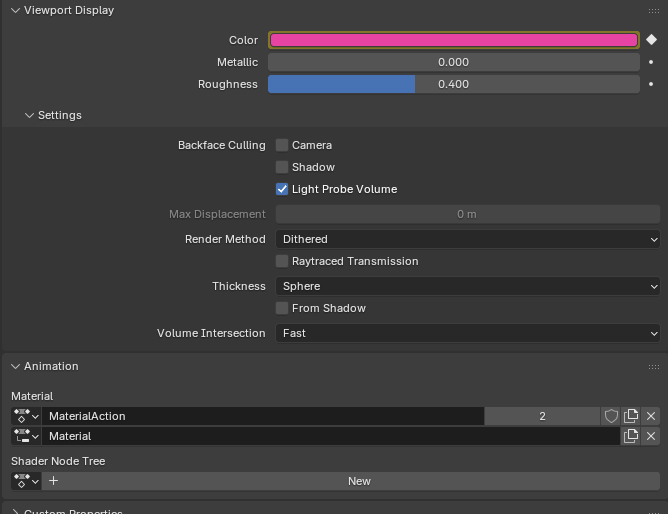
I have been trying to understand how to use the new slotted actions in Blender 4.4+, and its nuances, and I think I’m finally getting a handle on it. One thing however that is perplexing me is why there are two animation slots under Properties->Material->Animation. Specifically, I don’t understand what the Material action slot is intended to be used for. Let me explain…I’ve created this short animation where two characters pass a ball and the ball changes color:
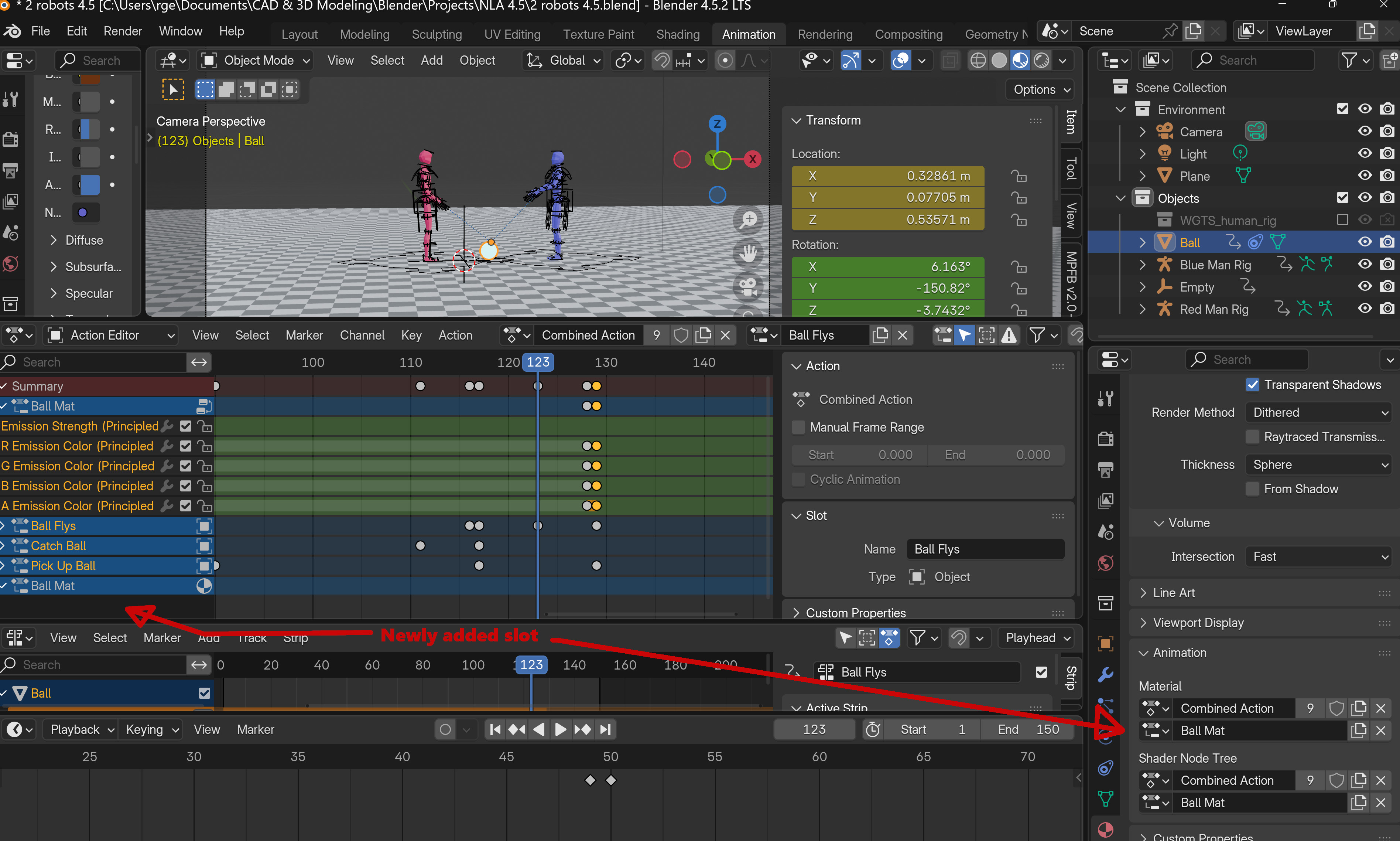
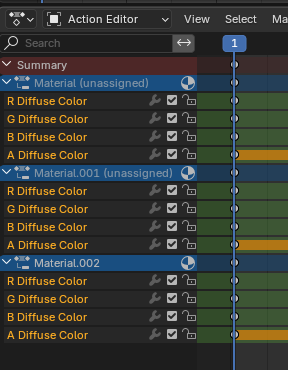
The combined animation holds slots for the 3 objects in my scene (two rigs and a ball), and a shader node slot for the ball material (named Ball Mat).
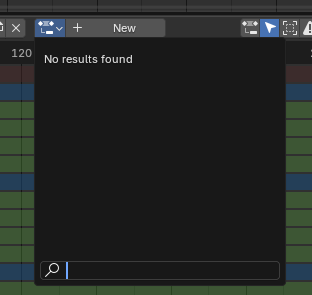
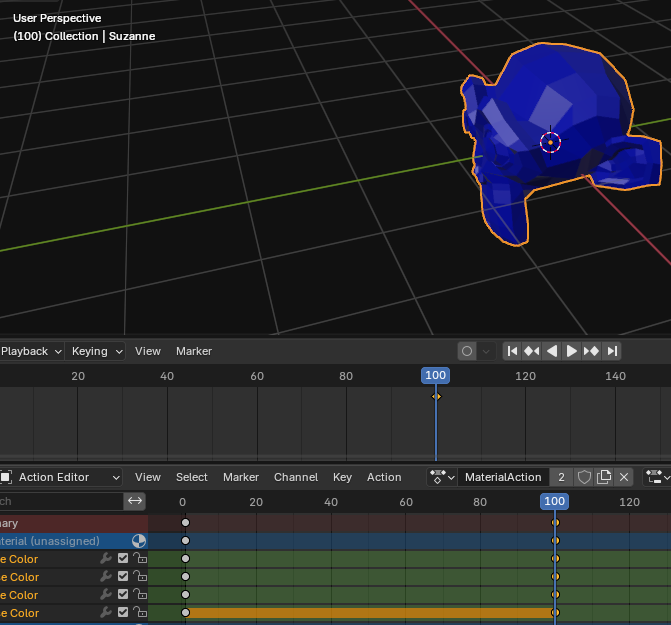
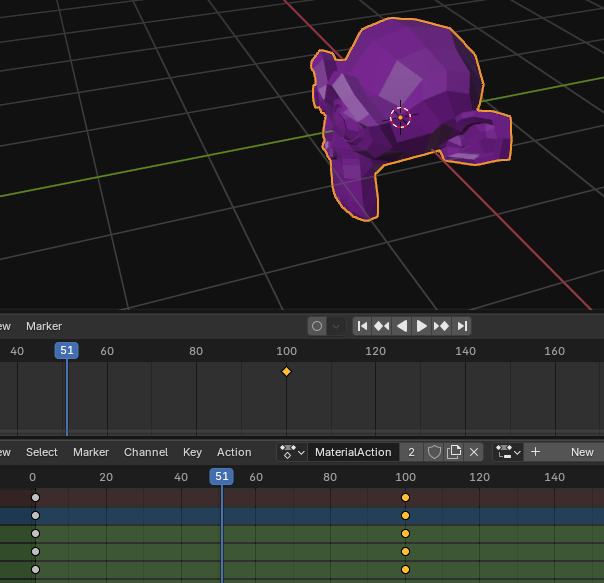
The combined action is named “Combined Action”, and I added the material animation to it by selecting “Combined Action” as the Shader Node Tree action, and creating a new slot (which is automatically given the same name as the material). That slot shows up in action editor when loaded with Combined Action, and holds the keyframes I’ve added to change the ball’s color. I am able to animate the material without ever touching Material->Animation->Material.
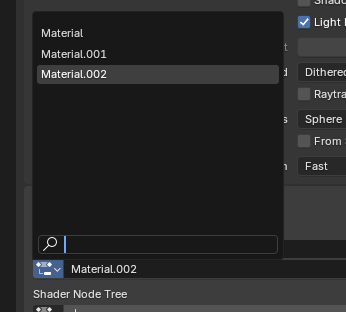
If I select Combined Action as the Material action, and create a new slot (which also receives the material name by default), then Combined Action has another slot, also called Ball Mat, but with a different icon (I’d love to know where can I find out what these icons mean, because I couldn’t find anything in the online Blender manual).
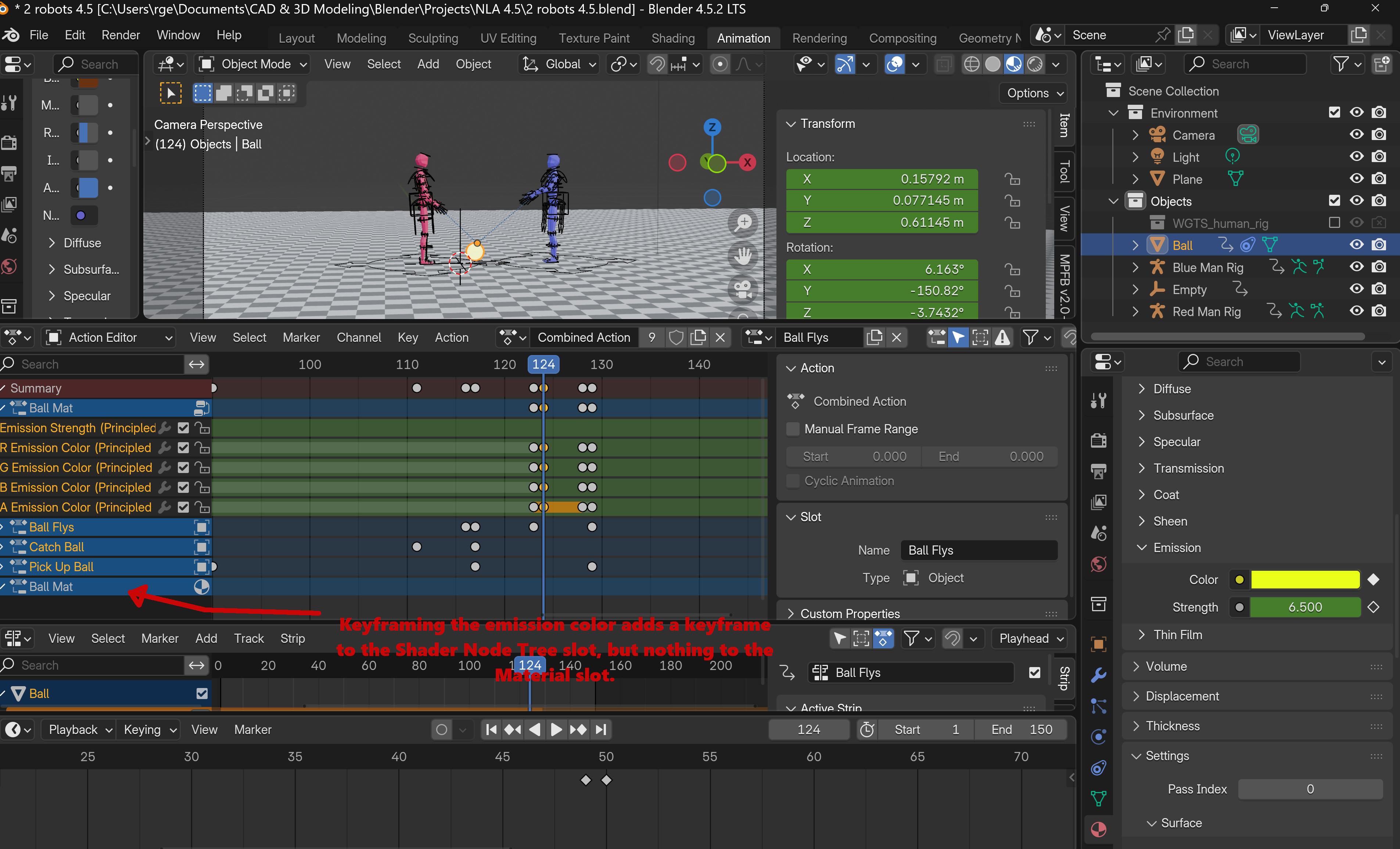
If I now add to the material animation, in this case by changing the color of the ball when it bounces off the floor, a keyframe is added to the Shader Node Tree slot, but nothing is added to the Material slot.
Which brings me to the question which is the purpose of this post: what is the purpose of the Material->Animation->Material action slot? What does it do?
But I think the answer you are looking for is that there are two slots and actions.
One is for all the material settings that are not part of the shader tree. And one is only for the shader tree. Or rather the Shader Editor where you add your BSDF shader and nodes.
Thank you Richard. I don’t doubt that you are correct, but could you please give me an example of a material setting which is not part of the shader node tree? Maybe I’m being dense (make that “most assuredly”), but nothing I keyframe, regardless of whether I do it in the properties panel or in the shading node editor, seems to add a keyframe to the Material slot.
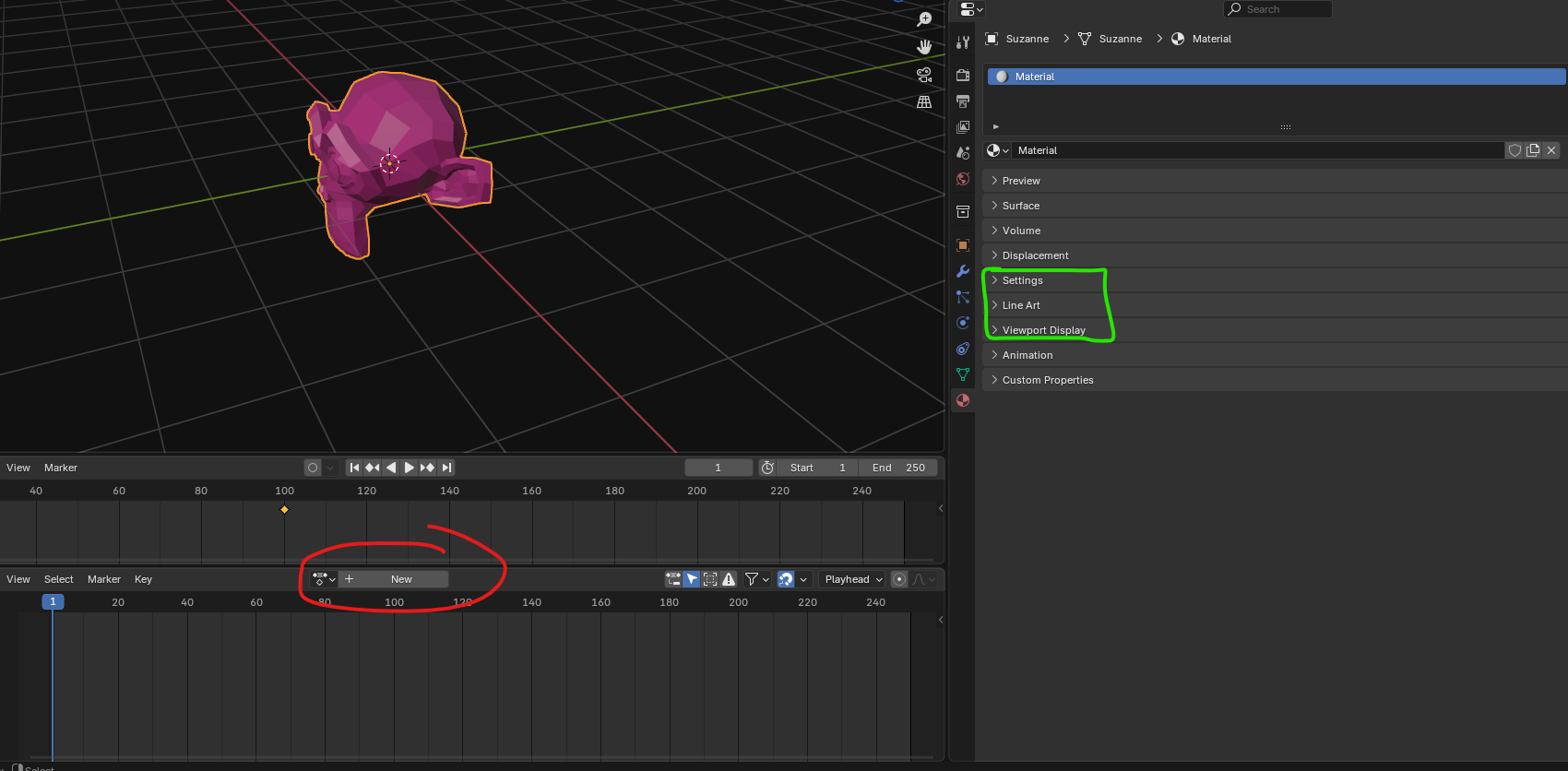
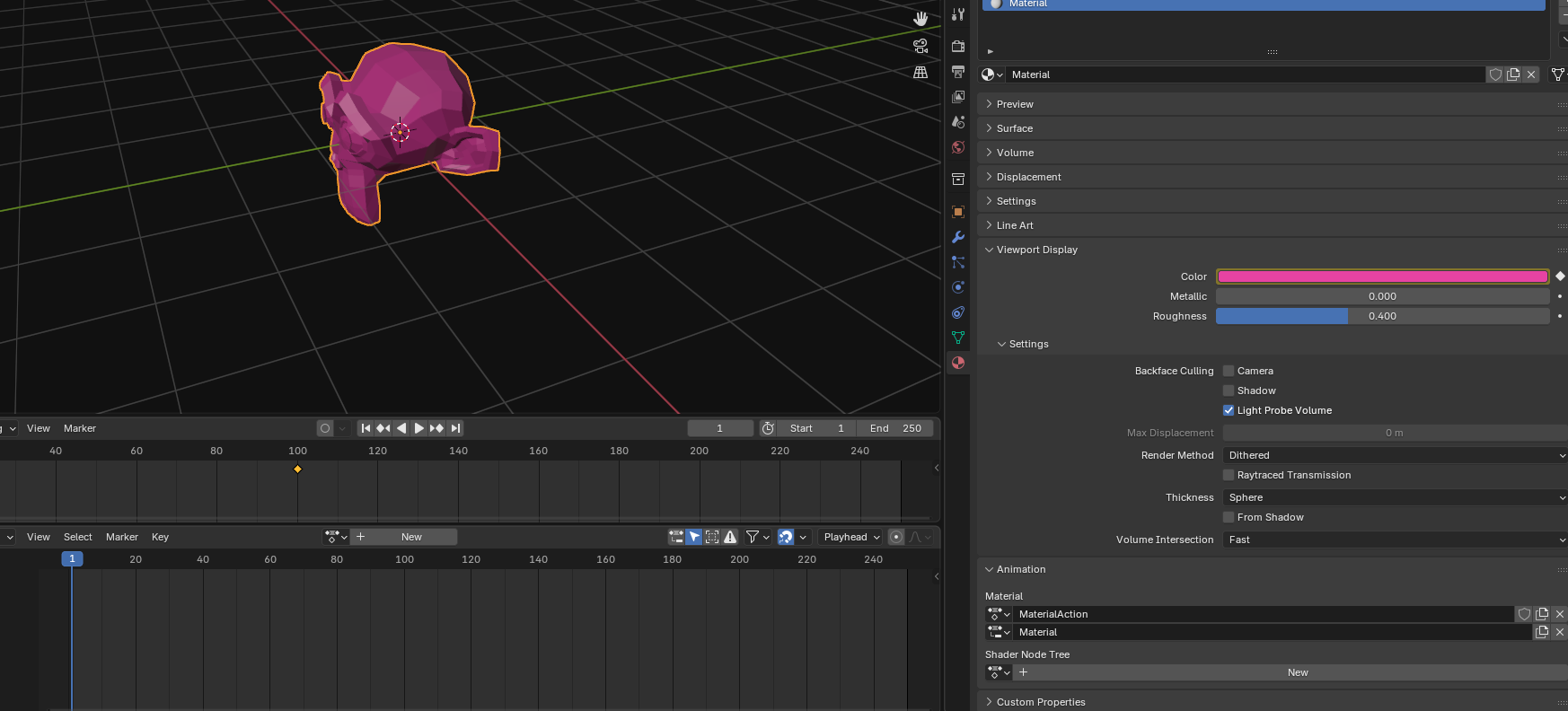
As I haven’t needed to change render settings in the materials tab or bothered to change the viewport display color (much less animate it!) I wasn’t thinking of those settings (which really have nothing to do directly with the material, but only with how it is rendered).