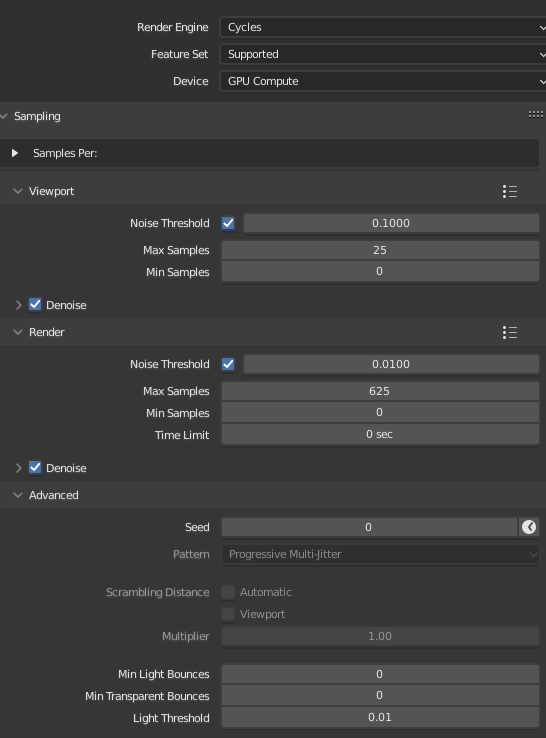
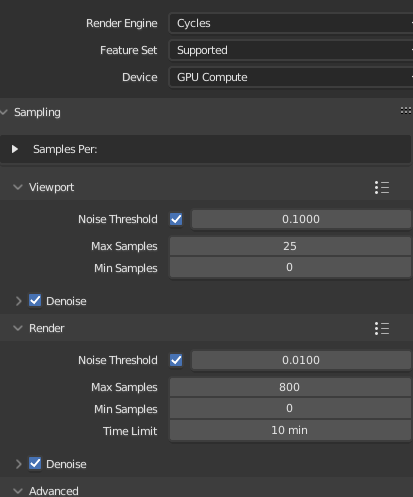
How am I meant to do this? I have a noise threshold set, but Blender still always uses the exact amount of samples I have specified. Everybody says that the noise threshold lets Cycles automagically determine the samples needed, but I can’t get that feature to work.
I think you have to set a time limit in the render tab for it to work.
In the render tab 0 sec disables the time limit.
Edit:
If you hover over the time limit in viewport and render tabs you will see (tooltip) that 0 acts differently, for viewport it sets an automatic limit and for render it disables the limit.
It should stop a little after the time limit. The time limit, limits the ray tracing time and does not include other calculations such as building and de-noise.
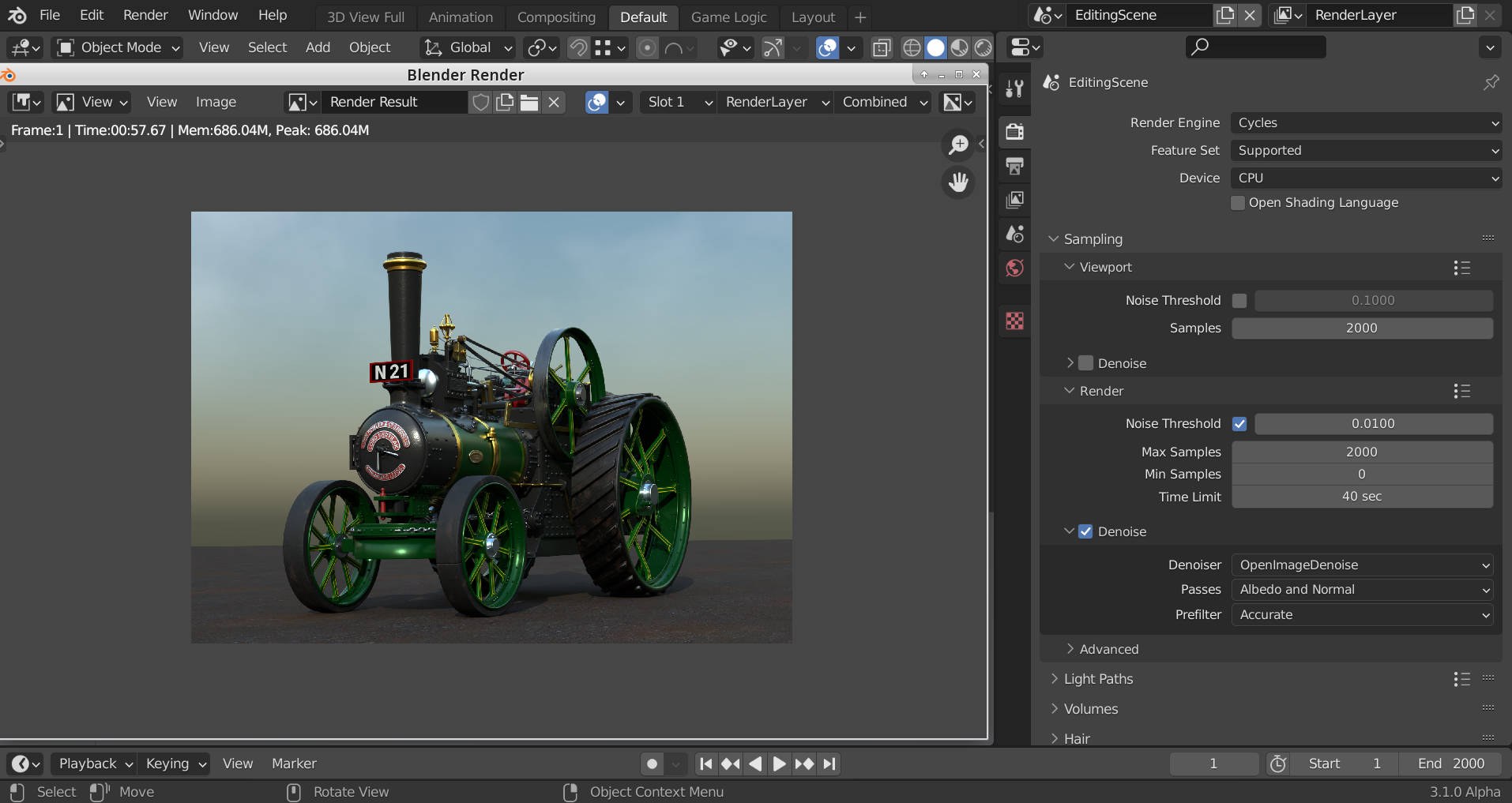
Here I set the limit to 40 seconds, with de-noising it took 57.67 seconds and rendered 20 samples.
With de-noising turned off it took 43.69 seconds but still did 20 samples. The 3.69 seconds extra is the building time before it starts rendering. The limit refers only to ray-tracing time not any other calculations build, de-noise, composite etc.
Your 800 samples should be “ray-traced” in 10 minutes, the extra is due to additional calculations (before and after).
Oh! I get it. Looking at the image metadata, all of the renders of various frames are all about 10 minutes. The metadata still says the samples are “800”, but I gather that’s just listing the max samples value.