When I drag and drop any HDRI or 3d models in [Asset Browser],
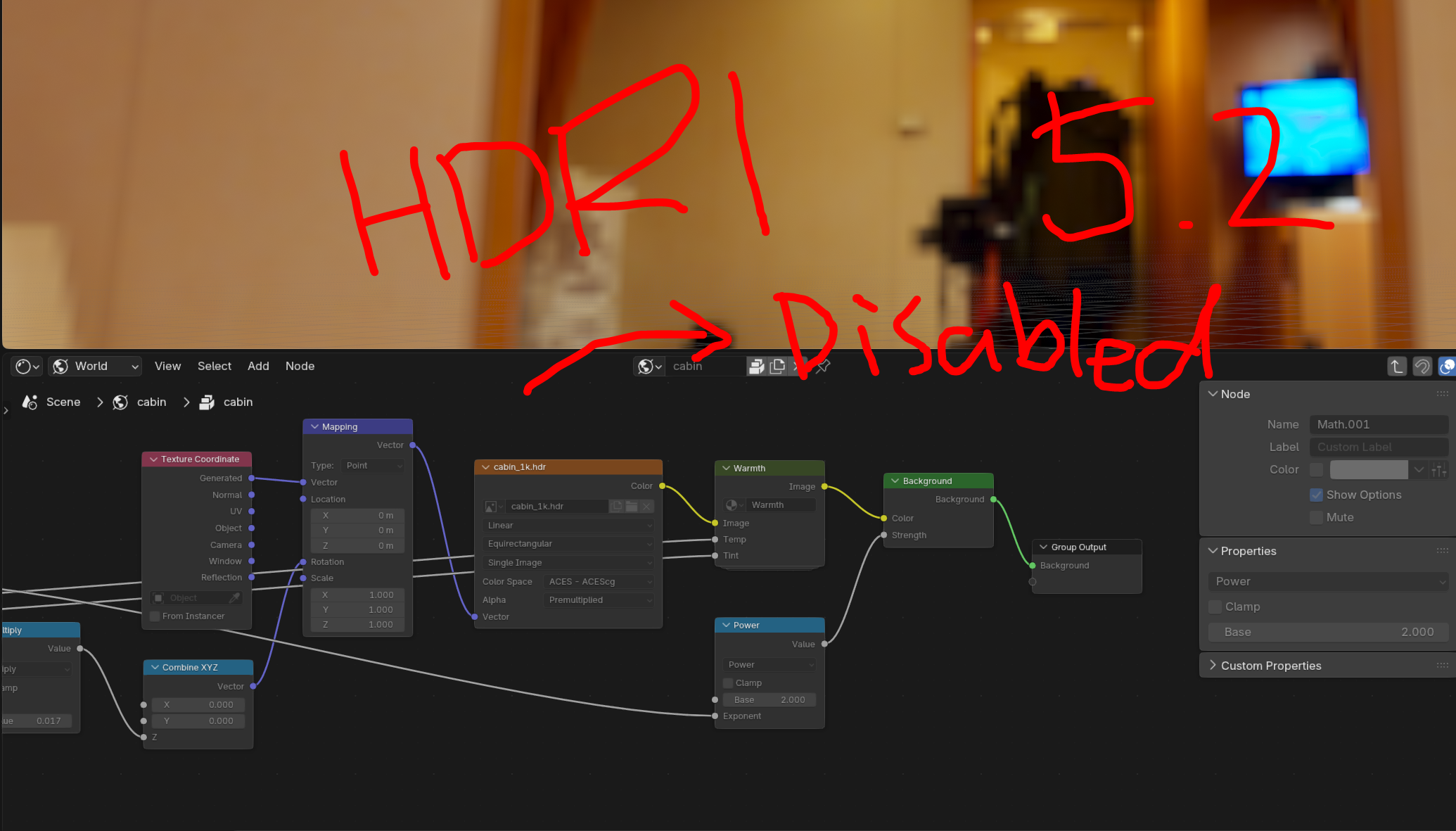
then it appears in the 3D viewport, but when I click them to see more detail on the [Shading Tab], the whole nodes are DEACTIVATED.
They do have a certain form of nodes. but they all look ‘gray-ish’ so I can’t even delete or change any of them.
So I asked this to blender Developer’s community, and what they adviced me was
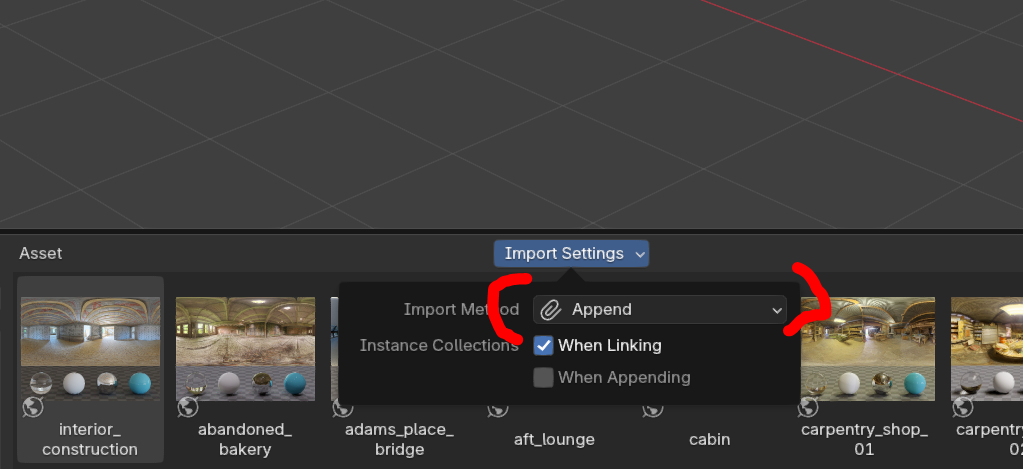
“You currently have your asset libraries configured to import assets in the Packed mode. By default they can not be edited, but if you unpack the asset, then you can.”
Did you re-import the asset after changing the settings?
Right now, I think you need to click on a box icon (to the right of the material name in your screenshot). I think it should un-pack/append already imported asset.
As soon as I change the setting from ‘Pack’ to ‘Append’, the ‘asset browser’ shows the new nodes there in the ‘compositing’ section of the asset browser.
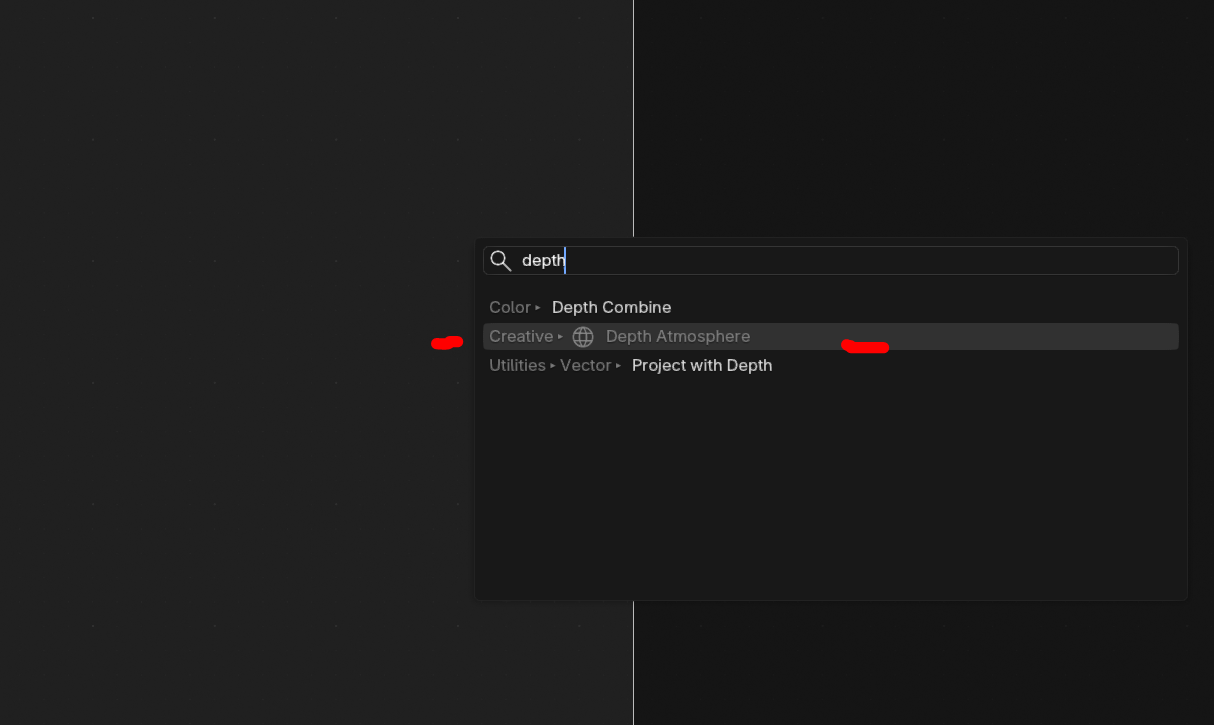
Click there, and there’s ‘Depth Atmosphere’ node as well as ‘Dithering’..etc.
Mouse over then. And I can see ‘download’ button. If you click them, then it works!