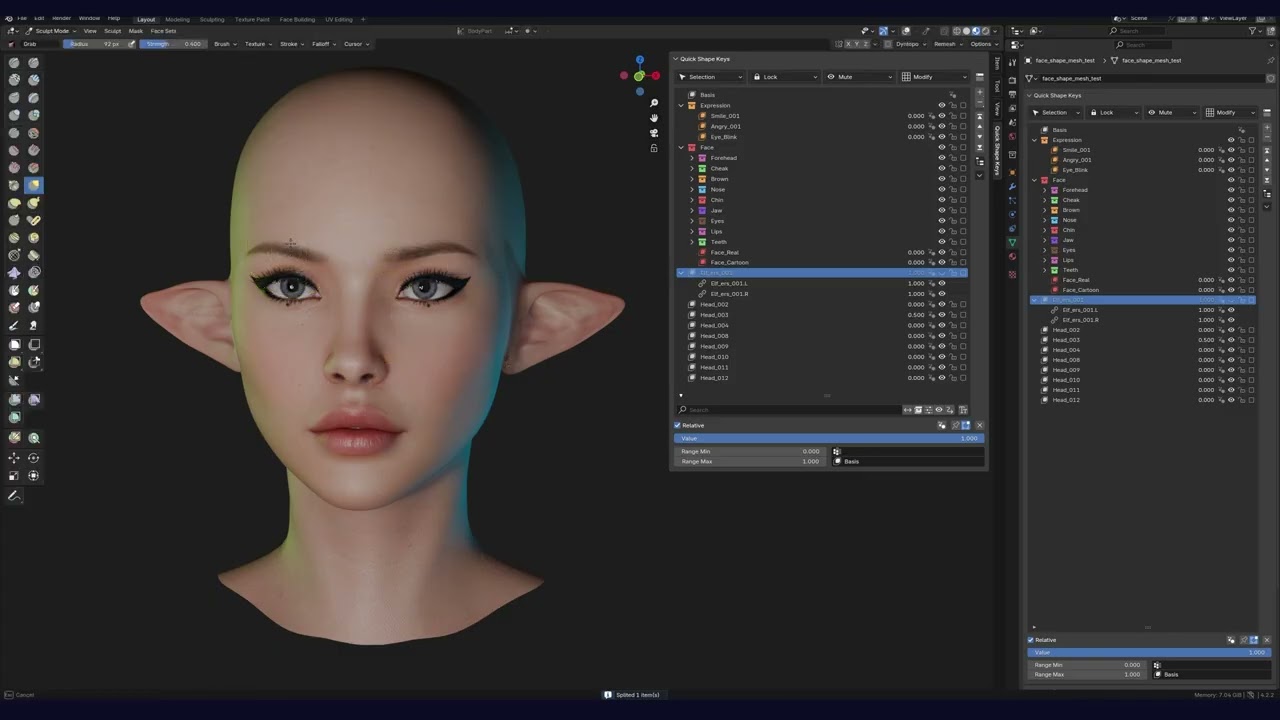
Quick Shape Keys is Blender add-on (Blender 3.3-4.4) for easy shape keys management.
Available on: Superhive and Gumroad
Features
- Collection structure like a blender outliner
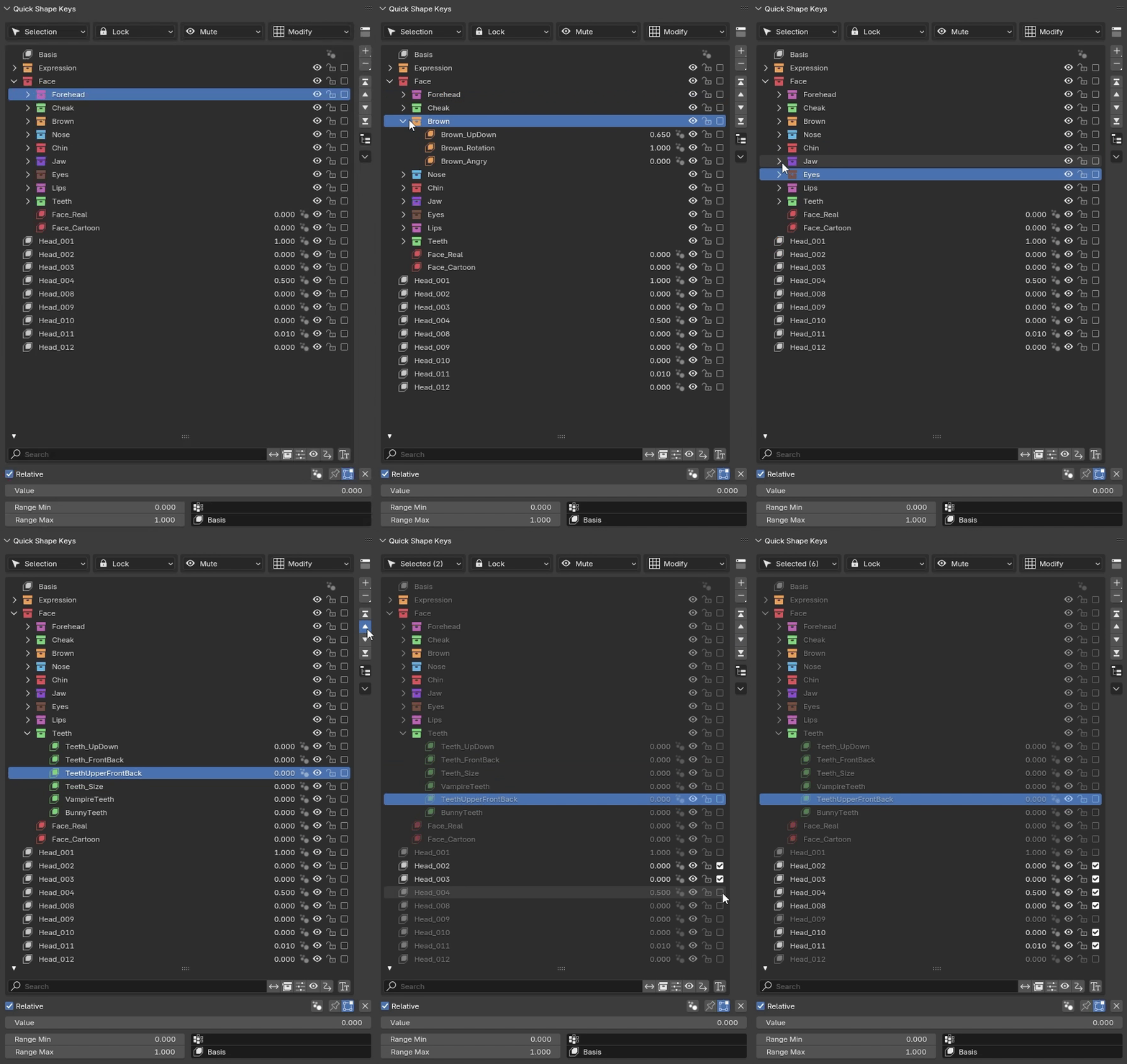
- Top panel can be collapsed/expanded. Modify menu operators list can be customized to your preferences
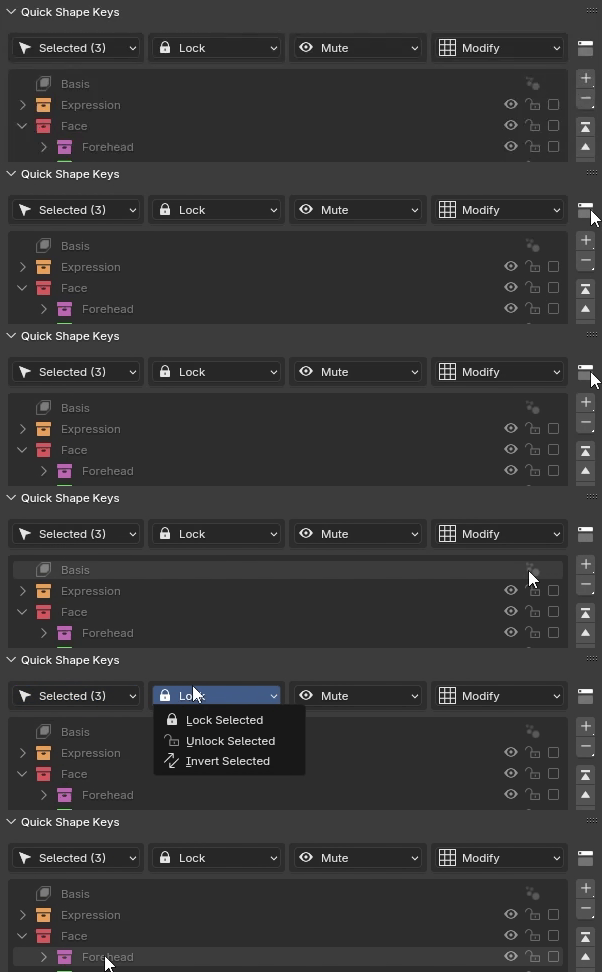
- Basic operations such as add, subtract, multiply, replace, invert
- Mirror or symmetrize shape keys by different methods

- Split shape keys by selected verts, axis or shape
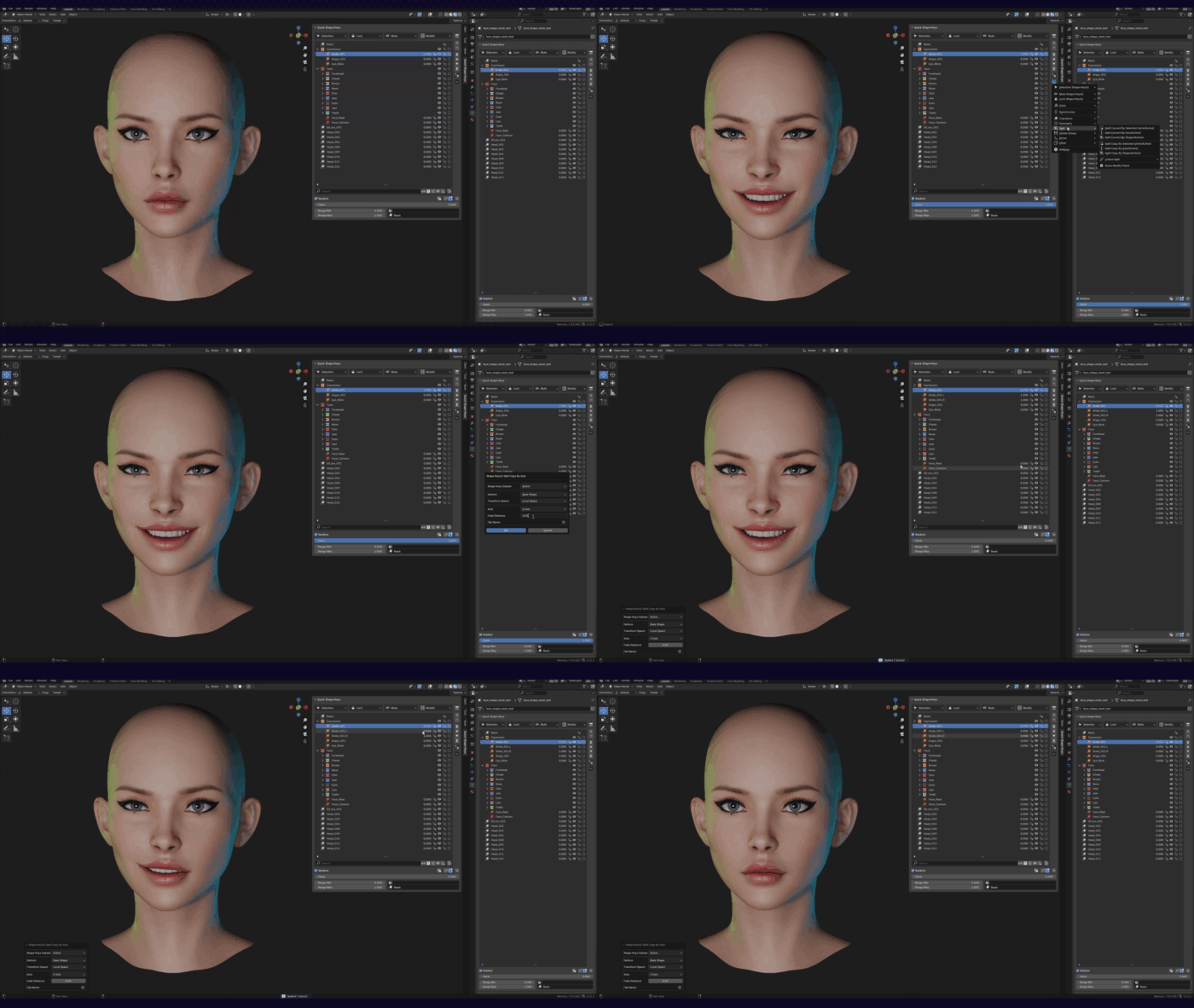
- Linked split - this function splits a shape key A into shape keys B and C according to your parameters. If you change the shape key A, these changes are made to splited B and C.
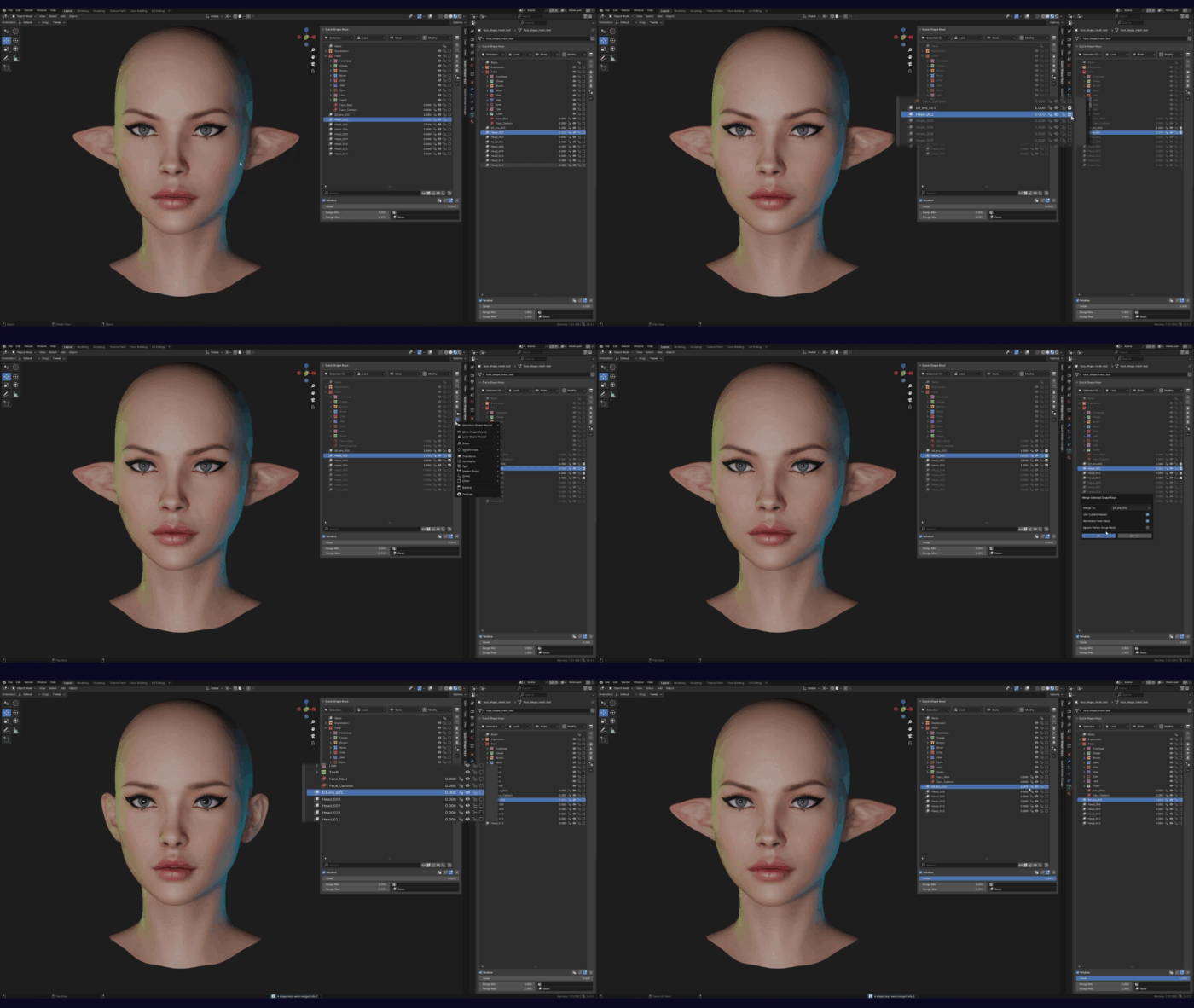
- Merge selected shape keys
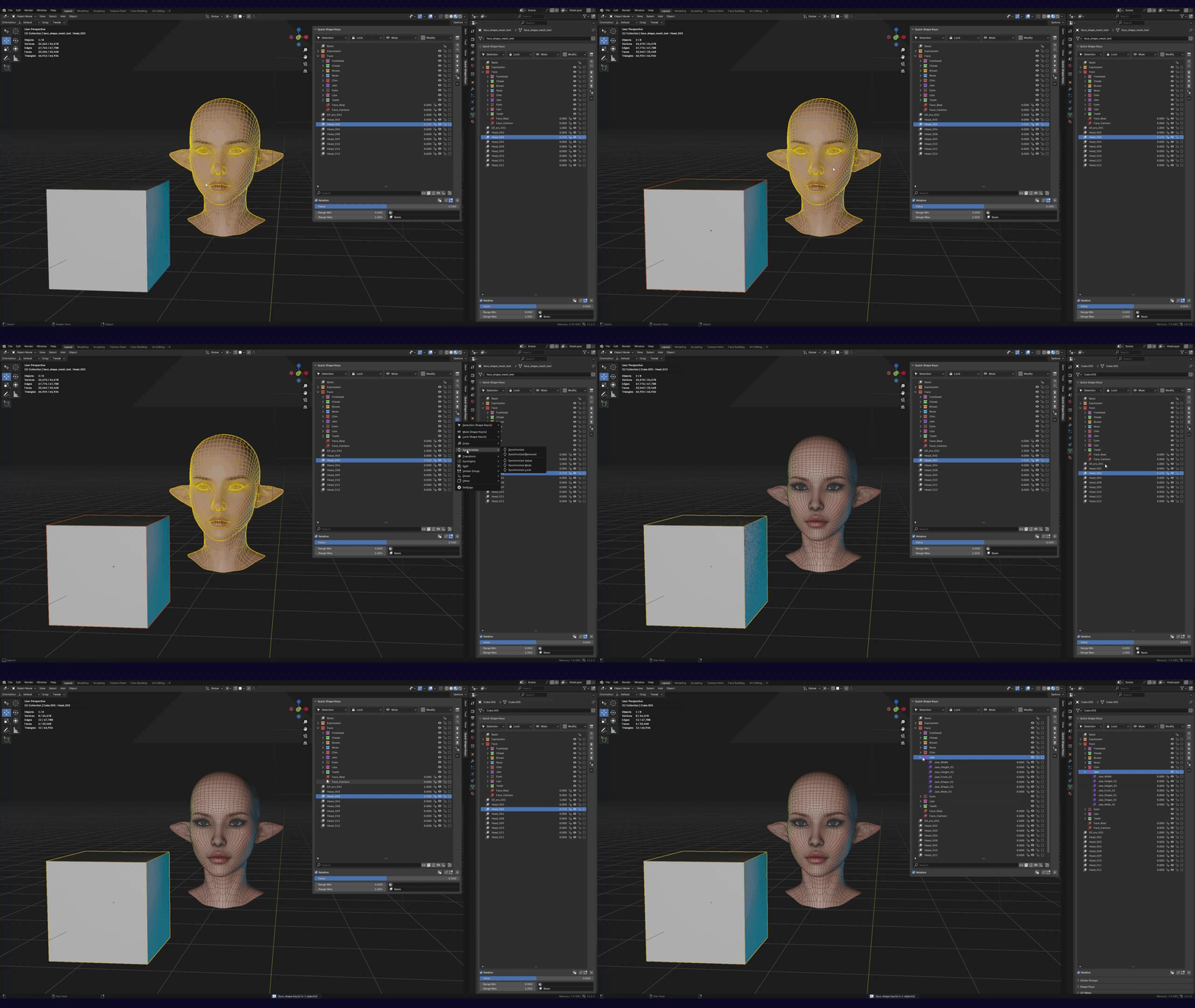
- Syncronize shape key tree between objects
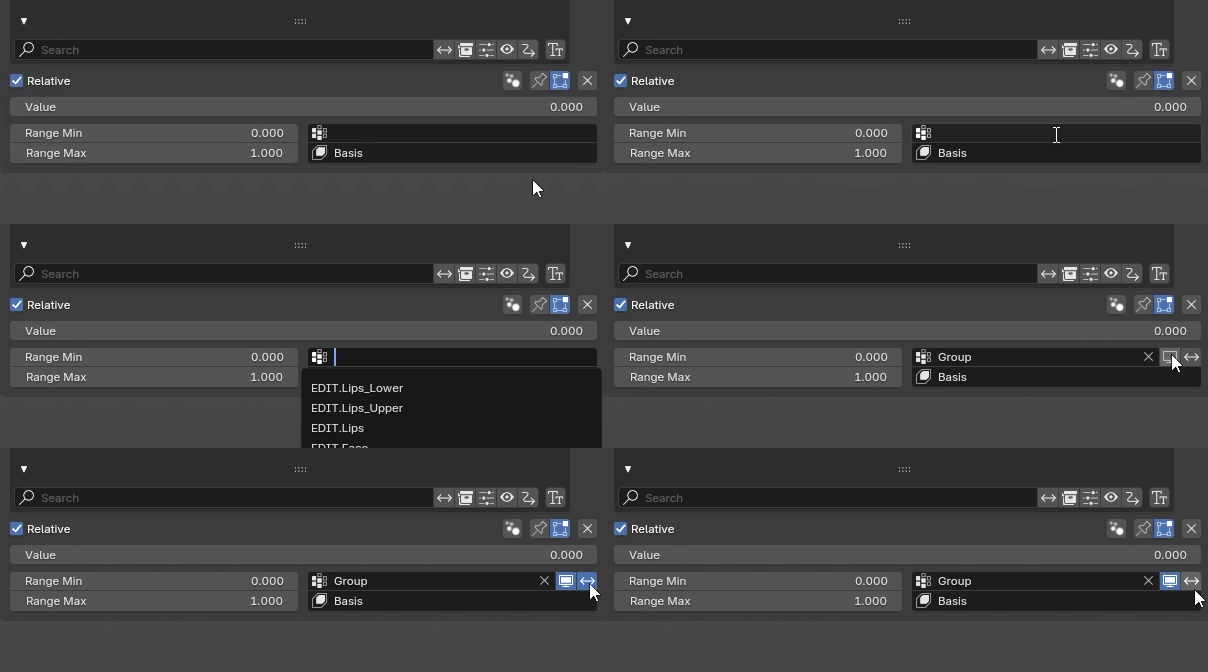
- Vertex group manipulations
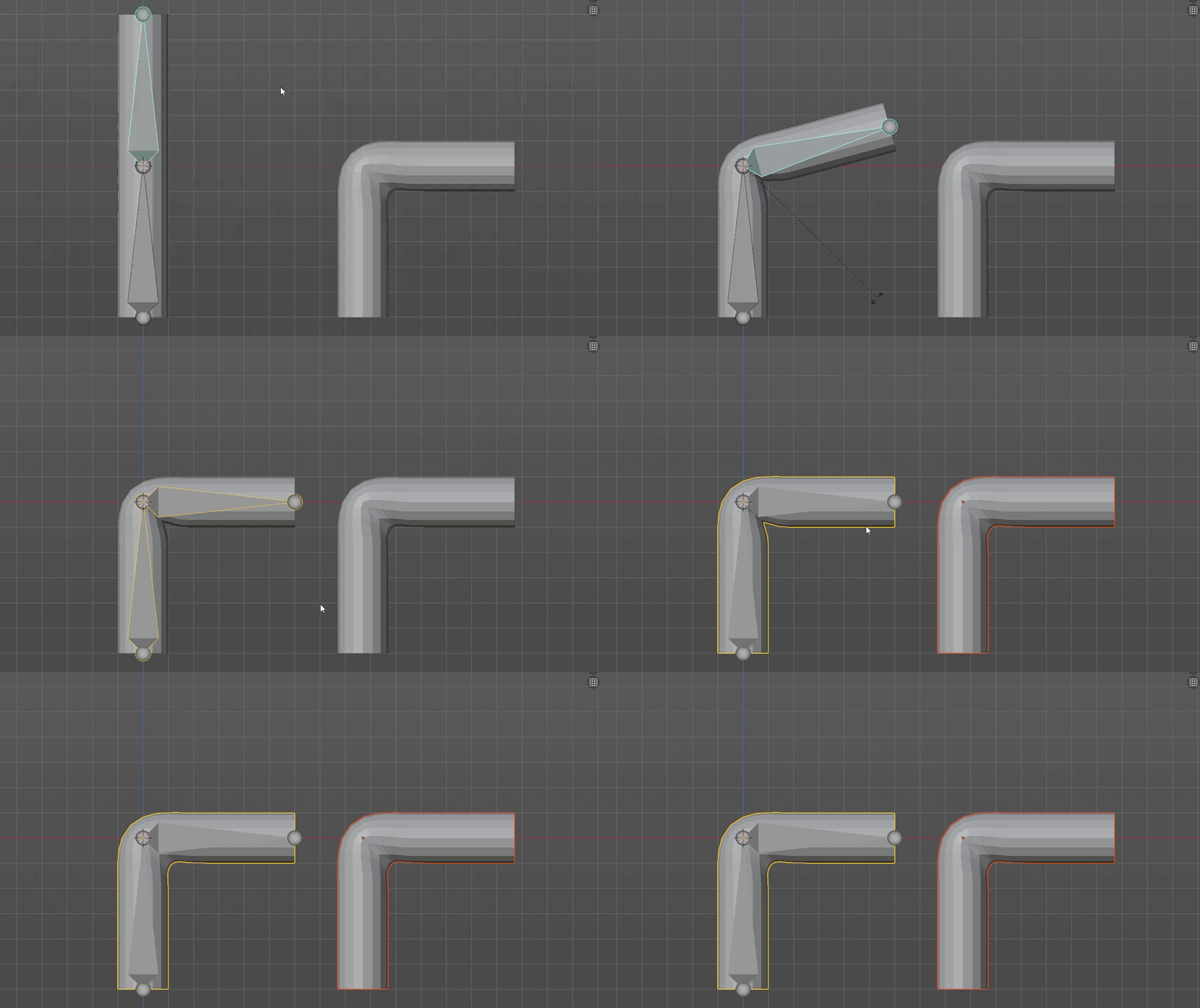
- Corrective pose shape key
2 Likes
I want to preface this by saying that this is a fantastic addon and I thank you for making it!
I end up regularly using a lot of the features, but a few things require a lot of extra work when using it in a game dev workflow that kind of defeats the purpose of this addon in my eyes.
For one, it looks like the order the shape keys are in is not being transferred to the original shape key list in any way, meaning they keep the order they are created in when exported from Blender. This causes issues in Unity, where the Blendshape order does matter. I understand the need to decouple from Blender’s original shape key list, but having a way to transfer the blendshape order to the original list (even through a button) would be very useful.
It would also be amazing if we were able to drag and drop one or multiple shapekeys, and this may seem counter-productive, but I’d love an option to keep collection names as shapekeys so that they are a bit more organized when exported to game engines.
I realize this is probably asking for a looot of work, but I do like this addon and just wished it worked within my workflow a bit better.
Unfortunately, I’m not able to make major changes to the add-on, but I’ve added several new operators in version 1.7.3 that might be useful for your workflow.
-
Added Reorder Shape Keys to synchronize the key order between Quick Shape Keys and the Base Shape Key List.
Other Menu > Other > Reorder Shape Keys
-
Added Convert to Default Shape Keys List to convert the shape key tree into a standard list, with the option to convert collections into shape keys using a specified prefix and suffix.
F3 > Convert to Default Shape Keys List or pin it in modify menu
As for drag and drop, I can’t implement it at the moment.
1 Like
Whoa, I didn’t expect such a quick update!
The reorder Shape Keys feature seems to work great, so thank you!
I do appreciate you taking the time to add the convert to default shape keys list function (including the prefix and suffix option, which is awesome!), but it seems a bit destructive…
That’s ok though, with reorder shape keys being added, it solves the bulk of my problems. I don’t mind adding shape keys with the collection name at the top of every collection myself to achieve a similar, non-destructive result.