You may want to closely monitor further advances in Blender’s USD-/Hydra-integration. I imagine at some point that might end up a viable alternative to piping everything through Python (maybe).
greetings, Kologe
You may want to closely monitor further advances in Blender’s USD-/Hydra-integration. I imagine at some point that might end up a viable alternative to piping everything through Python (maybe).
greetings, Kologe
My understanding of USD is that it designed as a real-time exchange format between applications for e.g. simultaneous editing of the same source material in two separate application, rather than for run-time communication. In that sense, it should perform much better than exporting a file to disk and opening it in another application. But for communication between two internal memory structures like Blender → Ragdoll I would not expect it to help.
That said, compared to communication between Python and C++ it may perform better, it may also enable parallel processing. I expect it will still however be a far far cry from native communication between two C/C++ libraries.
A more realistic, short-term goal would be to interface more closely with the Blender internal data, like Ragdoll already does to retrieve the session_uuid for example. The only crux there is that it is not intended to be interfaced with, and may break between minor Blender releases. Some data structures are more refined/stable however, so it’s still plausible if performance ever becomes an issue.
All of this said, Ragdoll is already far beyond what animators need to animate. Your typical rig runs at 30 fps, that’s 33 ms/frame. Ragdoll currently runs at 1-3 ms/frame and should have an extremely low impact on any rig. What we’re talking about above are micro-optimisations to turn that 0.1-3 ms into 0.01-0.3 ms instead; scenarios that would only make sense for larger scale simulations but Ragdoll isn’t intended for those anyway and there are already tools that accommodate this, such as Houdini and to a large extent Blender already with it’s native physics.
Well as a teenager, I have to coordinate all payment stuff with my parents so anything that costs is hard for me to acquire haha
For the quality of your software, I think the price on your website is reasonable, and I think I will buy the software, just in a couple of weeks while I stabilize my finances
While it maybe ‘lifetime’ I think people need to carefully consider what that means in the context of Blender and this isn’t just a Ragdoll thing but any Blender addon.
So sure you have a lifetime license and 1 year of feature updates, etc but after those updates stop and Blender development continues, there will come a point (maybe very quickly) that the last update you have of that ‘lifetime’ license will no longer work with the latest stable Blender release.
At which point you then only have two choices.
This is why many Blender addons come with actual lifetime updates, you keep getting the latest release that will work with most recent versions (usually over time older versions get dropped, but that’s generally less of a big deal) and you get any new features.
Now sure, for Ragdoll that likely isn’t a viable option. Ideally whats needed is some sort of middle ground, where feature updates stop after a year, but you still get basic bug fixes/compatible updates so that said lifetime license still works with Blender 5.x and later.
Then, in theory, if said addon is still useful with some shiny new features that you’d really like, you could buy a lifetime license upgrade at maybe some sort of sliding discount between the $99 a year and the $199 full price. Possible that say after 5+ years or something the cost is just another full license anyway.
I don’t know, that’s purely a business/numbers games, etc for the dev. Sure there’s a risk someone may just keep using the old version a never consider any new features worth the update cost (but that implies some serious stagnation in 3D/Blender and user requirements, so fairly unlikely).
Or worse case, the EULA spells out that said free compatibility updates expire after 10 years or something…
Just guessing at this stage, since it’s not my business and hence not my problem, but in a discussion forum I think it’s important to point out stuff like this, which can sometimes be overlooked, as so many Blender users are just use to Blender and it’s latest version always being there and working.
Hence my usage of the term ‘maybe’. 
Have you ever looked into the usefulness (or not) of the api the Cycles renderengine uses to interface with Blender?
It’s a bit of a mythological creature (in the sense of Blender doesn’t openly talk about its existence and it’s obviously neither exactly intended for general use by whichever 3rd party addon/ software (other than Cycles)), but I’ve heard rumours of its existence and people (miss-)using it to interface Blender and their own code:
We could just “expose” the mechanism used for Cycles. It would be the same API as for Python, but in C/C++. As a matter of fact, I also have a patch for that, and started making add-ons in my custom build using my own programming language. This is also not something that may be accepted by core developpers.
Though it probably doesn’t know about things like bones and its likely it just handles geometry (given the rendering context its made for).
greetings, Kologe
What a lovely discussion. 
Thanks, appreciate your feedback.
Great points, @thetony20
At the end of the day, you need to ask yourself whether what you save is greater than what you spend. For professionals, we expect you’ll save $199 worth of time in 1 year with Ragdoll, much like the studios who save beyond $3,000 per artist per year on the professional floating licence. For hobbyists, our aspiration is for $199 plus the $99/year for updates to be a worthy investment in your artistic abilities.
Alas, this sadly also does not apply, because even though Cycles may be able to retrieve tons of data from the Blender scene quickly - like millions of vertices - what we need is frequent updates of less data; all of your keyframes each frame, at 24-60 fps.
That said, I have not looked into what they do there, the optimist in me hopes they interact directly with the struct’s that carry properties, saving the roundtrip through Python. That would be useful, although less so for Cycles itself since I do not expect this to be their bottleneck.
Absolutely.
Especially in so far as your accounts give insights into issues about which little to no information is to be found elsewhere. That is to say resources w.r.t. Blenders Python api (besides the official docs) are few and far between already.
And on such a (by comparison) complex topic like interfacing Blender with other software even more so.
And then there’s the fact even the official api-docs are largely lacking and in parts really lackluster (e.g. SideFX’ vex-documentation is something different altogether).
So other than own experience, there’s virtually no info on such topics.
Personally I have faced some of the same issues, when writing an addon some time ago. While I didn’t interface anything external, it was still meant to update stuff in realtime (or close to), so I’ve had some exposure to troubles with update callbacks etc.
Talking of which, it’s already tricky to maintain a reference to Blender internal data in a reliable way. The Python api references it by name, so if the user renames stuff, Python basically looses (track of) it.
Possibly.
I do wonder how the interchange works w.r.t. Cycles rendering in the viewport. It does kind of need to keep Cycles updated upon every change, regardless if via user-interaction, animation-system, drivers, Python, what have you.
greetings, Kologe
Minor update, fixes a buggy length gizmo while tuning the shapes of your Markers.
Download 2024.02.22
We’re also underway in getting Ragdoll up on blendermarket.com, so stay tuned for that. 
I would also invite you to browse our release notes from past releases, as they contain a lot of inspiration and documentation of what already exists in this Blender addon.
Some highlights.
Keep clicking through releases on the left for more!
Also if you’re just getting started in Blender and want to fool around, there’s a handful of assets you can load at the bottom of the Ragdoll menu. No setup required.
It somehow slipped my mind that the above release also added support for static, polygonal colliders (called “Environment”) in this release. 
This is how you can collider with very complex geometry, as opposed to the “convex hull” that normal simulated Markers need.
It also added support for Distance Constraints, which is how you can maintain (or reach!) a pre-defined (and animatable) distance between two points on two Markers.
Preparing for launch, the latest release above is looking solid and is now considered a Release Candidate.
Do go ahead and try, and let us know if you encounter any bugs. Those things are not allowed in here anymore!
Looks interesting but 99 for a non commercial verison…
Is any other addon or program selling non commercial versions?
The studio version is as expensive as embergen… more than two times…
Its not looking like a good deal.
Great you do it for blender…
99 a year is pretty reasonable for this kind of thing. Wait until you find out how much Maya costs 
Also, 99 a year is 8.50ish a month. That’s less than Netflix, Amazon Prime, Disney+, or any other streaming service. It’s less than Xbox game pass or whatever the PlayStation version is called. Somehow, it’s less than a single meal at Wendy’s. 8 dollars a month is nothing
99 is non commercial… Houdini is 250 a year…
A realtime smoke simulator is cheaper than a ragdoll system…
Looks cool but apparently not for me…
This is a plugin/addon used in a professional setting.
Getting this in a non-commercial version for that money is damn cheap.
Blender users are so used that everything is free or just a couple of bucks, they forget there’s a whole other industry out there. 
Also… developers need to live somewhere and eat too.
Thats not the point. I can cost or a lot but its not in relation to other programs or tools.
Just saying that this wont be very popular imo… Blender users are very different from Maya users since most of them work in Studios or else, where stuff is just paid by the company.
Great conversation guys, thanks for chiming in.
In other news, we’ve now officially launched Ragdoll for Blender 1.0!
And a little collage of new and existing material made with Ragdoll.

We’ll keep updating this thread and treat is as a Blender-specific support forum, so feel free to ask either here or on our own forums, and to share your work. I’ll be reading every reply to this thread, so keep up the conversation and here’s to a physical future!
Enjoy!
Never heard of freelancers?
I bought ALL my licenses for the 3d software and/or plugins I used for years, until I more or less switched to Blender. I still pay for render licenses.
You’re looking at it too much from a student view, or a causal user that doesn’t do any paid production work.
And god knows we need a proper character animation tool in Blender, it’s still not there despite all the promises from the Blender team. Oh yes… Animation 2025… Sure…
The ragdoll tools are, and will be, a great addition to Blender’s animation workflow, and hope they succeed beyond their expectations. 
Not a student view… I compare it to what other plugins or programs offer and see what i get… I will test it and see if its useful for me…
I like to get a good value to money ratio… Not that i would need to do that anymore.
Looks nice from the Trailer!
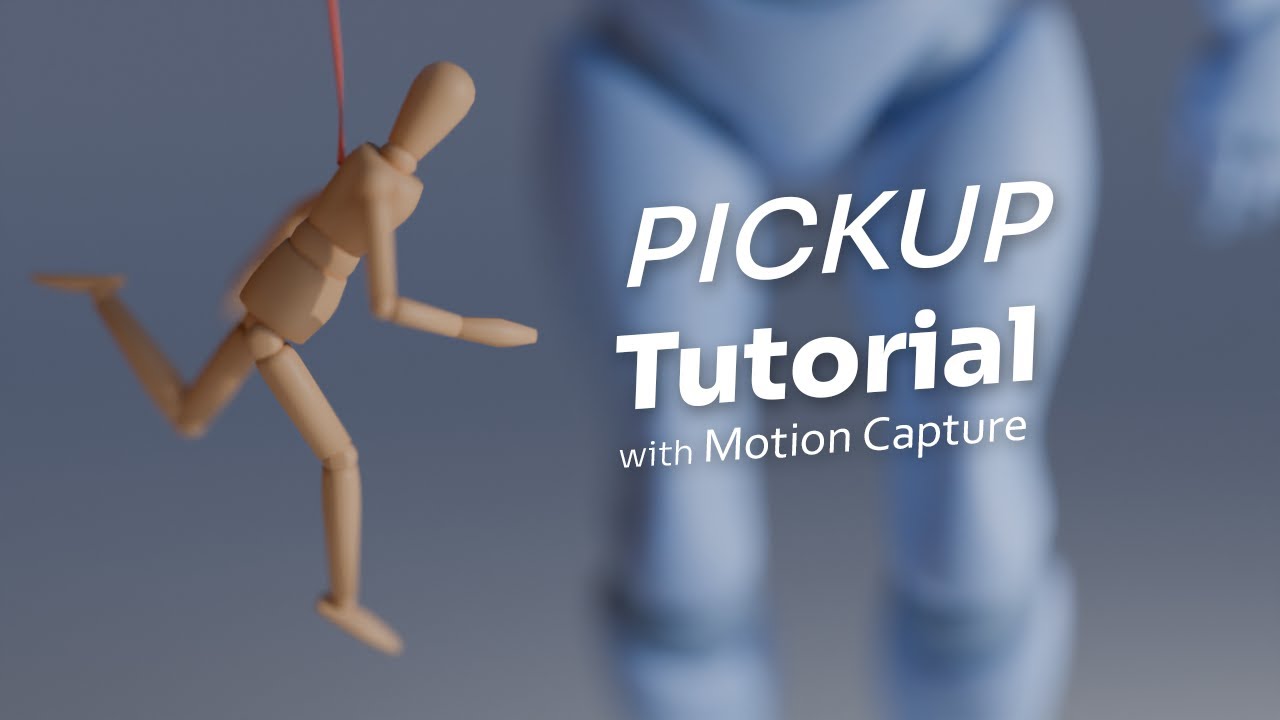
A few weeks ago, Kojima Productions dropped a first trailer for Death Stranding 2, where they leveraged Ragdoll for a puppet being tossed around.

While we await a breakdown from Kojima, we threw together our own breakdown and tutorial of how it could be made with Blender.
Enjoy.
Trial Version
For the trial version, it’ll last you 30 days and enable recording up to 100 frames. At the moment, there is no notification when recording past 100 frames, instead your controls will all go to 0, 0, 0 on the 101th frame onwards. Working on better messaging for this. 
Manipulator
Getting questions about the keymapping within the Manipulator, and so far we’ve only documented the Alt-navigation (“Industry Standard”), here’s the current mapping for both schemes.
Blender (middle-mouse navigation) keymapping
| Action | Key |
|---|---|
| Translate | Ctrl + LMB |
| Rotate | Ctrl + Alt + LMB |
| Scale | Ctrl + Shift + LMB |
Industry Standard (Alt-navigation) keymapping
| Action | Key |
|---|---|
| Translate | MMB |
| Rotate | Ctrl + MMB |
| Scale | Ctrl + LMB |
