Hi clockmender,
I got no answer from Erichson but I tried to handle it by the seperated events KEYDOWN and KEYUP.
In case of piano (instrument(0)) the short double intonation sound is played and the note ends by default even if I comment note_off completely out.
In case of hamond (instrument(19)) the short double intonation sound is played and is the note is never ended if I comment note_off completely out.
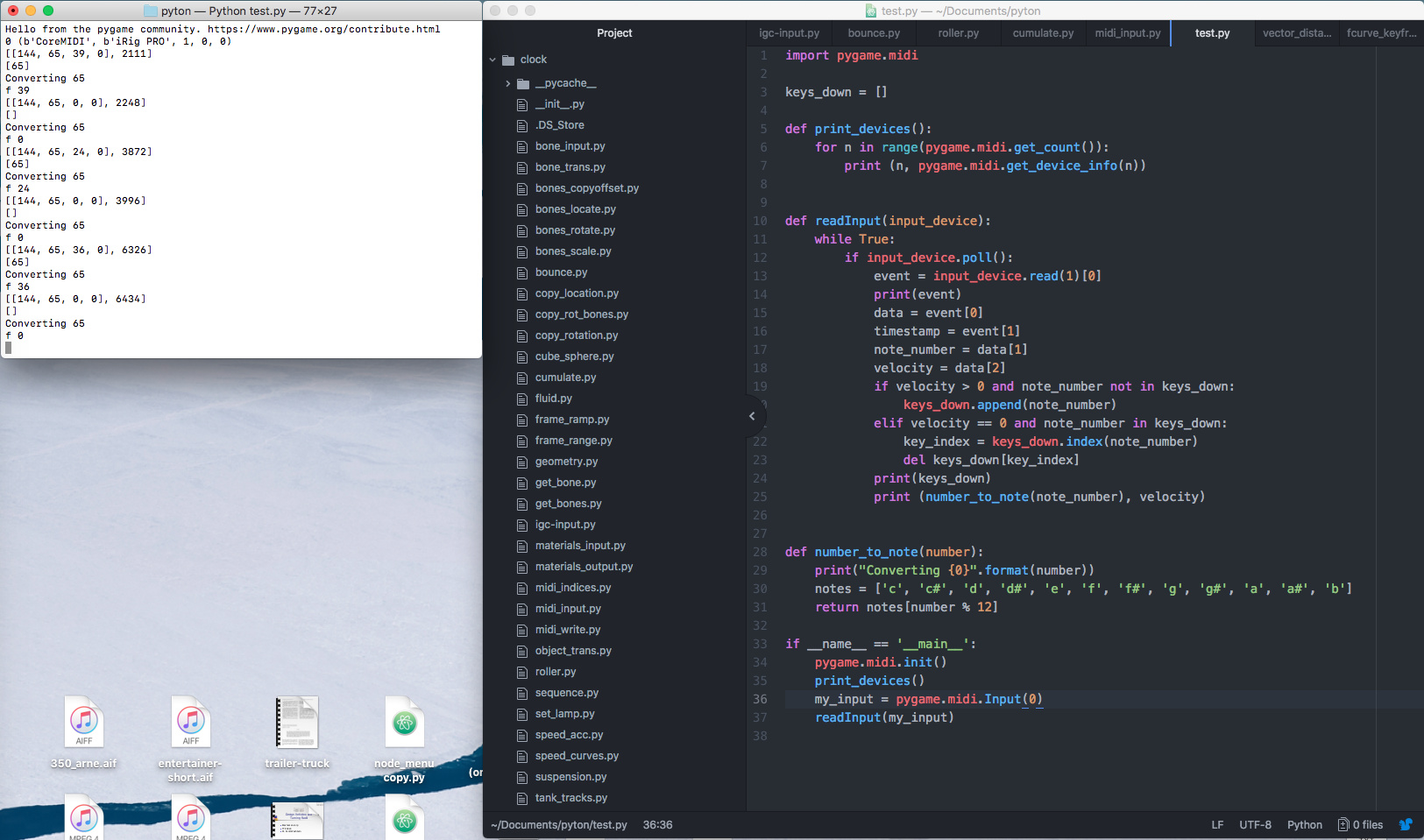
So the double intonation sound comes from both note_on and (if activated) from note_off too - in the picture here you see the doubling for note_on if I extremely shortly hit the key even when I use output.write it is doubling : PygameDoublePlayingNoteOn-2020.
import pygame
import pygame.midi
import time

def print_devices():
    for n in range(pygame.midi.get_count()):
        print (n,pygame.midi.get_device_info(n))

def number_to_note(number):
    notes = ['c', 'c#', 'd', 'd#', 'e', 'f', 'f#', 'g', 'g#', 'a', 'a#', 'b']
    return notes[number%12]

def readInput(input_device):
    while True:
        if input_device.poll():
            if pygame.KEYDOWN:
                event = input_device.read(1)[0]
                data = event[0]
                timestamp = event[1]
                note_number = data[1]
                #print(note_number)
                velocity = data[2]
                channel = data[3]
                #if note_number == 60:
                    #print ("Middle C", number_to_note(note_number), note_number)
                #print ("channel",channel, number_to_note(note_number), note_number, velocity)
                #print ('Playing...')
                #player.note_on(note_number, velocity)
                test = [[[0xc0, 0, 0], 20000], [[0x90, 60, 100], 20500]]
                pygame.midi.Output(5,0).write(test)
                note_number = test[1][0][1]
                velocity = test[1][0][2]
                print(number_to_note(note_number),velocity, "Rohwert=", test)
            #if pygame.KEYUP:
                #pygame.time.wait(100)
                #player.note_off(note_number,0)
                #print ('Played')

if __name__ == '__main__':
    pygame.midi.init()
    print_devices()
    my_input = pygame.midi.Input(1)
    #player = pygame.midi.Output(0,0)
    #player.set_instrument(19)
    readInput(my_input)
For virtual bus connection to Ableton live I tried that code snippet:
pygame.midi.Output.write([[[0xc0, 0, 0], 20000], [[0x90, 60, 100], 20500]])
It works (it not had to be set to remote -as said from Ableton - but to track) .There are now sent Data (always 10 Bytes for the test Dataset), and now Ableton plays the note, but twice too  PygameDoublePlayingWriteAbleton-2020…
For even with
test = [[[0xc0, 0, 0], 20000], [[0x90, 60, 100], 20500]]
pygame.midi.Output(5,0).write(test)
it prints two times (see the adde picture in the cmd console) I guess that input_device.poll() reacts on two Key_send events in C++ source. I’m extremely bad in C++ .
 def poll(self):
        """returns true if there's data, or false if not.
        Input.poll(): return Bool

        raises a MidiException on error.
        """
        _check_init()
        self._check_open()

        r = self._input.Poll()
        if r == _pypm.TRUE:
            return True
        elif r == _pypm.FALSE:
            return False
        else:
            err_text = GetErrorText(r)
            raise MidiException( (r, err_text) )
Perhaps there is a possibility to block the KEYUP by using :
pygame.init()
pygame.event.set_blocked(pygame.KEYUP)
Not working …  So it cannot depend on the key-events. The poll method seems to dig it out twice on keyup and keydown but without respect to the event it simply grabs the data from the stream.
pygame.event.clear() clears all so only one note is played correctly.
Best
Axel