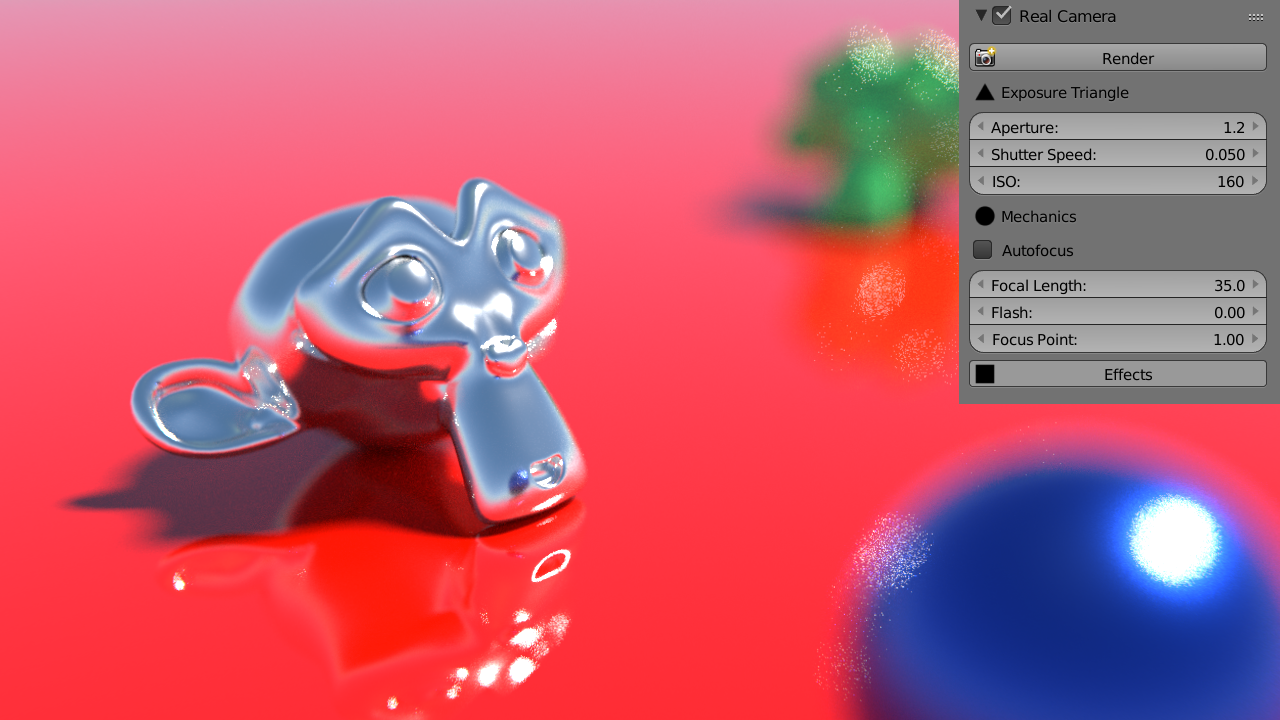
Real Camera 1.2
http://3dwolf.weebly.com/camera.html
- Autofocus
- UI improved
Auto Focus 
It doesn’t work under 2.77 for me. When I’ am activating Real Camera checkbox no new nodes group appear in Compositor area.
Did I forget about something?
Hi dezet, yes, click on the Effects Button  and the effects will appear in the compositor
Thanks, macio
The auto-focus seems to require up to a minute to process for me in a city scene I’m testing with.
EDIT: It also seems to be mucking with other settings. Image exposure got set to 10.0 somehow, making it excessively bright. And as well, it keeps changing the camera’s focal length. I keep setting it to 22.85 under the Real Camera settings, but the camera lens above keeps changing to the default of 35mm, so I keep having to change it back.
EDIT 2: And my camera clipping settings are getting reset to the default of <10cm, 100m>.
EDIT 3: Okay, now it seems that the Real Camera is not just resetting the camera clipping settings, it is also ignoring them when set back, making it impossible for it to render any geometry more distant than 100m. Unless that gets fixed, this addon will not be usable for rendering large scenes such as cities and landscapes.
@macio: I have the same or similar issues as zauberexonar too.
Its difficult to describe precisely, but sometimes changes on some values change also another values.
I got new values on focal length or strength of world node. Sometimes a parameter is displayed as untouched, but you can see it clearly in render result. After I click to value field it jumps to real value or stay correct and render paper as supposed to be. So it looks like some refresh (or auto update) problem.
In general I’m not a big fan of these add ons that duplicates functions from another places in blender, it would be mor clear if default blender would have to be better organized for this purpose. These thing doesn’t go to you of course 
I was asking if you plan to ad vignetting as well.
What do you think?
Autofocus - the same behavior as above even in this simple scene it takes some time to calculate (just a feedback).
I tried to animate camera movement with autofocus enabled, but seems like focus is calculated ones at the beginning, so result is not refocused. Is it possible to autofocus in animation too?
Since I wrote that calculation takes time, probably autofocus can calculate only cameras keyframes frames and create IPO for only that frames.
Anyway, looks like good time saver thank you
Just a simple test

Test animation
Wow  great realistic animation vklidu. So… it works, right?
Issues in my post #27 persists.
Now what I can confirm:
Like Camera Focal Length is set to 18 mm, after dis/enabling “Effects” again parameter is reset to 35mm even addon panel displays 18 mm.
I need to click on value “18” and write “18” to be overwrited in blender.
Probably screencast shows better:
https://dl.dropboxusercontent.com/u/55113627/>%20Blender/test-Addon-RealCamera-issue.mp4
(Values in blender’s prop panel and node window are shown “correctly” (reseted) to render result).
This reminds me - I had some problems with my work with node values related to Node Groups.
Sometimes working node tree closed to node group gave me a different results.
Anyway thank you for these effects node groups, results looks great
I forget to mentioned - yesterday when I worked with addon - focal length jumped from 18 mm to 1 mm and sometimes 3 mm.
Today I’m not sure what I pressed exactly, so … just a note that the issue does not ends only with reseted values.
@macio for seems that version 1.2 is totally broken, the Lens Flaren doesn’t work alltime I have to activate and desactivate things in the addon to it to work (always with a composite windows open)
Maybe could you upload the 1.1?
There’s an update, v2.
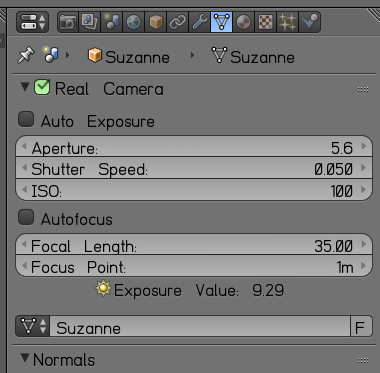
does anybody know why real camera settings appears in panels like this vertex settings for an object?
anyway awesome new version! and probably good to get away with the effects.
the added Exposure Value (EV) is very nice!
Auto Exposure to a specific EV value, gave me an idea.
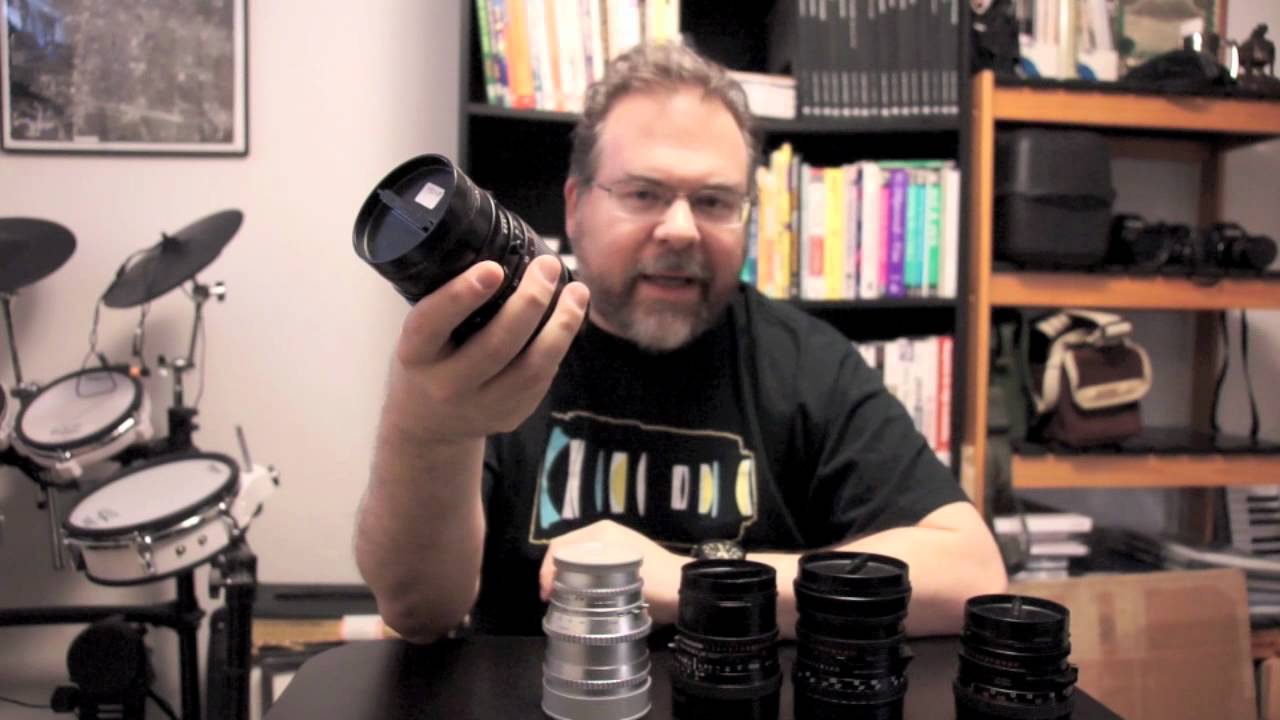
Could we have something like Exposure Lock? I’m thinking about some Carl Zeiss lenses that have the shutter mechanism in the lens itself, mainly I have a Hasselblad and it has that feature.
Ex. you set the EV to 14. F5.6 Shutter Speed 1/500. Now if that gives to shallow depth of field, and you want to go to F16 instead but maintain EV 14.
So with an Exposure Value Lock, you change just the F-stop to F16 and it automatically sets the sutter speed to 1/60 to match the EV of 14.
Further explanation check this video out. (~8min in)
I think its look good, I will give a try.
You can set any object as the active camera using Ctrl-numpad 0.
I love your Lens Flare node tree, but as with many other since I change render resolution, all setup goes to a hell.
Any chance to create node tree with render size independences from result?
Example is from 1920x1080 - 100%, 50%, 25%, 10%
Thanks for help.

Seems to be answered here
But anyway, any chance for workaround?