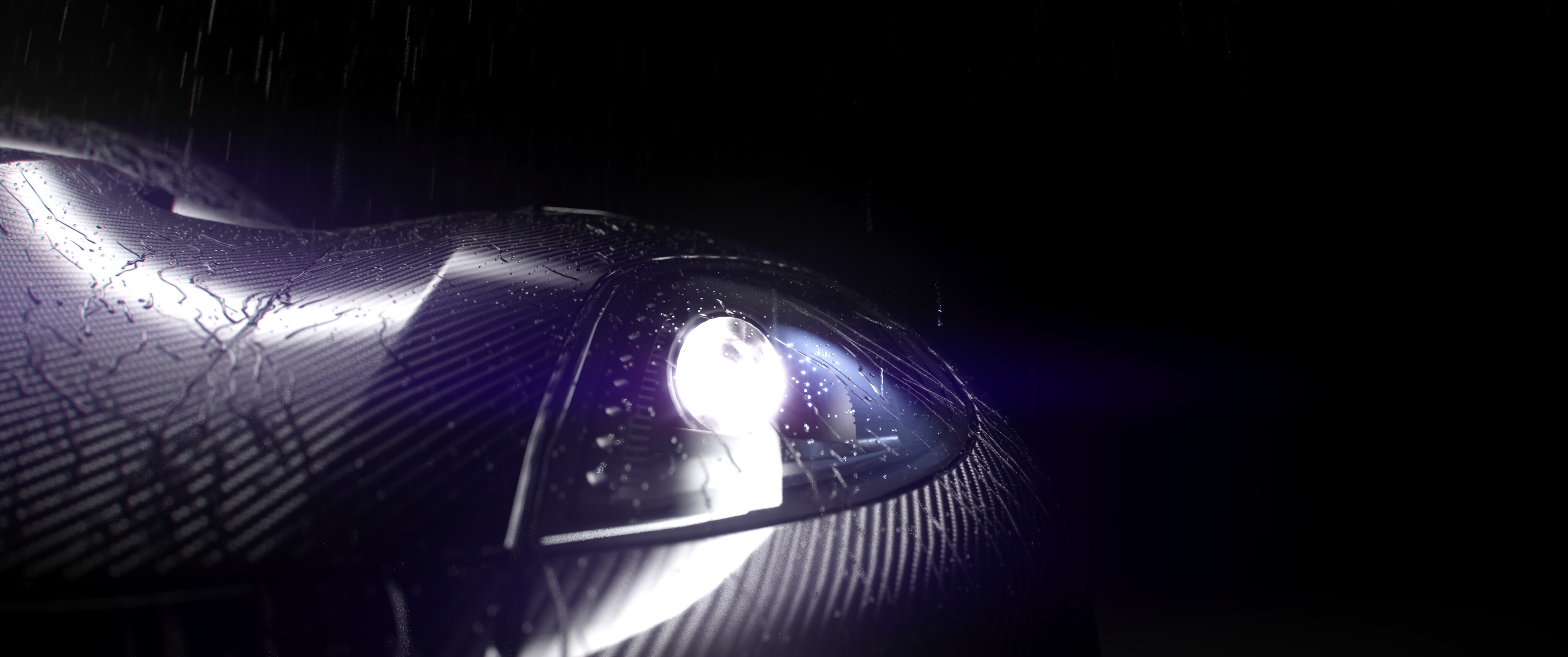
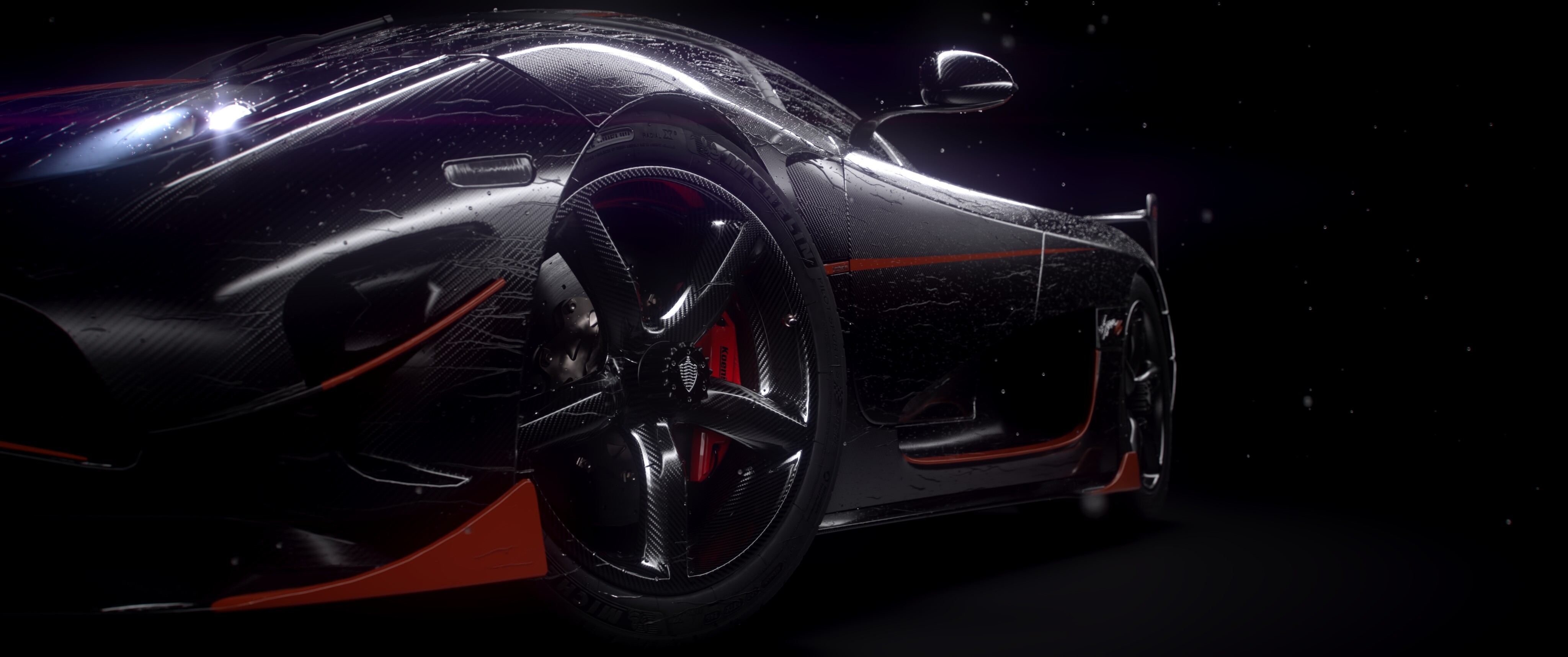
Showcase Video: https://youtu.be/CImAdh-oXX8
**
RainFlow — Real-Time Surface Raindrops for Blender**
Create animated rain that lands, sticks, flows, beads, and leaves trails across your surfaces. Easy animated rain and water drop simulation.
RainFlow is designed for vehicles, products, architecture, props, and other detailed production assets. Unlike simple rain particle systems, droplets interact with the surface of your model, transitioning between slower surface beads and flowing trails as they move.
The included Geometry Nodes simulation is wrapped in a clean add-on workflow: place the target meshes in a collection, choose that collection when creating a RainFlow setup, and control the simulation from a dedicated Blender sidebar.
RainFlow was built with dense, interactive simulations in mind, allowing large numbers of droplets and trails while keeping the workflow responsive. Actual performance depends on the scene, simulation state, and CPU.
Performance example
The included Suzanne demo scene runs at approximately 24 FPS on an Intel Core Ultra 7 270K Plus at the demonstrated simulation state, with:
- 68,000+ active simulation points
- Approximately 200,000 generated mesh vertices
- Dense surface droplets and developed trails
- 1 simulation iteration
This is a creator-measured example, not a minimum-performance guarantee. RainFlow’s simulation is primarily CPU-bound. Performance varies with particle density, trail lifetime, collision-mesh complexity, simulation iterations, current simulation state, viewport mode, cache state, Blender version, and hardware.
What’s included
- Guided, non-destructive RainFlow setup
- Animated falling rain, surface droplets, and flowing trails
- Slow droplets that can settle back into surface beads
- Fine static droplets for additional surface detail
- Controls for rain direction, speed, simulation iterations, dynamic and static density, falling-rain lifetime, surface-droplet lifetime, adhesion, noise, wind direction and influence, droplet size, and mesh detail
- A dedicated controller plus an automatically generated wireframe rain-spawner plane, parented to that controller, when no spawner collection is supplied
- Multiple independent RainFlow setups in the same scene
- Support for static and rigidly moving objects
- Automatic controller parenting for rigid targets that use one simulation shell or a shared object hierarchy
- An Update Follow Parent action for safely retargeting existing or duplicated setups after changing their simulation collection
- Moderate deformation support, subject to the limitations below
- Clean removal without modifying the original source meshes
- An organized, accessible Geometry Nodes system
- Written quick-start documentation
- Example .blend scene
- Customer-installable extension ZIP with the required Geometry Nodes library
- No account, activation, or internet connection required after installation
Requirements
- Blender 5.2 or newer
- Windows, macOS, or Linux supported by that Blender version
- Geometry Nodes simulation performance depends on scene complexity and CPU performance
Important limitations
- Complex models with internal geometry: RainFlow works best with a clean outer collision/simulation shell. If internal components are included, droplets may project or jump onto unintended interior surfaces.
- Moving and deforming meshes: RainFlow handles rigid object motion by parenting the entire controller and emitter hierarchy to a sole simulation mesh or the nearest parent shared by every simulation mesh. This keeps the target stationary from the simulation’s local point of view, so stored trails follow rigid transforms. Independently rooted meshes have no safe shared transform and leave the controller world-space. Moderate deformation can work, but rapidly deforming surfaces or independently moving components may cause existing trails to temporarily float, stretch, or detach.
- Rain spawners and moving targets: The top-level object hierarchies in the selected Rain Spawner Collection are parented to the RainFlow controller without changing their initial world transforms. When another setup would otherwise share that collection, RainFlow creates a setup-owned copy so each controller can move independently.
- Extreme topology: Very thin, sharp, highly concave, or aggressively changing topology can occasionally cause droplets to jump across gaps. Increasing the simulation iteration count and/or using a cleaner simulation mesh can improve reliability.
- Caching and render farms: Bake Geometry Nodes simulations before final rendering when appropriate. Packed bake data travels inside the .blend; disk-cached bake data must be copied with the project. Use the same compatible Blender version used to prepare the shot.
- Surface appearance: RainFlow generates physical droplet and trail geometry. It does not automatically create wet-surface shaders, puddles, or material darkening.
- Fluid behavior: RainFlow is an efficient artistic surface-rain system rather than a full fluid solver. Droplets do not perform physically accurate fluid merging, surface-tension simulation, or Navier–Stokes fluid dynamics.