Hello everyone, following a script share from Blender Bob on X meant to reload all textures, I decided to expand on the idea.
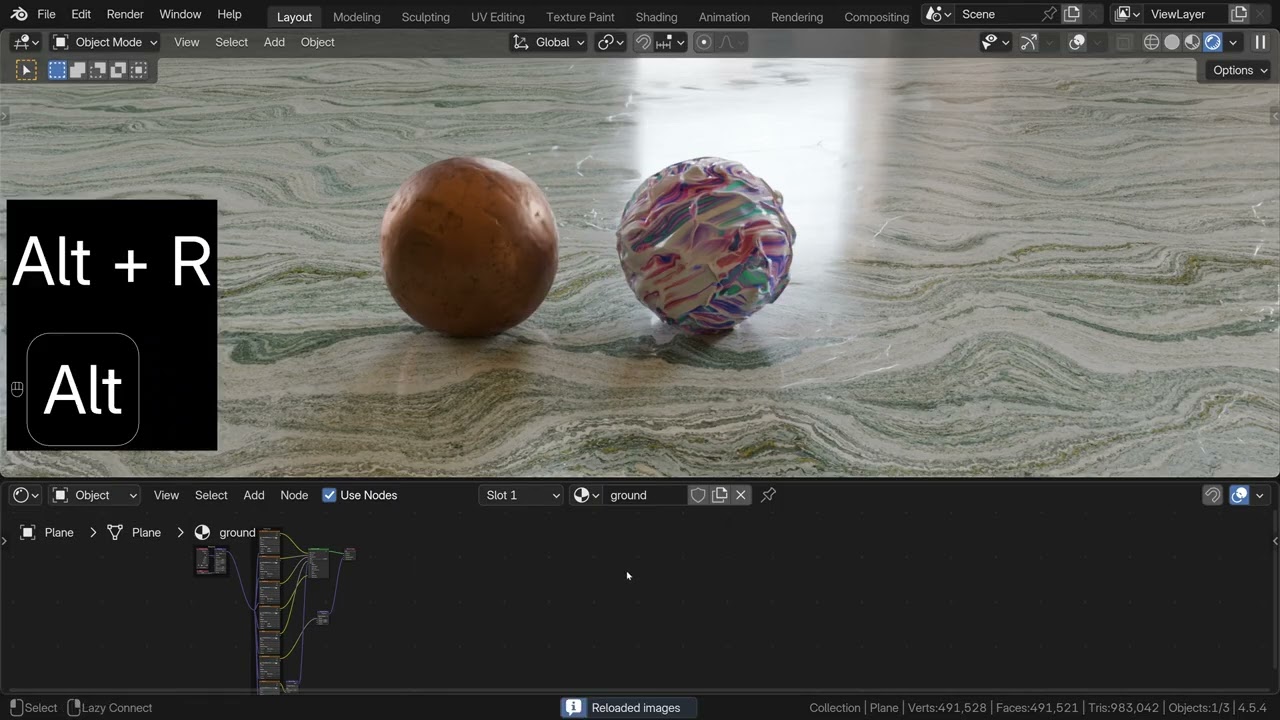
First implement it as a shortcut, as scripts are not convenient to run, and fix something that has been bugging me for a while: when reloading textures in Blender the cycles 3d viewport preview does not update.
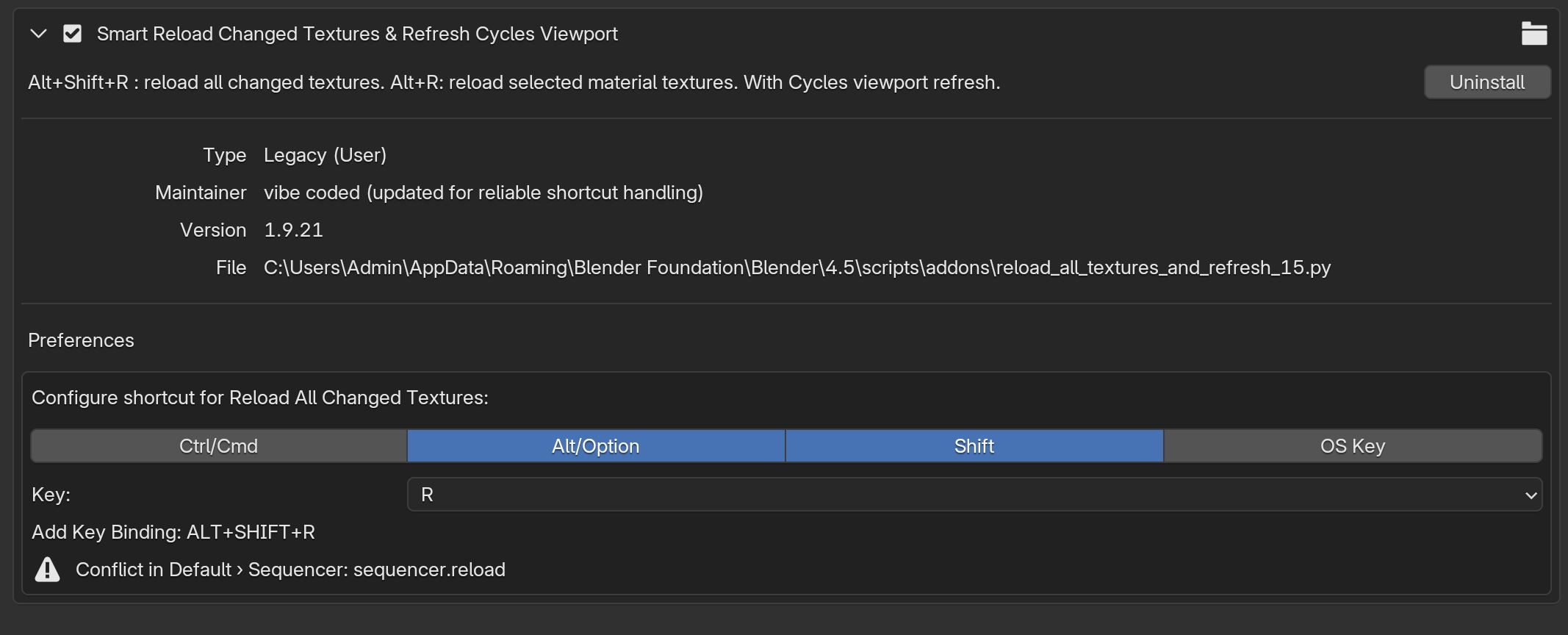
With the “alt+r” shortcut in the shader editor we can reload textures. But if we are previewing the scene in cycles, nothing updates. I vibe coded an addon to reload all textures and refresh the cycles viewport using the shortcut “alt+shift+r”.
In my opinion the auto cycles viewport refresh on textures reload should not be an addon and be the default behavior.
I’m not sure where I should post this. It is not a bug for the developer forum, and to me not really a “new feature request” for right-click-select.
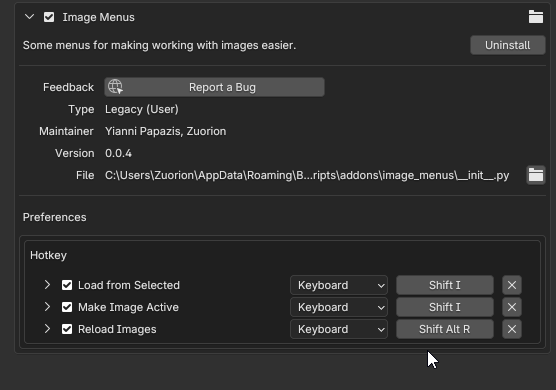
That is a great addon I was unaware of, it also refreshes the viewport, thanks for sharing.
I do prefer the simple shortcuts worfklow, over an addon with a dropdown menu or the timer frequency auto reload function.
The “shift+alt+r” shortcut to reload all images, coming from the default “alt+r” to reload selected material images, makes sense and I don’t have to think about it. And with the viewport refresh it does not feel like I’m using an addon, Blender just works as I would expect.
If you are reading this looking for a ready solution try the Auto Reload addon from the Blender extensions.
I am happy to share my simple shortcuts for anyone who prefers to work this way when it is final.
If You plan to share it as addon/extension, make an shortcut preferences in addon options. That greatly improves QoL.
Its relatively easy to add (i can help You if You are not comfortable with that)