Can someone please help , in the 3d window in render mode all ok. when i render the pic with 100 samples
i get this …see below . can someone tell me whats going on .
Hope to Here Ralph
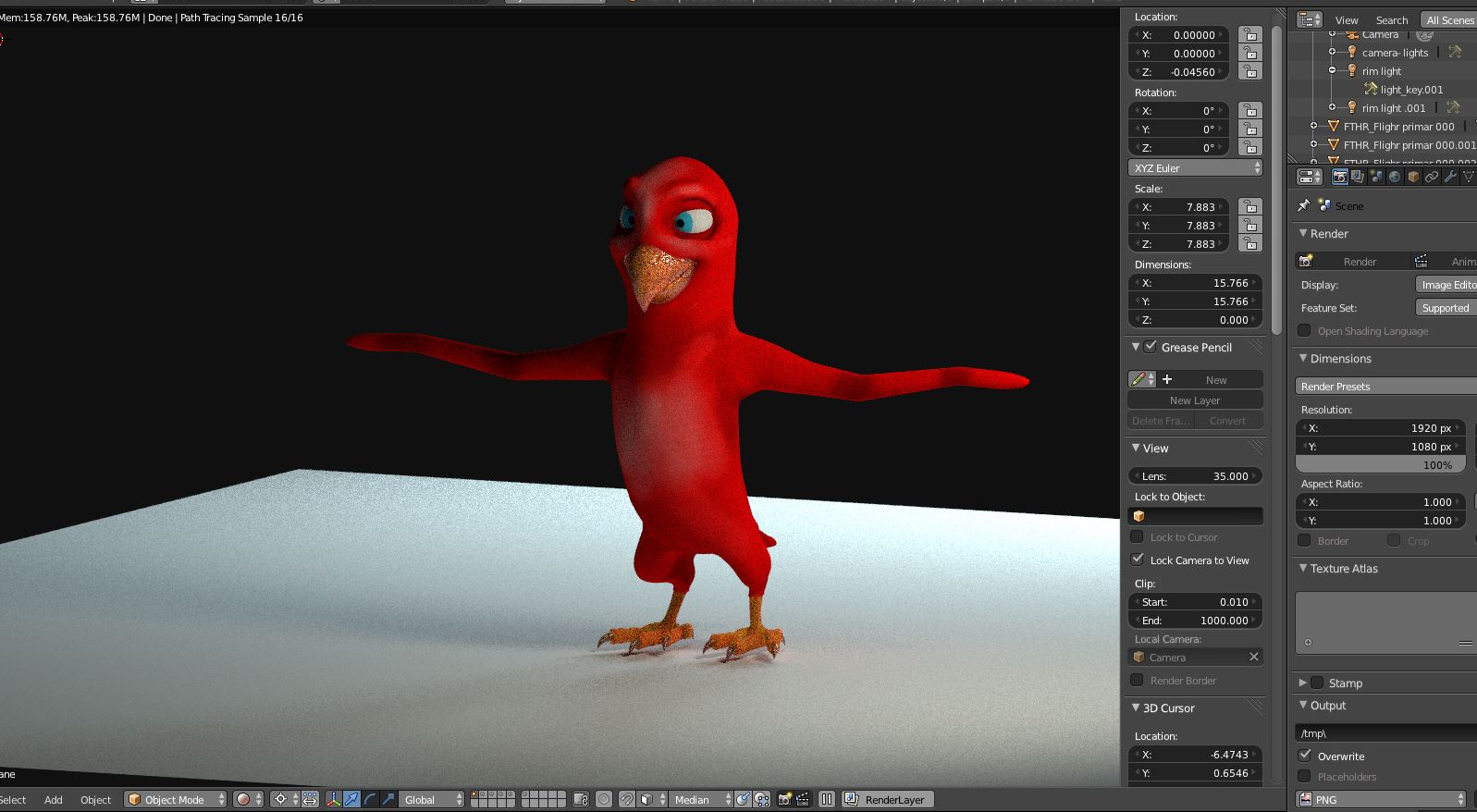

Unfortunately your screenshot cuts off everything that might have shed light on this issue… Points to check:
- There are controls for viewport visibility (also applies to rendered viewport) and render visibility of objects. Make sure they are consistent.
- Some modifiers etc. also have independent settings for viewport and render. Check those for consistency, too.
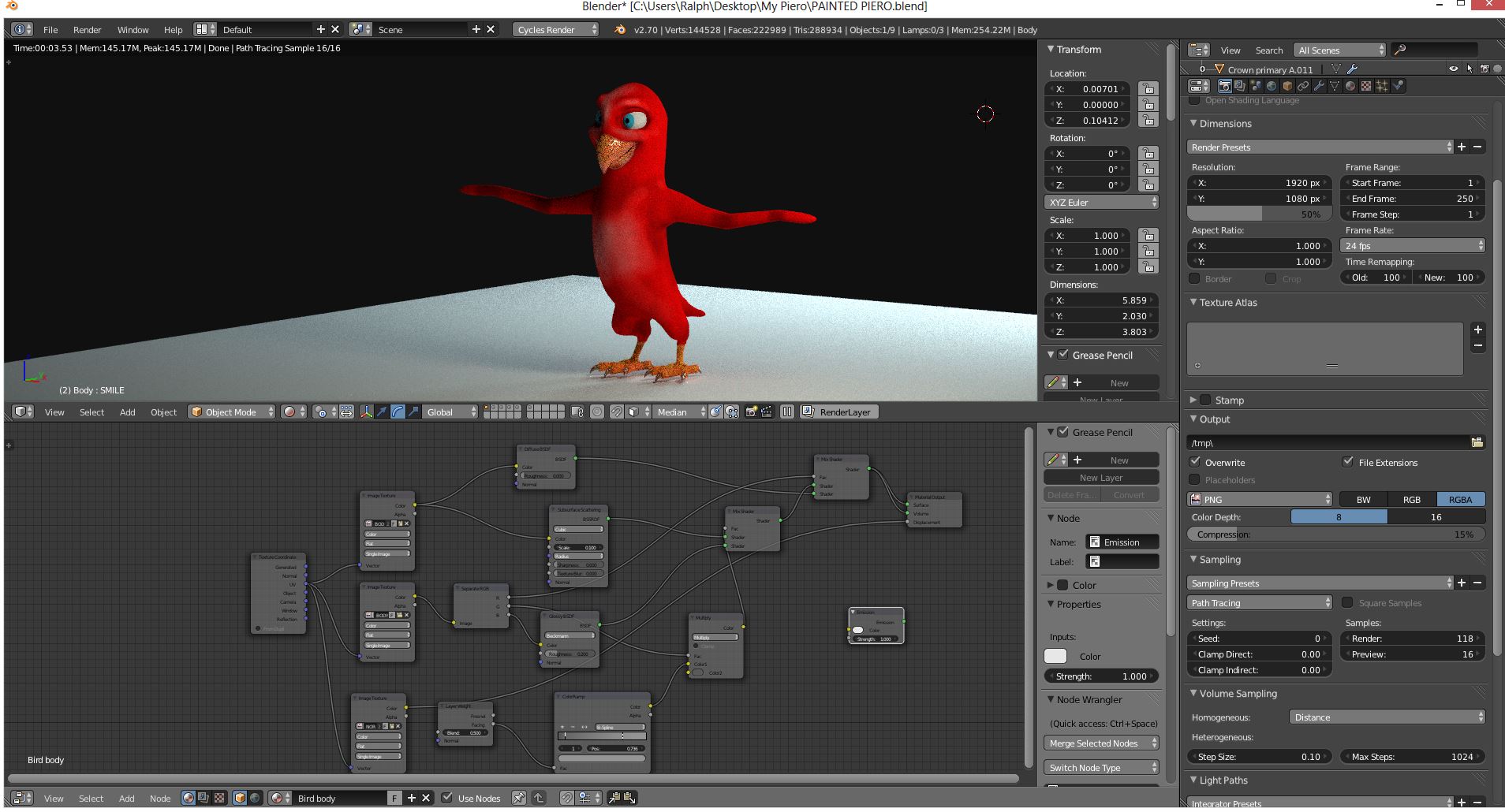
This has nothing to do with the render settings.
The outliner is what matters and where the visibility of the objects is controlled…
The modifiers etc. have their own settings.

Upload the scene file to pastealland post the link here. Otherwise we will spent quite some more time with futile guesswork…
http://www.pasteall.org/blend/29948. ok here is the file , just hit render and you see the prob ,
in 3d window all ok . hope you can help …
Cheers Ralph

As I suspected:
You have a mesh called “sculpt” there which is set to be invisible in the viewport (eye symbol) but visible in the final render (camera symbol).
“Turn off” that camera symbol and then rendered viewport and final render should match. That’s what I meant in my first post by checking the consistency of your visibility settings!
Thankyou so much , i missed that ,i ment to delete it but forgot.
Thanks again Ralph.