I’m using Blender’s VSE for a lot of video editing. I always generate a proxy for the input strips, otherwise Blender is too slow with it. And that’s all fine, but…
After editing, I export a low resolution video to use in audio post-processing (because that’s where Blender lacks tremendously). However, it takes ages rendering out this temporary file, because Blender is using the full source material to render. I don’t need that quality for this file, instead, I would just want to render my edit, but only using the proxy files as output, because this should be much faster to render. Then when I’m done with my audio, I can put it all together again in the VSE and render the full output in all its glory, but I don’t need it until then.
Why don’t you just render to mp3? I do this sometimes in other video editing software that doesn’t do a great job with audio. What are you using to edit your audio? Adobe Auditions allows you to pull in video and only edit the audio then save out a separate mp3 or w/e track you like.
I think the op wantsv to use a low res version of their edit in the audio post session. They would be happy with the proxy that appears in blender but they’re stuck rendering at higher res. It would be neat to run the proxy cut out like an offline edit.
Of course we can already perform a multi track mixdown render of just the audio to send over for sound post.
Yes, audio is not the problem, I actually want that at highest possible quality, but I need a lower res video preview with it. I’ll try if an OpenGL render works and stays in sync, thanks!
If all you want is a low res version of your cut for audio editing, then you could do just that, i.e. set resolution % to something low but still clearly visible, say 10% and hit animation. It will be lightning fast
Strangely enough, the solution was actually hidden in the problem description.
Gee, didn’t even know that openGL render was possible in the VSE! I thought that it was only used for viewport stuff.
Tried it and to my surprise it worked (=rendered out a video) but it’s slower than hell. How is it supposed to work? Only render stills and stich em up later?
edit: rendering stills and not videos is also painfully slow
It doesn’t seem to use the proxies for OpenGL rendering either, and it’s slower than normal rendering. Also, I don’t know where it’s saving the file, it’s not in the folder I have set as Render Output folder.
Rendering out at 10% is too low res, I do need to be able to see something 50% is just fine (which is also my proxy size), but it’s just too slow.
Well I still need to be able to see some details, so lower than 50% isn’t really an option (that’s difficult enough already sometimes).
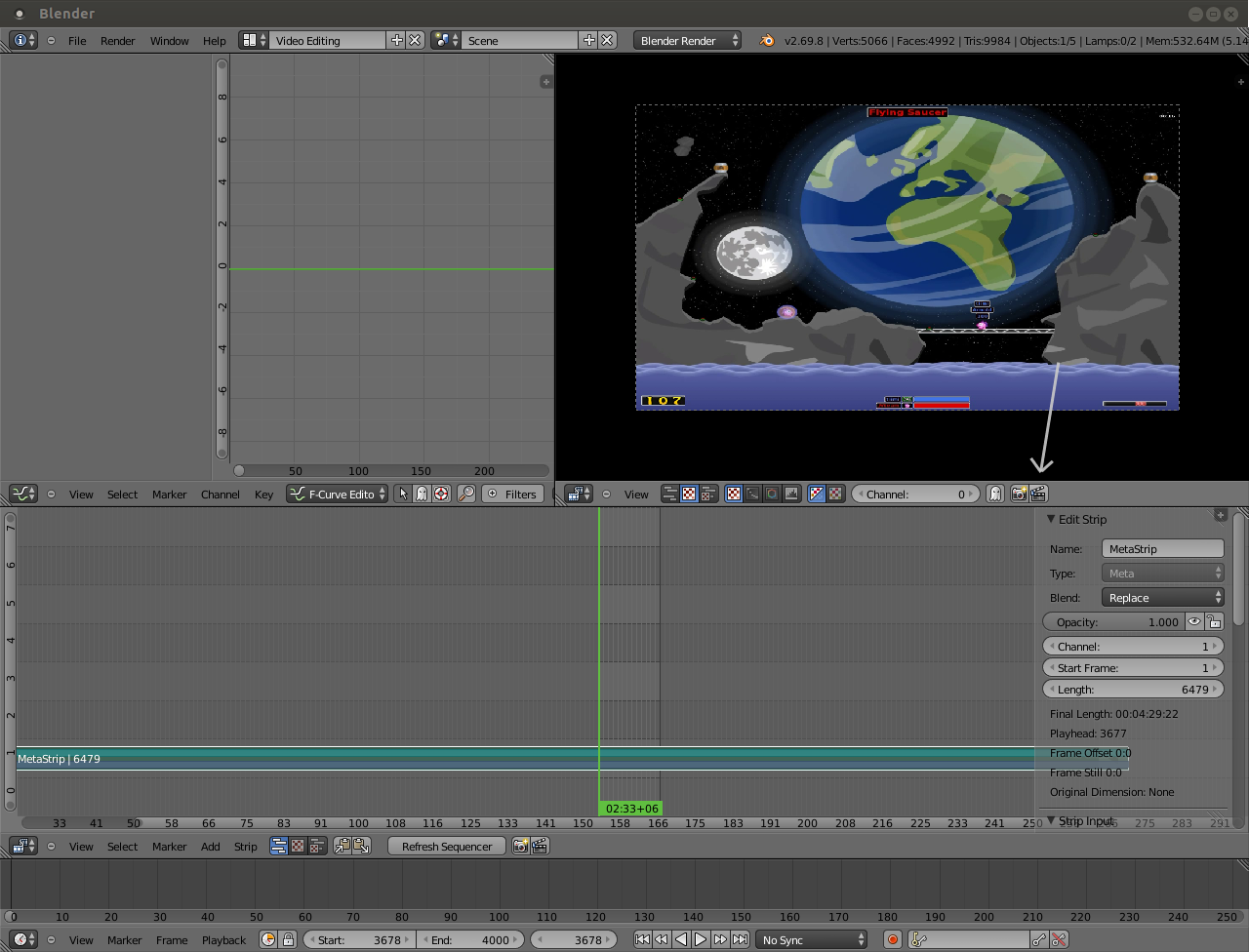
I regularly use Metastrips, consisting of 2 or more separate video files. For the proxy, I usually just use one of those videos, so I would imagine I’d get a speed boost if I could just render out that same video for the audio edit. Unfortunately, going in each Metastrip and hiding strips for an entire edit won’t save me much time, with all that manual work involved, that’s why I thought, if only I could just render out the proxy directly, that would solve that problem and likely be faster. I’m sure depending on which codec, file encoding is the slowest part of the whole process anyway, but I’m rather limited since my new computer decided not to read H.264 avis anymore. But that’s a different issue, already posted in another part of the forum, with no replies, so I guess nobody in the world actually understands codecs anyway.
if only I could just render out the proxy directly
You can specify where the proxy jpg files are stored with “Proxy Custom Directory”. Can’t you assemble everything into a metastrip, proxy that, and render your low-res preview from the jpg files saved in your Custom Directory? Or am I missing something here.
That would work, but it involves creating the final cut proxies, which will still render the project as it would normally, not taking the original proxy, and then I’d have to render the jpgs again into a video file, so I doubt that would be any quicker.
Screen capturing doesn’t seem accurate enough; won’t Blender lag too much, skip frames, etc. Besides, I will then also need to crop and render that capture again, which with the realtime capturing will still be slow, and I wouldn’t be able to just let it run overnight, as I need to step in halfway to edit the screen capture.
I hate being judgmental here but I cannot help but notice that you’ve been offered many suggestions which you find unsuitable for your purposes. IMO if you’ve got a full HD or plain HD video rendering at 10% would be very fast and many details would still be visible.
I’m thinking that what you are actually looking for is not how to render a proxy file of your cut but how to make a quick render. How about rendering to an uncompressed format such as HuffyUV? It would be lightning fast but result in huge file sizes. Will that work for you?
Yeah, a quick render, I was thinking using proxies for that would be quickest. I appreciate the ideas offered, but they’re not suited as they don’t speed up the process at all. I have a working method already, I was only wondering if it could be done quicker. I’ll have a look at uncompressed formats, if it plays alright in my audio editor. The files are only temporary, so filesize isn’t that much of an issue.

 50% is just fine (which is also my proxy size), but it’s just too slow.